
Developer Tools2 months ago
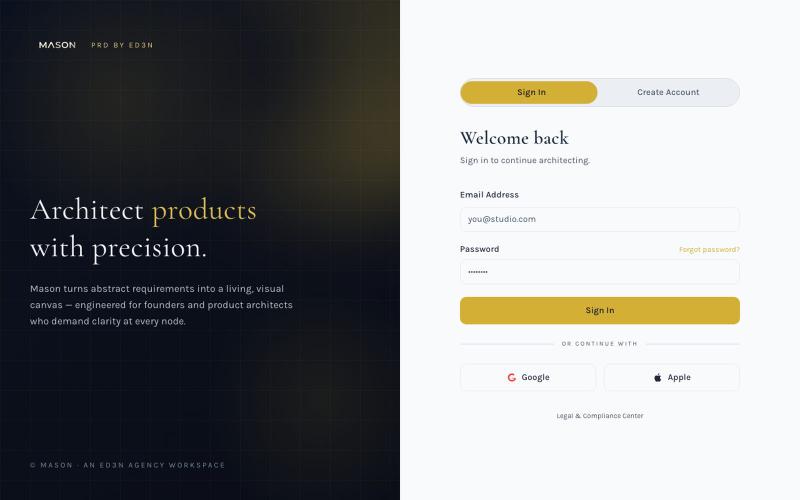
Mason PRD by ED3N — Visual Product Requirements
Create visual product requirements documents using a minimalist canvas interface.

@KolhyP92244 · X
The full gallery
Tech stack
60 projects
Create visual product requirements documents using a minimalist canvas interface.
@KolhyP92244 · X
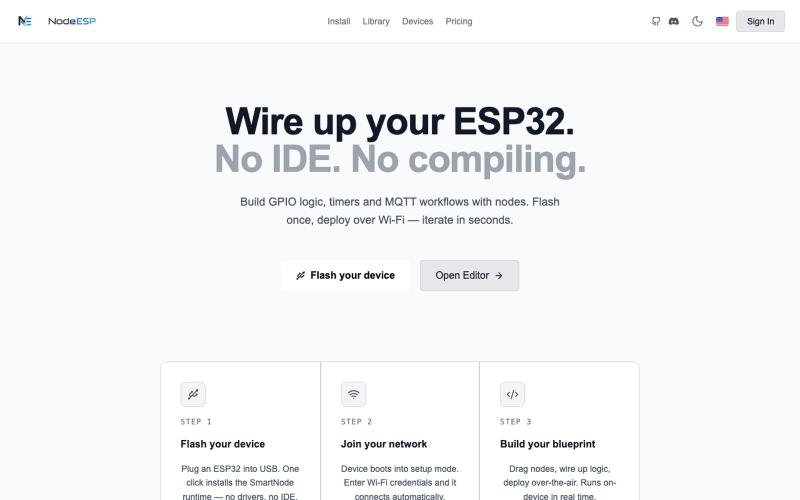
Visual node-based programming environment for creating GPIO logic and MQTT workflows on ESP32 devices.

@NodeESP · X
- Project for sale
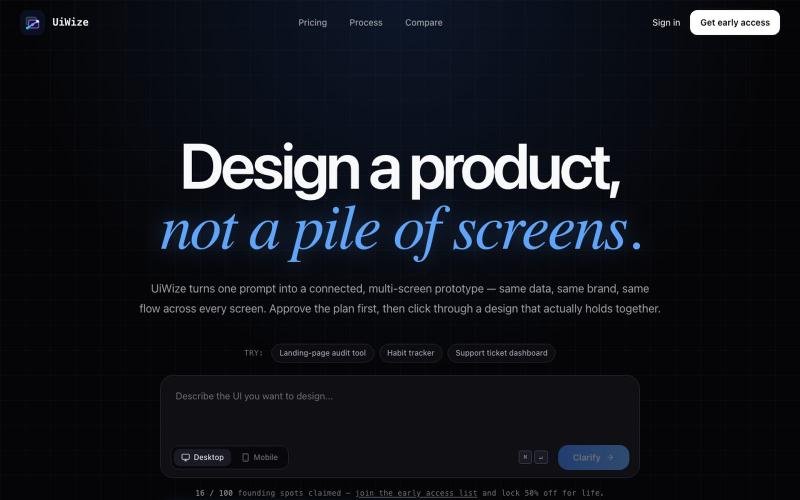
Generate connected multi-screen UI prototypes from text prompts.

@shokhkarim1212 · X
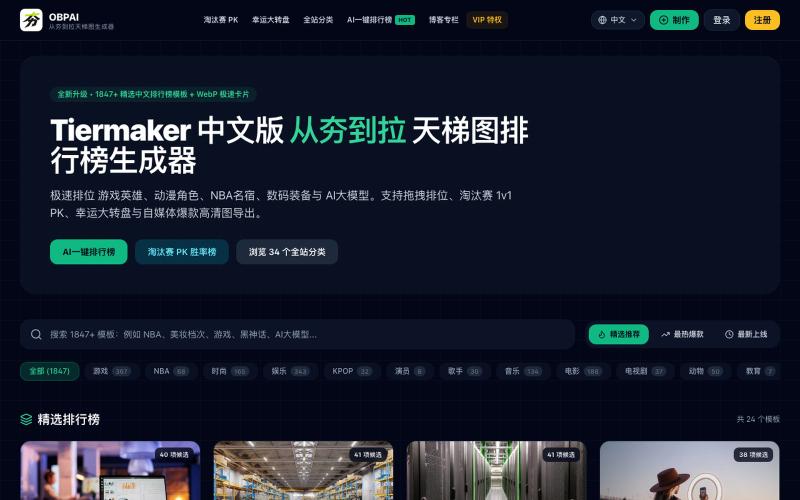
Create tier lists and AI-generated rankings for games, anime, and more with drag-and-drop templates.
epic_chain · Product Hunt
OBPAI Tier List maker All-in-one Tier List Maker & AI Ranking Generator
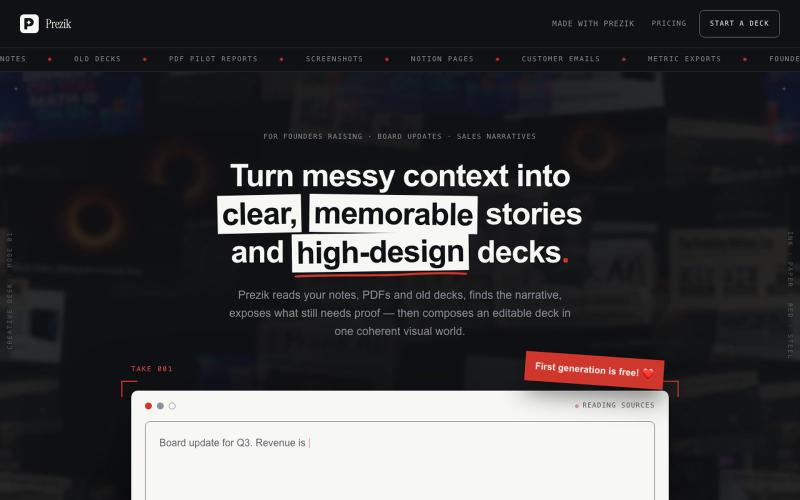
Upload a document. Prezik authors a visual movement around it and prints every slide as a designed image — the design quality no template tool can make.

@behindceo · X
Start with a template. Prompt your changes. Customize. Launch faster. The best AI builders start with systems. Explore Biela Templates at https://t.co/L766FTkJLZ #vibecoding #aibui

@DevBiela · X
Start with a template. Prompt your changes. Customize. Launch faster. The best AI builders start with systems. Explore Biela Templates at #vibecoding #aibuilders #aitemplates #webdevelopment #bieladev

Generate UI screens for mobile and web apps from text descriptions in seconds.

@ninakolari · X
Google just dropped Stitch and it changes the entire vibe coding workflow. You describe what you want your app to look like. It builds full high-fidelity screens in seconds. No Figma. No designer. No credit card. Here is how to use it: Go to Sign in with your Google account. That’s it. You’re in. Instead of typing “make me an app” type this: “A lesson planning app for teachers. Clean and calm. Inspired by Notion. Minimal. White space.” The more specific you are the better your screens. Then refine with follow up prompts. Change the nav. Try dark mode. Get 3 menu variations. Or just speak it. Your screens become a clickable prototype in seconds. Click a button and Stitch generates the next screen automatically. Your entire app flow. Before you write one line of code. Then take it further. Export to Lovable or Cursor and build the logic on top. Use the MCP server to keep your design and code in sync. Pull any website’s design system in seconds. Save everything as
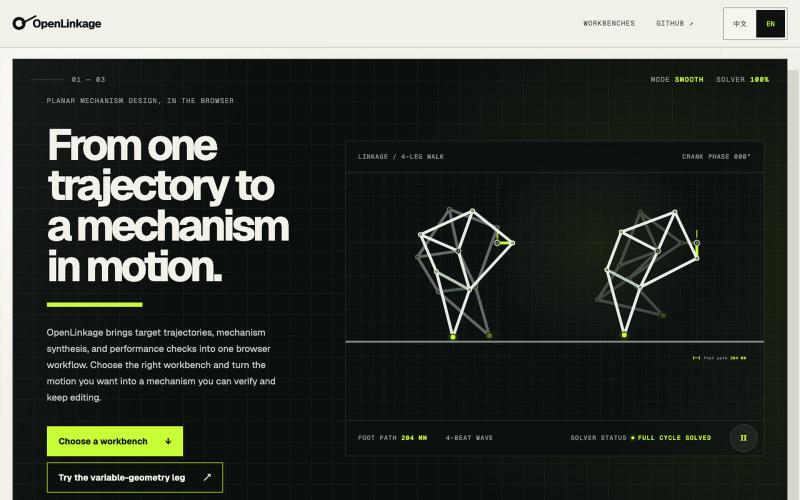
Design and simulate planar mechanisms with automated synthesis in your browser.

@tutao0123 · X
Mechanical design can be playful. I used Vibe Coding to build OpenLinkage, an open-source browser lab for planar mechanism design. Try it: GitHub:
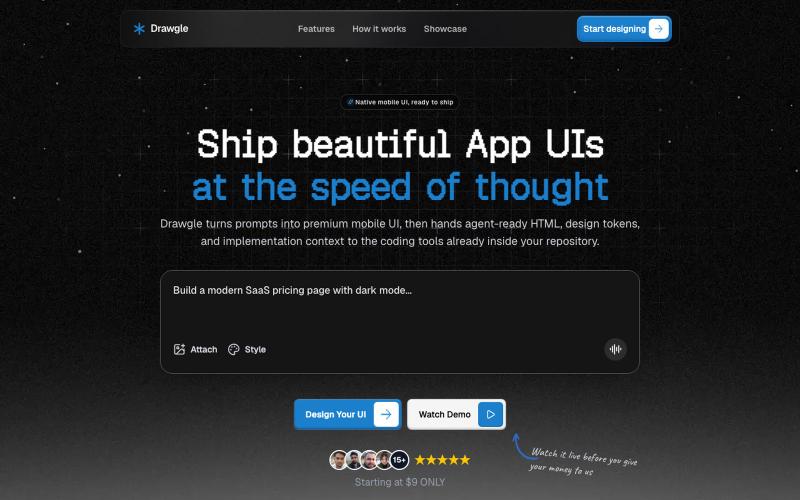
Design mobile app interfaces with AI and export to HTML, design tokens, and implementation code.

@9to5_Dad · X
Ai mobile app ui designer with taste
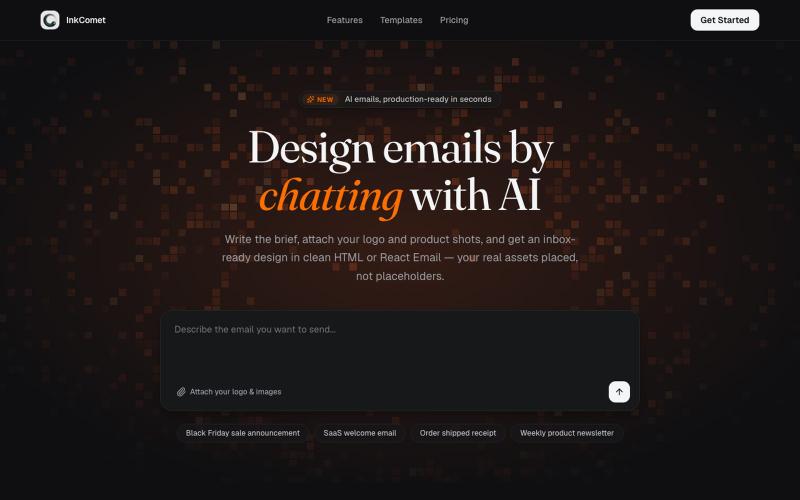
Design email templates with AI and export as HTML or React Email.

@aaryanpatel_06 · X
If you have an app and you have to design emails, then you also have
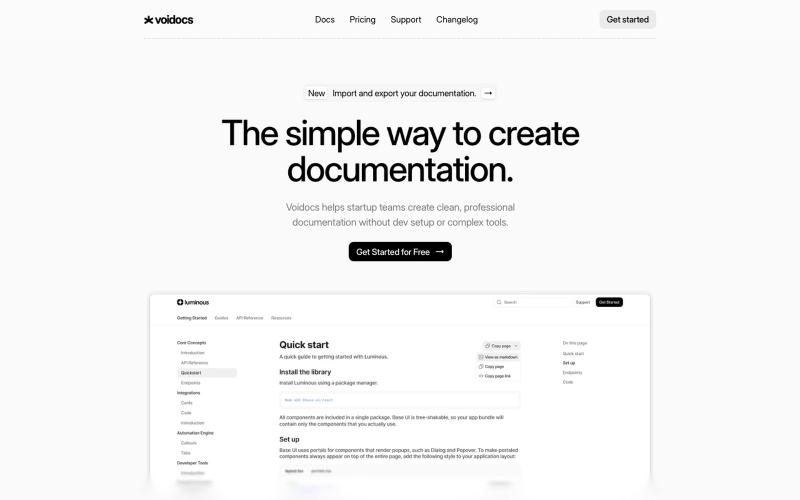
Generate professional documentation for startups without coding or complex setup.

@hannah24_app · X
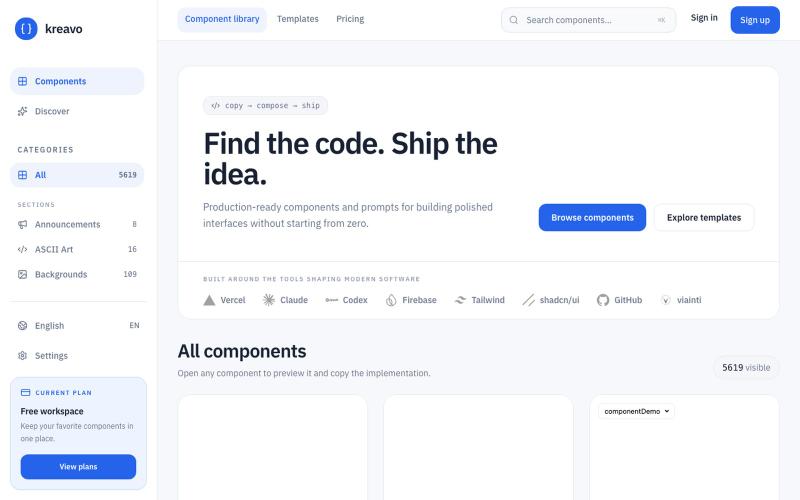
A curated index of React components and templates for building polished, production-ready interfaces.

@edinsoncode · X
Hey, I’m Eddy 👋 solana:8T3suJtKUGrWRytVNKe7RLV81AumvmBPQfEkyeHtpump I’m building and Looking to connect with people into: • AI • SaaS • Startups • Vibe Coding • Tech • Product Building • Content Creation • Design If you’re building, creating, or shipping something interesting — let’s connect and grow together 🤝