

Creative Tools1 week ago
ScreenKite — Free, Native macOS Screen Recorder (Fast & Native)
Free, native macOS screen recorder with built-in editor and auto-zoom.

@screenkite_com · X
The full gallery
Tech stack
60 projects
Free, native macOS screen recorder with built-in editor and auto-zoom.
@screenkite_com · X

Record your screen in the browser, save to Google Drive, and share via instant links for $29.

@HashamBuilds · X
Building Walkthrough, screen recorder, $29 once, videos save to your own Google Drive. No subscription, no vendor servers. 14 days refund with no question asked. Now shipping in public daily. 🔗

Chrome extension for recording screen demos with automatic zoom effects and custom backgrounds.

@gabani_vatsal · X
Building Screen recorder which adds zoom effects and custom backgrounds
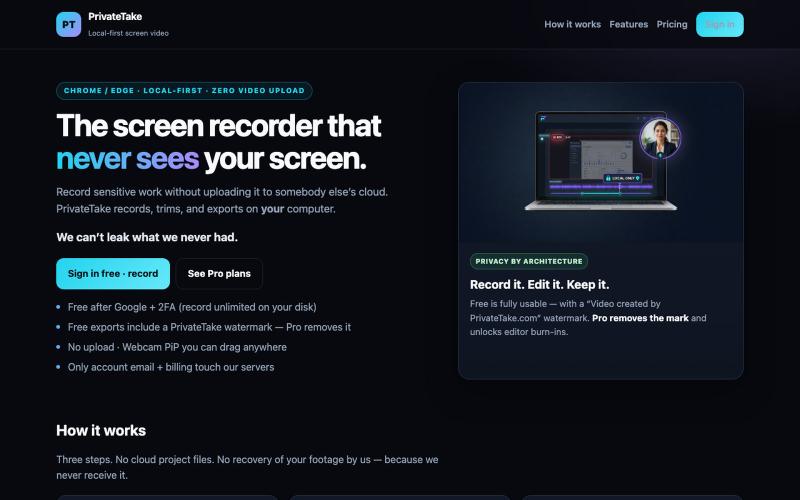
Record and edit screen videos locally with no cloud storage or uploads.

@MarkZofMarkZ · X
Screen Recorder that doesn't share your recordings to the cloud:
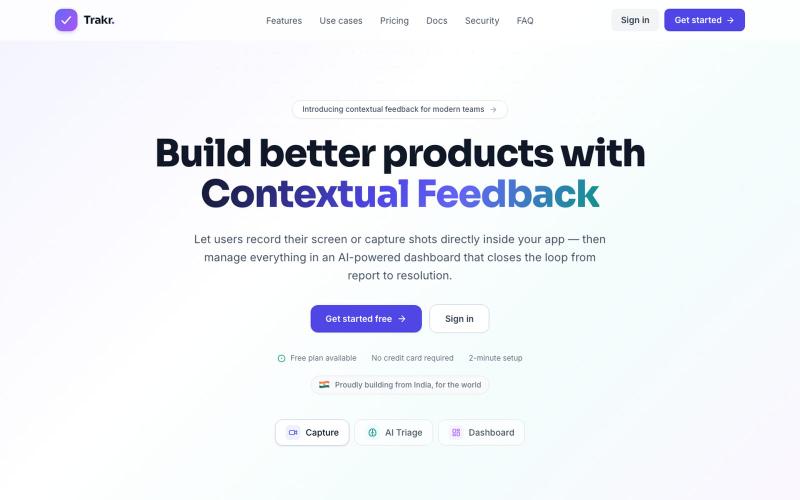
Capture in-app recordings and screenshots, then triage feedback with AI to fix bugs faster.

@keshav__dev · X
Hi priyanka i am also building in customer feedback space but with some dev related features. Maybe you want to check

Capture UI elements with code context and screenshots to share with AI agents for debugging visual bugs.
Loerei · HN
I found that describing where a broken UI is and taking screenshots for AI agents really sucks. I’m too lazy to explain an indescribable visual bug or capture a millisecond-long flash. I also don’t want to remember which file defines an element, whether it's right in the .tsx or a problem with the Parent Styles in .css. And even if you can point out the exact file, your agent still has to dig through thousands of lines of code to know what on earth you're yapping about. In a 7700-file monorepo like Cal.com, simply giving the right file in the prompt for your agent saves about 68.9% of execution time and 94.2% of the tokens your agent needs to digest. HoverSource gives all the needed information and further pushes it to -88.5% time and -94.5% tokens, basically skipping the entire digging session and jumping straight to reasoning and executing. The save is linear to how big your codebase is. I want to save tokens, but don’t want to spend my time and energy digging manually, and a junio
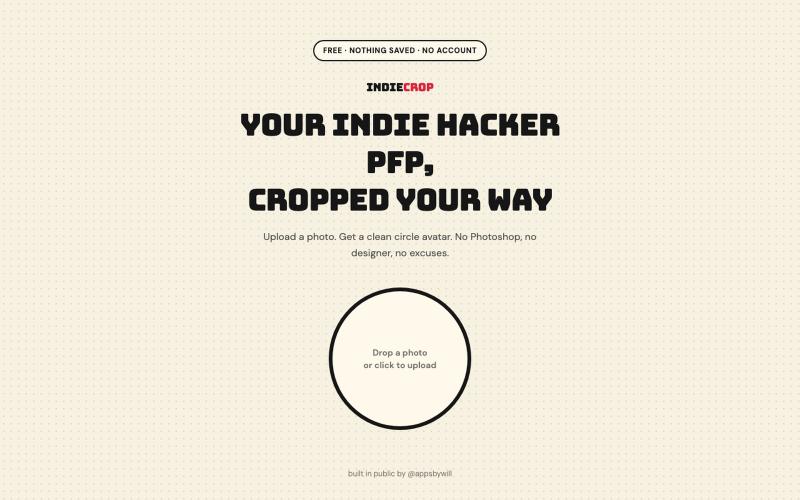
Generate a circular avatar from any photo with automatic background removal in the browser.

@appsbywill · X
i've been playing around with this profile picture maker, I really want to fine tune the background removal and add more styling templates. Let me know if you find more bugs!
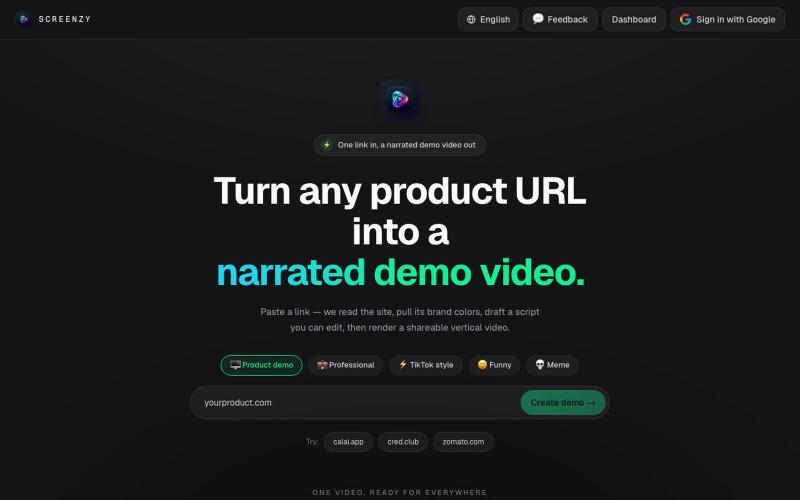
Send a product URL and get AI-generated demo videos for marketing and social media.
u/Rae_Shin_ · Reddit
Why spend hours making demo videos? Paste a URL and let AI do it These days everyone is building products, but promoting them is a completely different challenge. Recording demos, editing videos, adding captions, and making content for Shorts, TikTok, Reels, or ads takes a lot of time. So I built Screenzy.pro. Just paste your product URL, and it automatically creates product demo videos that explain what your product does. It works well for social media content, launch videos, tutoria
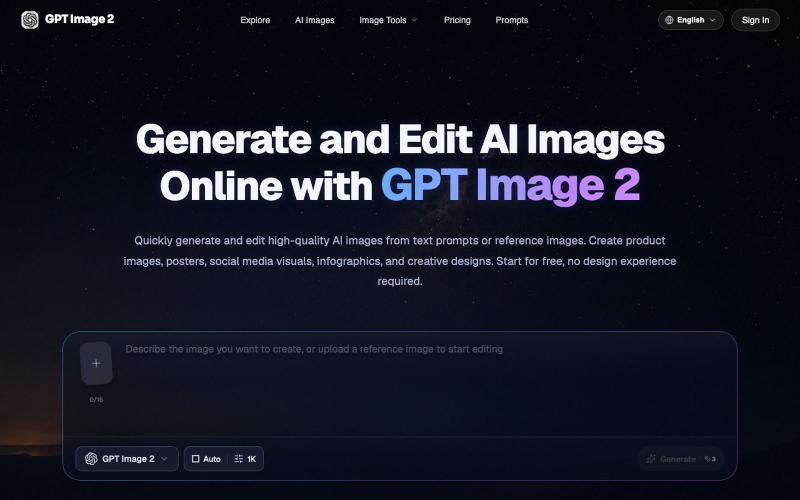
Generate and edit AI images from text prompts or reference images in your browser.
GPT Image 2 AI — AI 图像与视频创作平台
Generate and edit images using AI text-to-image and image-to-image capabilities.
AI-NanoBanana — AI 图像工作室,让你轻松把创意变成高质量视觉作品
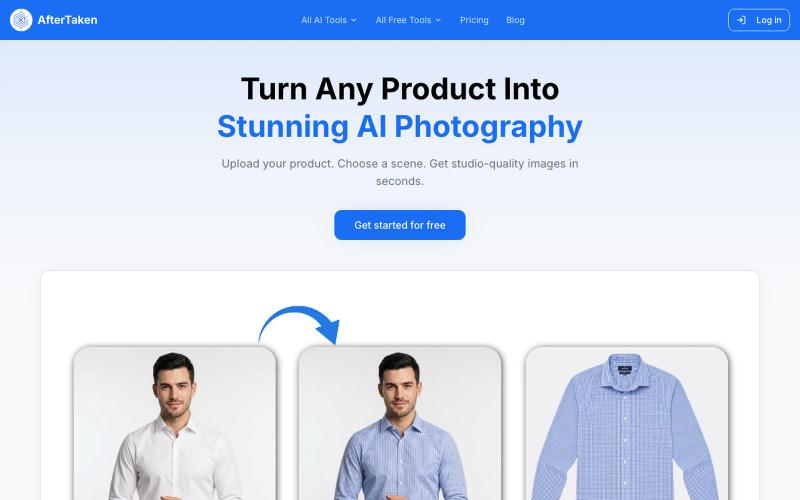
Upload a product image and choose a scene to generate studio-quality AI photos.

@aftertakenai · X
for AI e-commerce product photography

Edit, resize, crop, customize and convert images privately in your browser with no uploads required.

@its_ajseven · X