
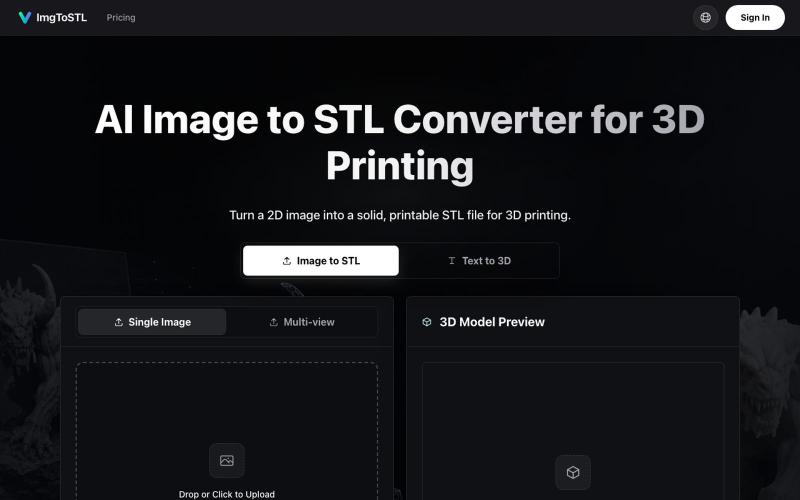
Creative Tools1 day ago
Image to STL Converter | AI STL Generator - ImgToSTL
Convert images to STL files for 3D printing using AI.
ImgToSTL — 面向 3D 打印的 AI 图片转 STL 转换器
The full gallery
Tech stack
60 projects
Convert images to STL files for 3D printing using AI.
ImgToSTL — 面向 3D 打印的 AI 图片转 STL 转换器
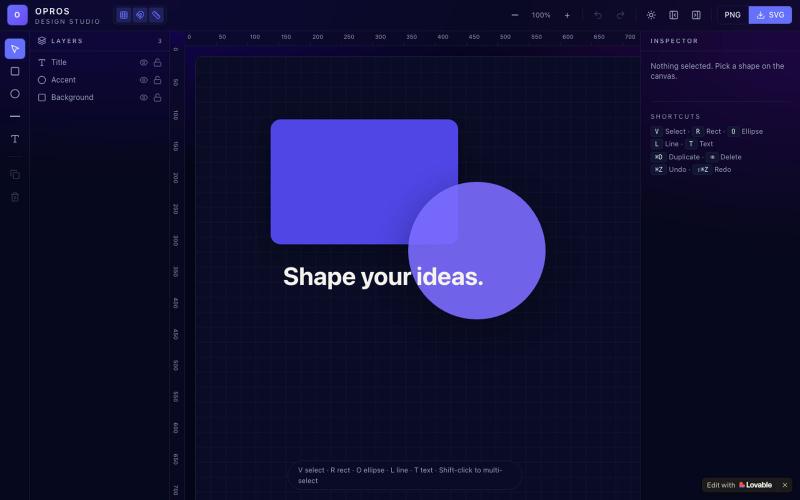
Craft and visualize designs in a web-based creative studio.

@OprosOlamiflex · X
Check out what I just built with Lovable!
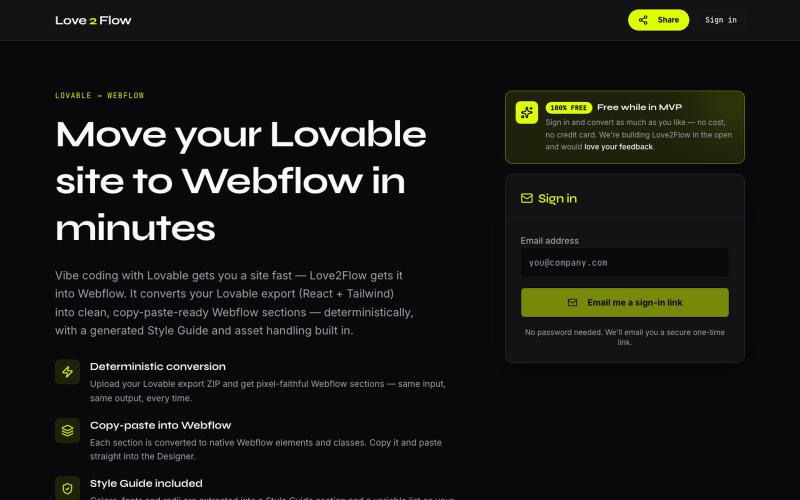
Convert Lovable React exports into paste-ready Webflow sections instantly.

@philippxroth · X
Turn your vibe-coded @Lovable site into clean, paste-ready Webflow sections. Upload your export, organize your migrations in projects, paste straight into @webflow. Free MVP. No password, no credit card — just a magic link and you're in. ✨
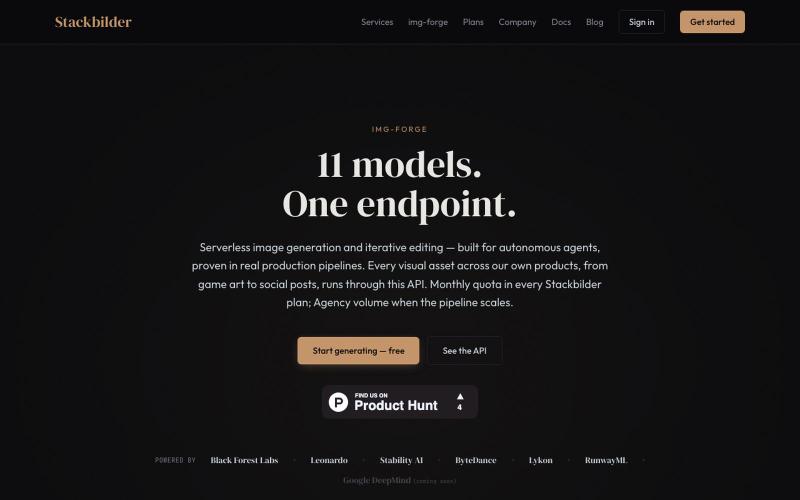
API for text-to-image generation and editing with 11 AI models.
u/texo_optimo · Reddit
I got tired of leaving claude code for image assets so I made Img-Forge - a remote txt2img MCP, API SoloDev here (doing this outside of my 9-5); I've decided to start shipping instead of remaining in a state of perpetual build. I'm shipping the tool I use most in my own work: Img-forge. Link is here but I have a Product Hunt listing for it here. There is a small free tier to check it out. Stackbilder.com is the platform UI; but Easiest way to get your agent working with it is via mcp
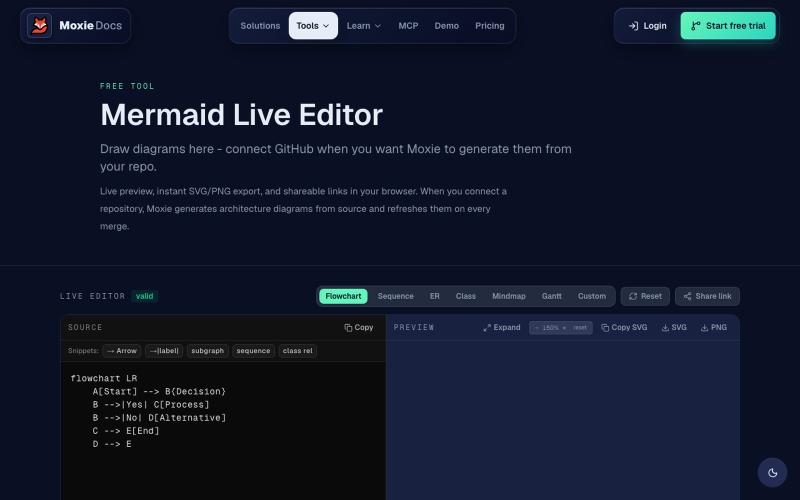
Create and export flowcharts, sequence diagrams, ERDs, and other Mermaid diagrams online.
ghosts_ · HN
I've been slowly adding some new free tools to Moxie Docs (partly for SEO, partly to illustrate some of our feature sets before any commitment) for some reason this mermaid editor one blew up on Google rankings so I figured I'd share in case people find it useful! We also have ADR, AGENTS.md, LLMs, and a few other free tools.
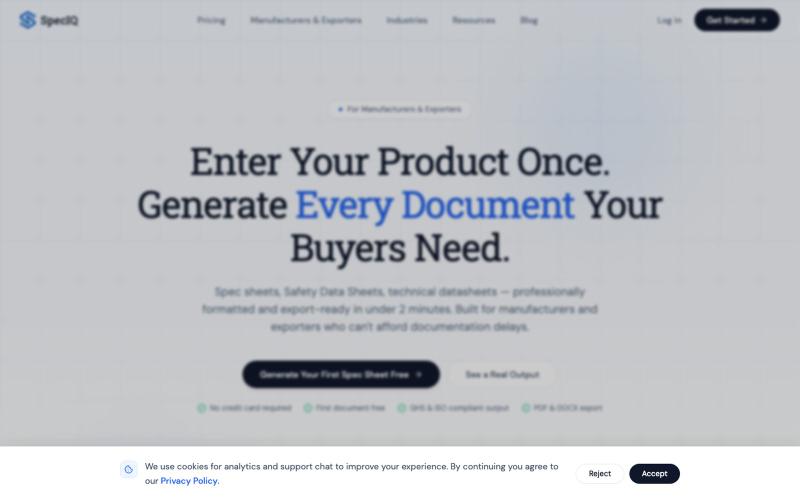
Create professional spec sheets and technical datasheets for manufacturers using AI templates.

@speciq_app · X
is a documentation engine that transforms unstructured product details into professional, compliant technical documents. Unlike generic AI chat tools, SpecIQ provides structured templates and branded outputs tailored for real business use.
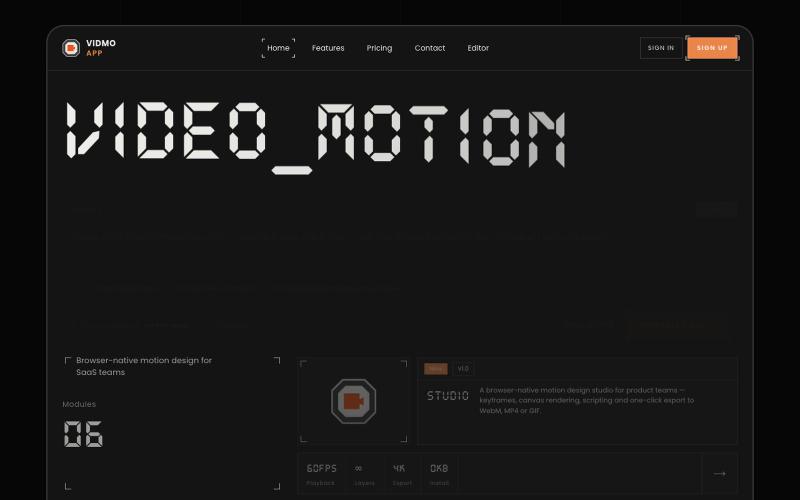
Create animated videos from prompts or URLs using AI; edit with keyframes and effects, export as MP4, WebM, or GIF.
u/Savings_Wolverine408 · Reddit
turns out you can make launch videos in the browser now! turns out you can make launch videos in the browser now, and Claude Opus is doing the heavy part we have been working on vidmo.app , a free browser based motion design editor for making product videos, launch clips, social ads, and simple motion graphics without opening After Effects. the idea is not to make another AI video toy where you type one prompt and get stuck with whatever comes out. the editor works more lik
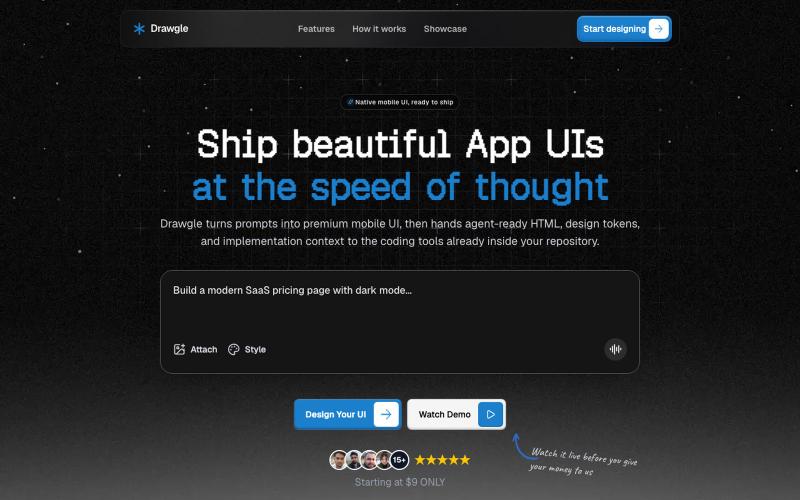
Design mobile app interfaces with AI and export HTML, design tokens, and implementation code.

@9to5_Dad · X
Ai mobile app ui designer with taste
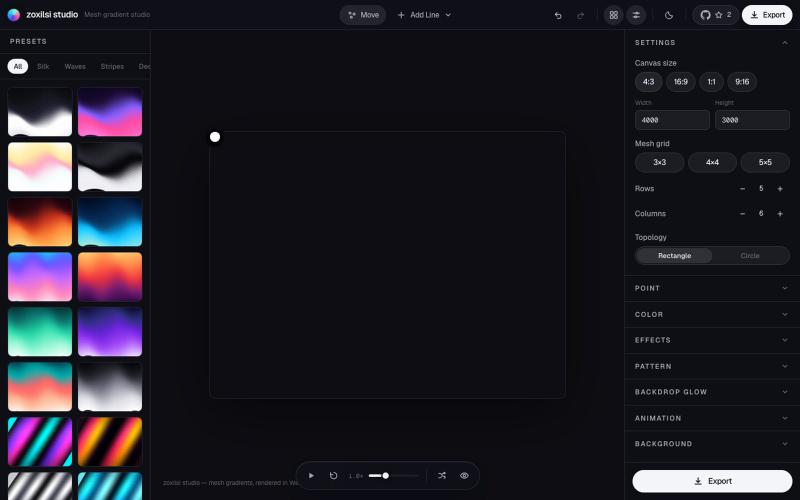
Design and export beautiful mesh gradients, waves, and patterns with GPU-accelerated effects.

@zoxilsi · X

Design email templates with AI and export as HTML or React Email.

@aaryanpatel_06 · X
If you have an app and you have to design emails, then you also have
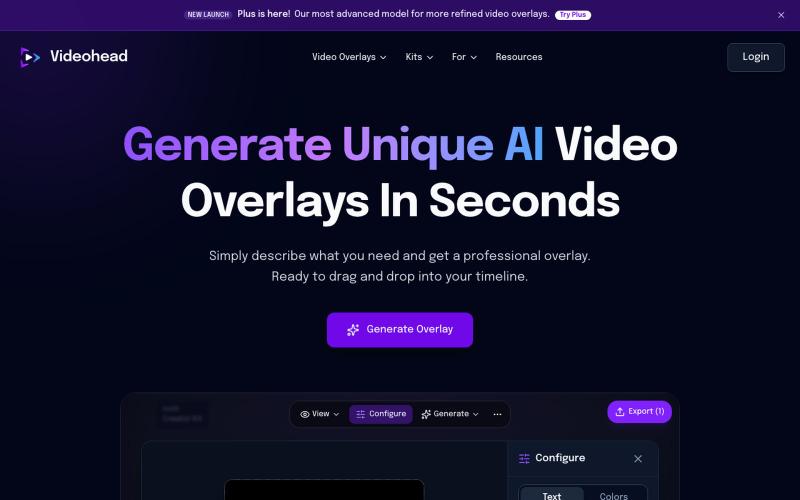
Generate custom video overlays with AI from text descriptions; export as transparent WebM.

@rsaladocid · X
Generate unique video overlays with AI

Browser-based tools for video and audio compression, cropping, merging, and conversion without uploading files.
zhw2590582 · V2EX
最近对网站进行了重构,做成了免费的视频工具站:[ArtPlayer Tools]( https://artplayer.org/tools/) 主要是围绕着 ffmpeg.wasm 和 mediabunny 实现的一些可以直接在浏览器里用的视频/音频工具,常用的有: - 视频压缩:[Compress Video]( https://artplayer.org/compress-video/) - 视频裁剪:[Crop Video]( https://artplayer.org/crop-video/) - 视频合并:[Merge Video]( https://artplayer.org/merge-video/) - 视频尺寸调整:[Resize Video]( https://artplayer.org/resize-video/) - 视频旋转:[Rotate Video]( https://artplayer.org/rotate-video/) - 视频调速:[Change Video Speed]( https://artplayer.org/change-video-speed/) - 添加文字到视频:[Add Text to Video]( https://artplayer.org/add-text-to-video/) - 添加水印:[Watermark Video]( https://artplayer.org/watermark-video/) - 提取字幕:[Subtitle Editor]( https://artplayer.org/subtitle-editor/) - HLS 转 MP4:[HLS to MP4]( https://artplayer.org/hls-to-mp4/) - 音频可视化:[Audio Visualizer]( https://artplayer.org/audio-visualizer/) 大部分工具都是本地处理,文件不会上传到服务器。最开始是因为自己偶尔要处理一些视频,开剪辑软件又有点重,在线工具又担心隐私,所以就慢慢做成了一个站。 目前还在持续完善,体验肯定还有不少粗糙的地方,比如不同浏览器的兼容、移动端操作、长视频性能之类的。 网站: [ArtPlayer Tools]( https: