
Creative Tools1 month ago
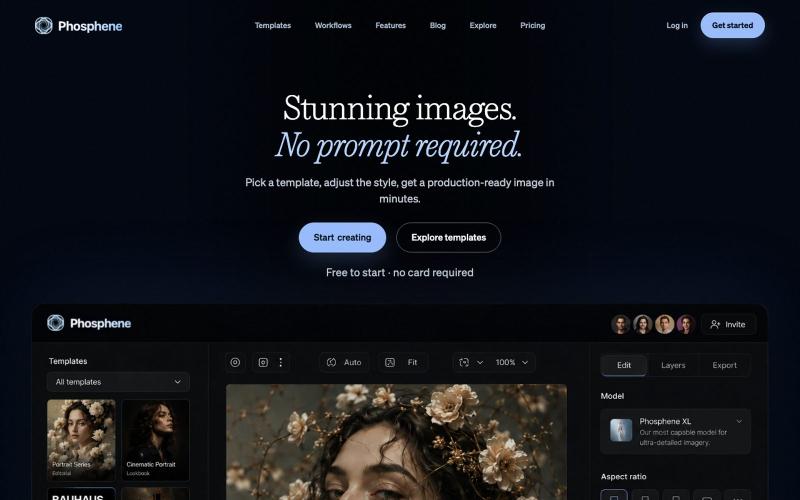
Phosphene - AI Image Templates
Create polished AI images from curated templates without needing prompts.

@Targeeks · X
The full gallery
Tech stack
21 projects
Create polished AI images from curated templates without needing prompts.
@Targeeks · X

Create professional websites without coding. Drag & drop editor, AI generator, ready-to-use templates. Launch your site in minutes with Orfolio.

@OrfolioApp · X
Building Orfolio 🚀 — an AI website builder made for francophone SMBs. Describe your business, get a live site in minutes. No code, no agency. 👉
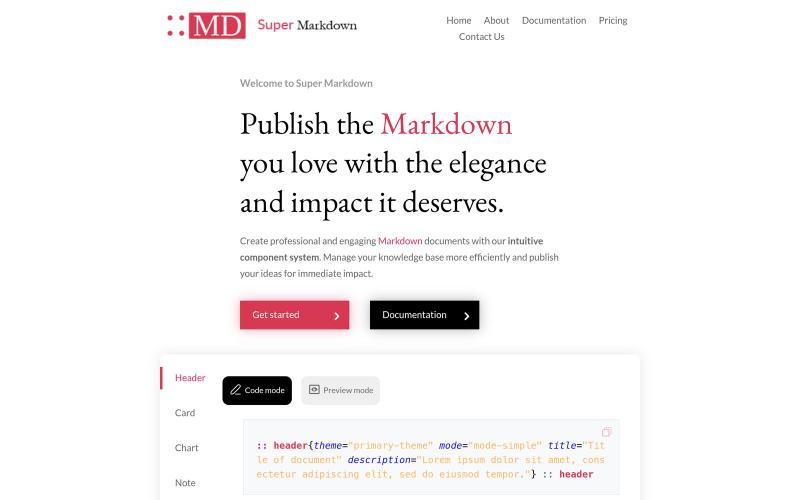
Create and style markdown documents with components to organize and publish your knowledge base.

@sidbyok · X
Write your documents in Markdown with a professional visual rendering without HTML/CSS, just native Markdown.
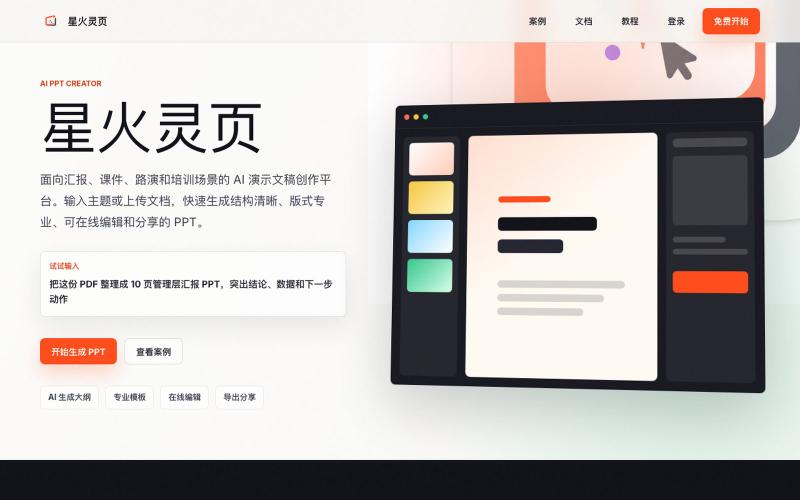
AI platform for generating interactive HTML presentations with templates and online editing.
HTML 版 PPT — 多 Agent 协作架构,大纲专家负责搭建逻辑骨架,主题专家负责打磨视觉风格,设计师负责把每一页渲染成精致的 HTML 代码。
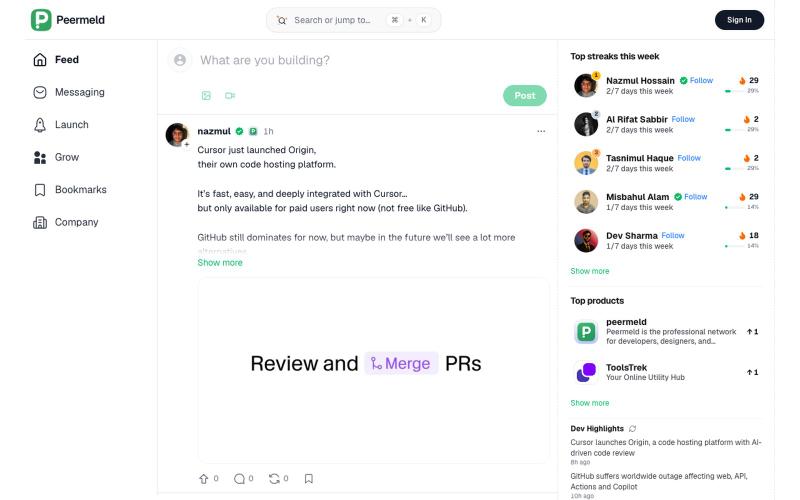
Browse the latest work, ideas, projects, and insights from professionals across every field. Share what you do and connect with your peers on Peermeld.

@devshowcse · X
Here is it -
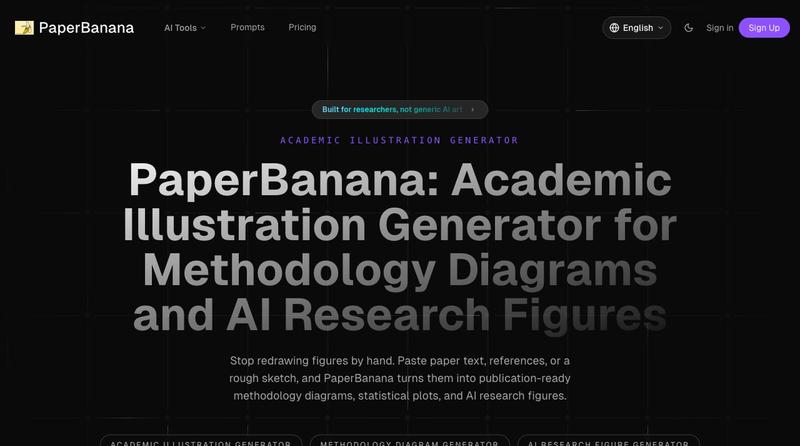
Transform academic papers and sketches into publication-ready methodology diagrams and research figures.
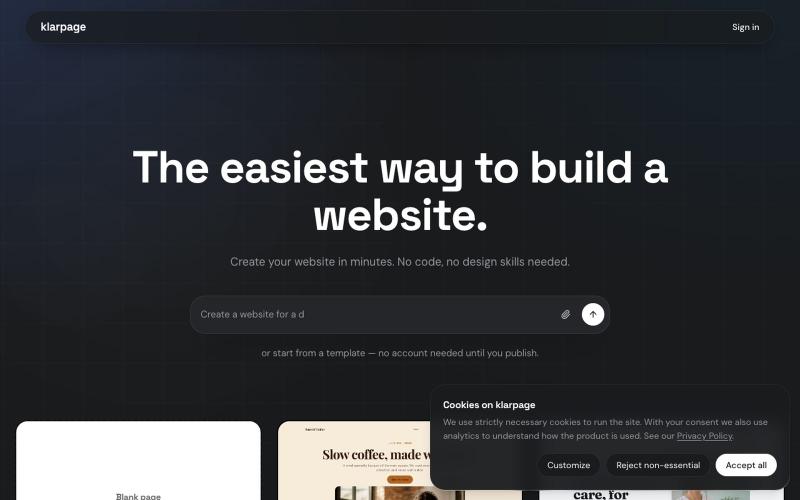
Create and publish professional websites in minutes using AI or templates with inline editing.

@KhaledMMatar · X

Design custom themes for Codex Desktop with backgrounds, colors, transparency, and visual effects.
plutozc · V2EX
做了个 Codex Desktop 主题预览和切换工具,先调好再安装 最近一直在用 Codex Desktop ,觉得默认界面看久了有点单调,就顺手做了个主题编辑工具,分享一下: [Codex Skin]( https://getcodexskin.com) 可以先在网页里预览主题,调整背景透明度、面板透明度、颜色、模糊和圆角等参数,满意之后再下载并切换到 Codex Desktop 。 目前支持: - 自定义 JPG 、PNG 、WebP 背景 - 在线实时预览主题效果 - 调整透明度、颜色、模糊、圆角 - 预览满意后生成安装命令 - 不喜欢了可以恢复默认外观 目前主要面向 macOS 上的 Codex Desktop ,还是个人项目,功能和兼容性都在继续打磨。 欢迎试试,也想听听大家对主题参数、预览效果和安装流程的反馈。 直接网址: https://getcodexskin.com [轻喷 轻喷,可能还有些 bug

Generate business ideas with success scores and create investor-ready pitch materials.

@pitchspark_ai · X