
Other2 weeks ago
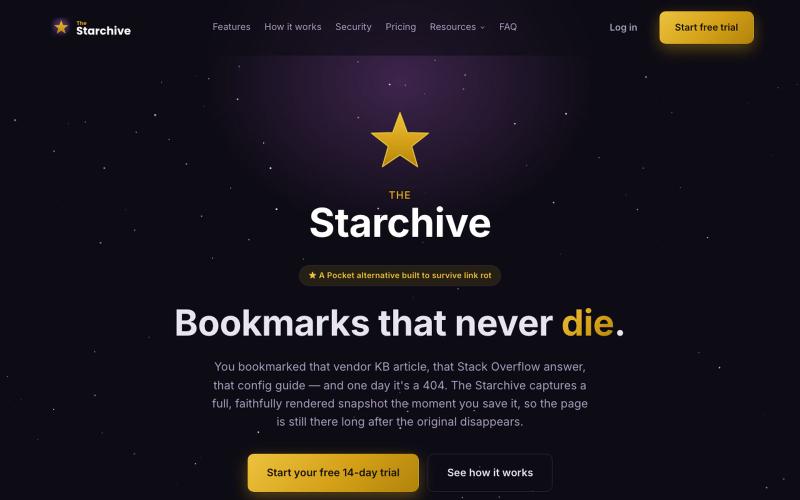
The Starchive — Bookmarks that never die
Archive a web page in one click with the Chrome or Firefox extension — a full, rendered snapshot, not just a link, still there after the original 404s.

@TheStarchiveX · X
The full gallery
Tech stack
26 projects
Archive a web page in one click with the Chrome or Firefox extension — a full, rendered snapshot, not just a link, still there after the original 404s.
@TheStarchiveX · X
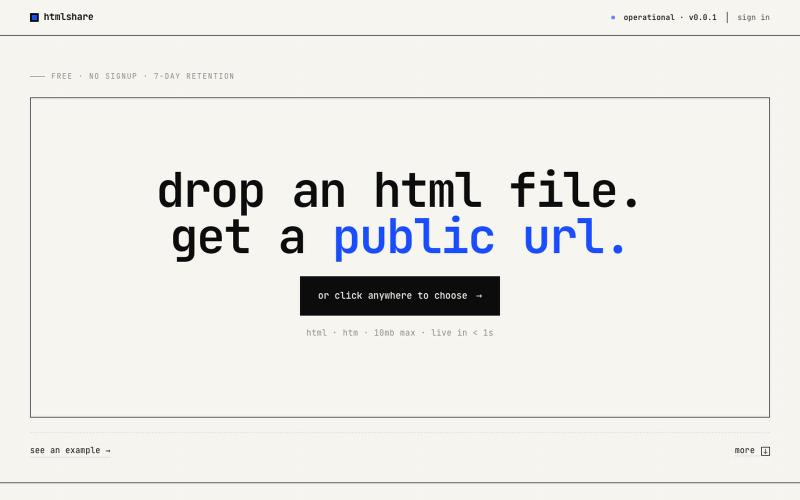
drop an html file. get a public url. free, no signup, links live for 7 days. share single-page html in one click.

@kylebuildsweb · X

Edit, resize, crop and convert images directly in your browser without uploading files.

@its_ajseven · X

Browser tools for image resizing, JSON formatting, PDF processing, text analysis, and design without login.
musekit · Product Hunt
Free AI Tools Free browser tools for everyday tasks, no login
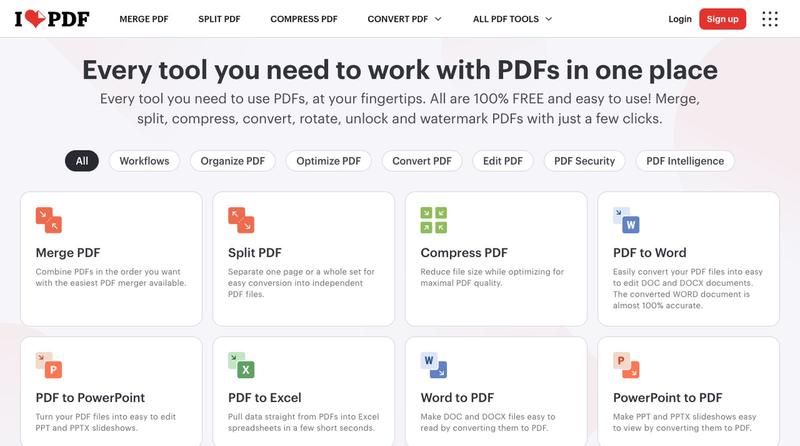
Compress, merge, split, convert, and edit PDF files directly in your browser.
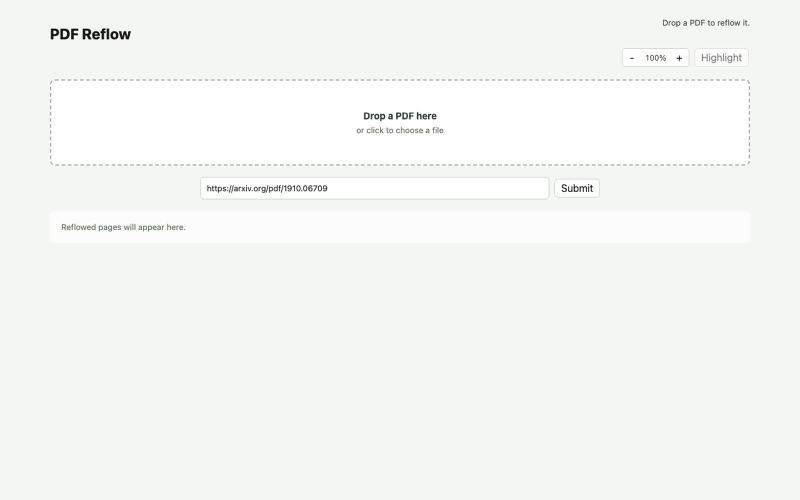
Reflow PDFs in your browser using a local AI model.
ldenoue · HN
Show HN: PDF reflow in the browser with local AI model
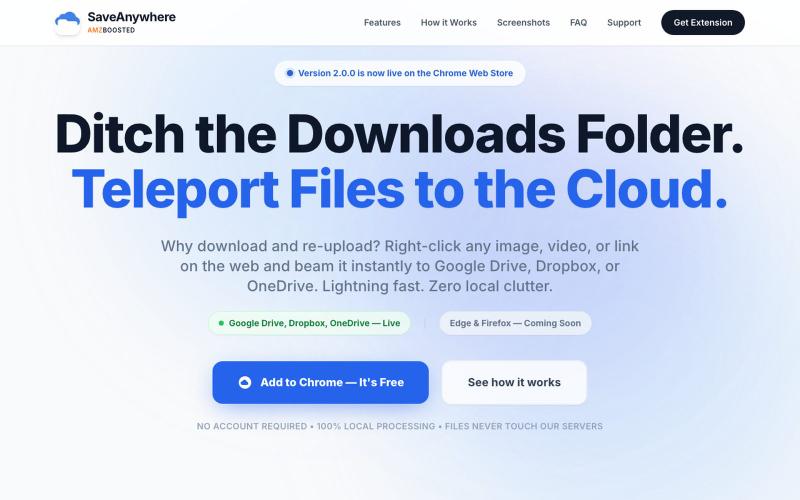
Chrome extension that saves files, images, and links directly to Google Drive, Dropbox, and OneDrive with local processing.

@SaveAnywhere · X
Free chrome extension :
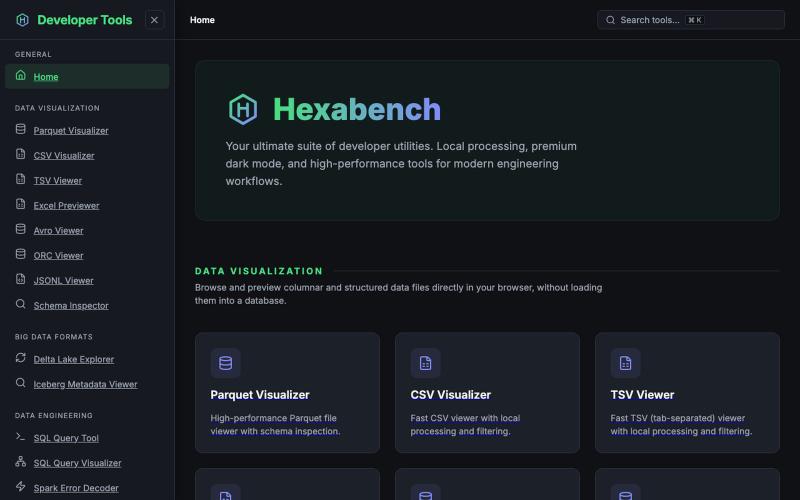
Suite of developer tools for processing files locally — CSV, Parquet, JSON viewers and decoders with no cloud uploads.
u/sheshu29 · Reddit
My side project Hey everyone i have just created this website for developer who does not want to rely on ai agents so please visit and give me some feedback if you want any specific tools 🫠 submitted by /u/sheshu29 to r/SideProject [link] [comments]
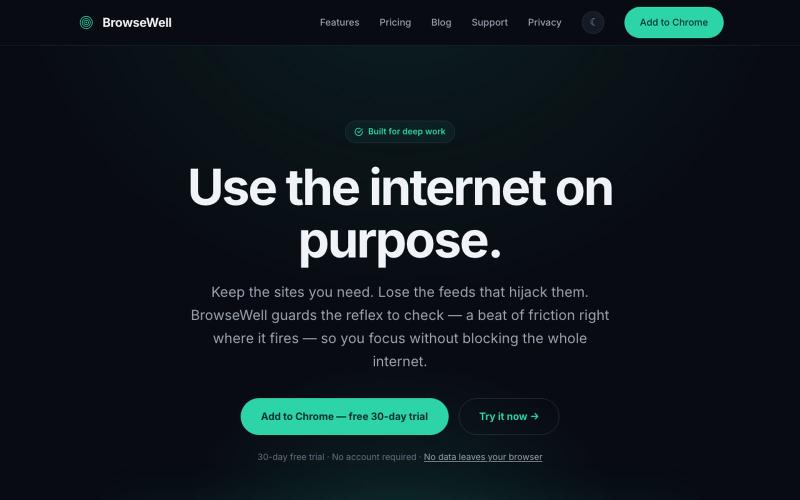
Chrome extension that blocks distractions without blocking the websites you need.

@mashrurio · X
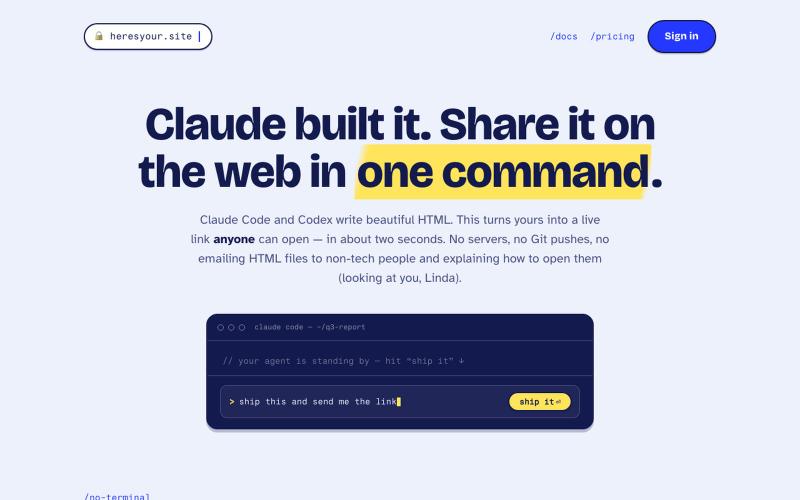
Instantly share HTML files as live links with a single command.
tim33 · HN
Heresyour.site
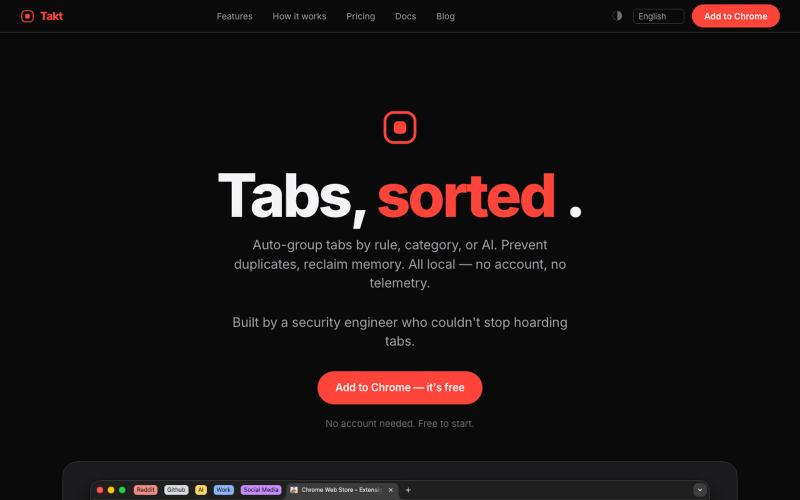
Chrome extension that groups tabs automatically, prevents duplicates, and tracks resource usage.
u/-Leelith- · Reddit
Takt tab manager Update n°4: Adding 6 languages translations, (almost) fully interactive demo, an AI grouping feature, reworked our onboarding and fixing many bugs After discovering this sub and my first post , sharing my update n°4: We mentioned on the update n°3 that we wanted to build a live interactive demo. So we did that and build an almost identically fully interactive "try before you install" demo of the extension. The goal was to have a demo that converts a browser visit into a
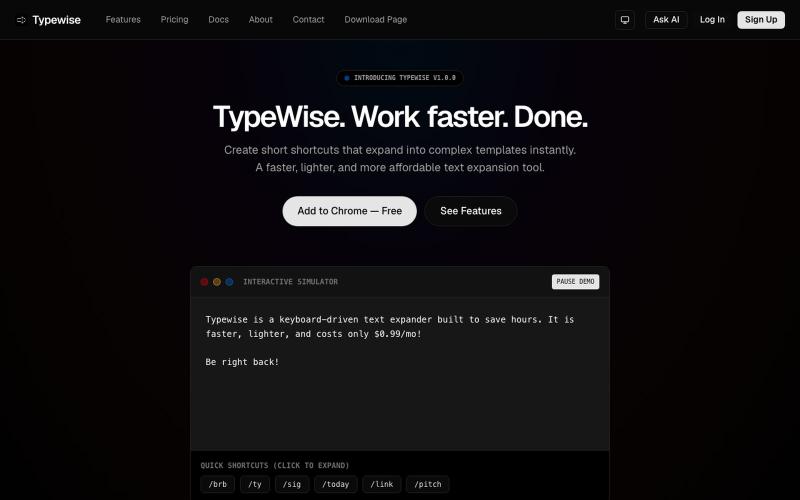
Create browser shortcuts that auto-expand text snippets in Chrome and Firefox.

@goldlion123RP · X
- This is a Snippet Extension tool, with cross device sync, auto cloud backup, sounds, animations etc. features. Do explore it & I'm open to receive feedback.