
Other1 week ago
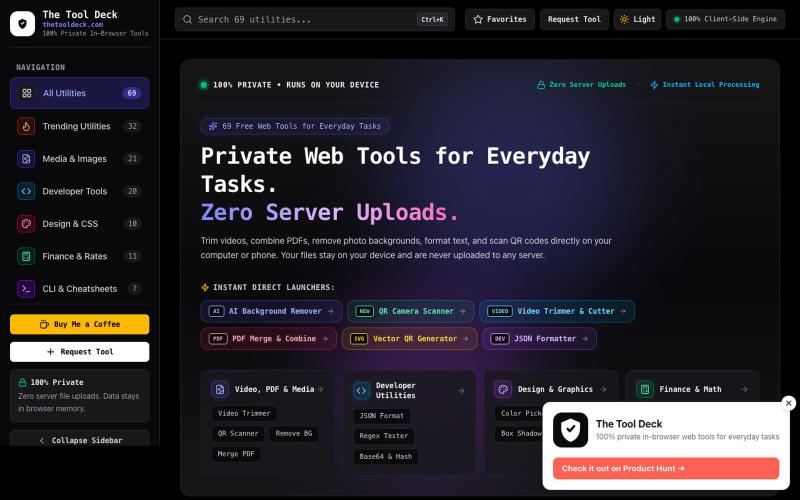
The Tool Deck — 69 Free Private In-Browser Web Tools for Everyone
69 free in-browser web tools for everyday tasks, small PDFs, remove BG, photo editing & code. 100% private — your files never leave your device.

@DevanshuRuhela · X
The full gallery
Tech stack
46 projects
69 free in-browser web tools for everyday tasks, small PDFs, remove BG, photo editing & code. 100% private — your files never leave your device.
@DevanshuRuhela · X
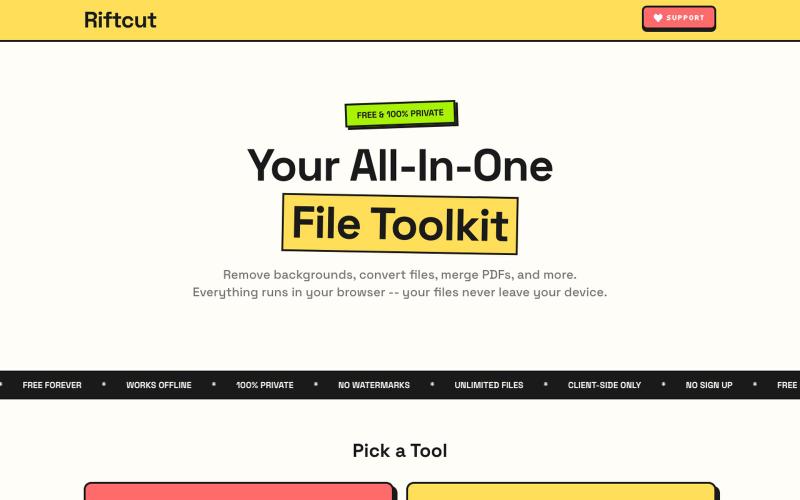
Remove image backgrounds with AI and manage PDFs—convert, merge, and create—all privately in your browser.

@irshit0 · X
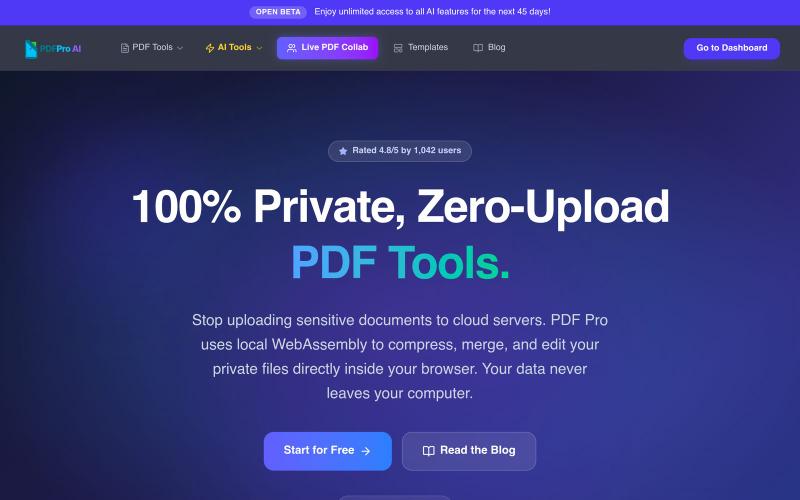
Edit PDFs in your browser with compression, merging, AI analysis, and no cloud uploads.

@pdfproindia · X
Turn PDFs into a calm reading experience with a beautiful library and AI-powered page guidance.

@dshelf_app · X

Merge PDFs, compress images, remove backgrounds, and access utilities entirely in your browser.

@damiadeh · X
Your files utility tools stacks in your browser. No uploads, files stays on your pc.
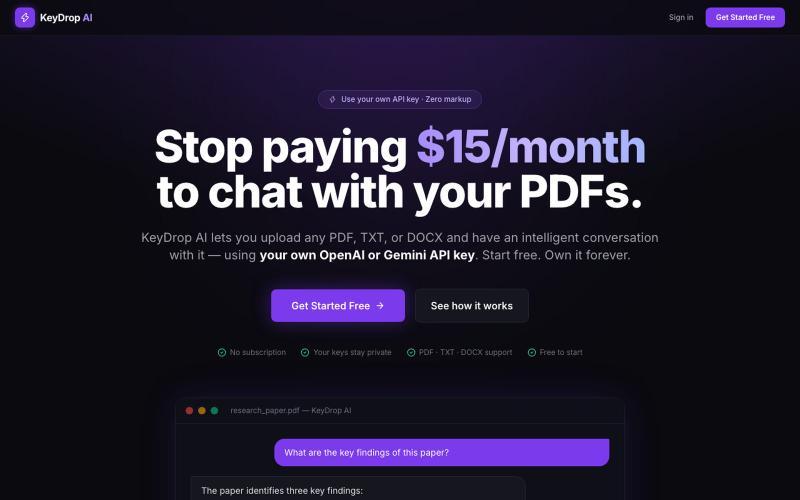
Upload PDFs to chat with them using your own OpenAI or Gemini API key.

@PysumSumit · X
SaaS apps charge $20/mo to wrap AI models. I built KeyDrop AI to kill that subscription tax. Bring your own OpenAI/Gemini key to chat with PDFs/DOCX. • 100% client-side (localStorage) • Raw token costs (~$0.15/mo) 👉
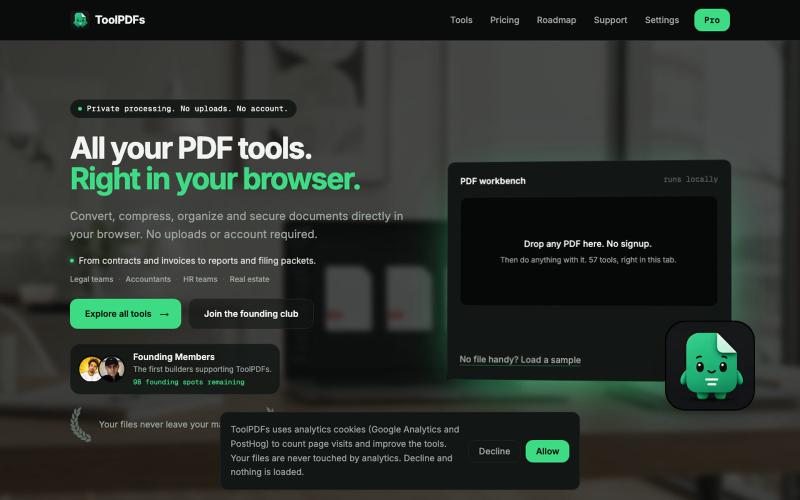
Edit, merge, compress, and convert PDFs with 57 free browser-based tools. No signup, uploads, or watermarks required.

@divvsaxena · X
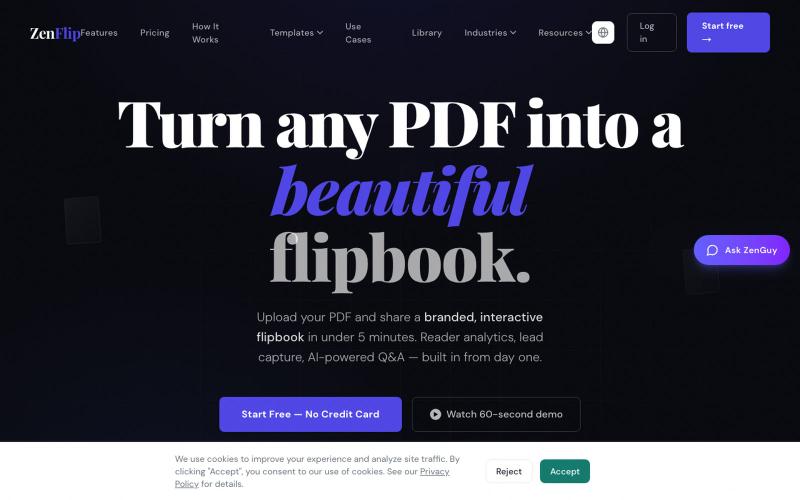
Turn PDFs into interactive flipbooks in seconds without watermarks; embed or share online.

@ZenFlipbook · X
Hey! Really excited to share ZenFlip - it turns any PDF, Word, or PowerPoint file into an interactive flipbook you can embed on any website or share via link. Feature-packed and free to get started. Would love to hear your feedback

Format, convert, and process PDFs and images with 450+ privacy-friendly browser tools.

@tentaco_cc · X
Hey! I built 🐙 It’s a privacy-first web space packed with over 450+ free micro-tools for tech, design, marketing, and PDFs. The best part? Everything runs 100% locally in your browser. No registration, no ads. Let's connect! 🛠️
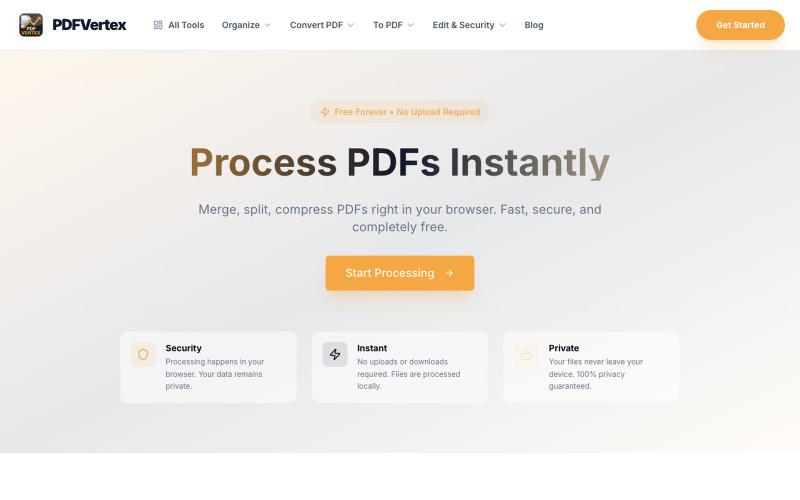
Professional PDF tools for free. Convert, merge, split, compress, and edit PDFs online. Fast, secure, no registration required.

@fouadelbouiadii · X
Process PDFs Instantly Merge, split, compress PDFs right in your browser. Fast, secure, and completely free.
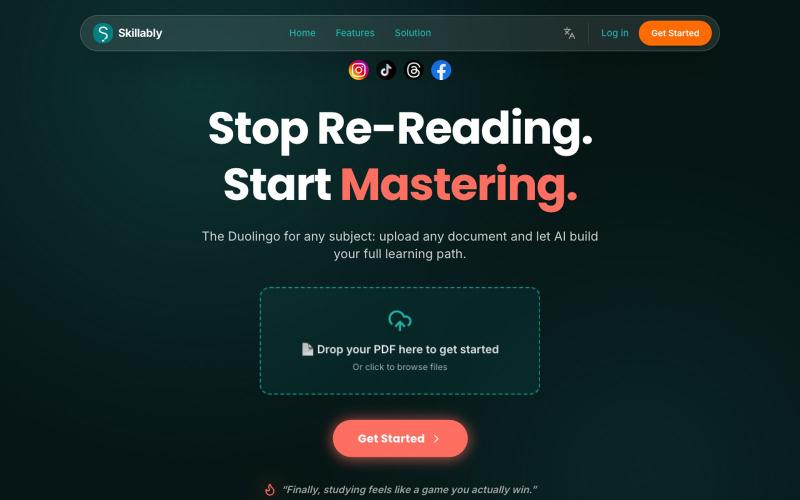
Upload PDFs or notes to generate AI-powered quizzes, flashcards, and spaced repetition study sessions.
u/Gloomy_Silver_1700 · Reddit
Solo-built app just passed a bigger competitor on Google Play visibility score https://preview.redd.it/cmy3haru6veh1.png?width=1510&format=png&auto=webp&s=6c9f05bd5d22a012f123e4c4f6f26d1a7c85c5e3 Sharing this because it's a small win but it's mine. I'm the solo dev behind skillably, a study app where you upload your own notes or PDFs and it turns them into quizzes and flashcards, adapting based on what you actually get wrong. No team, no funding, built around a day job.

Free in-browser PDF tools for merging, splitting, converting, and editing without uploading files.
u/Key_Caramel_5578 · Reddit
Built a free PDF toolkit solo (with AI help) — need feedback on the in-browser text editor before I keep pushing on it Been heads-down on this for a while: thepdftool.in Standard PDF stuff : merge, split, compress, convert, OCR — but most of the conversion tools run entirely client-side (WASM), so files never leave your browser for those. Built solo, leaned on AI tools for a good chunk of the code and debugging. The feature I care most about right now is an inline text editor :— click i