
Productivity1 month ago
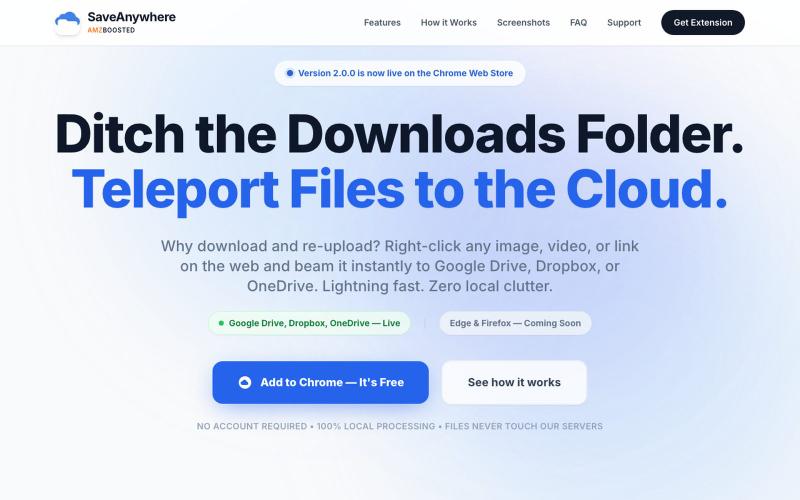
SaveAnywhere by AMZBoosted | Save Directly to Your Cloud
Chrome extension that saves files, images, and links directly to Google Drive, Dropbox, and OneDrive with local processing.

@SaveAnywhere · X
Free chrome extension :
The full gallery
Tech stack
26 projects
Chrome extension that saves files, images, and links directly to Google Drive, Dropbox, and OneDrive with local processing.
@SaveAnywhere · X
Free chrome extension :
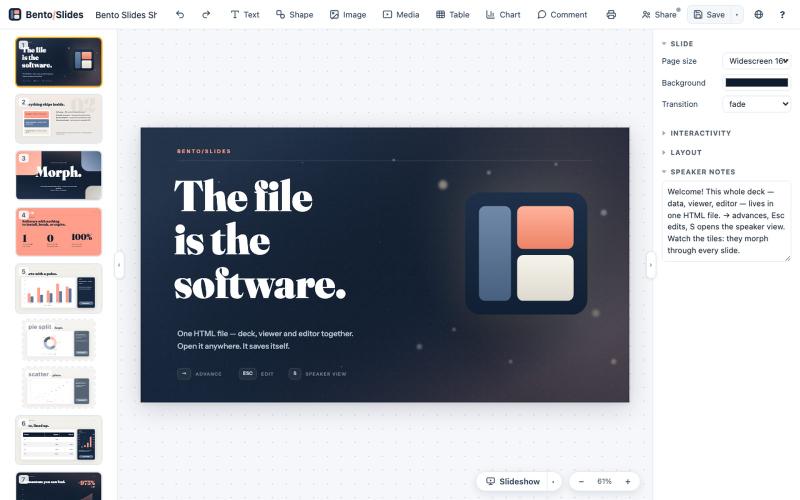
Create and edit presentations entirely in one HTML file with real-time collaboration.
starfallg · HN
Bento - An entire PowerPoint in one HTML file (edit+view+data+collab)

Create richly formatted posts and publish them instantly to the web with a single click.

@masafumiohta · X
I’ve been using Windows as my daily use lately despite I have been using Mac/Linux for a long time, but I keep running into all sorts of issues, so I’ve been fixing them vibe-coding with Claude. I’m gonna dump all that stuff on This blog is fully automated with Claude Code, from coding all the way to reporting. It’s nothing special—anyone could do it—but it’s actually pretty fun once you try it. The only annoyed is that it burns through tokens like crazy. Most of the tips are pretty interesting, so I hope you find them useful.
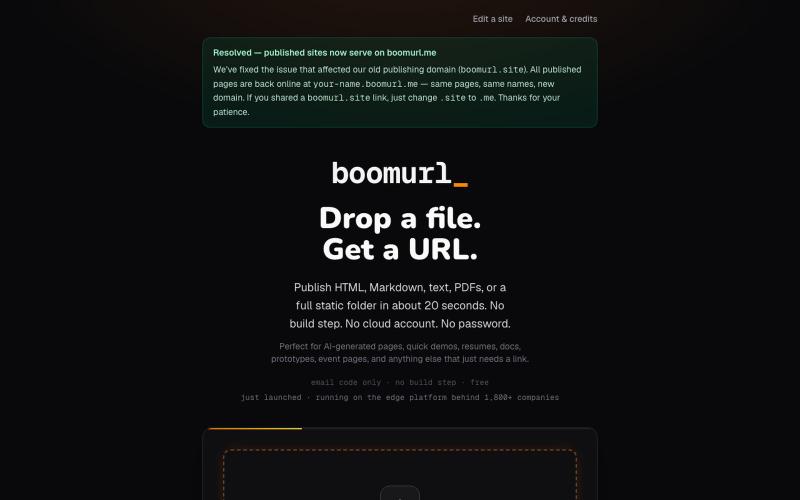
Drag an HTML file or folder to instantly host it on a custom domain with global edge delivery.

@dorongrinstein · X
drag and drop any .html and go live with a custom domain in 20 seconds
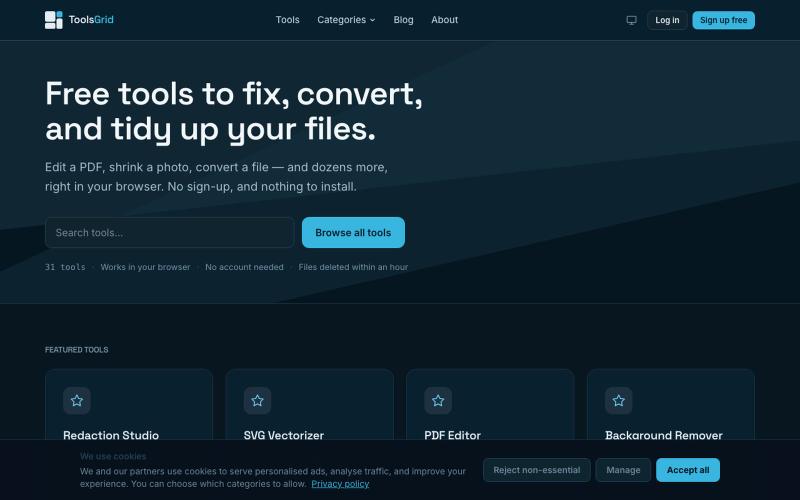
Free tools to edit and convert PDFs, images, videos, JSON, SVG, and email files online.

@bigchusstheory · X
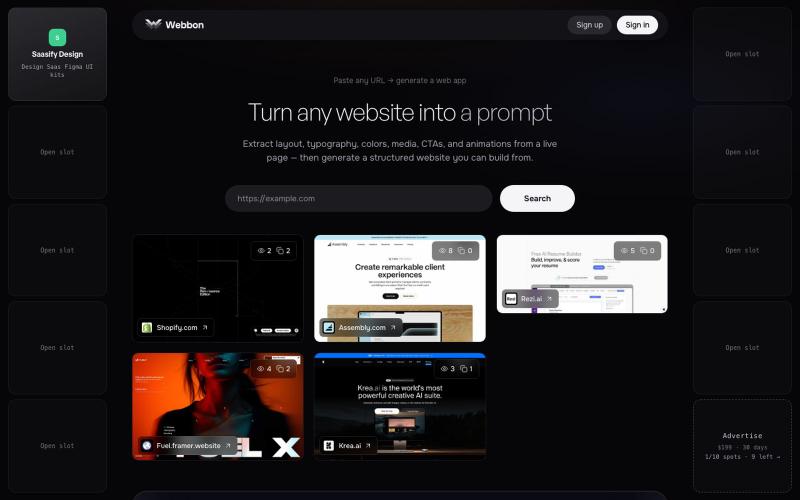
Paste any URL on webbon.xyz to generate a structured website from a live page — layout, typography, colors, media, CTAs, and animations.

@prakashuix · X
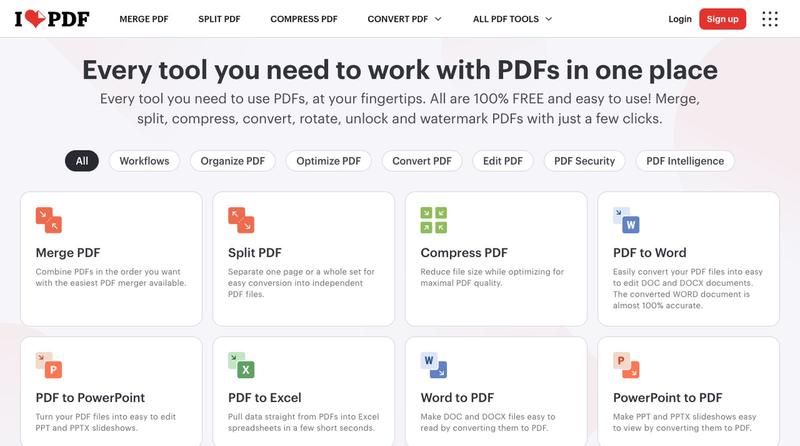
Compress, merge, split, convert, and edit PDF files directly in your browser.

Convert HTML and Markdown content into shareable links and QR codes.

@gomixo · X
和团队做了一个非常实用的小工具:HTMLShare。 现在用 AI 生成网页、报告、可视化作品越来越方便,但生成后的 HTML 文件,想分享给别人却很麻烦:要么发文件,要么部署网站,要么截图。 HTMLShare 解决的就是这个问题: 👉 欢迎体验,也欢迎反馈建议。
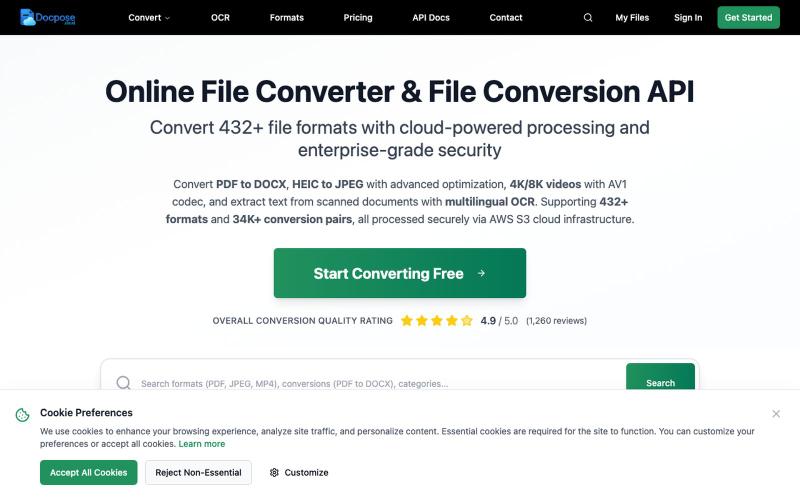
Convert and view documents, PDFs, and various file formats online.

@FileProInfo1 · X
🚀 has successfully launched! helps users convert, view, process, and manage files online — including documents, PDFs, OCR, archives, email formats, and more. We’re excited to share it with the community. Check it out here:
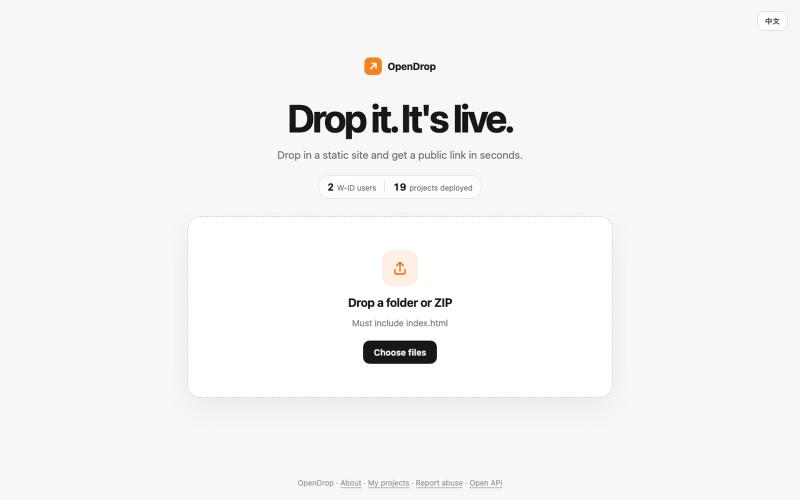
Drag files to deploy static websites with instant HTTPS and analytics.

@kanshan_ai · X
我自己也做了一个 丢给AI就能自动发布
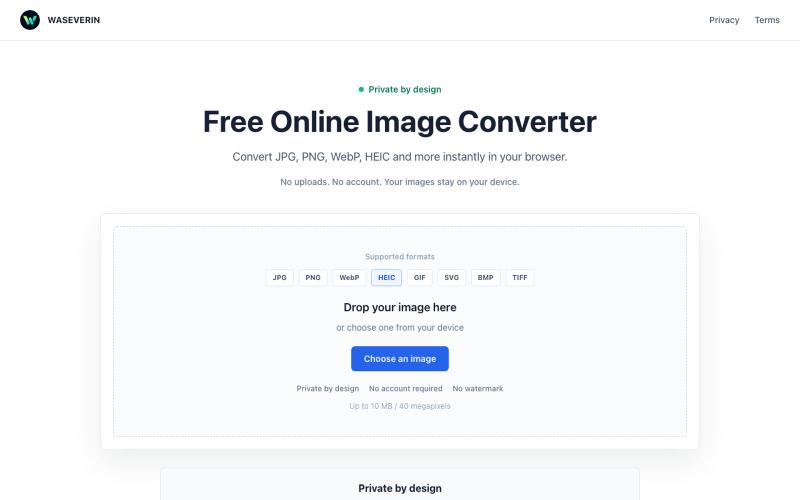
Convert images between formats like JPG, PNG, WebP, and HEIC directly in your browser.

@wGzKjDhsac93581 · X
Just launched my first side project 🚀 WASEVERIN Image Converter A lightweight browser-based image converter. ✓ No uploads ✓ No account required ✓ Privacy-friendly Convert JPG, PNG, WebP, HEIC and more. Building AI tools & digital products.

Edit, compress, convert, and merge video and audio files in your browser.
zhw2590582 · V2EX
最近对网站进行了重构,做成了免费的视频工具站:[ArtPlayer Tools]( https://artplayer.org/tools/) 主要是围绕着 ffmpeg.wasm 和 mediabunny 实现的一些可以直接在浏览器里用的视频/音频工具,常用的有: - 视频压缩:[Compress Video]( https://artplayer.org/compress-video/) - 视频裁剪:[Crop Video]( https://artplayer.org/crop-video/) - 视频合并:[Merge Video]( https://artplayer.org/merge-video/) - 视频尺寸调整:[Resize Video]( https://artplayer.org/resize-video/) - 视频旋转:[Rotate Video]( https://artplayer.org/rotate-video/) - 视频调速:[Change Video Speed]( https://artplayer.org/change-video-speed/) - 添加文字到视频:[Add Text to Video]( https://artplayer.org/add-text-to-video/) - 添加水印:[Watermark Video]( https://artplayer.org/watermark-video/) - 提取字幕:[Subtitle Editor]( https://artplayer.org/subtitle-editor/) - HLS 转 MP4:[HLS to MP4]( https://artplayer.org/hls-to-mp4/) - 音频可视化:[Audio Visualizer]( https://artplayer.org/audio-visualizer/) 大部分工具都是本地处理,文件不会上传到服务器。最开始是因为自己偶尔要处理一些视频,开剪辑软件又有点重,在线工具又担心隐私,所以就慢慢做成了一个站。 目前还在持续完善,体验肯定还有不少粗糙的地方,比如不同浏览器的兼容、移动端操作、长视频性能之类的。 网站: [ArtPlayer Tools]( https: