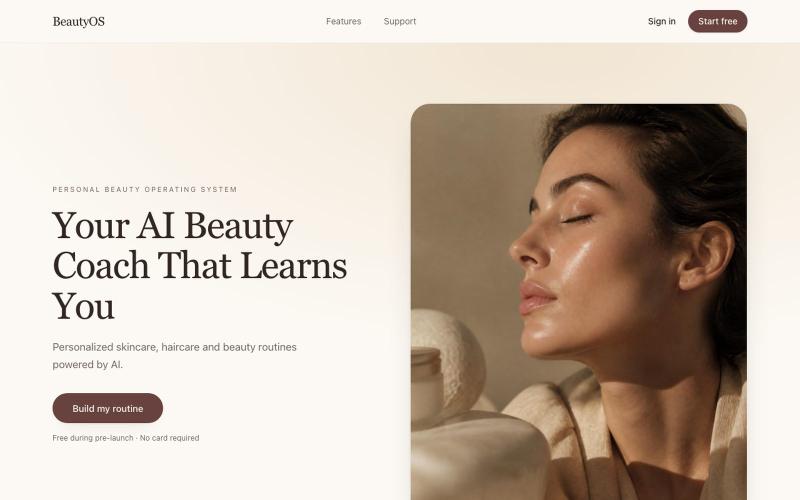
BeautyOS — Your AI Beauty Coach That Learns You
AI beauty coach that creates personalized skincare and haircare routines for you.
davidartemis9 · Product Hunt
BeautyOS launch Your personal AI beauty coach and routine builder
The full gallery
Tech stack
61 projects

AI beauty coach that creates personalized skincare and haircare routines for you.
davidartemis9 · Product Hunt
BeautyOS launch Your personal AI beauty coach and routine builder

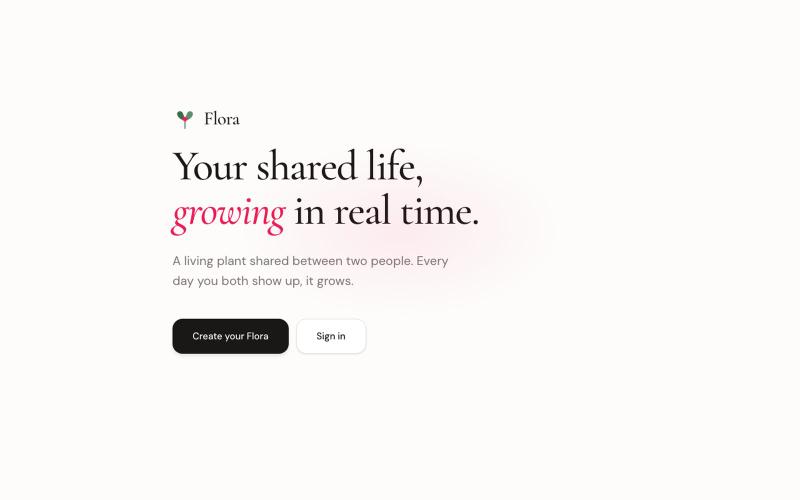
A shared plant app where two people care for and watch a virtual plant grow together.
@mmontshengmaoto · X
Yep, I recently shipped Flora, Mostly vibe coded with Cursor. The biggest win wasn't writing code faster; it was being able to iterate on product ideas much faster. You still need to guide the architecture and catch subtle bugs, but it's been a genuinely good experience.

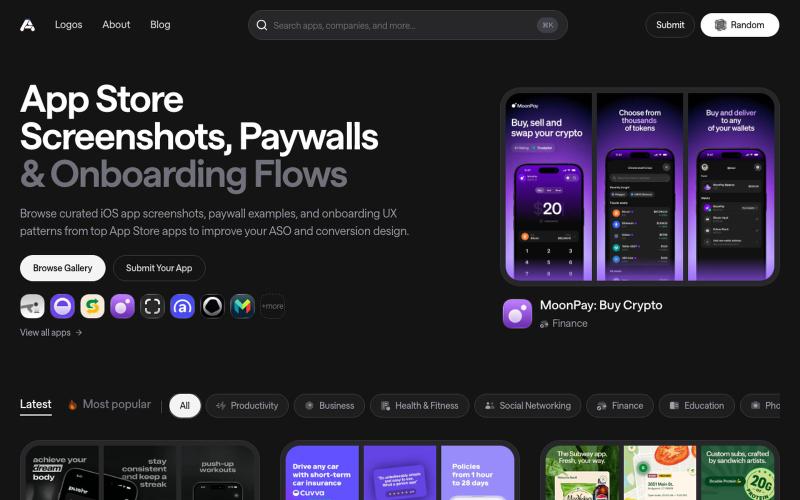
Discover the latest iOS App Store screenshot examples, onboarding ideas, and paywall inspiration.
@taher_max_ · X
Building and


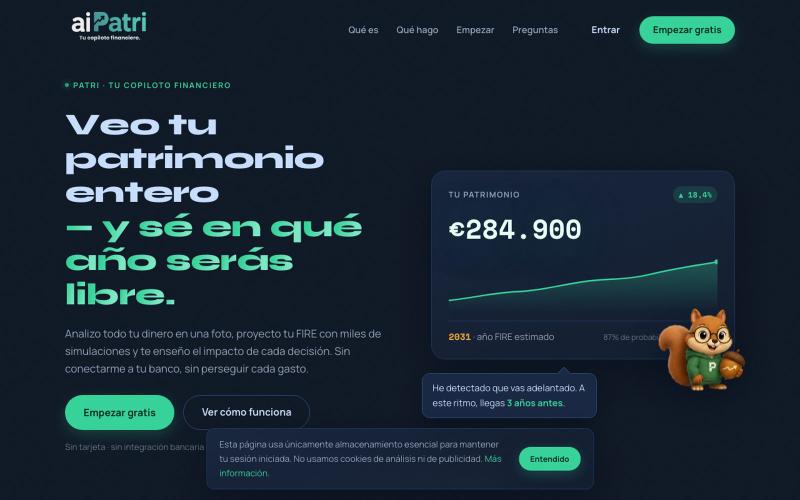
Analyze your finances from a photo and simulate retirement timelines with Monte Carlo models.
@aiPatri_app · X


Interactive creation built with Poof during Hack4Futo vibe coding competition.
@Sonnisbethel · X
Hey guys, here’s my build for the @Hack4Futo vibe coding track 2026 using @poofnew as my build engine.

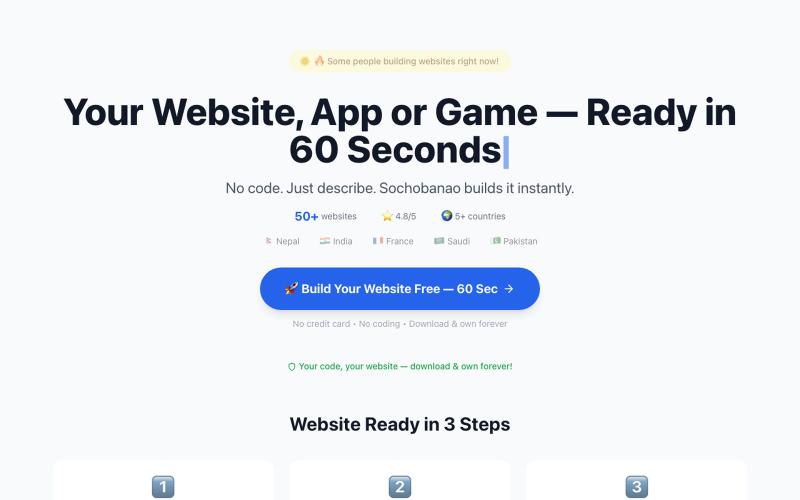
SochoBanao hai free AI website, app & game builder. Sirf apna idea type karo — Hinglish, Hindi, Urdu, Nepali, Bengali ya English mein. 60 seconds mein ready website download karo.
@sochobanao · X
SochoBanao Turn an idea into a working website, web app, browser game or digital product — without starting from scratch. 🎯 Built for founders, freelancers, creators & builders who want to go from idea → working product faster. 🔗

Generate and edit AI images for product shots, ads, portraits, and thumbnails via text prompts.
Plugcamp · V2EX
最近在折腾一个小站,主要是围绕 Nano Banana 2 Lite 做图片生成和图片编辑: https://nanobanana2lite.me/ 一开始只是自己想要一个比较轻的入口,用来快速试 prompt 。后来发现每次测图都会遇到几个重复问题: - prompt 写完之后,不知道适合什么比例 - 文生图和图生图入口经常混在一起 - 想找几个可复制的 prompt 示例,但很多站要么太重,要么示例不够直观 - 只是想快速生成一张产品图、头像、广告图、封面图,不想进一个很复杂的工作台 所以就做了这个站。 目前主要有几个部分: - Text to Image:直接输入 prompt 生成图 - Image to Image:上传一张图,再用 prompt 做改图 - AI Image Editor:偏日常编辑,比如换背景、改光线、改风格 - Prompt Library:整理了一些可直接复制的 prompt - Gallery:放了一些 before/after 和示例图 我自己比较在意的是首页别太像传统 SaaS 落地页,所以最近一直在改视觉。之前太干了,后来加了一些更丰富的样张和暗色主题,但也还在调。 这个站不是 Google 官方产品,只是一个第三方工具站。现在更多是想把「轻量、直接、可复制」这件事做好。 如果大家有空的话,想请教几个问题: 1. 首屏看起来会不会太营销,还是说信息还算清楚? 2. 对图片工具来说,大家更想先看到生成表单,还是先看到效果案例? 3. Prompt Library 这种页面有没有用,还是大家更习惯直接自己写? 4. 如果你平时会用 AI 生成图,最常用的场景是产品图、头像、封面、广告图,还是别的? 欢迎拍砖,尤其是 UI 、文案、信息结构这块。 链接再放一次: https://nanobanana2lite.me/


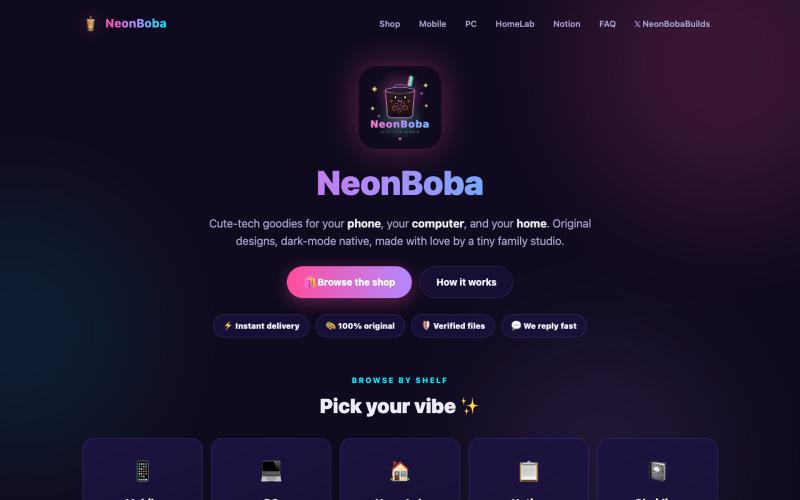
@elgermerlo Running a digital product shop for setup nerds — code editor themes, Hyprland rice, Notion templates, icon packs, wallpapers. Just shipped 8 new products this weekend.
@NeonBobaBuilds · X
Running a digital product shop for setup nerds — code editor themes, Hyprland rice, Notion templates, icon packs, wallpapers. Just shipped 8 new products this weekend. No waitlist, no "coming soon" — everything's live and downloadable 🧋