Free Online Browser Tools - No Login | Free AI Tools
Browser tools for image resizing, JSON formatting, PDF processing, text analysis, and design without login.
musekit · Product Hunt
Free AI Tools Free browser tools for everyday tasks, no login
The full gallery
Tech stack
40 projects

Browser tools for image resizing, JSON formatting, PDF processing, text analysis, and design without login.
musekit · Product Hunt
Free AI Tools Free browser tools for everyday tasks, no login

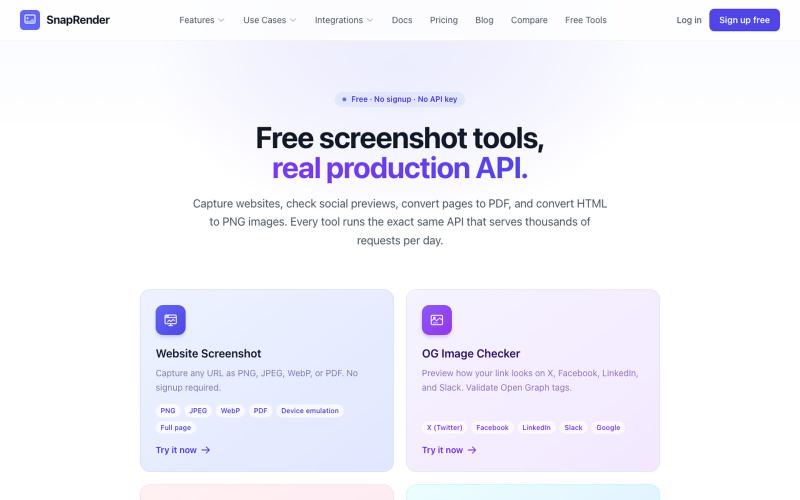
Screenshot websites, convert to PDF or PNG, and check Open Graph images—no login required.
u/SpecificNo8047 · Reddit
I built a screenshot API because my personal Puppeteer setup kept breaking. Six months later it has an MCP server and hundereds of users Solo founder here, this is my product, full disclosure. It started as super simple helper self hosted tool for myself: I needed website screenshots for a project, self-hosted Puppeteer, and spent more time babysitting Chromium than building. So I turned the babysitting into a product, because why not. What it does: one GET request in, rendered screenshot

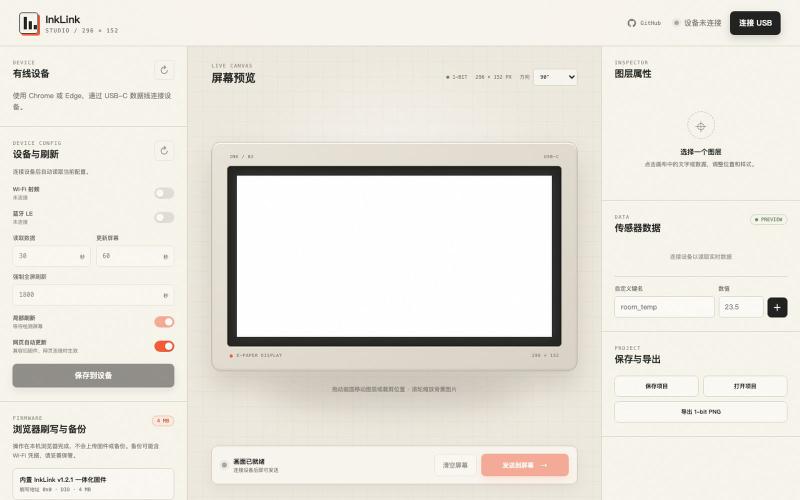
Design and send custom images to ESP32-C3 e-ink displays via USB connection.
@SeimoDev · X
在 @adventurex_plan 拿到了一块由 @dot_mindreset 提供的 Quote/0 设备,感觉官方固件和 APP 不是很好用,Vibe Coding 做了一个自定义显示内容的固件和对应工具: Github: 在线使用: 注意事项: 1. 刷写固件前请备份原厂固件 2. 如果没有备份可以在 刷回官方固件 3. 该产品 NFC 采用云端链接动态跳转方案,如需修改目标链接,请使用原厂固件,通过“图片API”配置目标地址后并应用再刷写修改版固件 4. 如有 Bug 请发 Issuses

Create professional screenshot mockups with frames, backgrounds, and annotations in your browser.
@Aticmatic_com · X
of course for people:

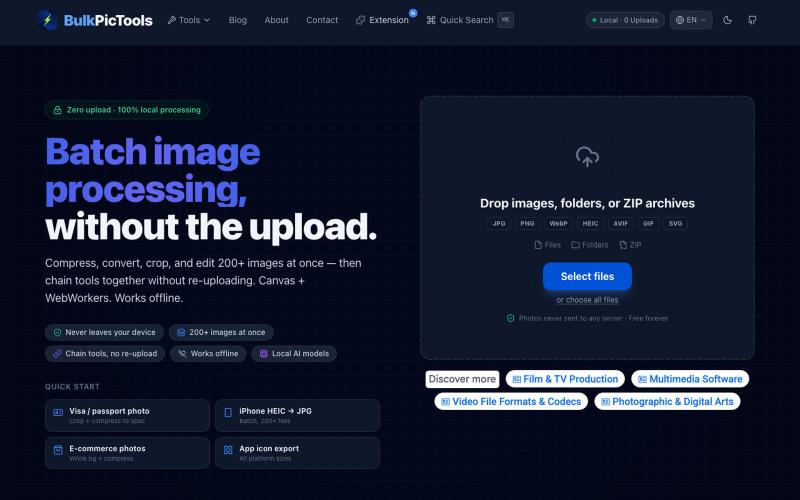
Batch edit images in your browser with tool chaining, compression, and format conversion.
BulkPicTools — 免费浏览器端图片批量处理工具,支持**工具链串联**(压缩→转格式→裁剪一次完成,无需重复上传),本地 AI 去背景/人脸模糊(WebGPU,无需 API Key),支持 200+ 张图片批量处理,文件不上传服务器。

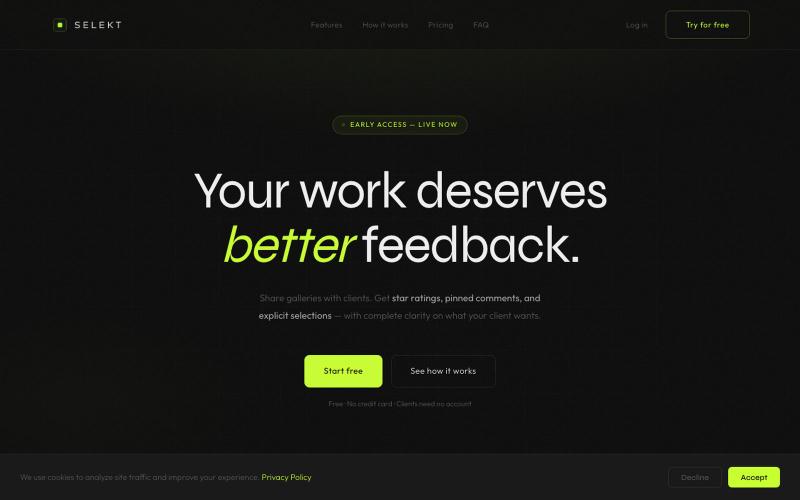
Online photo and video proofing: export galleries from Lightroom Classic, share with clients, collect feedback.
@ThomasHabr · X
My vibe-coded startup is being released now 🎉 The journey begins.

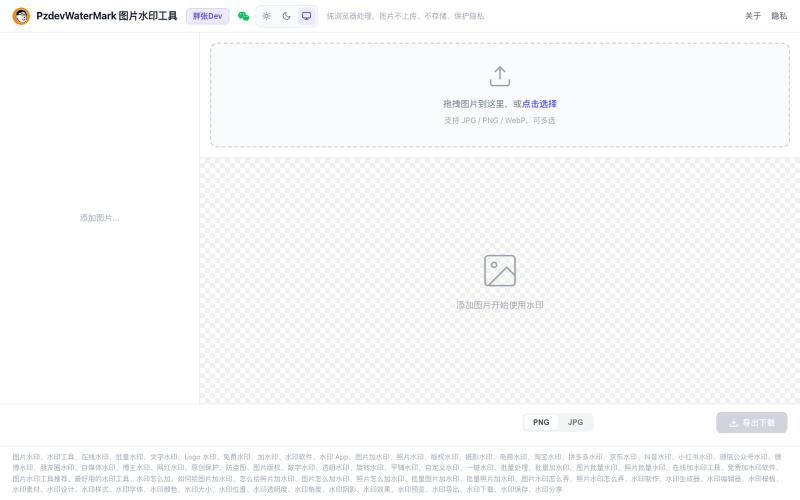
Add text and logo watermarks to images in bulk with client-side browser processing, no upload needed.
@pzdev000 · X
经常写博客要加水印,现有工具都不顺手,自己 vibe coding 写了一个: ✅ 纯前端,批量处理 ✅ 隐私第一:图片不上传,浏览器本地处理,无需注册登录。 ✅ 文字 + Logo图片水印 ✅ 实时预览,所见即所得 ✅ PNG/JPEG 导出

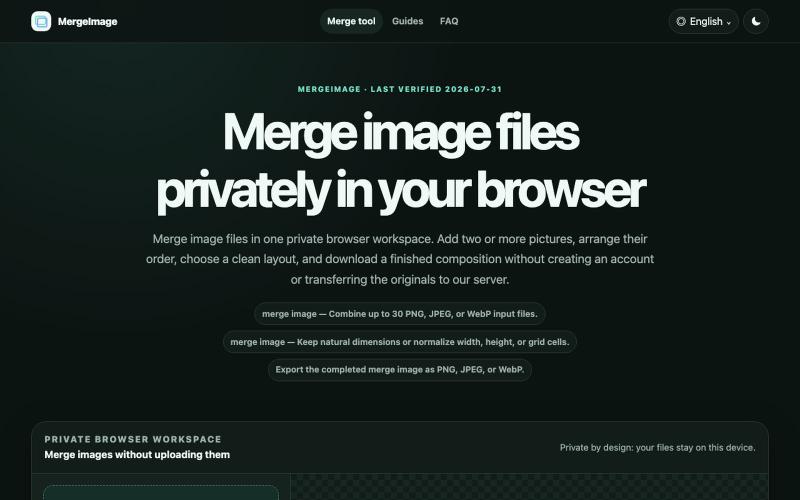
Merge image files horizontally, vertically, in a grid, or with smart screenshot stitching. Reorder, resize, preview, and download locally. No signup, watermark
lby910722 · V2EX
做了一个完全在浏览器本地处理的图片拼接工具: MergeImage 最近做了一个免费图片拼接工具 **MergeImage**: https://mergeimage.app/ 起因很简单:临时把截图、商品图或前后对比图合成一张时,很多在线工具需要先把原图上传到服务器,或者在导出时加水印。我想做一个打开就能用、处理边界也更清楚的小工具。 目前支持: - 最多添加 30 张 PNG 、JPEG 或 WebP - 横向、纵向、网格,以及连续截图的智能重叠拼接 - 拖拽排序、旋转、翻转、间距、背景和尺寸对齐 - 预览后导出 PNG 、JPEG 或 WebP - 图片解码、排版和编码都在当前浏览器本地完成,不需要注册,也不会添加水印 智能拼接会保守判断重复区域;如果置信度不够,会保留完整图片并退回普通纵向拼接,避免误删内容。 现在还是 MVP ,桌面端和移动端都可以直接用,也做了中文界面。欢迎试用,尤其想听听大家对长截图、网格排版和大图性能的反馈。

Mark and extract parts of screenshots to share with ChatGPT, Claude, or Gemini.
akshitdandyan · Product Hunt
Label.Photos Make screenshots easier for AI to understand

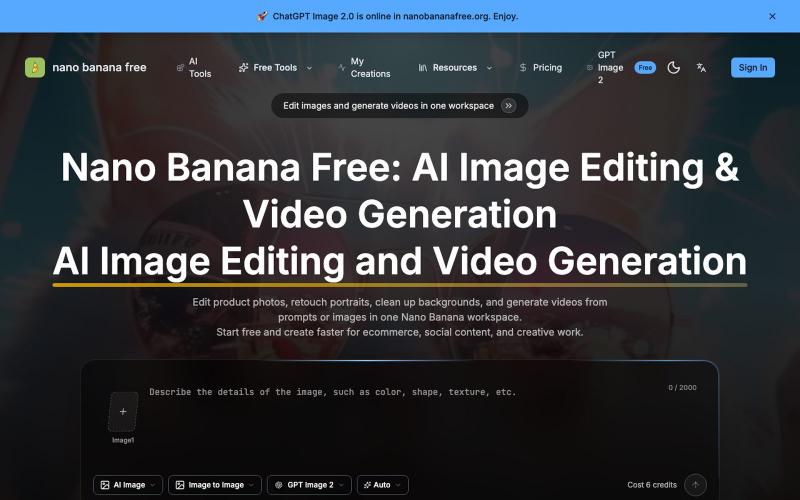
Edit photos with AI, generate videos, and remove watermarks online.
Nano Banana Free — 图像编辑与视频生成工作台,支持产品图精修、人像润色、背景替换和视频生成,并在一个工作流里整合多个 AI 工具。

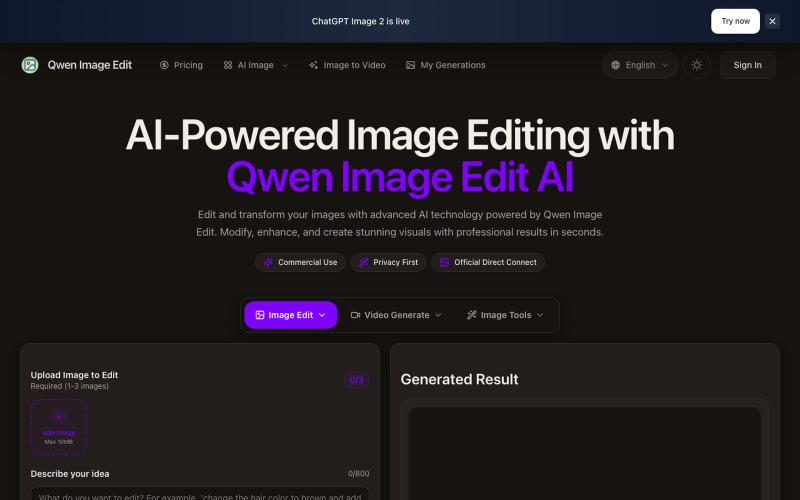
Text-driven image editor for photo restoration, watermark removal, and avatar generation.
Qwen Image Edit — AI 图像编辑工具,支持文本指令编辑、照片修复、去水印、专业头像生成和多图像处理

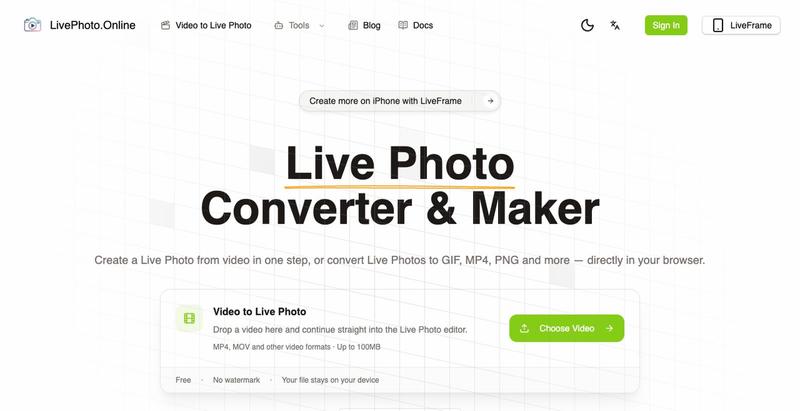
Convert videos, GIFs, and Live Photos to multiple formats in your browser.