
Creative Tools1 month ago
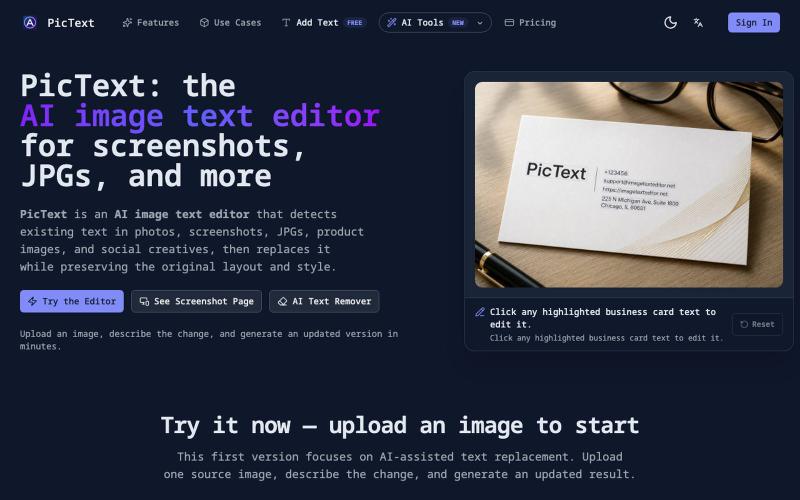
PicText — AI Image & Photo Text Editor
Detect and replace text in images while preserving layout and style.
PicText - 图片文字编辑器 — AI 驱动的图片文本编辑器,检测并替换照片、截图和产品图中的文本,同时保留原始布局和字体
The full gallery
Tech stack
26 projects
Detect and replace text in images while preserving layout and style.
PicText - 图片文字编辑器 — AI 驱动的图片文本编辑器,检测并替换照片、截图和产品图中的文本,同时保留原始布局和字体
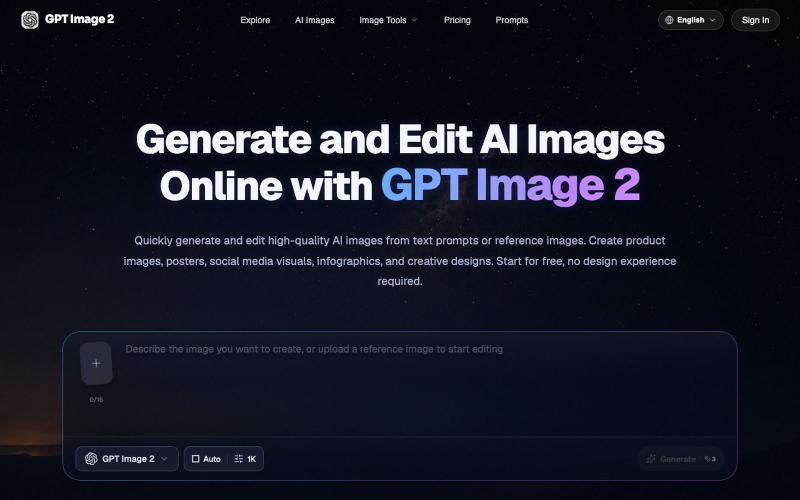
Generate and edit AI images from text prompts or reference images in your browser.
GPT Image 2 AI — AI 图像与视频创作平台

Generate and edit images using AI text-to-image and image-to-image capabilities.
AI-NanoBanana — AI 图像工作室,让你轻松把创意变成高质量视觉作品
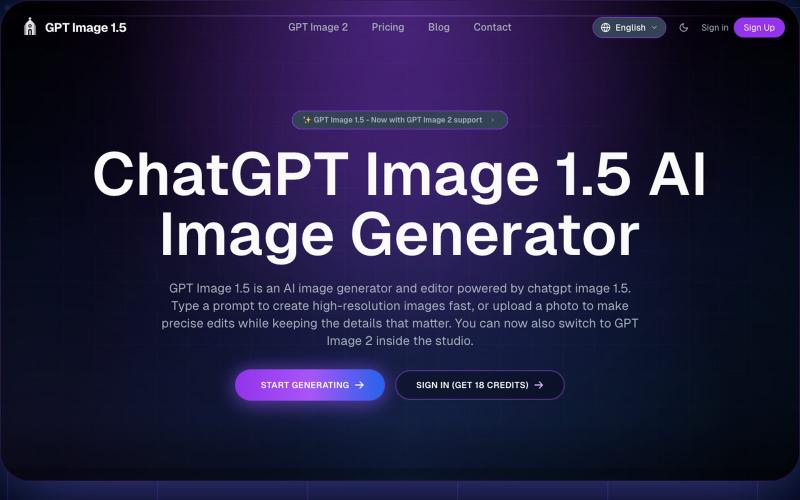
Generate and edit images from text prompts or photos using AI.
GPT Image 1.5 — AI 图片生成网站,基于 GPT Image 1.5
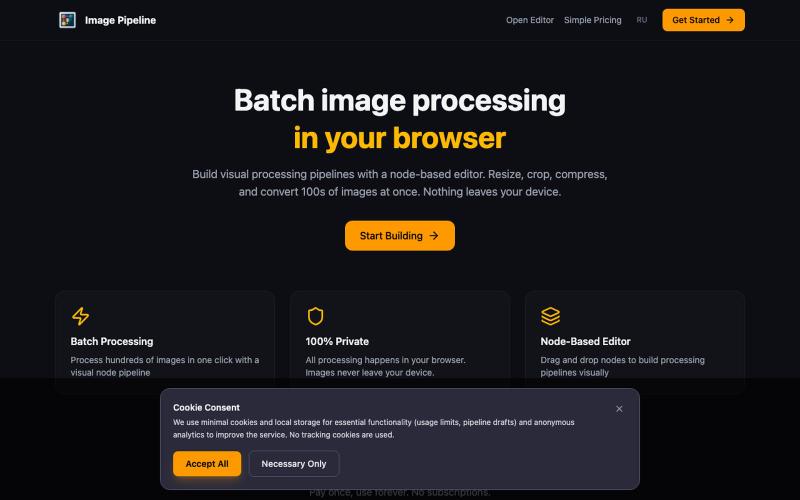
Resize, crop, compress, and convert images in batch — all locally in your browser.

@MaximMitenkov · X
🔒 Just launched Image Pipeline — batch image processing in your browser. 100% private. No signup. Pay once, use forever. #buildinpublic #webdev #privacy
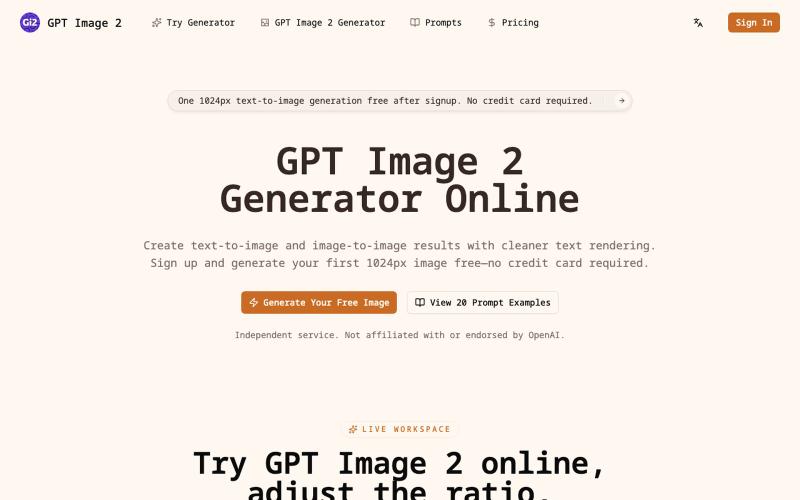
Generate AI images from text or photos with adjustable resolution up to 4K.
itxh · V2EX
codex 做了一个 GPT Image 2 在线生成器:从创意到高清成图,一站完成 ## 描述 输入一句提示词,或上传一张参考图片,即可快速生成海报、商品图、人像、社交媒体素材和品牌视觉。支持文生图、图生图及 1K 、2K 、4K 多档输出;注册后可免费体验首张 1K 文生图,无需绑定信用卡。还可直接使用 20 组带效果图的提示词模板,减少反复试错,更快获得可用作品。[在线生成器]( https://gptimage2.wwkejishe.top/)、[提示词库]( https://gptimage2.wwkejishe.top/gpt-image-2-prompts) ## 功能 - 文生图:用自然语言描述画面,快速生成完整视觉作品。 - 图生图:上传参考图片,调整风格、构图、细节和视觉效果。 - 高清输出:支持 1K 、2K 、4K ,可选择多种常用图片比例。 - 提示词库:提供 20 组带输出参考的完整提示词,支持复制和直接试用。 - 老照片修复:去除划痕、模糊和褪色,可选择“修复”或“修复并上色”,首次 1K 修复免费。[老照片修复工具]( http
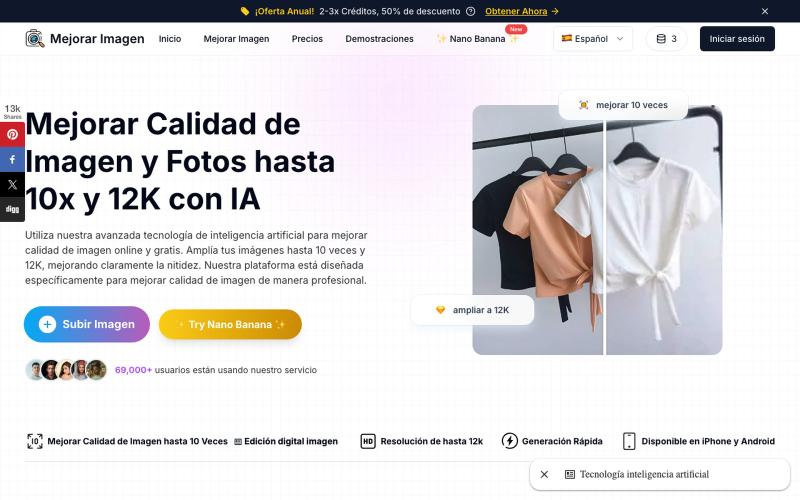
Upscale and enhance photos with AI up to 10x resolution.
Mejorar Imagen — AI 图像增强器:用 AI 将图片放大 10 倍,最高提升到 12K 分辨率
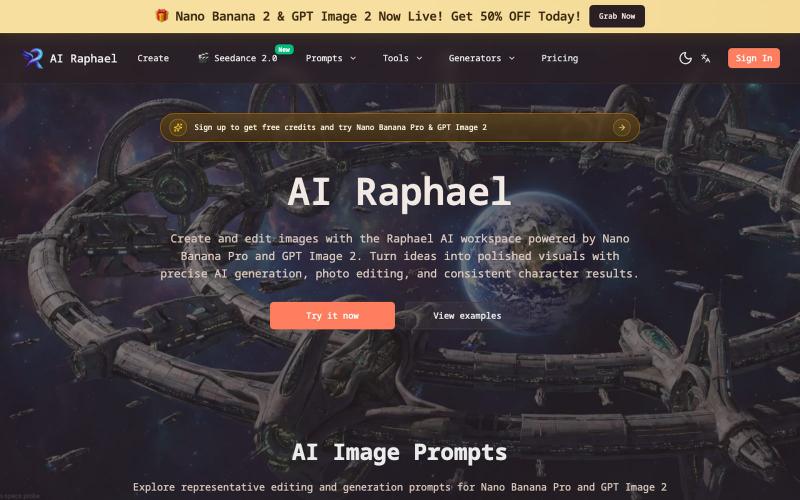
Generate and edit images with AI, including character creation.
AI Raphael — 支持 Nano Banana Pro 和 GPT Image 2 图像模型的 AI 图像生成与编辑工作台
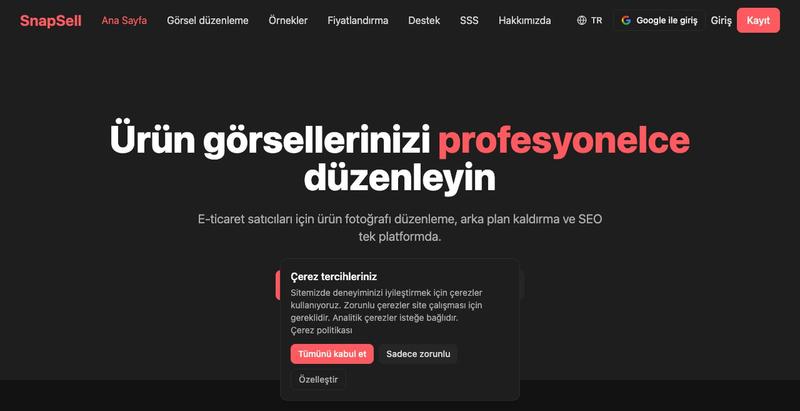
Turn product photos into professional e-commerce listings with AI-generated visuals and SEO optimization.

@HeliaAI_ · X
Building in AI + e-commerce 🚀 SnapSell turns a simple product photo into professional visuals + SEO-ready listings.

Convert photos and videos to ASCII art, pixel art, mosaic, and more in your browser.

@kail_designs · X
Jokes aside but honestly (Landing page) was built with Claude (Opus 4.7) in 1 day. But no, it was not just four prompts or some random skills. Here's how I built the entire AsciiMagic landing page with Claude in one day👇 Started with a rough sketched wireframe. Then designed it in @paper Then I used the Paper MCP with Claude to recreate that design in code and get a solid first version running. From there, the real work began. I kept iterating with specialised Claude skills: • impeccable • frontend-design • emil-design-eng • review-animations • responsive-design • seo-audit Each one improved a different part of the experience. By the end, the page had: • Mobile-first responsiveness • Better SEO optimised copy • Smooth micro-interactions • Cleaner frontend architecture Then came the part people don't see. For the next 5–6 hours, I wasn't asking Claude to "make it prettier." I was: • Fine-tuning layouts • Uploading and compressing assets • Moving files across diff
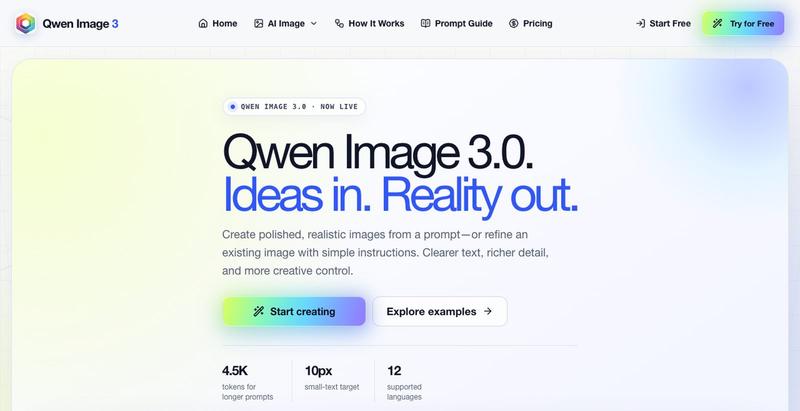
Generate realistic AI images from text prompts with editing tools.
