
Creative Tools1 month ago
BananaPix - AI Image Studio for Instant Visuals
Generate and edit images using AI text-to-image and image-to-image capabilities.
AI-NanoBanana — AI 图像工作室,让你轻松把创意变成高质量视觉作品
The full gallery
Tech stack
20 projects
Generate and edit images using AI text-to-image and image-to-image capabilities.
AI-NanoBanana — AI 图像工作室,让你轻松把创意变成高质量视觉作品
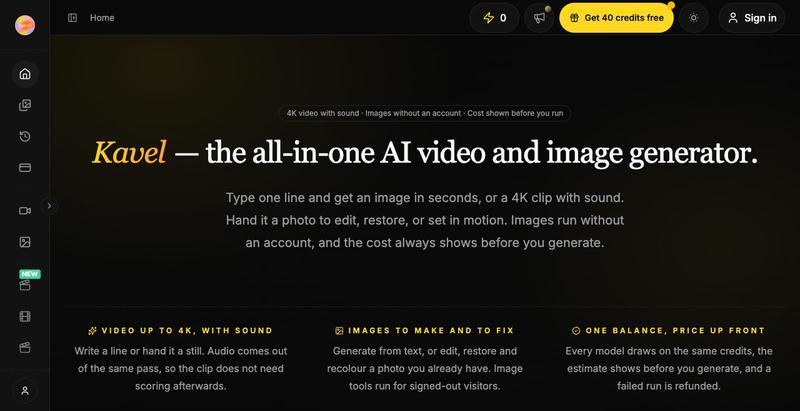
AI photo and video editor with 30+ one-click effects like outfit swapping and photo restoration.
kavel — AI 图片和视频生成工具,支持多种趣味场景的生图和生视频 — 免费
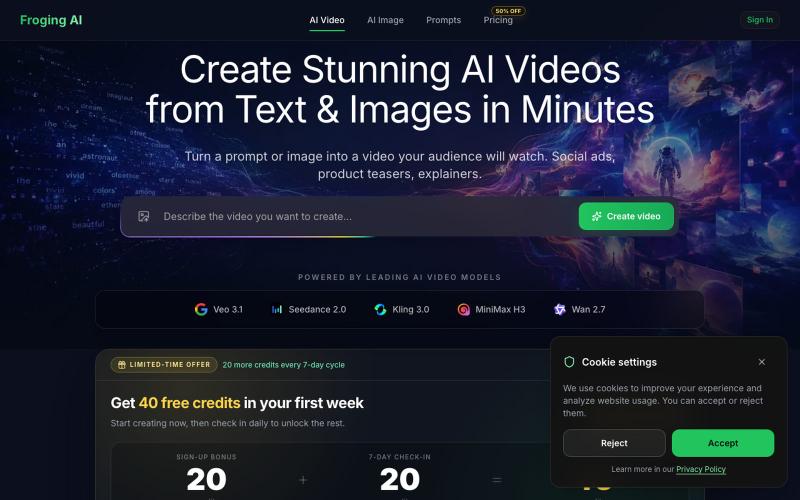
Generate AI videos from text or images using multiple models with HD output.
hashkitly · HN
Froging AI – image and video models in one workflow
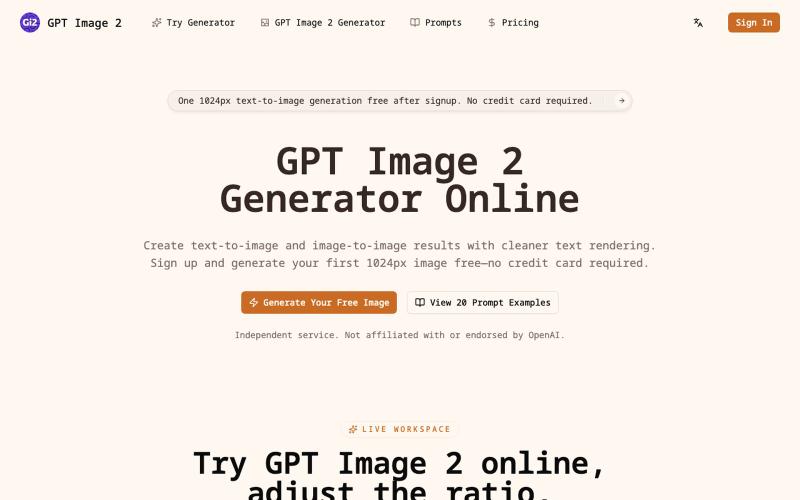
Generate AI images from text or photos with adjustable resolution up to 4K.
itxh · V2EX
codex 做了一个 GPT Image 2 在线生成器:从创意到高清成图,一站完成 ## 描述 输入一句提示词,或上传一张参考图片,即可快速生成海报、商品图、人像、社交媒体素材和品牌视觉。支持文生图、图生图及 1K 、2K 、4K 多档输出;注册后可免费体验首张 1K 文生图,无需绑定信用卡。还可直接使用 20 组带效果图的提示词模板,减少反复试错,更快获得可用作品。[在线生成器]( https://gptimage2.wwkejishe.top/)、[提示词库]( https://gptimage2.wwkejishe.top/gpt-image-2-prompts) ## 功能 - 文生图:用自然语言描述画面,快速生成完整视觉作品。 - 图生图:上传参考图片,调整风格、构图、细节和视觉效果。 - 高清输出:支持 1K 、2K 、4K ,可选择多种常用图片比例。 - 提示词库:提供 20 组带输出参考的完整提示词,支持复制和直接试用。 - 老照片修复:去除划痕、模糊和褪色,可选择“修复”或“修复并上色”,首次 1K 修复免费。[老照片修复工具]( http
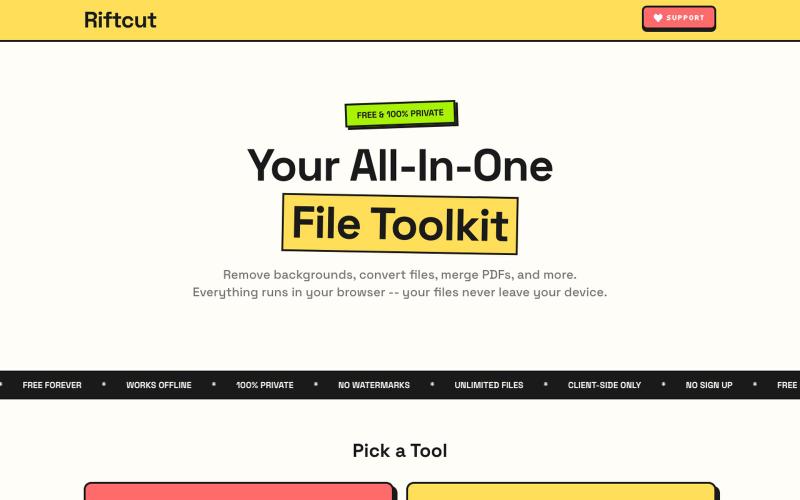
Remove image backgrounds with AI and manage PDFs—convert, merge, and create—all privately in your browser.

@irshit0 · X
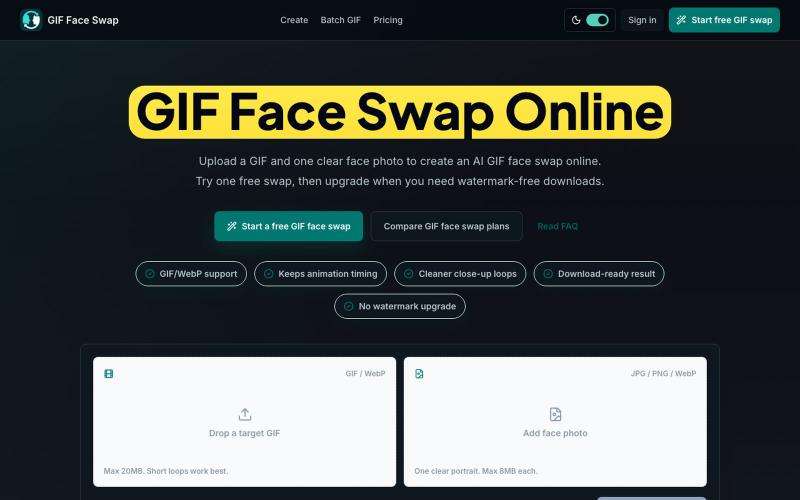
Swap faces in GIFs using AI with just a GIF and photo upload.
haowen8098 · V2EX
做了一个在线 GIF 换脸小工具 大家好,最近做了一个比较小的工具:GIF Face Swap 。 网址: https://giffaceswap.xyz/ 它主要解决一个很具体的需求:上传一张 GIF 或 WebP ,再上传一张清晰的人脸照片,就可以生成一个换脸后的动图。比较适合做表情包、群聊梗图、reaction GIF 、粉丝向剪辑预览这类轻量场景。 目前已经做好的部分: 支持 GIF / WebP 上传 会尽量保留原动图的节奏和循环感 结果可以直接下载 不登录也可以先试一次 注册后有一些 starter credits 免费结果会带水印,需要无水印时再升级 上传和结果默认是私密的,访客下载链接会过期 我自己做这个站的原因是,很多换脸工具更偏视频或图片,做一个小 GIF 反而流程很重。我想把它做成一个打开就能用的轻量工具:选 GIF 、选人脸、生成、下载。 现在还在早期,所以想在 V 站收一些真实反馈: 生成结果是否自然 上传和等待流程是否顺手 你们会不会用它来做表情包或社交平台素材 如果有空的话,欢迎试一下:

Convert photos and videos to ASCII art, pixel art, mosaic, and more in your browser.

@kail_designs · X
Jokes aside but honestly (Landing page) was built with Claude (Opus 4.7) in 1 day. But no, it was not just four prompts or some random skills. Here's how I built the entire AsciiMagic landing page with Claude in one day👇 Started with a rough sketched wireframe. Then designed it in @paper Then I used the Paper MCP with Claude to recreate that design in code and get a solid first version running. From there, the real work began. I kept iterating with specialised Claude skills: • impeccable • frontend-design • emil-design-eng • review-animations • responsive-design • seo-audit Each one improved a different part of the experience. By the end, the page had: • Mobile-first responsiveness • Better SEO optimised copy • Smooth micro-interactions • Cleaner frontend architecture Then came the part people don't see. For the next 5–6 hours, I wasn't asking Claude to "make it prettier." I was: • Fine-tuning layouts • Uploading and compressing assets • Moving files across diff
Convert artwork to print-ready SVG files with AI-powered design extraction and vector tracing.
u/Strong-Thing-8888 · Reddit
I built an AI tool that turns complex artwork into clean, editable SVG files I created DesaynClaw for designers who spend too much time manually tracing logos, jersey graphics, and detailed artwork. Upload a PNG or JPG, let the tool extract and clean the design, then export it as an editable SVG. It also includes background removal, image upscaling, palette tools, and before-and-after comparison. The platform is still improving, so I’m looking for designers who can test it