Free Markdown to Google Docs — Paste-Ready Converter with LaTeX Math
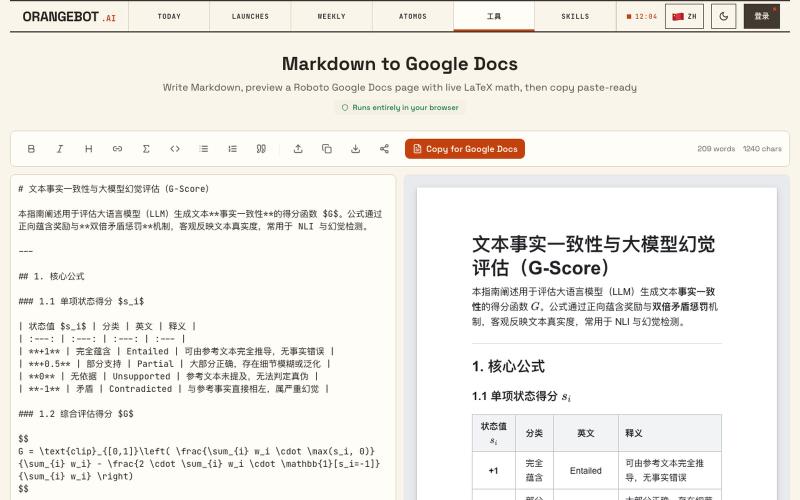
Convert Markdown to Google Docs with LaTeX math support, paste-ready.
shenhuang · Product Hunt
Markdown to Google Docs Paste AI markdown, get a clean Google Doc, math included
The full gallery
Tech stack
20 projects

Convert Markdown to Google Docs with LaTeX math support, paste-ready.
shenhuang · Product Hunt
Markdown to Google Docs Paste AI markdown, get a clean Google Doc, math included

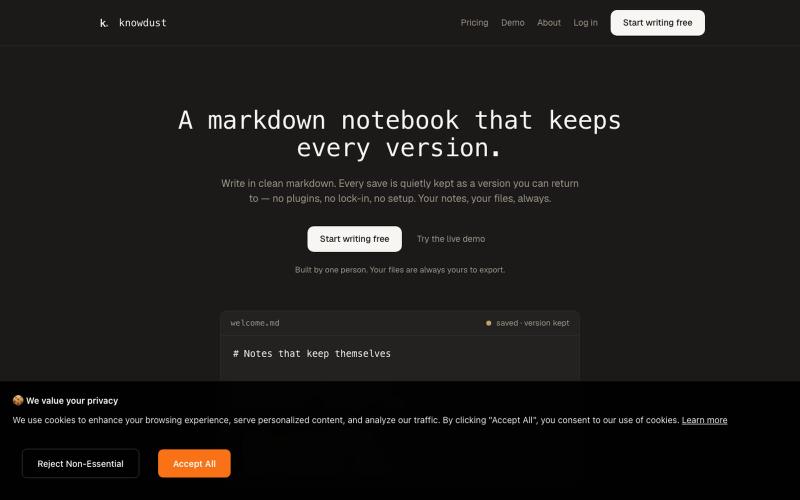
Markdown notebook that automatically saves every version so you can return to any past edit.
@khagankarimi · X
simple markdown notebook with version history

LinkedIn post formatter Chrome extension. Add bold, italic & 30+ Unicode fonts with AI proofread, drafts & live preview. Works on X, Facebook, Threads & more.
@a_shimanski · X
Post Formatter, a browser extension for LinkedIn and X. 30+ text styles in the editor and a live preview before you publish → Happy to check yours out 🤝

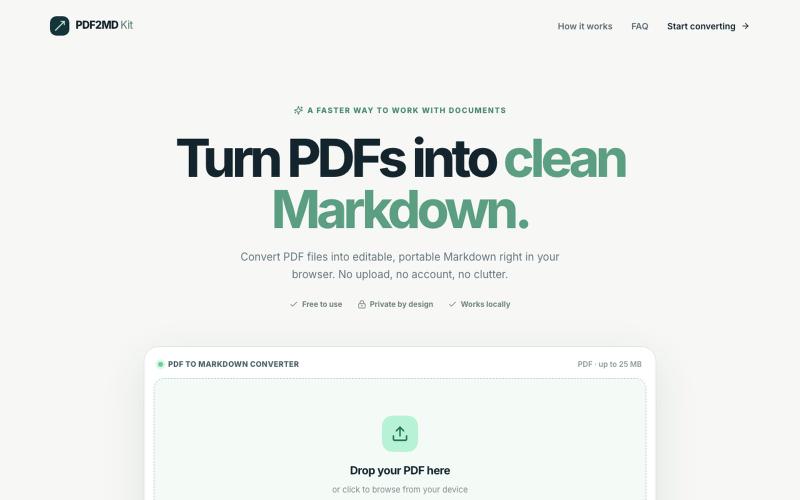
Convert PDF files to Markdown format locally in your browser without uploading.
halofanfan · V2EX
做了个浏览器本地处理的 PDF 转 MD 工具: PDF2MD Kit 因为经常要把 PDF 转成 Markdown 进笔记软件,觉得网上的工具太重还要上传服务器,就自己写了一个:**[PDF2MD Kit]( https://pdf2mdkit.com/)** * **纯前端解析**:文件零上传,比较安全 * **轻量**:无广告、免登录、最大 25M * **导出标准 .md** 网页地址:[https://pdf2mdkit.com/]( https://pdf2mdkit.com/) 第一次发,欢迎试用和反馈 bug 。

Browse premium multipage templates and components built with Next.js, Tailwind CSS, and modern CMS solutions. Designed for freelancers, developers, and small businesses.
@taher_max_ · X
Building and

Turn screenshots into polished designs using a Chrome extension and web-based editor.
@buildwithshyam · X

DevToolAdda provides 100+ free online developer tools, formatters, decoders, CSS generators, Regex testers, and cheat sheets with 100% private, client-side browser processing.
@suketudigital · X

Convert images to ASCII art, copy symbols, browse ASCII tables, and convert bases—all in your browser.
HeStudy · V2EX
做了个纯前端的 ASCII 工具站:图片转字符画、banner 生成、符号一键复制 平时偶尔需要查 ASCII 码表、复制一些特殊符号(箭头、制表符这类),每次都是搜一个满屏广告的老站凑合用,索性自己做了一个: https://getascii.com 目前有这些工具: 图片转 ASCII 字符画(拖一张图进去就行,支持调宽度/字符集/反色) 文字转 ASCII banner 大字 常用符号一键复制(箭头、制表符、数学符号、颜文字) 完整 ASCII 码表 + 一个交互式键盘映射图(点键盘上的键显示对应的 dec/hex 码) 进制转换器( hex/dec/bin ↔ ASCII ) 几个实现上的点: Astro 构建的纯静态站,所有工具都是纯客户端计算,图片不会上传到任何服务器 没有账号系统,没有付费墙,打开就用 整站是绿色荧光终端风( CRT 扫描线 + JetBrains Mono ),算是给终端审美交个作业 顺手给它做了个 25 秒的宣传片: https://www.youtube.com/watch?v=AjzU5mw1PrI