
Productivity1 month ago
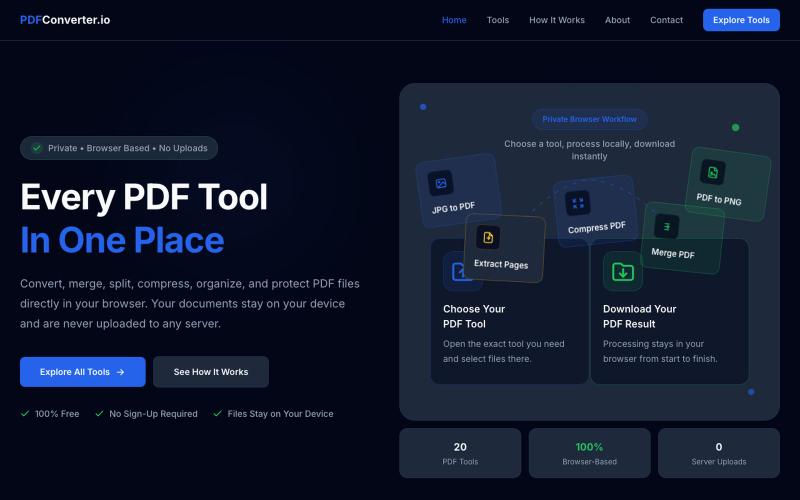
PDFConverter.io | Free Browser Based PDF Tools
Convert, merge, split, and compress PDF files using 20 free browser-based tools with no server uploads required.

@meuzairqureshi · X
The full gallery
Tech stack
20 projects
Convert, merge, split, and compress PDF files using 20 free browser-based tools with no server uploads required.
@meuzairqureshi · X
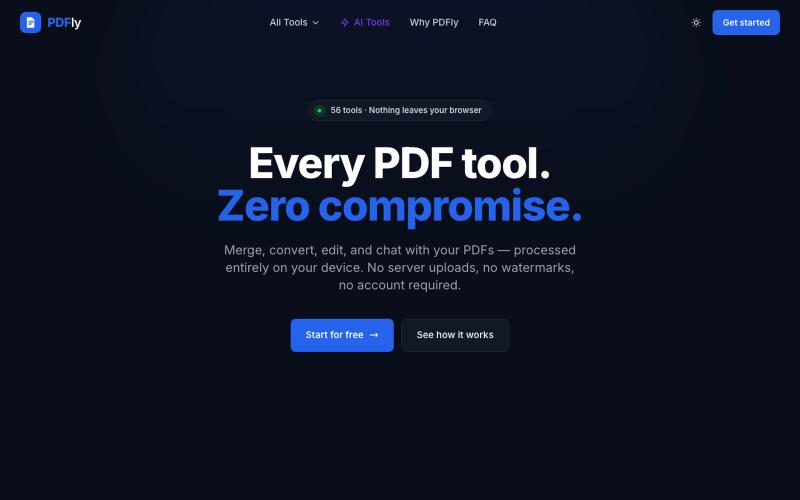
Free browser-based PDF toolkit with 56 tools including merge, split, compress, convert, sign, and AI chat.
pagalannu01 · HN
PDFly – 56 free PDF tools that run in the browser
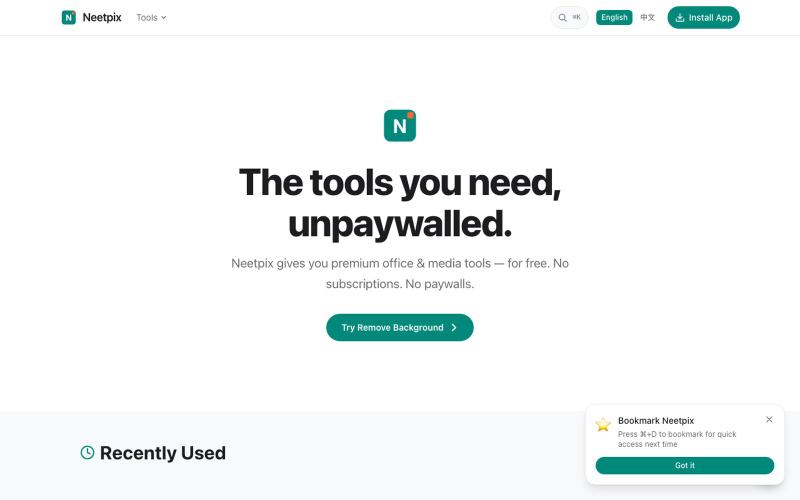
Browser-based PDF and image tools for merging, converting, compressing, editing, and generating — no signup needed.

@badbyeseason · X
Just shipped a big update to file transfer: resume broken transfers, multi-file queue, end-to-end encryption, custom room codes, and 2GB limit. Still 100% P2P, no server stores your files. 28+ tools live now. #buildinpublic #privacy
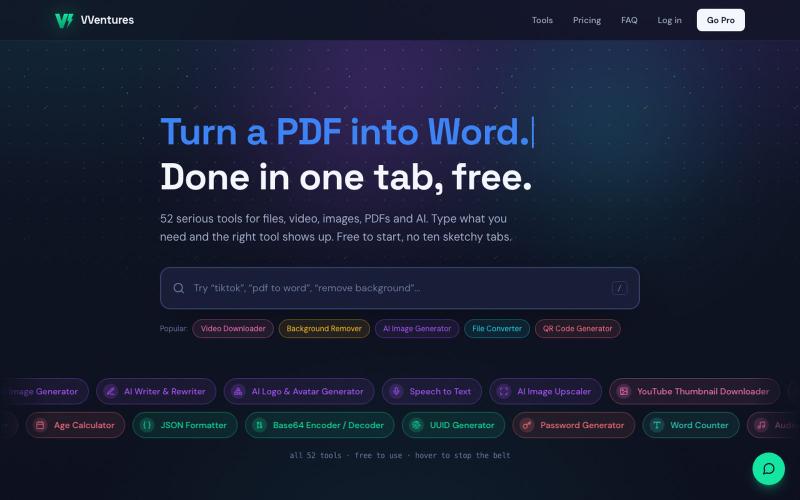
Free online toolkit with 50+ tools for file conversion, AI generation, PDF editing, and video.

@smarterV01 · X
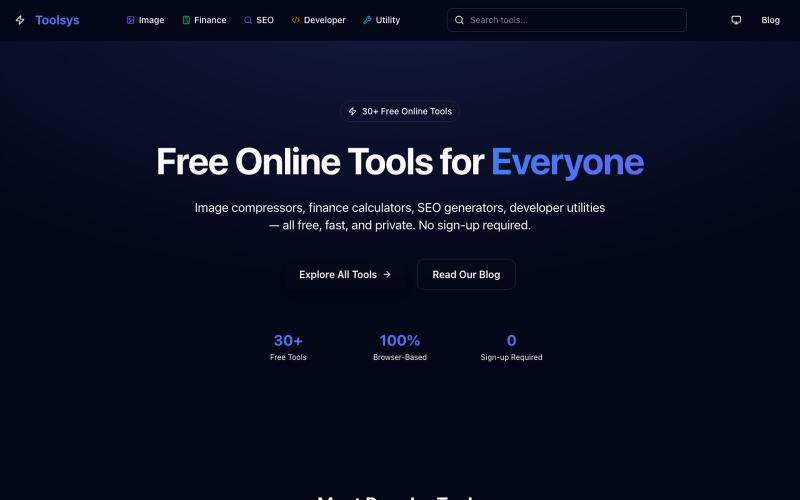
Free online tools for image editing, SEO, text utilities, calculators, and productivity. Fast, secure, browser-based tools with no installation required

@toolsys01 · X
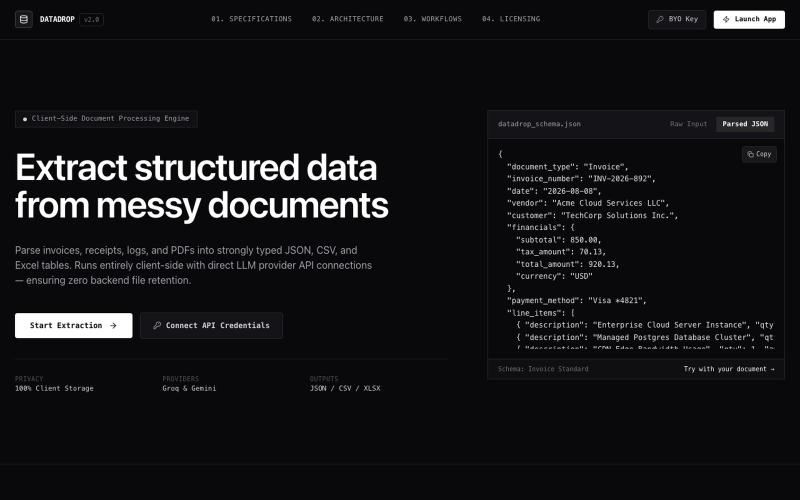
Extract structured data from PDF documents directly in your browser without uploading.

@MitanshDevNew · X
just shipped DataDrop — extract data from messy PDFs without uploading anywhere. everything runs in your browser. free to try, $10/mo for unlimited. #BuildInPublic
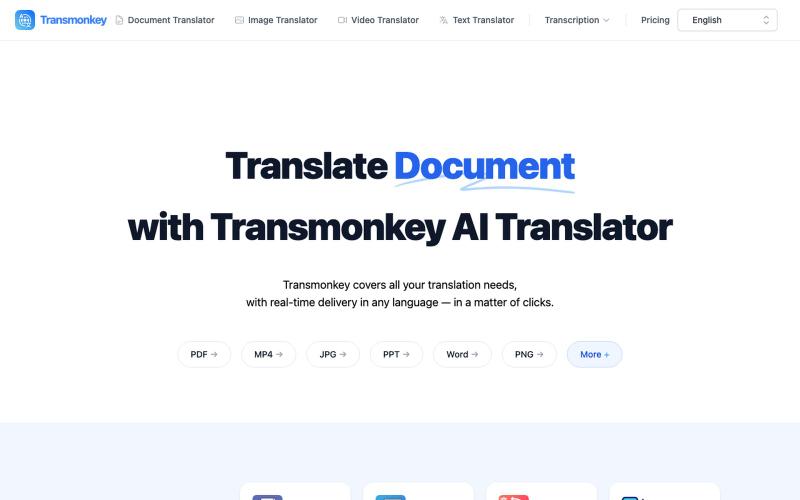
Translate documents, images, videos, and audio files instantly with AI.
Transmonkey — 所有您所需的翻译工具,一应俱全 - [更多介绍](https://www.transmonkey.ai/faq)

Convert photos and videos to ASCII art, pixel art, mosaic, and more in your browser.

@kail_designs · X
Jokes aside but honestly (Landing page) was built with Claude (Opus 4.7) in 1 day. But no, it was not just four prompts or some random skills. Here's how I built the entire AsciiMagic landing page with Claude in one day👇 Started with a rough sketched wireframe. Then designed it in @paper Then I used the Paper MCP with Claude to recreate that design in code and get a solid first version running. From there, the real work began. I kept iterating with specialised Claude skills: • impeccable • frontend-design • emil-design-eng • review-animations • responsive-design • seo-audit Each one improved a different part of the experience. By the end, the page had: • Mobile-first responsiveness • Better SEO optimised copy • Smooth micro-interactions • Cleaner frontend architecture Then came the part people don't see. For the next 5–6 hours, I wasn't asking Claude to "make it prettier." I was: • Fine-tuning layouts • Uploading and compressing assets • Moving files across diff