
Productivity2 months ago
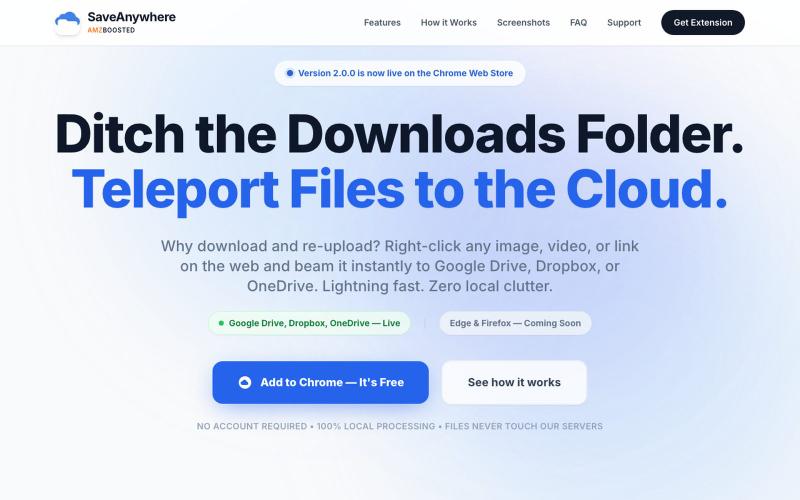
SaveAnywhere by AMZBoosted | Save Directly to Your Cloud
Chrome extension that saves files, images, and links directly to Google Drive, Dropbox, and OneDrive with local processing.

@SaveAnywhere · X
Free chrome extension :
The full gallery
Tech stack
19 projects
Chrome extension that saves files, images, and links directly to Google Drive, Dropbox, and OneDrive with local processing.
@SaveAnywhere · X
Free chrome extension :
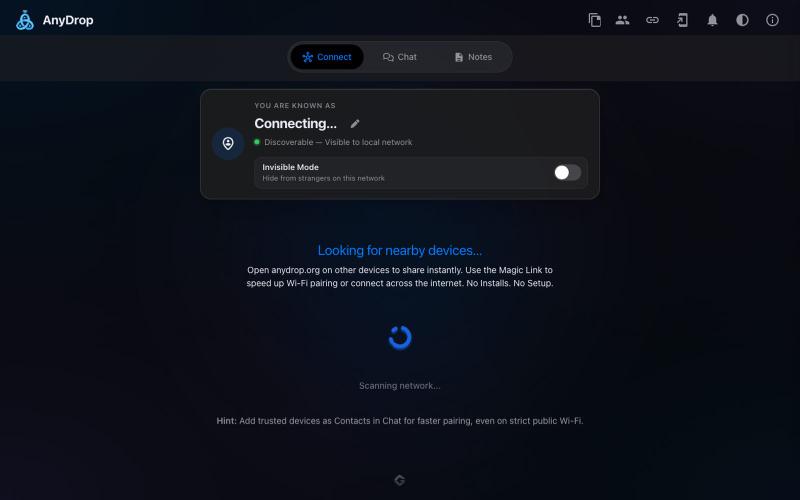
Instantly share files and text across devices (Mac, PC, iOS, Android, Smart TVs) via your browser, no signup needed.

@WackyCrocoGator · X
This one doesn’t require any signup or payment. Just load and multiple device by opening the site on them and connect them for an easy way to drop text and file to each other.
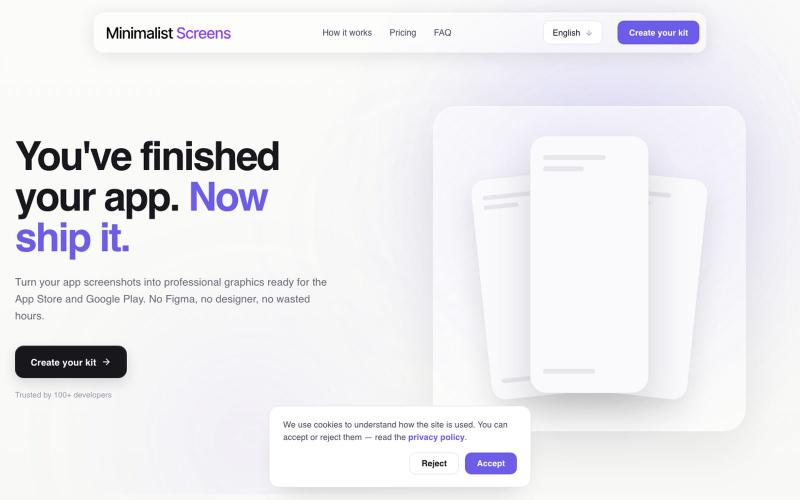
Turn your app screenshots into polished App Store and Play Store graphics in minutes.

@tyd3n_ · X
I'm building Minimalist Screens ( a tool that helps solo founders turn app screenshots into store-ready visuals in minutes.
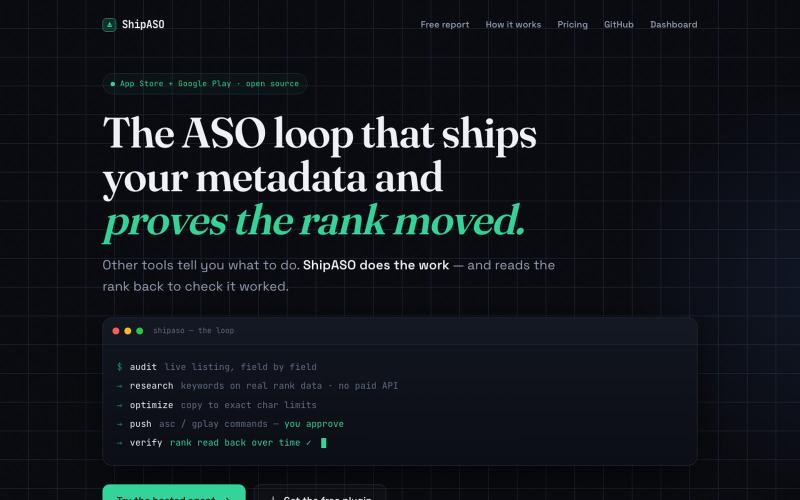
An AI ASO loop for App Store and Google Play. Audit, research, optimize, push, and verify your rank moved. Free MIT plugin, or a live hosted agent that runs the loop on a schedule.

@ShipASO · X
Hopefully will help some mobile app builders get traction in the App Store and Play Store. Offering free subscriptions to the first five (5) founders looking to offload that work. Use coupon code SHIPASOLAUNCH
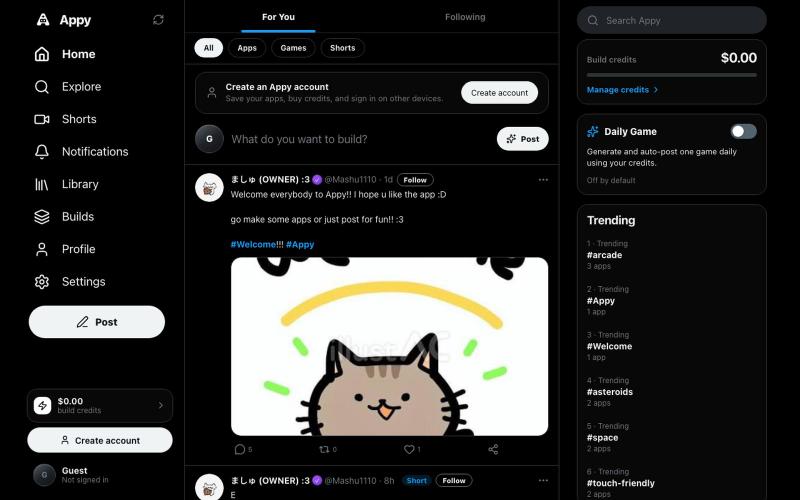
Create, publish, and play AI-built apps and games in your browser.

@Starexgames2026 · X
Hey elon :D is it ok if I can make it in my app so people can use their supergrok sub to build with the AI in the app? Its like X but for vibe coded apps :3 very simular to websim before but with a X interface :D it would mean a lot :D
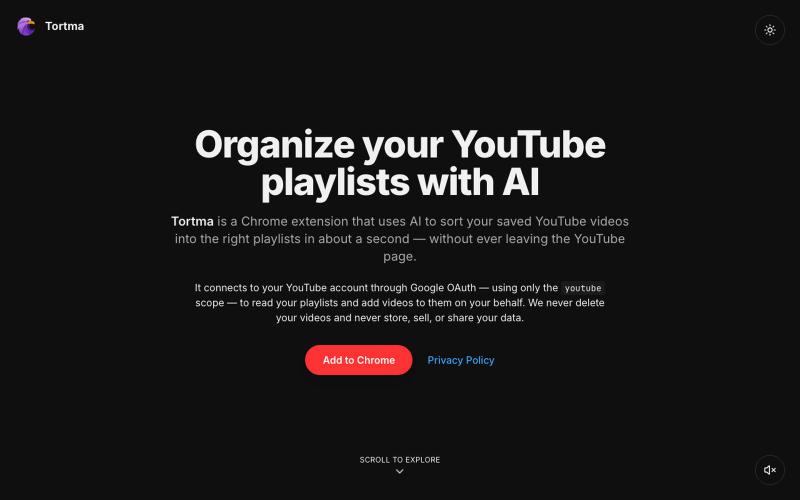
Chrome extension that uses AI to organize YouTube videos into playlists.

@almalimir · X
– a @YouTube extension for organizing videos
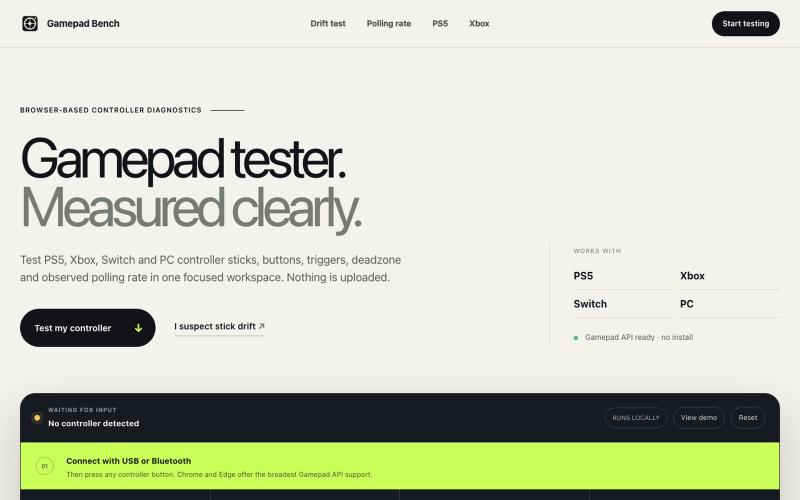
Test any PS5, Xbox, Switch or PC gamepad in your browser. Check stick drift, buttons, triggers, deadzone and observed polling rate for free.
FengNianIndie · V2EX
最近玩《黑悟空》时觉得手柄灵敏度有点问题,于是做了个手柄在线检测工具 最近在玩黑悟空时,有时候感觉视角转动不太顺,摇杆回中也有点奇怪。 一开始我不确定到底是游戏里的灵敏度设置、蓝牙连接,还是手柄本身有轻微漂移,所以就找了一些在线手柄检测工具。虽然能用,但有些界面比较乱,有些只能显示简单的按键状态,对死区和轮询率的解释也不太清楚。 于是干脆自己做了一个: 欢迎体验,如果遇到问题,我可以立即修复: https://gamepadbench.com/ 目前可以检测: - 左右摇杆位置和回中漂移 - 按键与模拟扳机输入 - 自定义死区范围 - 浏览器观察到的轮询率 - 浏览器和手柄支持时测试震动 我自己目前主要用 Xbox Series S 手柄通过蓝牙测试,摇杆、按键、扳机和震动都能正常识别。Chrome 和 Edge 的兼容性相对更好,连接后需要先按一下手柄上的任意按键,让浏览器识别设备。 现在比较想收集不同设备的兼容性反馈。如果大家手边有 Xbox 、PS5 、Switch Pro 或其他第三方手柄,可以帮忙试一下。 如果