
Creative Tools1 month ago
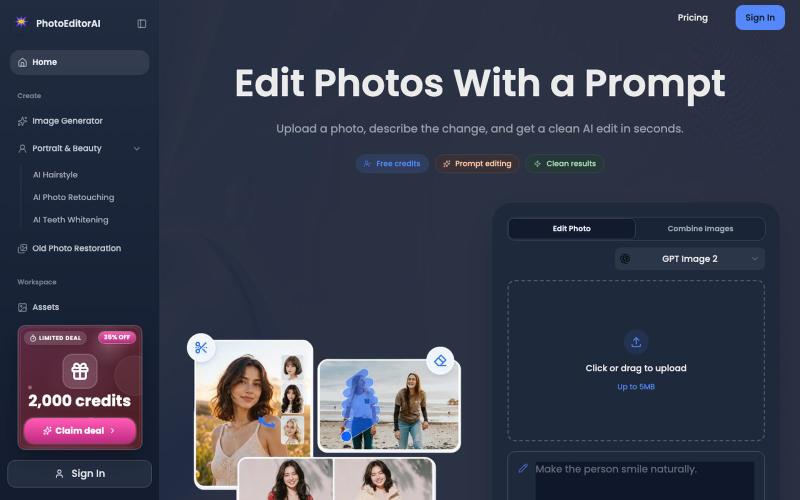
Free AI Photo Editor Online - PhotoEditorAI
Online AI photo editor for portrait retouching, photo restoration, and image generation.
PhotoEditorAI — 在线AI 图片编辑工具,一句话将图片变为自己想要的样子,支持 NanoBanano 2, GPT images 2 模型,支持无限画布。
The full gallery
Tech stack
21 projects
Online AI photo editor for portrait retouching, photo restoration, and image generation.
PhotoEditorAI — 在线AI 图片编辑工具,一句话将图片变为自己想要的样子,支持 NanoBanano 2, GPT images 2 模型,支持无限画布。
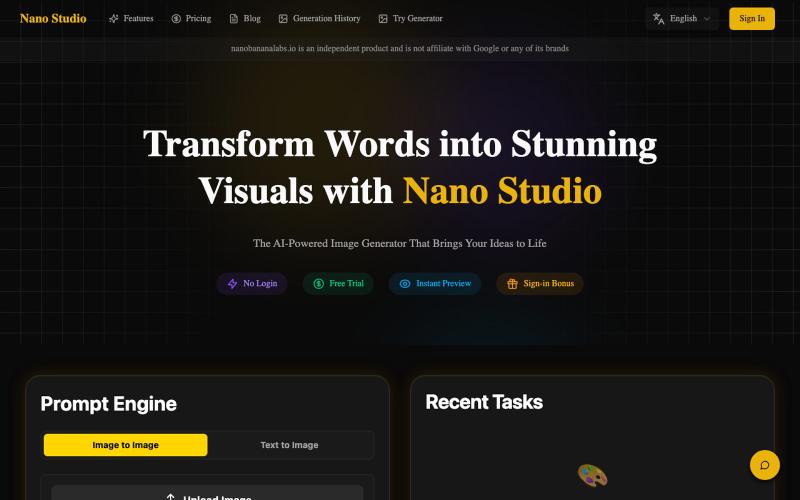
Edit photos with natural language using AI for restoration and enhancement.
Nano Banana Labs — AI 老照片修复与图像增强工具,上传旧照片或低分辨率图像,自动修复划痕、还原清晰度,支持人像增强与色彩优化,无需注册即可使用。
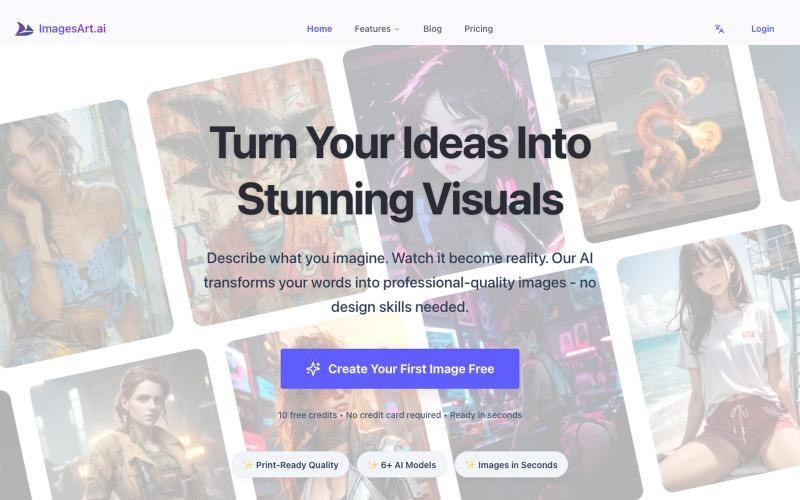
Generate professional images from text using multiple AI models.
ImagesArt.ai — 生成完美的AI艺术提示词。使用这个工具为Flux、Midjourney和Stable Diffusion模型生成并优化图像提示词。
Intelligent creative operating system that helps creators transform ideas into meaningful work.

@amruthashwa · X
AI powered Creator OS for content creators
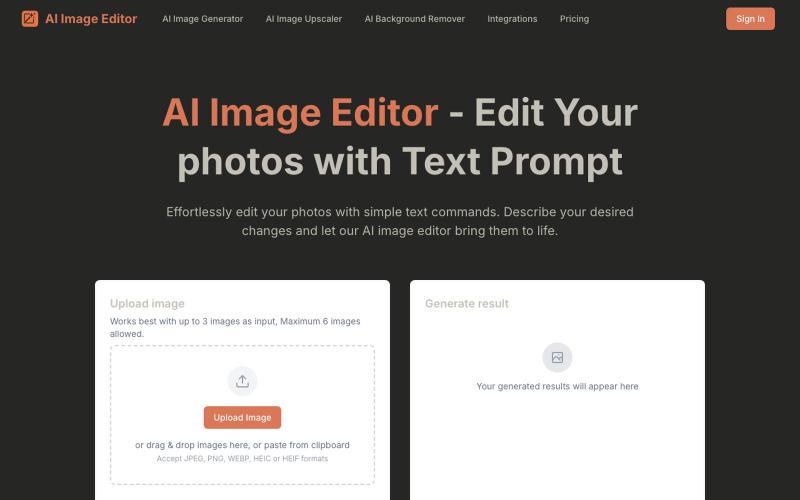
Edit photos by typing text prompts instead of using traditional editing tools.
AI Image Editor — 通过文字指令编辑你的照片,AI 图像编辑器是一款由提示词驱动的智能新一代工具,它能让您使用自然语言编辑照片——无需像传统照片编辑器那样进行复杂的手动操作
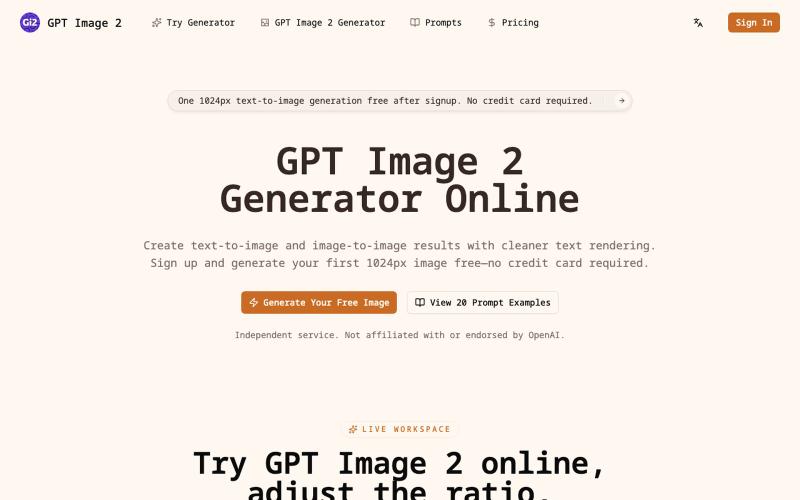
Generate AI images from text or photos with adjustable resolution up to 4K.
itxh · V2EX
codex 做了一个 GPT Image 2 在线生成器:从创意到高清成图,一站完成 ## 描述 输入一句提示词,或上传一张参考图片,即可快速生成海报、商品图、人像、社交媒体素材和品牌视觉。支持文生图、图生图及 1K 、2K 、4K 多档输出;注册后可免费体验首张 1K 文生图,无需绑定信用卡。还可直接使用 20 组带效果图的提示词模板,减少反复试错,更快获得可用作品。[在线生成器]( https://gptimage2.wwkejishe.top/)、[提示词库]( https://gptimage2.wwkejishe.top/gpt-image-2-prompts) ## 功能 - 文生图:用自然语言描述画面,快速生成完整视觉作品。 - 图生图:上传参考图片,调整风格、构图、细节和视觉效果。 - 高清输出:支持 1K 、2K 、4K ,可选择多种常用图片比例。 - 提示词库:提供 20 组带输出参考的完整提示词,支持复制和直接试用。 - 老照片修复:去除划痕、模糊和褪色,可选择“修复”或“修复并上色”,首次 1K 修复免费。[老照片修复工具]( http
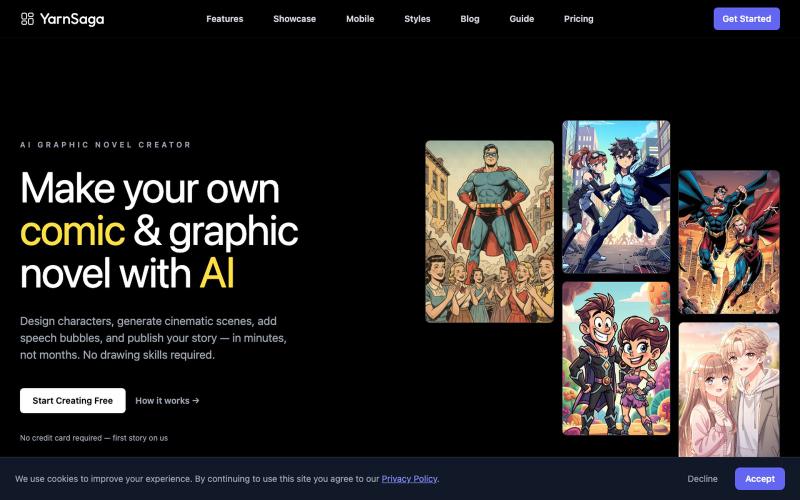
Design and publish AI-generated comics with consistent characters in multiple styles.

@yarnsaga · X
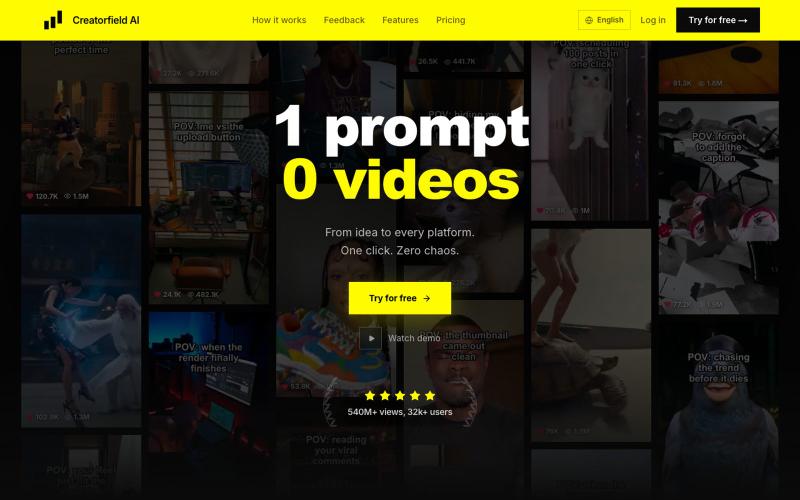
Generate AI videos with auto-editing and one-click publishing to 10+ social networks.
heyy_azamat · Product Hunt
Creatorfield AI Generate 100+ videos with a single click
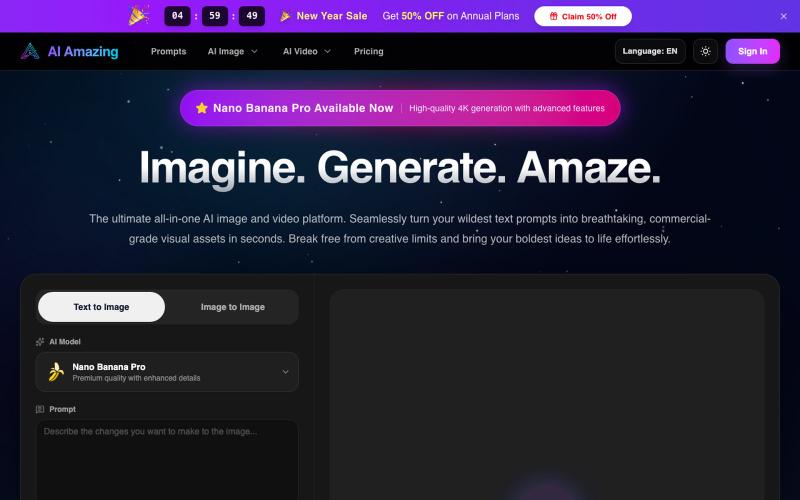
Convert text prompts into commercial-grade images and videos instantly.
AI Amazing — AI 图像/视频生产平台,面向创作者与团队