Opensource UI — Free Copy-Paste React & Next.js UI Components | Opensource UI
Copy production-ready React and Next.js UI components with live previews.
@BidyutKundu12 · X
The full gallery
Tech stack
61 projects

Copy production-ready React and Next.js UI components with live previews.
@BidyutKundu12 · X

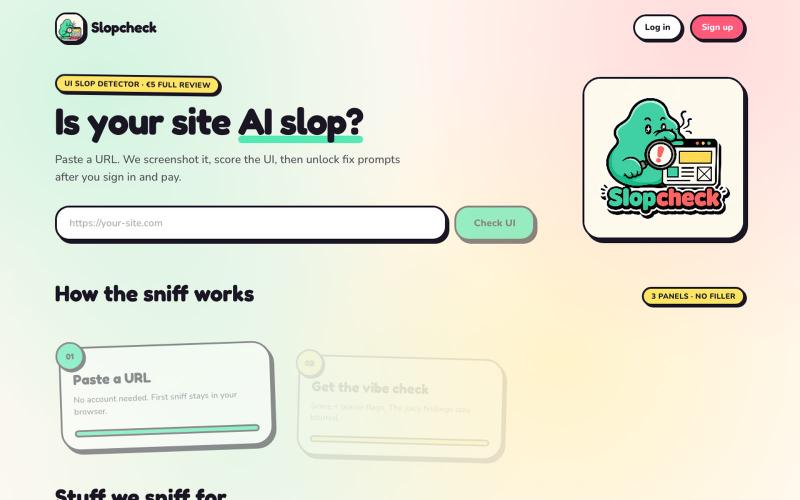
Paste a URL to score your website's UI for AI-generated patterns and get improvement prompts.
@Salta1414 · X
Whats your slop score?

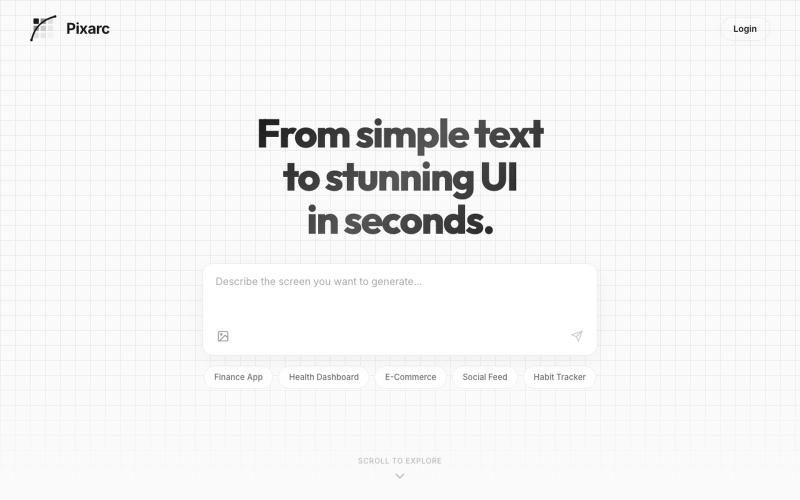
Generate interactive UI previews from text descriptions; export to native code or Figma.
@ArjunVr58131189 · X
- Design mobile apps like you own a team!

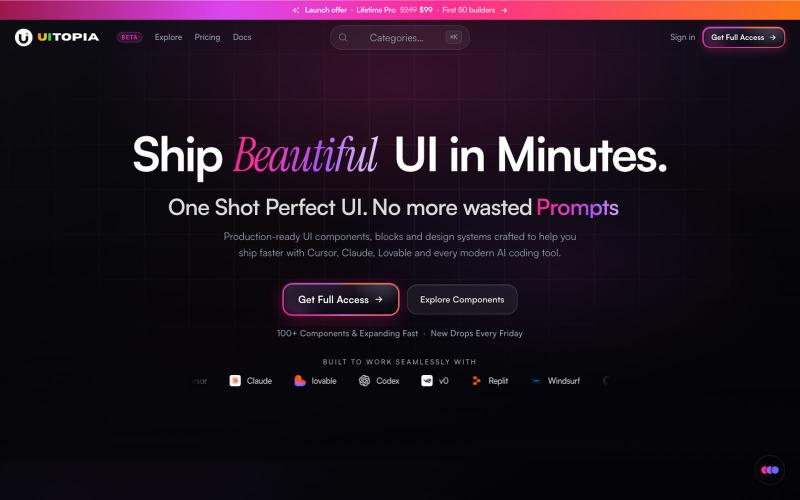
Browse interactive React and Next.js components, blocks, and Tailwind templates.
@Ksparth12 · X

Browse and use prebuilt React components with purposeful motion design
@nexvyn · X
I'm building a component library focused on purposeful motion Link:-

Browse and use hand-crafted React components and templates for building polished user interfaces.
@polyqoy · X
This video shows a fully animated 3D site built in 2 minutes with claude code. one terminal command. but the prompt was almost irrelevant. the real work was the pre-load: ui/ux pro max skill, a hero component from framer motion stacked in before claude touched anything the toolkit did the job. the prompt just pulled the trigger. that's also why most people's claude output looks generic. they skip the setup and blame the model.

Open-source browser tool to generate UI prototypes, graphics, logos, and social media designs with AI.
MuseUI — 开源的纯浏览器运行的 AI 画布式图片工作台,可生成 UI 原型、文章封面、信息图、Logo、贴纸、社交媒体配图

Accessible, dark-mode-first React component library for developers who care about craft.
@JAY_VEGAD_ · X
Not a proper SaaS yet, just a small step in my journey. Feedback is always appreciated.

Generate landing pages with AI-created hero sections, animated backgrounds, and custom gradients.
@yeasindesign · X
Beautiful prompt library

Capture UI elements with code context and screenshots to share with AI agents for debugging visual bugs.
Loerei · HN
I found that describing where a broken UI is and taking screenshots for AI agents really sucks. I’m too lazy to explain an indescribable visual bug or capture a millisecond-long flash. I also don’t want to remember which file defines an element, whether it's right in the .tsx or a problem with the Parent Styles in .css. And even if you can point out the exact file, your agent still has to dig through thousands of lines of code to know what on earth you're yapping about. In a 7700-file monorepo like Cal.com, simply giving the right file in the prompt for your agent saves about 68.9% of execution time and 94.2% of the tokens your agent needs to digest. HoverSource gives all the needed information and further pushes it to -88.5% time and -94.5% tokens, basically skipping the entire digging session and jumping straight to reasoning and executing. The save is linear to how big your codebase is. I want to save tokens, but don’t want to spend my time and energy digging manually, and a junio

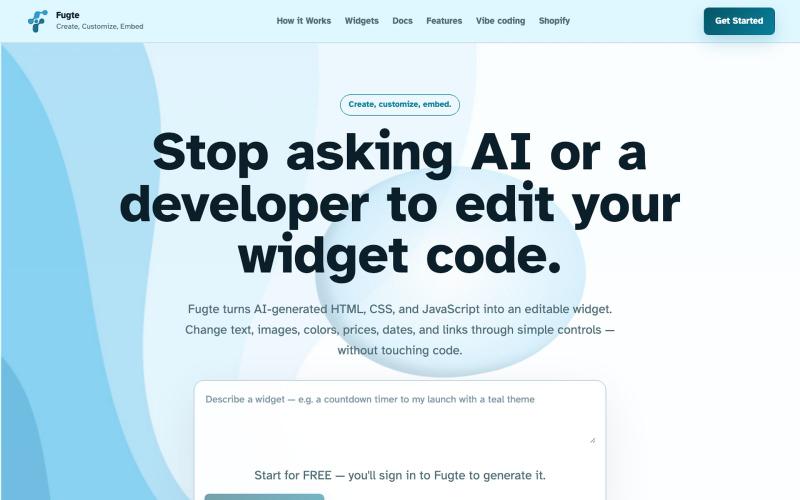
Generate modern landing page redesigns by pasting your website URL and describing your desired changes.
@YaramasaGautham · X
Redesign you Landing page with URL

Browse and copy reusable Shadcn UI components, blocks, and templates for React development.
@gupta05_vaibhav · X