
Developer Tools2 months ago
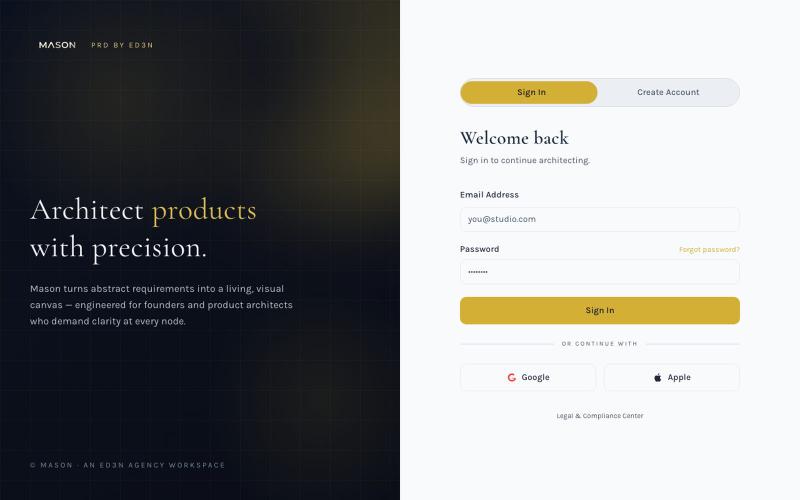
Mason PRD by ED3N — Visual Product Requirements
Create visual product requirements documents using a minimalist canvas interface.

@KolhyP92244 · X
The full gallery
Tech stack
60 projects
Create visual product requirements documents using a minimalist canvas interface.
@KolhyP92244 · X
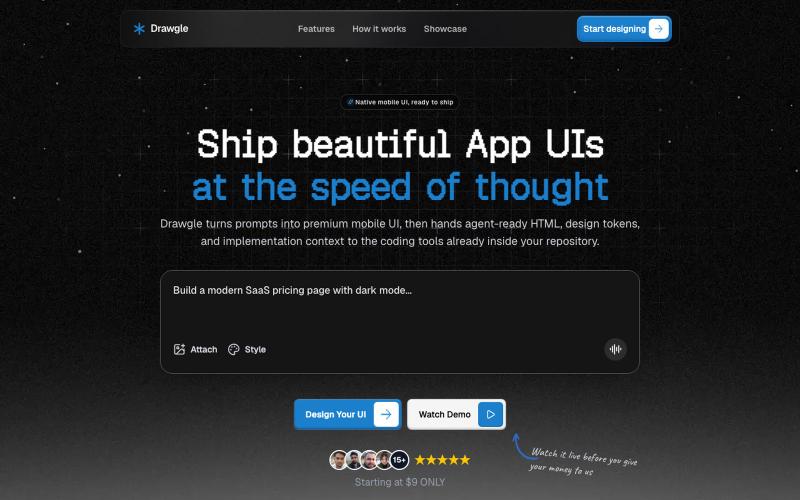
Design mobile app interfaces with AI and export to HTML, design tokens, and implementation code.

@9to5_Dad · X
Ai mobile app ui designer with taste
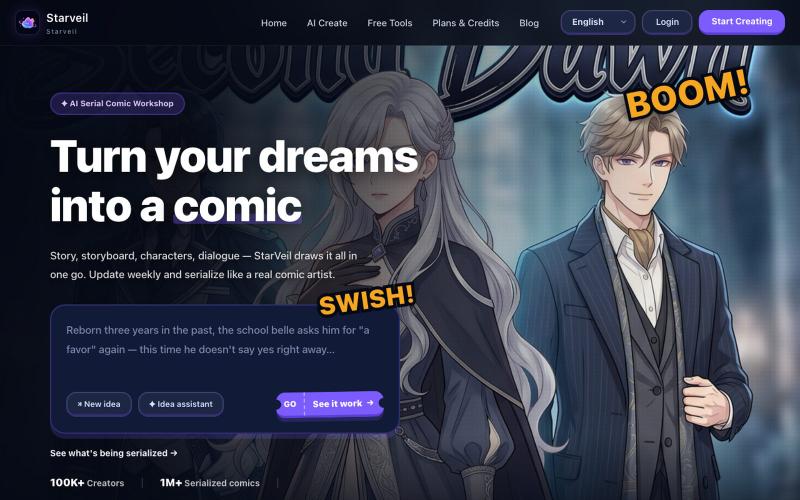
Create webtoons and comics from text stories with AI and export in 4K with multiple art styles.
StarVeil AI - 星河入梦 — 使用AI生成连续漫画的网站
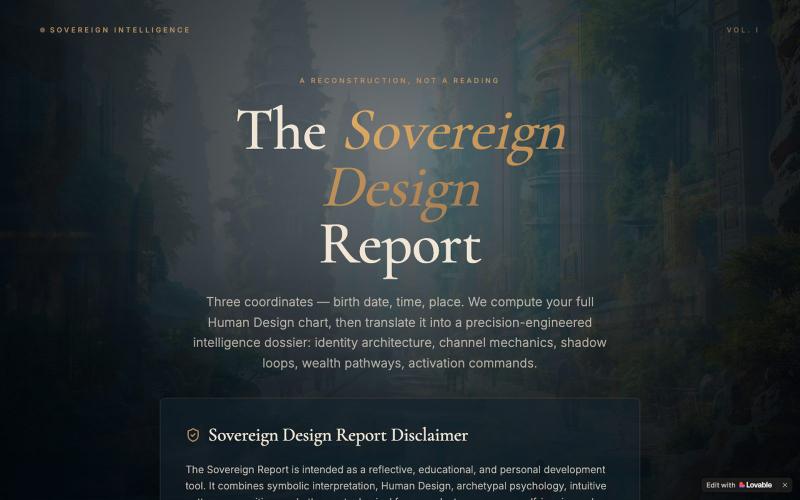
Enter birth info to generate a personalized Human Design intelligence dossier analyzing identity architecture and wealth pathways.

@EluraCode · X
Check out what I just built with Lovable!
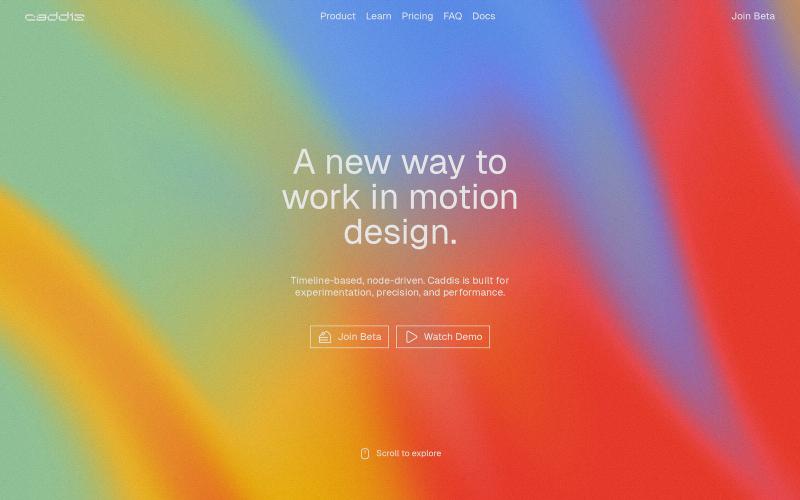
Create animations and motion graphics with layer-based timeline editing and node-based compositing.
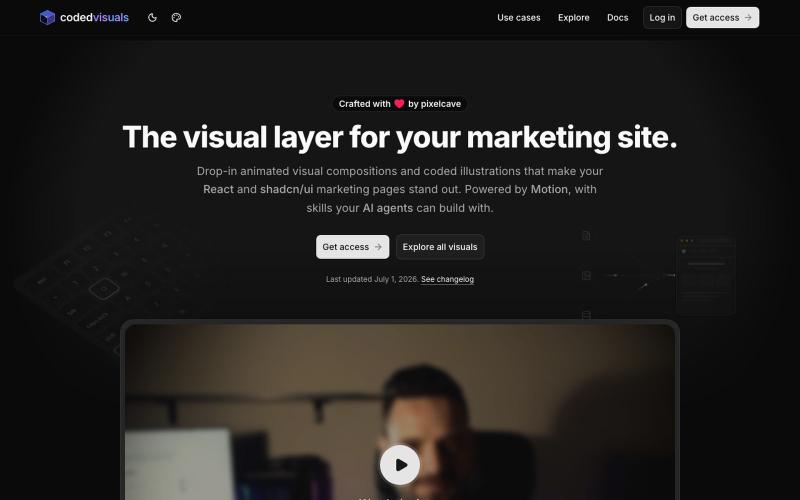
React and shadcn/ui components for creating animated visual elements on marketing and landing pages.

@pixelcave_john · X
Hey Germán! I recently launched and a major update to Tailkit!
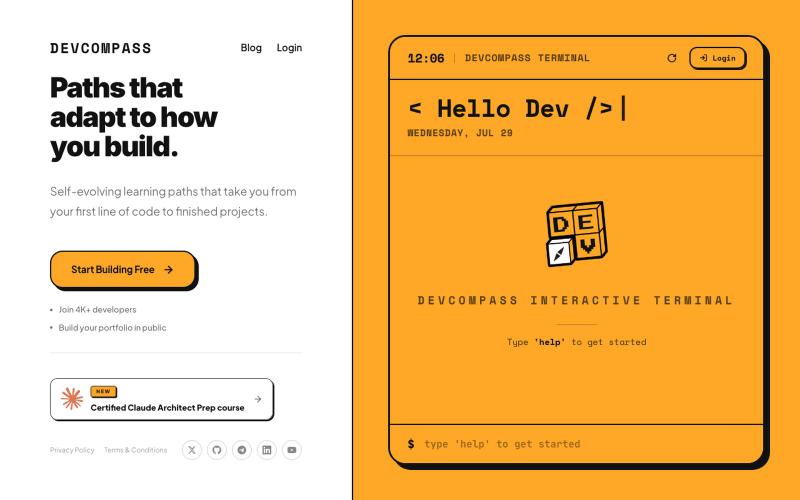
Self-evolving learning paths from your first line of code to finished projects.

@audaciousSneha · X
Part 2 of Loop Engineering vs Graph Engineering is out now. A hands-on-challenge on this concept will be available soon on
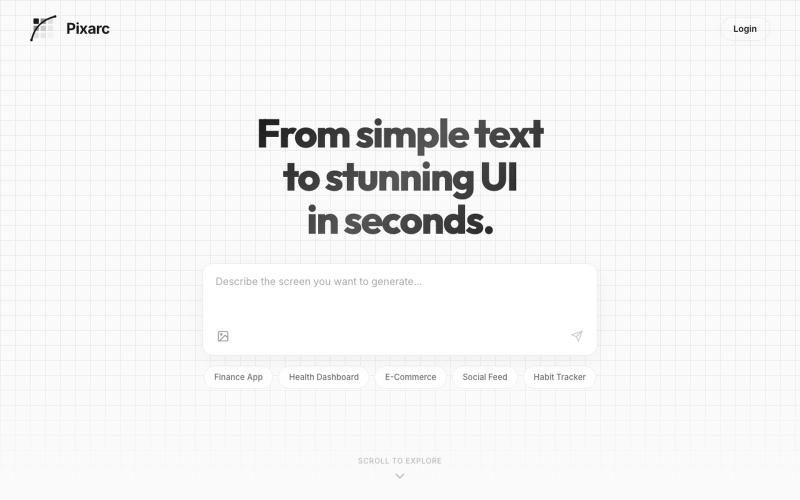
Generate interactive UI previews from text descriptions; export to native code or Figma.

@ArjunVr58131189 · X
- Design mobile apps like you own a team!
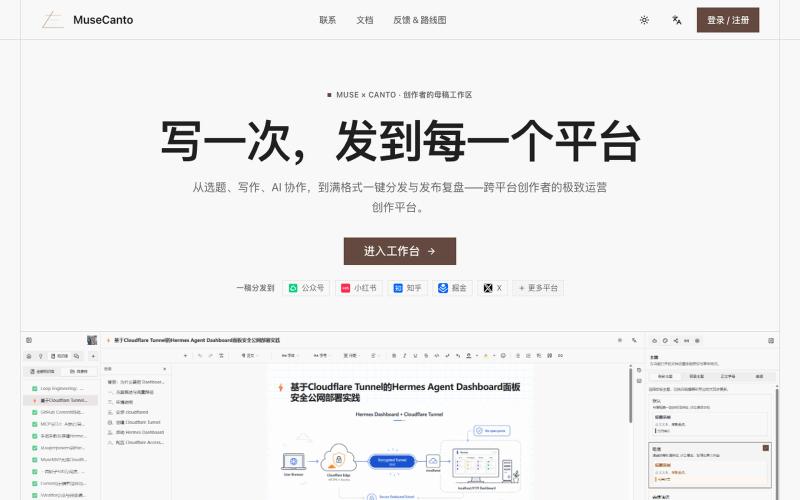
Create and publish content across multiple platforms.

@wztlink1013 · X
自己写了一个工具,专为内容创作者多平台发布, 富文本编辑体验,同时支持多个平台的格式平替兼容。
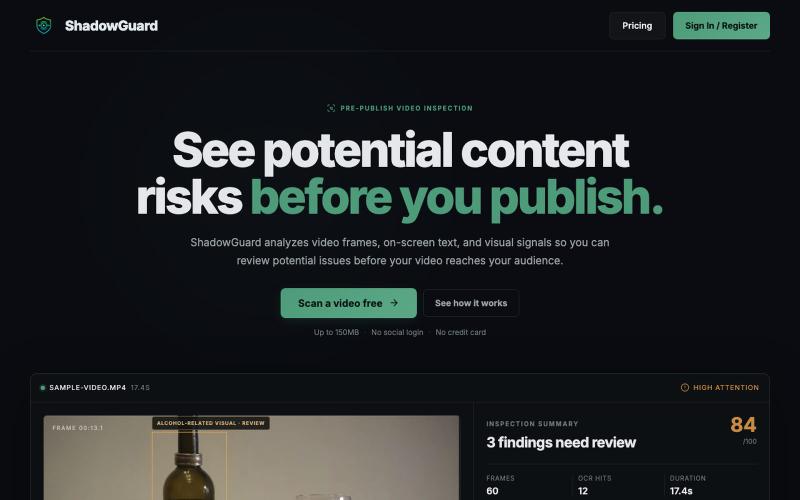
Analyze video frames and text to identify content risks before publishing.

@ShadowGuarg · X
ShadowGuard analyzes video frames, on-screen text, and visual signals so you can review potential issues before your video reaches your audience.

Generate UI screens for mobile and web apps from text descriptions in seconds.

@ninakolari · X
Google just dropped Stitch and it changes the entire vibe coding workflow. You describe what you want your app to look like. It builds full high-fidelity screens in seconds. No Figma. No designer. No credit card. Here is how to use it: Go to Sign in with your Google account. That’s it. You’re in. Instead of typing “make me an app” type this: “A lesson planning app for teachers. Clean and calm. Inspired by Notion. Minimal. White space.” The more specific you are the better your screens. Then refine with follow up prompts. Change the nav. Try dark mode. Get 3 menu variations. Or just speak it. Your screens become a clickable prototype in seconds. Click a button and Stitch generates the next screen automatically. Your entire app flow. Before you write one line of code. Then take it further. Export to Lovable or Cursor and build the logic on top. Use the MCP server to keep your design and code in sync. Pull any website’s design system in seconds. Save everything as
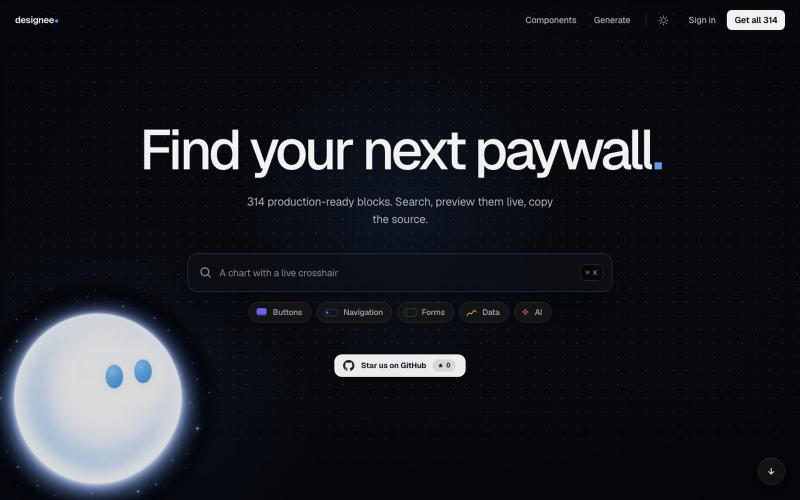
Search and copy production-ready UI components for your projects.

@ArthurMrcnr · X