
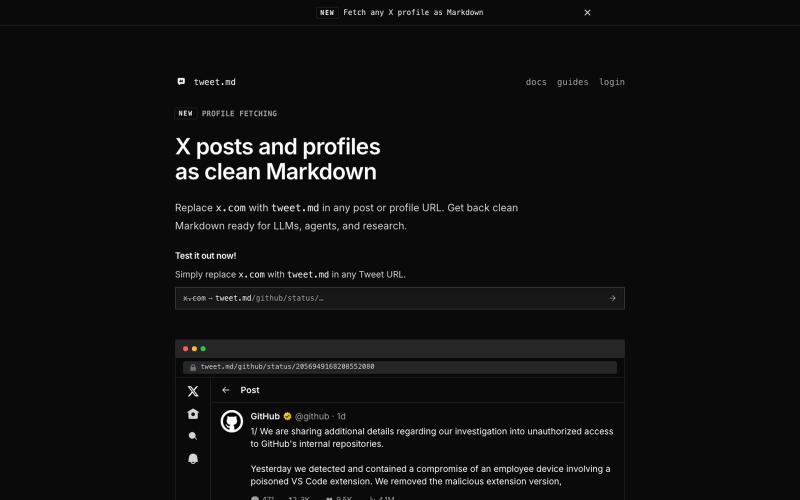
Developer Tools2 months ago
X posts as clean Markdown for LLMs
Convert X posts to clean Markdown for LLMs and agents via API or URL swap

@larsbuilds · X
The full gallery
Tech stack
20 projects
Convert X posts to clean Markdown for LLMs and agents via API or URL swap
@larsbuilds · X
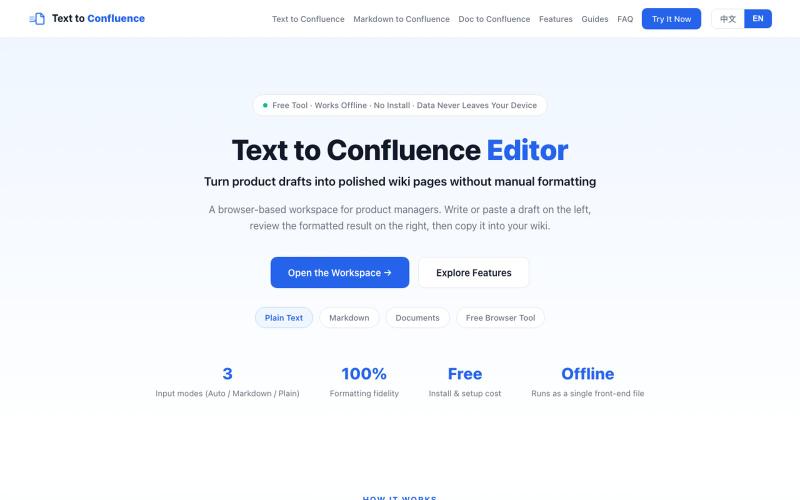
Convert Markdown and plain text to Confluence-ready rich text format.
sskhnje · V2EX
Text to Confluence|解决 Markdown 复制到 Confluence 的格式折磨 作为产品经理,做产品写 PRD ,经常要把 Markdown 文档迁移到 Confluence 。 直接复制粘贴会出现一系列格式问题: ·标题层级错乱 ·列表、表格、代码块样式丢失 ·粘贴完成后需要大量手动二次调整格式 ·团队不同成员粘贴导入,最终输出样式不统一 针对这个高频痛点,做了一个简易工具:Text to Confluence 🔗 访问地址: https://www.texttoconfluence.com/ 工具目标 将 Markdown / 纯文本内容,尽可能无损转换适配 Confluence ,减少重复手工格式调整工作。 个人使用场景 ·PRD 草稿 ·产品文档 ·技术说明文档 如果你也日常使用 Confluence ,欢迎试用,如有问题或优化建议,非常欢迎反馈。
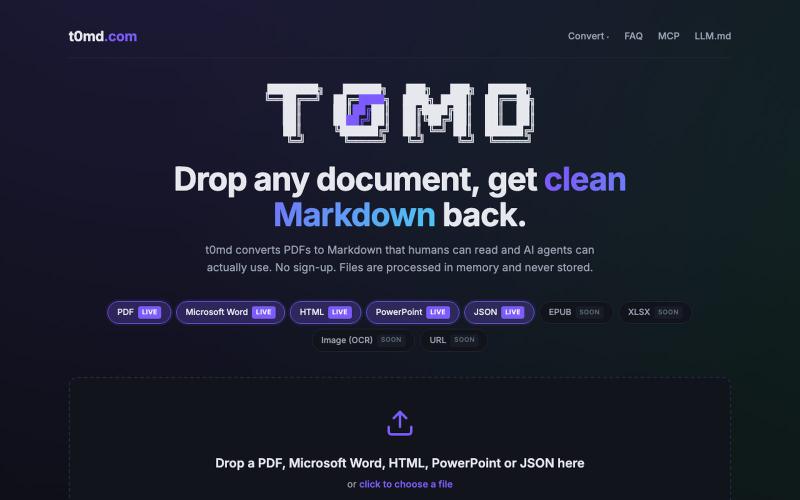
Convert PDFs, Word docs, and more to clean Markdown for AI context windows.
u/kirillzubovsky · Reddit
Selling t0md.com – Privacy-first multi-format to Markdown converter A few months ago I was dumping research PDFs and Word docs into Claude and Cursor and watching the token bill climb for no good reason. Heavy formats are terrible for context windows as the agents have to first convert the documents, then parse the MD files, then do the processing. I thought I could help the agents, and I built t0md.com. However exciting it was to make something quickly that solves a big problem, it's not
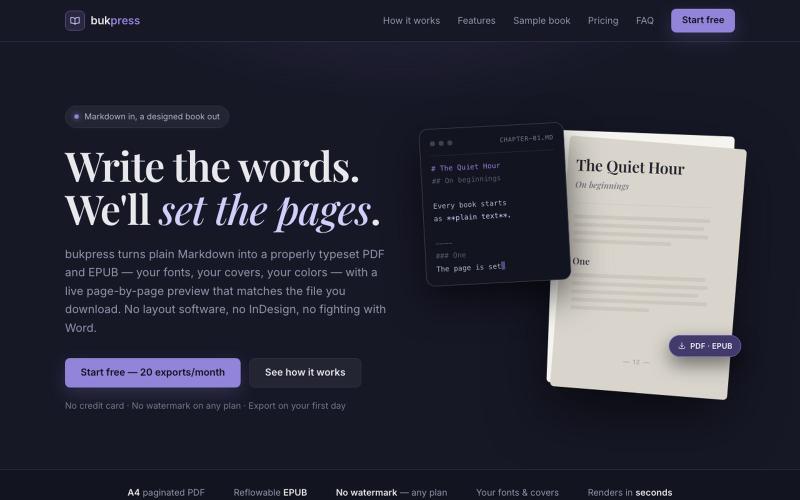
Convert Markdown into typeset PDFs and EPUBs with custom fonts, covers, and colors.

@hiddenbydigital · X
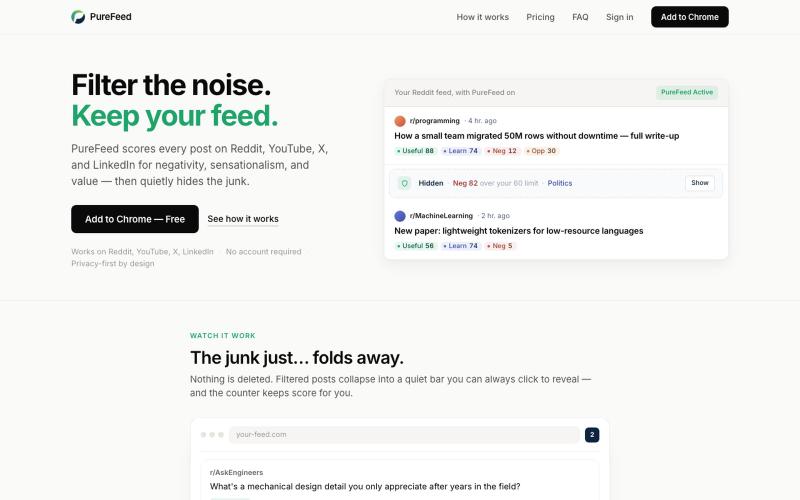
Automatically hide negative and sensational posts on Reddit, YouTube, X, and LinkedIn.

@zelvaio · X
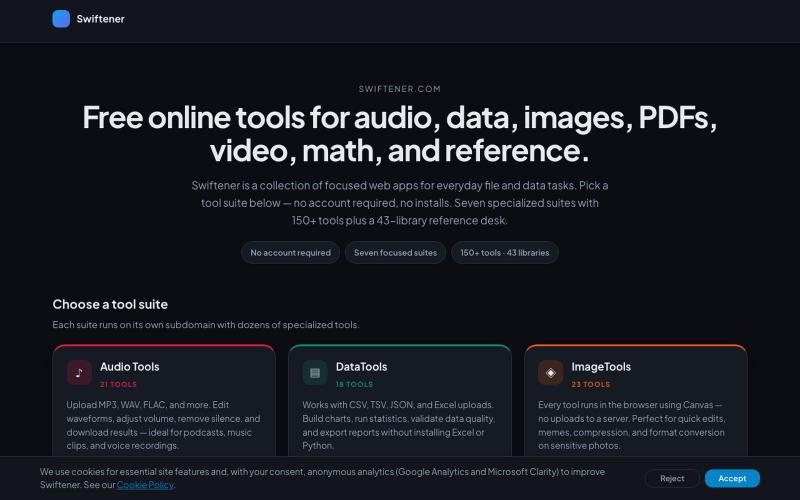
Convert and edit audio, images, PDFs, and videos with 150+ free online tools, no signup required.

@factfile0 · X
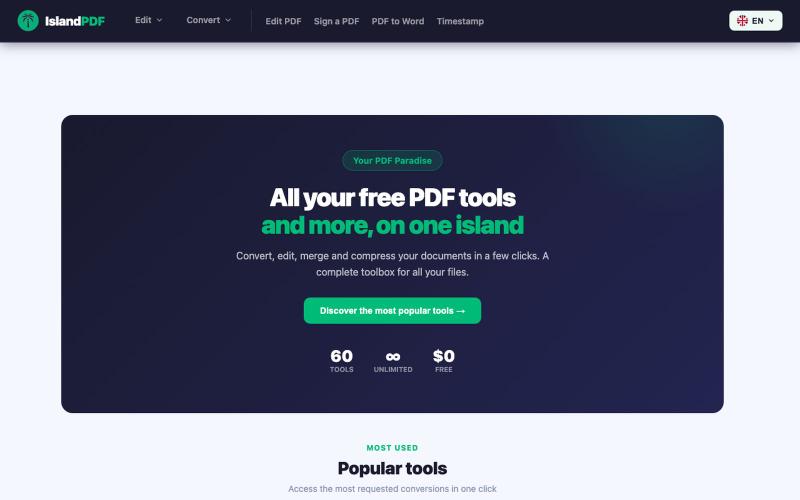
Convert, edit, merge and compress PDF documents in your browser.

@IslandPDF · X

Edit, compress, convert, and merge video and audio files in your browser.
zhw2590582 · V2EX
最近对网站进行了重构,做成了免费的视频工具站:[ArtPlayer Tools]( https://artplayer.org/tools/) 主要是围绕着 ffmpeg.wasm 和 mediabunny 实现的一些可以直接在浏览器里用的视频/音频工具,常用的有: - 视频压缩:[Compress Video]( https://artplayer.org/compress-video/) - 视频裁剪:[Crop Video]( https://artplayer.org/crop-video/) - 视频合并:[Merge Video]( https://artplayer.org/merge-video/) - 视频尺寸调整:[Resize Video]( https://artplayer.org/resize-video/) - 视频旋转:[Rotate Video]( https://artplayer.org/rotate-video/) - 视频调速:[Change Video Speed]( https://artplayer.org/change-video-speed/) - 添加文字到视频:[Add Text to Video]( https://artplayer.org/add-text-to-video/) - 添加水印:[Watermark Video]( https://artplayer.org/watermark-video/) - 提取字幕:[Subtitle Editor]( https://artplayer.org/subtitle-editor/) - HLS 转 MP4:[HLS to MP4]( https://artplayer.org/hls-to-mp4/) - 音频可视化:[Audio Visualizer]( https://artplayer.org/audio-visualizer/) 大部分工具都是本地处理,文件不会上传到服务器。最开始是因为自己偶尔要处理一些视频,开剪辑软件又有点重,在线工具又担心隐私,所以就慢慢做成了一个站。 目前还在持续完善,体验肯定还有不少粗糙的地方,比如不同浏览器的兼容、移动端操作、长视频性能之类的。 网站: [ArtPlayer Tools]( https: