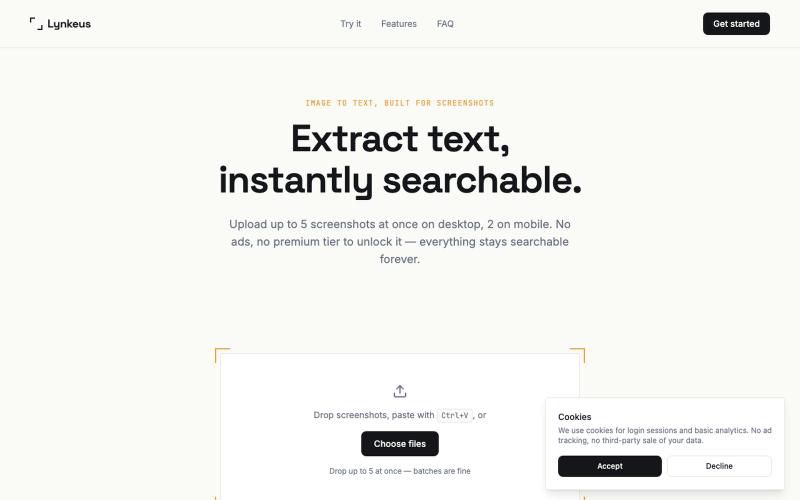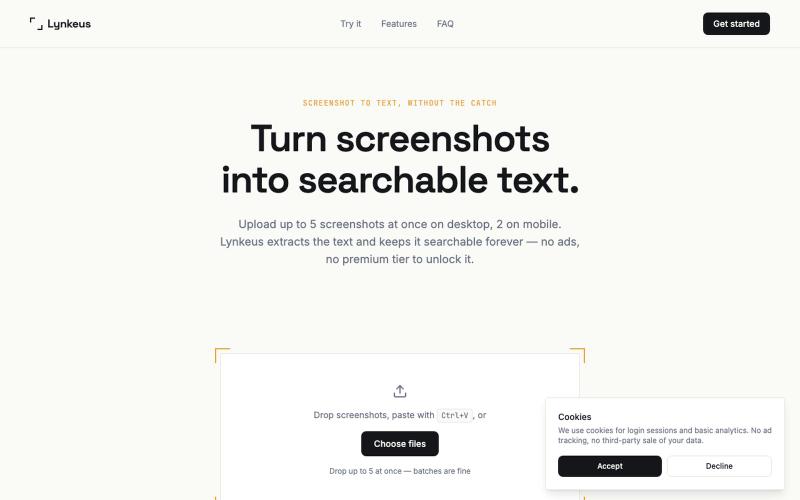
Lynkeus — Image to Text Converter, Built for Screenshots
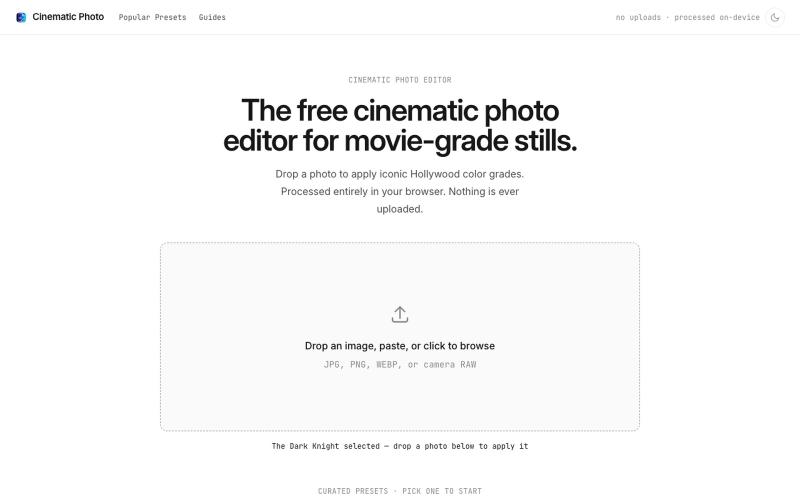
Extract text from screenshots and images, instantly searchable and editable.
@DoriaJefferson3 · X
The full gallery
Tech stack
60 projects

Extract text from screenshots and images, instantly searchable and editable.
@DoriaJefferson3 · X

Extract text from screenshots instantly. Free, no ads, searchable history.
@DoriaJefferson3 · X
Checked reviews of a popular screenshot-to-text app before building Lynkeus. Same complaints every time: ads everywhere, $15/week paywall, unusable free tier. Lynkeus has none of that. Upload, extract, search forever — free tier is actually free.

Capture UI elements with code context and screenshots to share with AI agents for debugging visual bugs.
Loerei · HN
I found that describing where a broken UI is and taking screenshots for AI agents really sucks. I’m too lazy to explain an indescribable visual bug or capture a millisecond-long flash. I also don’t want to remember which file defines an element, whether it's right in the .tsx or a problem with the Parent Styles in .css. And even if you can point out the exact file, your agent still has to dig through thousands of lines of code to know what on earth you're yapping about. In a 7700-file monorepo like Cal.com, simply giving the right file in the prompt for your agent saves about 68.9% of execution time and 94.2% of the tokens your agent needs to digest. HoverSource gives all the needed information and further pushes it to -88.5% time and -94.5% tokens, basically skipping the entire digging session and jumping straight to reasoning and executing. The save is linear to how big your codebase is. I want to save tokens, but don’t want to spend my time and energy digging manually, and a junio

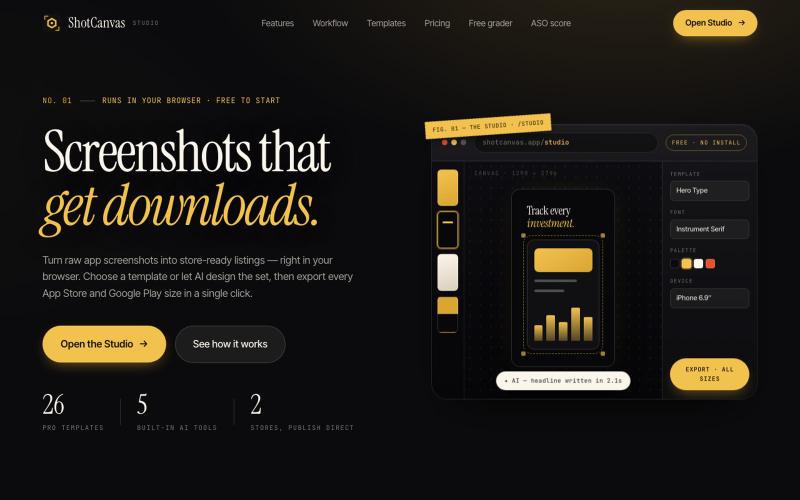
Design App Store screenshot sets with 3D device frames, gradients, and one-click export.
@MSiatrak · X
Checked my Umami stats this morning - straight from Claude Code via my Umami MCP 📊 ~30% of visitors are on mobile… and every single one hit the "desktop only" gate. Shown 11 times, 0 continued past it. A third of traffic couldn't even try it.

Add custom wallpaper, tasks, notes, and reminders to your Chrome new tab page.
@Slaetapp · X

Free, native macOS screen recorder with built-in editor and auto-zoom.
@screenkite_com · X

Edit photos by typing text prompts instead of using traditional editing tools.
AI Image Editor — 通过文字指令编辑你的照片,AI 图像编辑器是一款由提示词驱动的智能新一代工具,它能让您使用自然语言编辑照片——无需像传统照片编辑器那样进行复杂的手动操作

Upload app screenshots and AI generates multilingual marketing text and store-ready images for all device sizes.
@zihengli163713 · X
每次上线APP的时候,做这个截图都要花费很多时间。 所以我做了一个网站,导入你的APP界面,直接一键生成对应的宣传图页面,自动生成6种语言 自动适配尺寸,一键推送到App Store Connect里面。 目前完全免费开放给大家用,欢迎反馈!

Capture in-app recordings and screenshots, then triage feedback with AI to fix bugs faster.
@keshav__dev · X
Hi priyanka i am also building in customer feedback space but with some dev related features. Maybe you want to check

Chrome extension that organizes bookmarks visually on new tabs with workspaces and notes.
@IamYashKapoor · X
Built Tabisto (bookmark manager), a free Chrome extension and launched it in 5 days using Claude Code. Must try, you will really love it.

Browser tools for image resizing, JSON formatting, PDF processing, text analysis, and design without login.
musekit · Product Hunt
Free AI Tools Free browser tools for everyday tasks, no login

Edit photos with AI-powered one-click tools and text prompts in your browser.
vtoolpro · HN
AI Photo Editor – Professional-Grade Image Editing with Text Prompts