
Education1 month ago
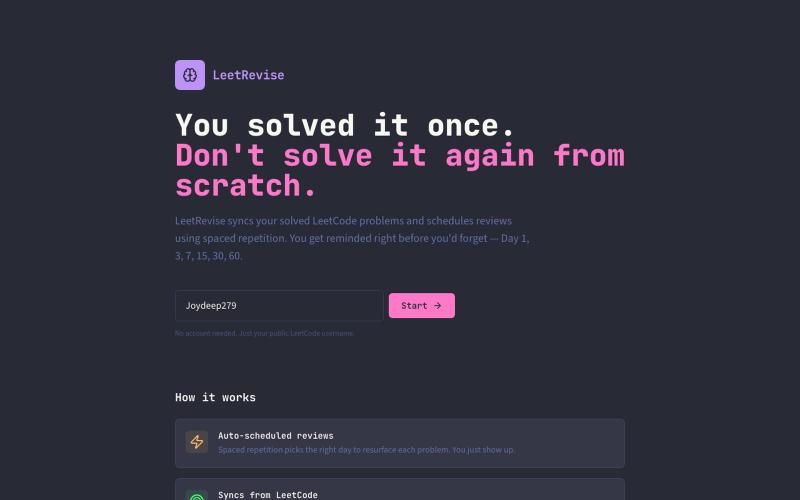
LeetRevise — Spaced Repetition for LeetCode
Practice LeetCode problems with automated spaced repetition scheduling.

@JoydeepNath007 · X
The full gallery
Tech stack
60 projects
Practice LeetCode problems with automated spaced repetition scheduling.
@JoydeepNath007 · X
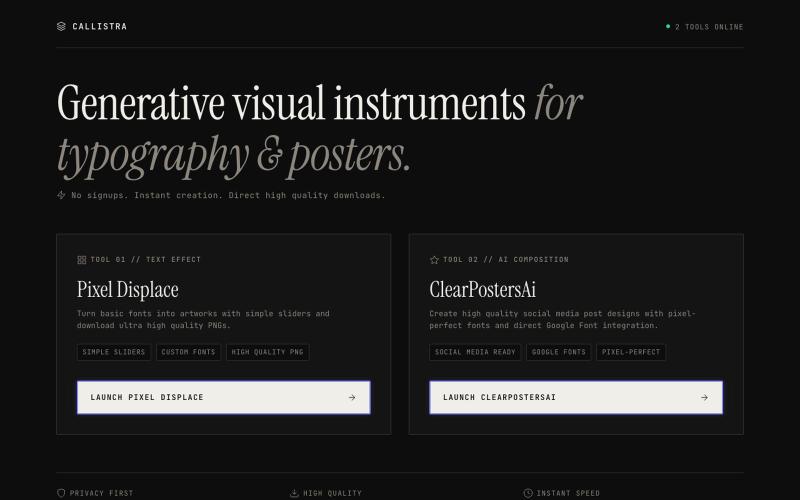
Precision design instruments for digital artisans. Launch Pixel Displace and ClearPostersAi.

@abdulbatenhere · X
0$ MRR. 0$ price. Two products are ready to use. A text styler suitable for people who wants to design anything with stylish typography. And a social media post maker for people who want pixel perfect graphic designs from AI. Both are free.
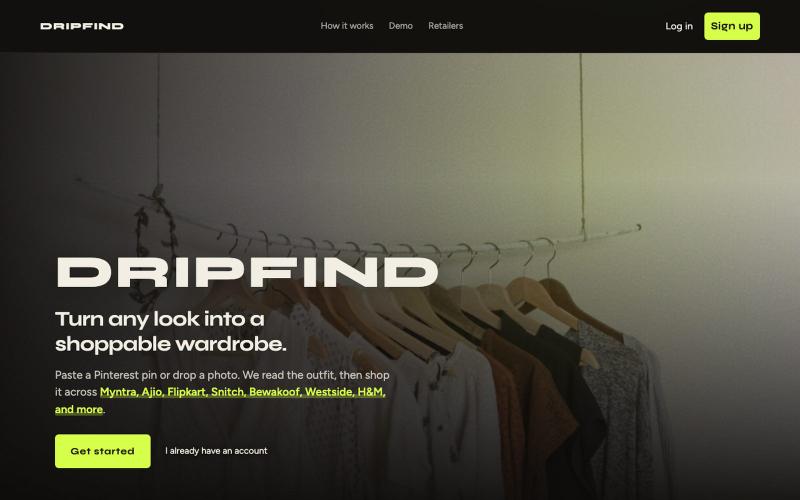
Find matching clothes across Indian retailers by uploading a photo or Pinterest URL.
u/ActOld4949 · Reddit
Built DRIPFIND. A side project I’ve been chipping away at as a solo founder. Problem: Love an outfit on Pinterest → spend forever hunting each piece across Myntra/Ajio/etc. Solution (MVP): - Paste Pinterest URL or upload photo - AI detects each clothing piece - Searches multiple Indian storefronts - Returns similar products with links/prices It’s live and free to try. Feedback on UX and match quality would mean a lot — especially if you break it with weird outfits.

Simulate cutting gemstones with a realistic 3D faceting machine in your browser.

@YOUYU032 · X
I'm a jewelry designer. I can't code. So I vibe-coded a 3D gemstone faceting simulator with Claude Code (Fable 5) — real machine mechanics, blind cuts, a sharp-tongued appraisal master. One HTML file. No engine. No build. Free in your browser:
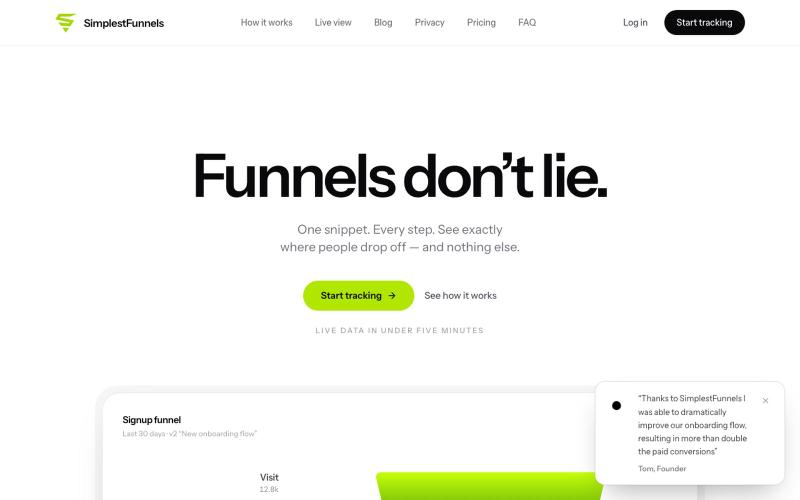
@zdogmode https://t.co/Cdk9FF9iPM - This is a tool I built and was really useful for my own projects, so I made it available.

@tpacker · X
- This is a tool I built and was really useful for my own projects, so I made it available.
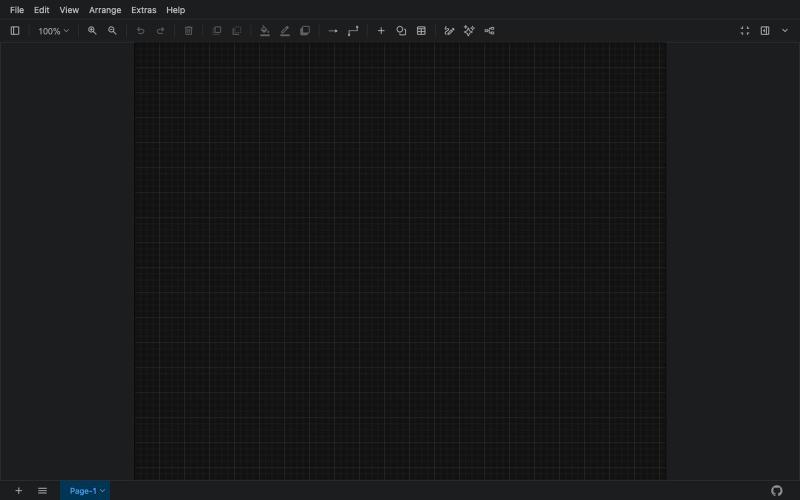
Free online tool for creating flowcharts, process diagrams, org charts, and UML diagrams.

@N0V4Dev · X
I found a tool called Next AI that links AI capabilities directly with diagrams. It lets you build and edit diagrams using natural language prompts instead of clicking around the canvas manually. It's a handy way to sketch out architecture when you don't want to drag every box yourself. The project is built on TypeScript with React 19 and Next.js. It supports multiple AI providers and even includes an MCP Server. This means you can use it with the Claude Code CLI to generate diagrams from your terminal. Deployment options are flexible too. You can run the tool locally with Docker or push it to Vercel and Cloudflare Workers. It supports multi provider setups so you can pick the backend that fits your workflow. #Nextjs #AI #Diagrams #TypeScript
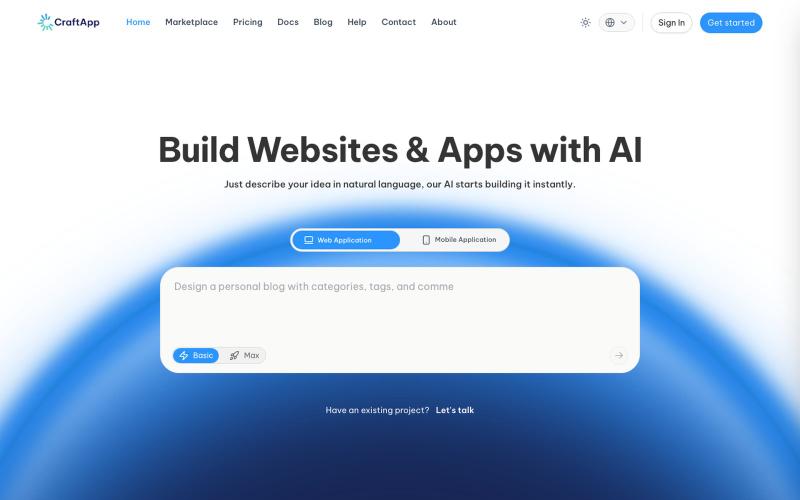
Build applications with AI-powered vibe coding.

@Craftapp_AI · X
Six Capabilities a Real Vibe Coding Platform Must Have, Or You're Wasting Time and Money Building a demo is easy. Building a real product is where platforms fall apart. Watch the full video on YouTube: Build with CraftApp today:
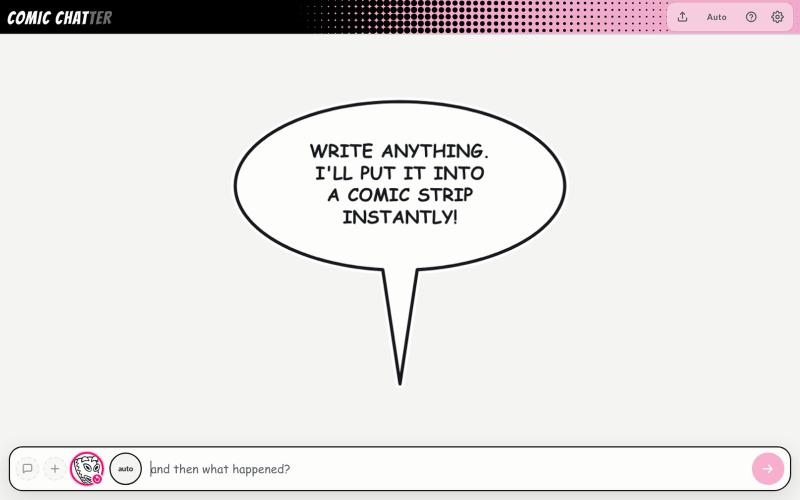
Create comic strips by typing descriptions with automatic character placement and dialogue bubbles.
ChrisPirillo · HN
I rebuilt Microsoft Comic Chat's layout engine in one HTML file
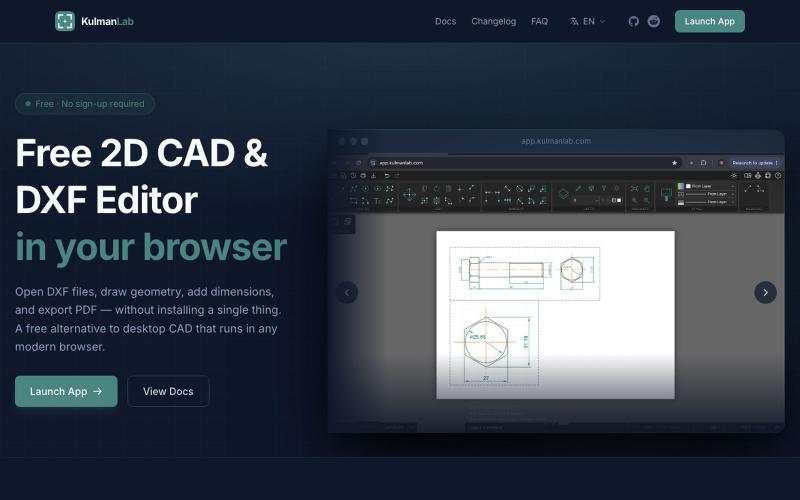
A free browser-based CAD editor for drawing and editing 2D designs with DXF/PDF export.

@KulmanLab · X
- a free and accountless alternative to Autocad
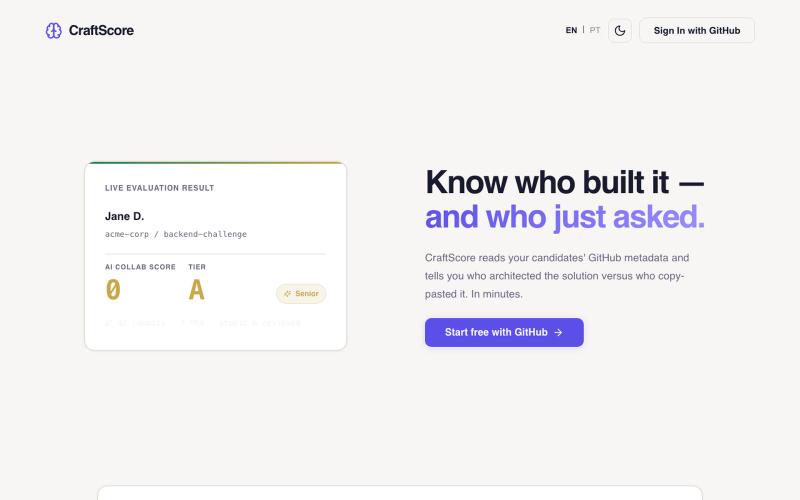
Measure engineering craft using Git analytics and code quality metrics.
ricardo_santis2 · Product Hunt
CraftScore Measure engineering craft, not AI output.

Generate UI screens for mobile and web apps from text descriptions in seconds.

@ninakolari · X
Google just dropped Stitch and it changes the entire vibe coding workflow. You describe what you want your app to look like. It builds full high-fidelity screens in seconds. No Figma. No designer. No credit card. Here is how to use it: Go to Sign in with your Google account. That’s it. You’re in. Instead of typing “make me an app” type this: “A lesson planning app for teachers. Clean and calm. Inspired by Notion. Minimal. White space.” The more specific you are the better your screens. Then refine with follow up prompts. Change the nav. Try dark mode. Get 3 menu variations. Or just speak it. Your screens become a clickable prototype in seconds. Click a button and Stitch generates the next screen automatically. Your entire app flow. Before you write one line of code. Then take it further. Export to Lovable or Cursor and build the logic on top. Use the MCP server to keep your design and code in sync. Pull any website’s design system in seconds. Save everything as
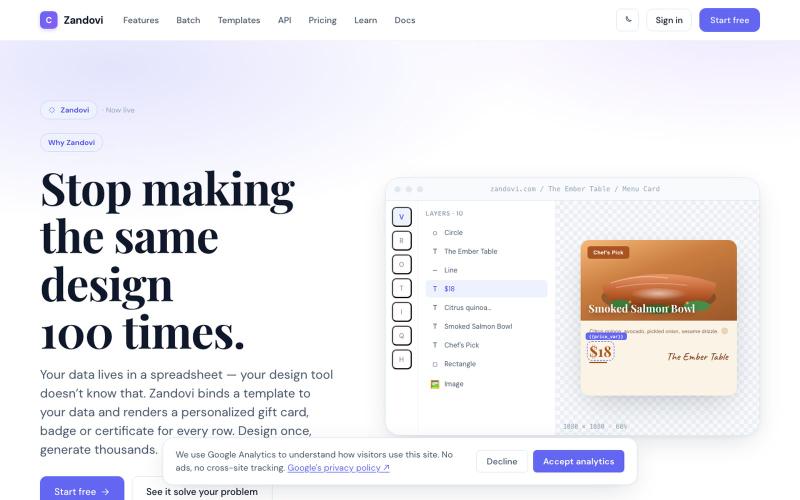
Generate personalized designs at scale using templates with variables from CSV or API.

@trebizant · X
Hi, I'm building : generating gift cards, invitations, basically any image using templates, variables by web or API