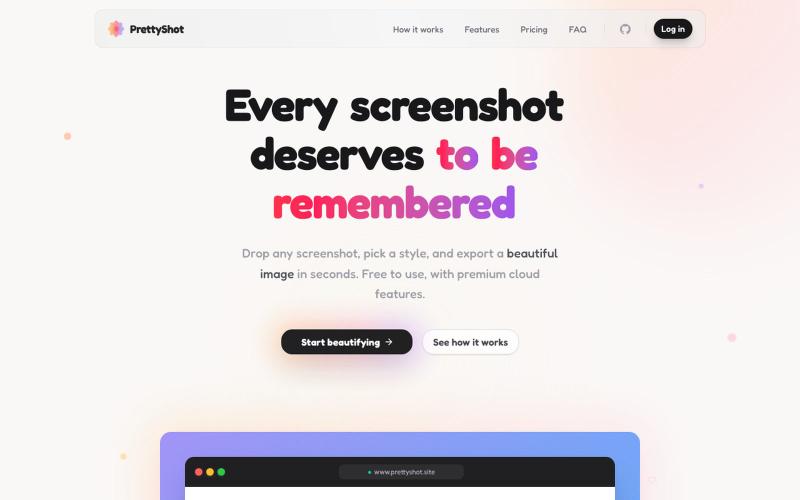
PrettyShot | Every screenshot deserves to be remembered
Apply custom styles to screenshots and export them as beautifully formatted images.
@prassami · X
- instantly turns your boring raw screenshots into beautiful images.
The full gallery
Tech stack
27 projects

Apply custom styles to screenshots and export them as beautifully formatted images.
@prassami · X
- instantly turns your boring raw screenshots into beautiful images.

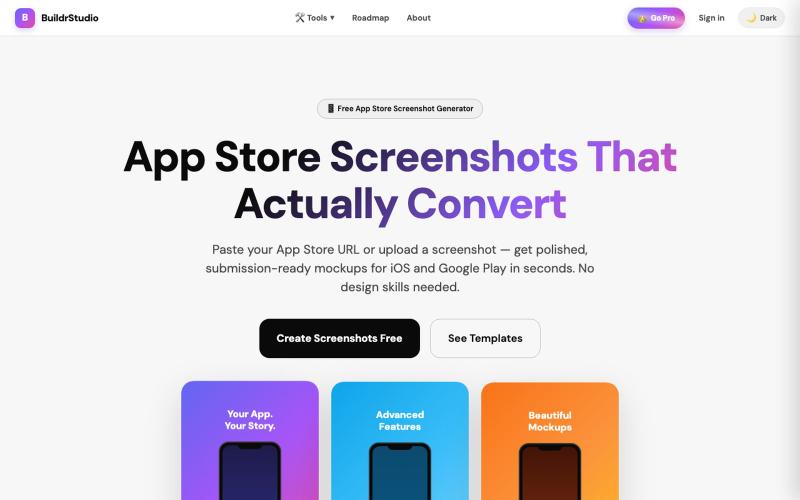
Create App Store & Play Store screenshots with AI-generated headlines and device frames from your app URL.
@buildrstudio · X

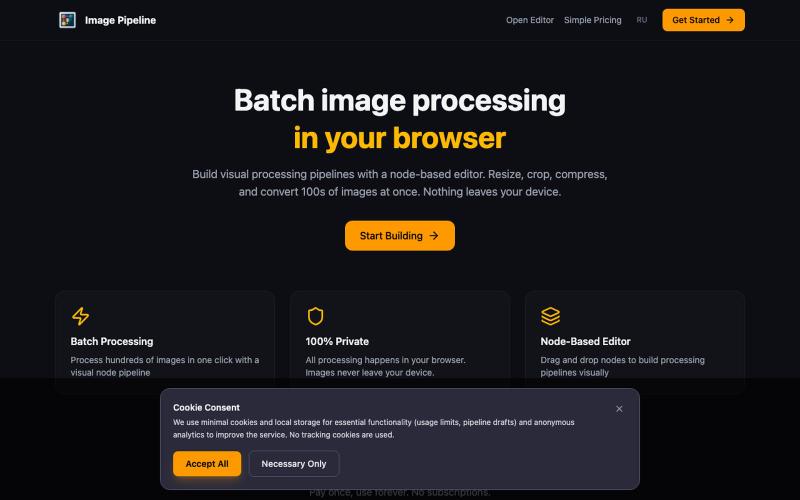
Resize, crop, compress, and convert images in batch — all locally in your browser.
@MaximMitenkov · X
🔒 Just launched Image Pipeline — batch image processing in your browser. 100% private. No signup. Pay once, use forever. #buildinpublic #webdev #privacy

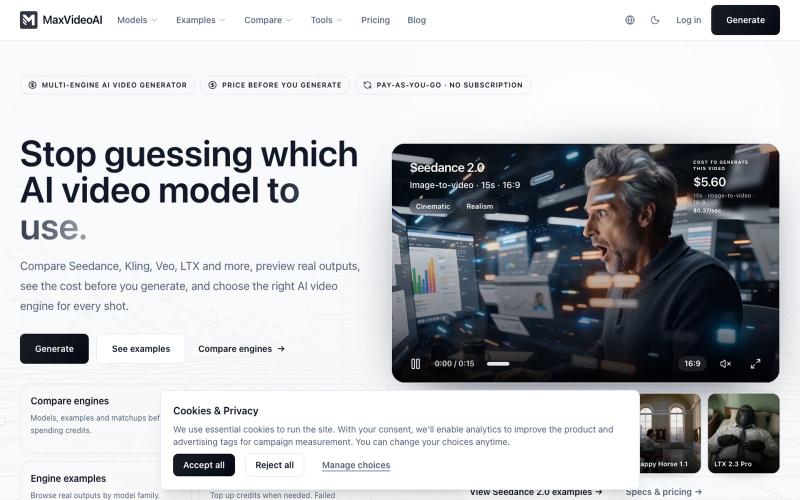
Compare different AI video models and generate videos with pay-as-you-go pricing.
MaxVideoAI — 多模型 AI 视频生成平台(文生视频 / 图生视频),提供公开的模型页面、提示词参考和示例,用于探索不同的视频生成模型。

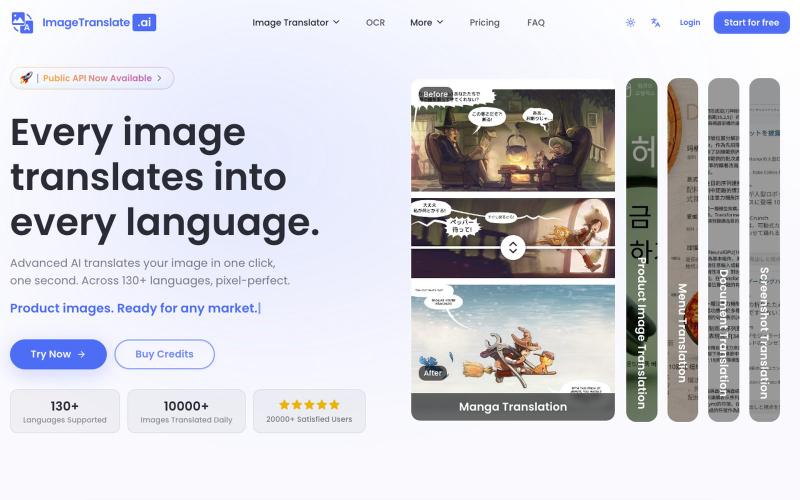
Upload an image to translate its text to 130+ languages instantly.
Image Translate AI — AI 图片翻译软件,翻译 70 多种语言的图片文本,专为专业人士,电商商家打造。保持图片原始布局,扩大全球影响力,并简化本地化流程

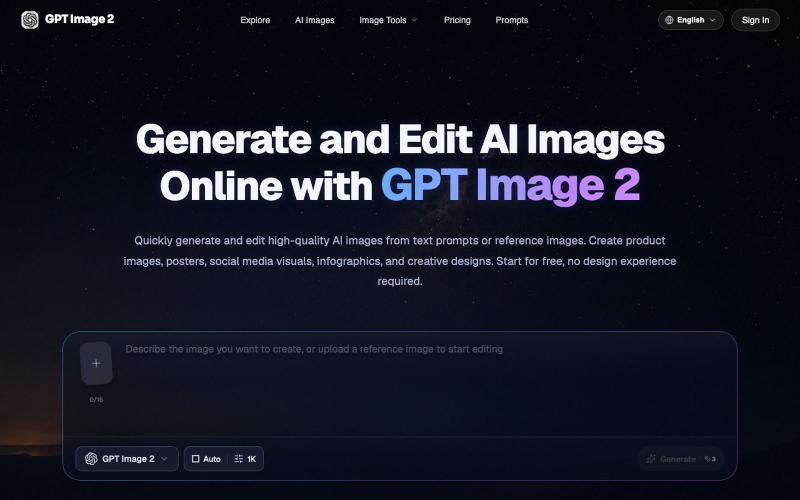
Generate and edit AI images from text prompts or reference images in your browser.
GPT Image 2 AI — AI 图像与视频创作平台

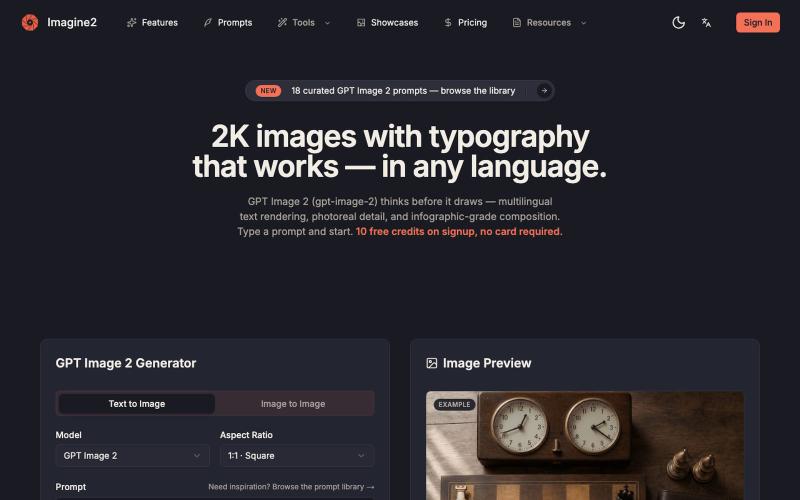
Generate AI images from text or images with support for 2K-4K quality and typography control.
GPT Image 2 — AI 图片生成器,支持文生图、图生图、4K 图片、图中文字生成与 Prompt 示例库,适合制作产品图、海报、广告图和社媒配图

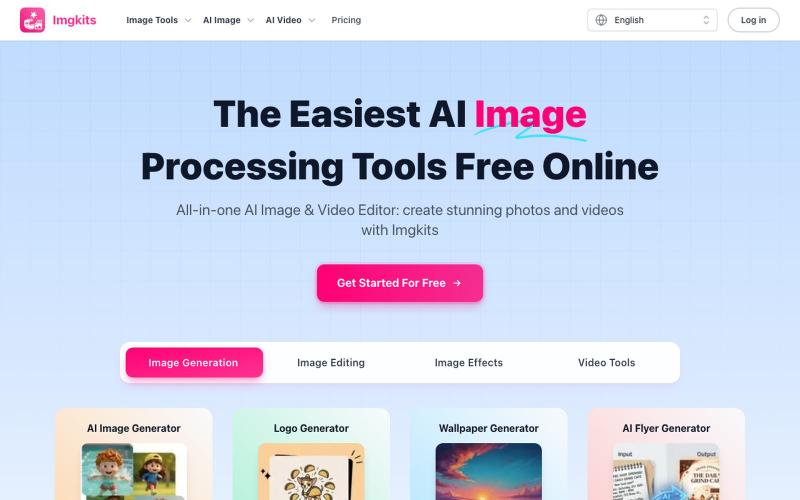
Free AI image and video editor that works instantly in your web browser.
Imgkits — 全能 AI 图像、视频编辑器:使用 Imgkits 创建令人惊艳的照片和视频 - [更多功能](https://www.imgkits.com/create/image)

Generate and edit images using AI text-to-image and image-to-image capabilities.
AI-NanoBanana — AI 图像工作室,让你轻松把创意变成高质量视觉作品

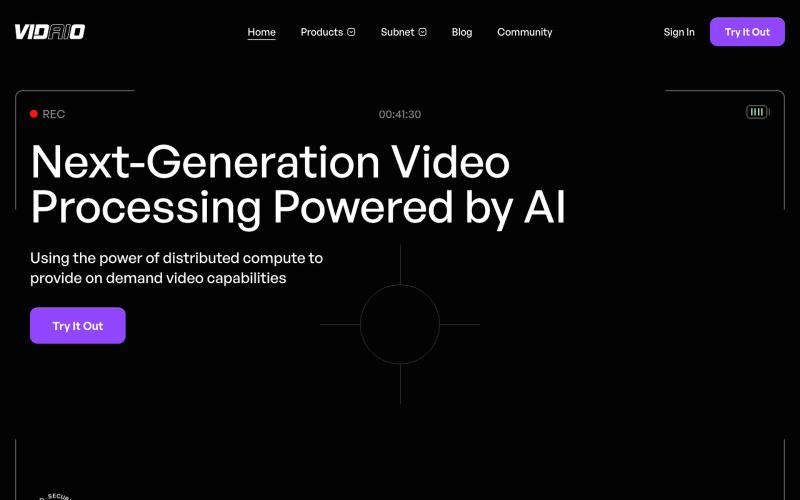
Leveraging the Bittensor ecosystem, Vidaio provides scalable, affordable, and high-quality video processing solutions.
@vidaio_ · X
Ai driven, video enhancement!

Merge PDFs, compress images, remove backgrounds, and access utilities entirely in your browser.
@damiadeh · X
Your files utility tools stacks in your browser. No uploads, files stays on your pc.

Turn screenshots into polished designs using a Chrome extension and web-based editor.
@buildwithshyam · X