
Developer Tools1 month ago
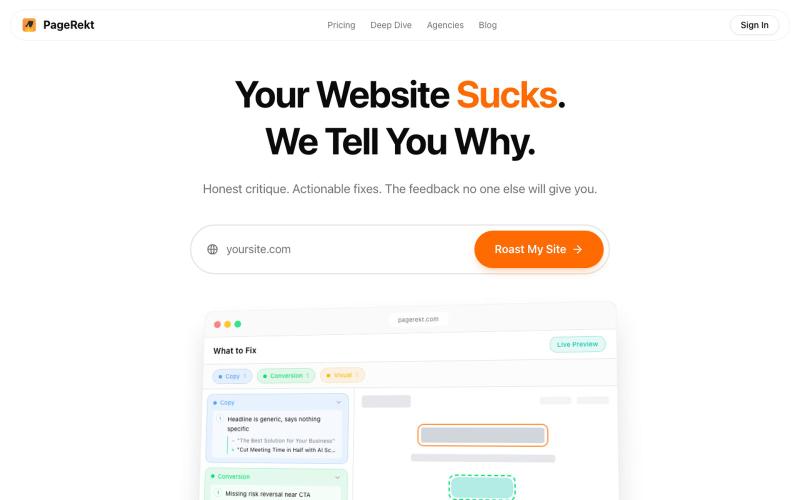
PageRekt - Get Your Website Roasted
Receive AI-powered website feedback from 6 different personas on UX, SEO, copy, and design.

@RmndDesign · X
The full gallery
Topics
Known attributes
A lens, not a filter — shows only projects we could confirm.
Tech stack
460 projects
Receive AI-powered website feedback from 6 different personas on UX, SEO, copy, and design.
@RmndDesign · X
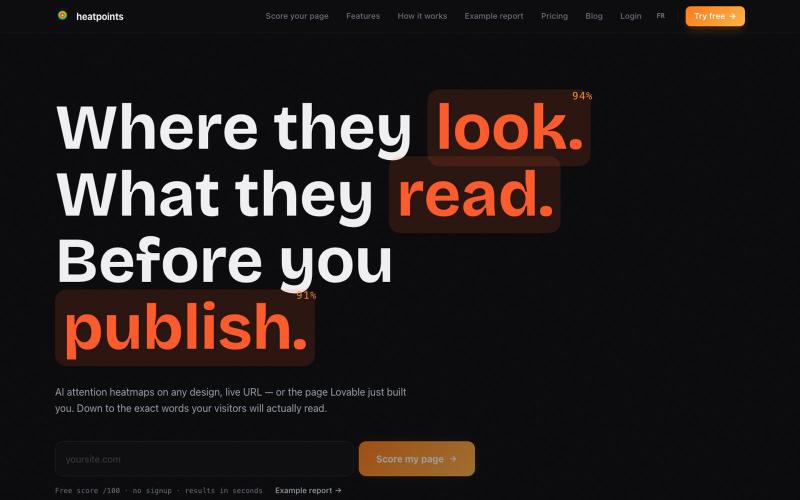
Generate AI attention heatmaps showing where visitors look on any page.
u/ForceKind6013 · Reddit
First paying customers on my attention heatmap SaaS. Now be brutal, what would make YOU churn? Heatpoints predicts where human eyes will look on any URL, design or video, before it has any traffic. Heatmap, score /100, AI audit, live mode where the map re-renders while you scroll the actual site. Think Attention Insight but with a permanent free plan, no watermark on paid, and white label at 59€ instead of 299€+. Current state: launched recently, steady free usage, a handful of paying cus

Design custom themes for Codex Desktop with backgrounds, colors, transparency, and visual effects.
plutozc · V2EX
做了个 Codex Desktop 主题预览和切换工具,先调好再安装 最近一直在用 Codex Desktop ,觉得默认界面看久了有点单调,就顺手做了个主题编辑工具,分享一下: [Codex Skin]( https://getcodexskin.com) 可以先在网页里预览主题,调整背景透明度、面板透明度、颜色、模糊和圆角等参数,满意之后再下载并切换到 Codex Desktop 。 目前支持: - 自定义 JPG 、PNG 、WebP 背景 - 在线实时预览主题效果 - 调整透明度、颜色、模糊、圆角 - 预览满意后生成安装命令 - 不喜欢了可以恢复默认外观 目前主要面向 macOS 上的 Codex Desktop ,还是个人项目,功能和兼容性都在继续打磨。 欢迎试试,也想听听大家对主题参数、预览效果和安装流程的反馈。 直接网址: https://getcodexskin.com [轻喷 轻喷,可能还有些 bug
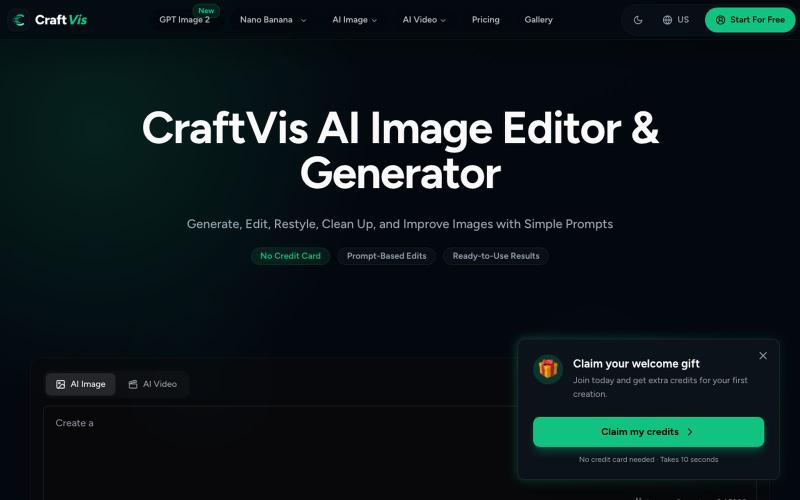
Generate and edit images with AI for product photos, ads, and social media content.
Samlion · HN
I built CraftVis, an AI image editor
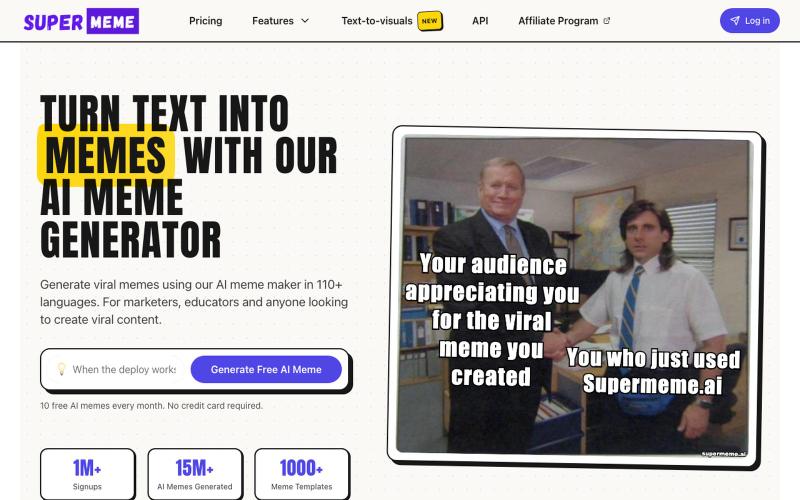
Generate custom memes using AI, then customize with text and images.

@MrRoshanA · X
I think we're massively underestimating what's happening inside modern marketing teams. Last week, I sat in a room with 20+ GTM leaders. Sanjeev (ex-Freshworks, founder of pulled up Claude Code and showed how his non-technical marketing team works today. In under 90 minutes, they: → Generated 20+ SEO pages without a CMS → Pulled Apollo leads, researched every company, and wrote personalized emails → Created on-brand blog visuals with Gemini The crazy part? His team had zero GitHub experience before January. Today, they merge multiple PRs a day. Marketing teams aren't just learning AI. They're becoming builders. That's exactly why we built GTMxAI - a space where founders and GTM leaders share real workflows, experiments, and playbooks instead of AI hype. We're 250 members in, keeping it invite-only and high-signal. Comment "+1" if you want to be in !
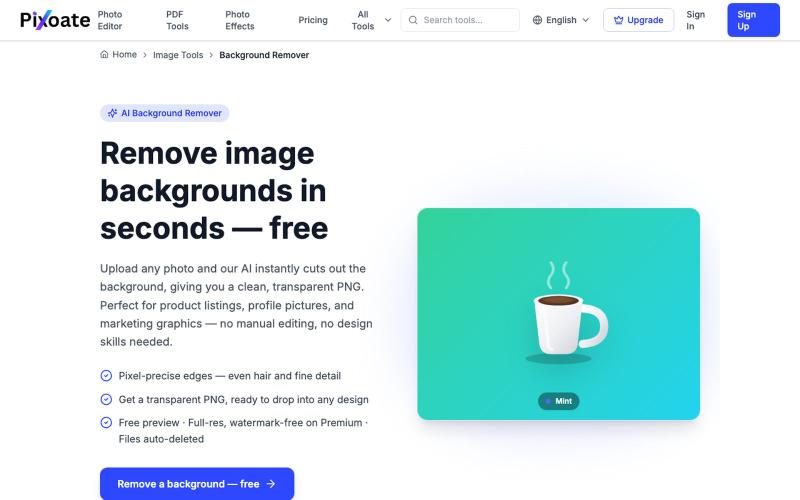
Remove image backgrounds with AI and export transparent PNGs.
HSK11 · HN
Unlimited Remove Background and AI Uplscale Image and Pdf Tool Kit
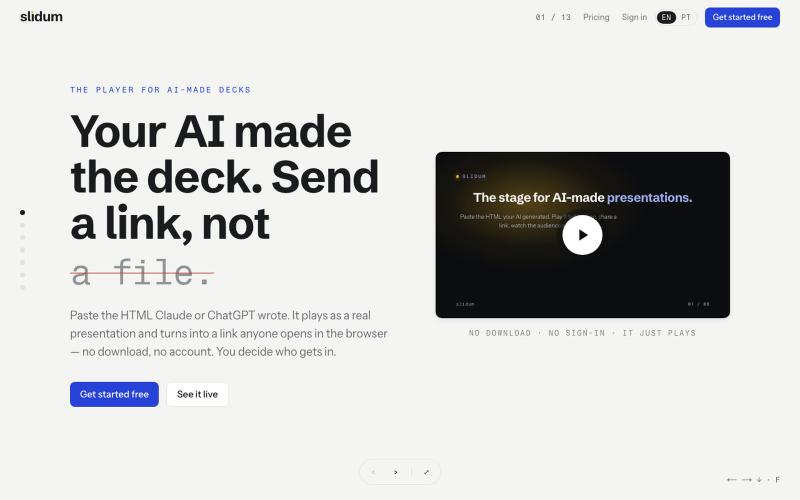
Paste HTML and play it as a presentation instantly, shared via one link with no download or signup.
oandre · HN
Slidum – A player for the HTML presentations AI writes
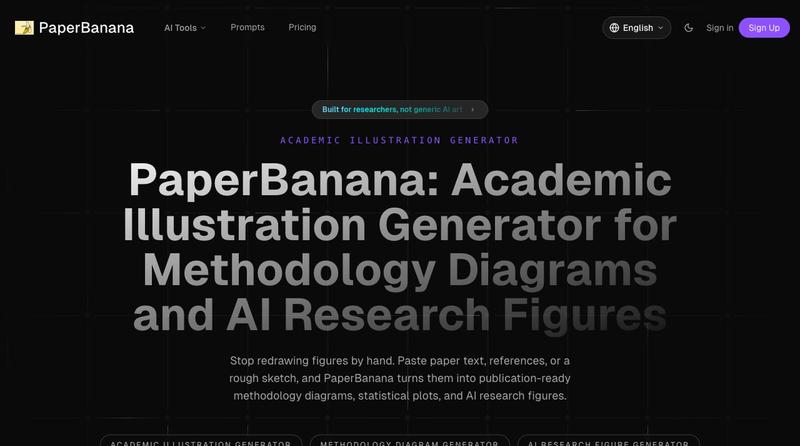
Transform academic papers and sketches into publication-ready methodology diagrams and research figures.
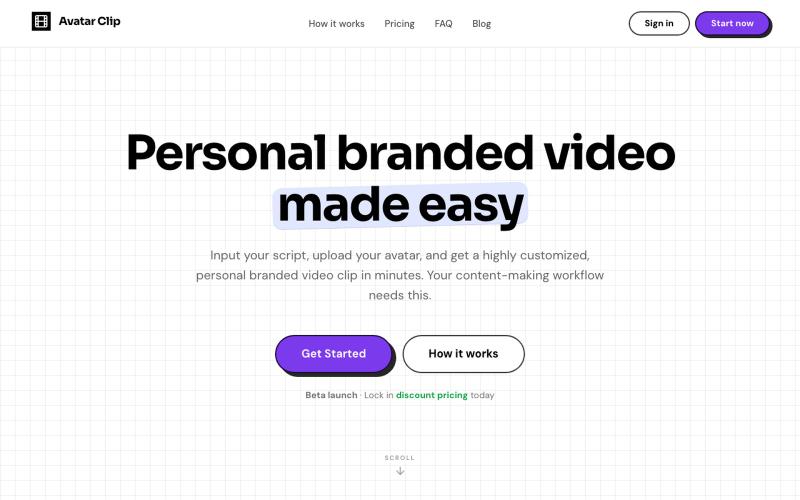
Convert audio or text scripts into customized avatar video clips in minutes.

@CyberBlueCollar · X
Faceless content booster 🚀
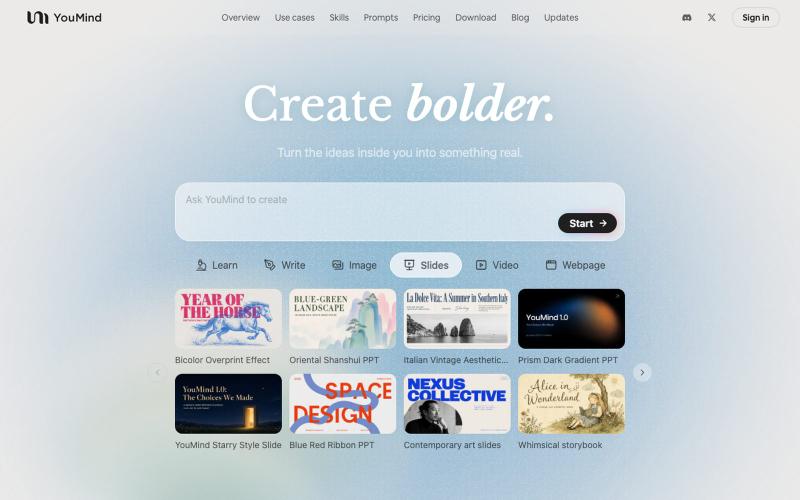
AI tool that transforms diverse materials into beautifully designed slide presentations.

@leahlibest · X
the most aesthetic AI slides website

Visualize your ideal haircut from front, side, and back angles using AI.
u/Traditional_Song4452 · Reddit
19yr old friend and I made an ai haircut tool! Hey all, my friend and I dropped a haircut visualization tool a few weeks ago to cut down onmiscommunication in the barbershop by generating a photo of you with the cut you want from three angles. We have officially launched now with around 25 users and are trying to get more to try it out! The first generation is free so we’d love as many as possible to try it out if you get a minute! Good luck to all your side projects! subm
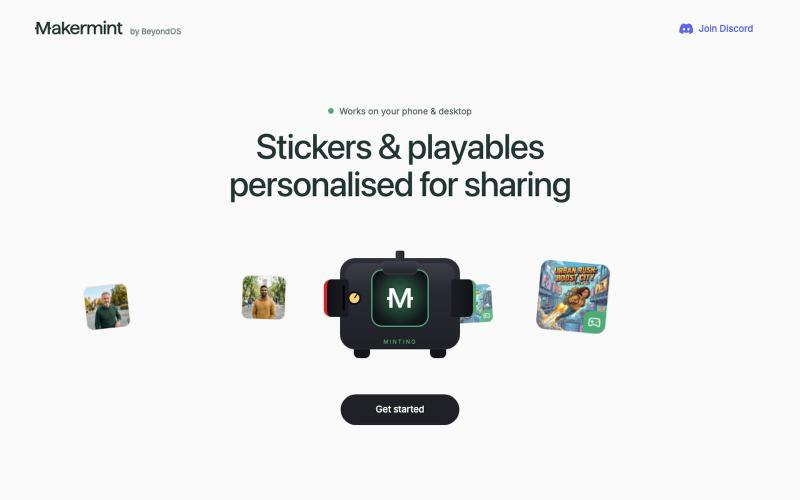
Create playable browser games from text descriptions using AI.

@MakermintStudio · X
Today is National AI Day. Good moment to try something you've been putting off. Makermint is free — describe a game idea, watch it go live in minutes, no code. And the team building it actually listens. What you make shapes what comes next. #AI #VibeCoding