
Creative Tools1 week ago
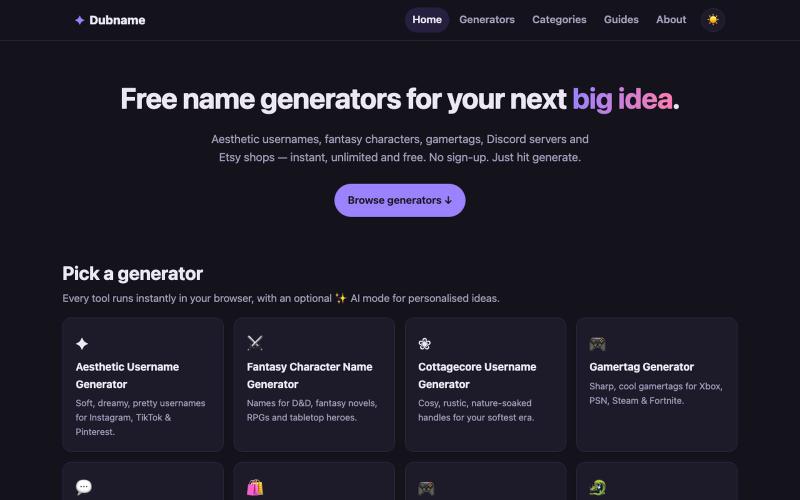
Dubname — Free name & username generators for creators, gamers and makers.
Generate free creative names and usernames for games, Discord servers, and creative projects.

@qt_nest · X
The full gallery
Topics
Known attributes
A lens, not a filter — shows only projects we could confirm.
Tech stack
174 projects
Generate free creative names and usernames for games, Discord servers, and creative projects.
@qt_nest · X
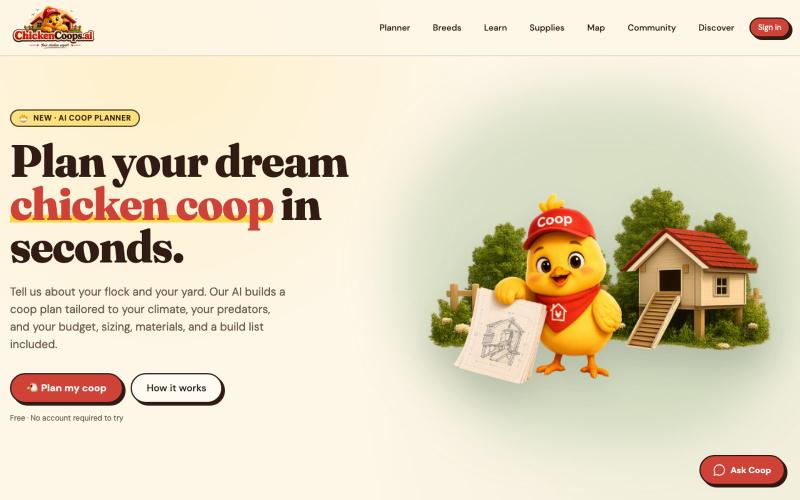
Create custom chicken coop plans with AI, including materials, build steps, and budgets.

@chickencoopsai · X
Building the chickenverse and it’s awesome. Say hello to prez Clump. Join us now

Generate and edit AI images for product shots, ads, portraits, and thumbnails via text prompts.
Plugcamp · V2EX
最近在折腾一个小站,主要是围绕 Nano Banana 2 Lite 做图片生成和图片编辑: https://nanobanana2lite.me/ 一开始只是自己想要一个比较轻的入口,用来快速试 prompt 。后来发现每次测图都会遇到几个重复问题: - prompt 写完之后,不知道适合什么比例 - 文生图和图生图入口经常混在一起 - 想找几个可复制的 prompt 示例,但很多站要么太重,要么示例不够直观 - 只是想快速生成一张产品图、头像、广告图、封面图,不想进一个很复杂的工作台 所以就做了这个站。 目前主要有几个部分: - Text to Image:直接输入 prompt 生成图 - Image to Image:上传一张图,再用 prompt 做改图 - AI Image Editor:偏日常编辑,比如换背景、改光线、改风格 - Prompt Library:整理了一些可直接复制的 prompt - Gallery:放了一些 before/after 和示例图 我自己比较在意的是首页别太像传统 SaaS 落地页,所以最近一直在改视觉。之前太干了,后来加了一些更丰富的样张和暗色主题,但也还在调。 这个站不是 Google 官方产品,只是一个第三方工具站。现在更多是想把「轻量、直接、可复制」这件事做好。 如果大家有空的话,想请教几个问题: 1. 首屏看起来会不会太营销,还是说信息还算清楚? 2. 对图片工具来说,大家更想先看到生成表单,还是先看到效果案例? 3. Prompt Library 这种页面有没有用,还是大家更习惯直接自己写? 4. 如果你平时会用 AI 生成图,最常用的场景是产品图、头像、封面、广告图,还是别的? 欢迎拍砖,尤其是 UI 、文案、信息结构这块。 链接再放一次: https://nanobanana2lite.me/
A registry of hand-crafted React components and templates for building polished UIs.

@polyqoy · X
This video shows a fully animated 3D site built in 2 minutes with claude code. one terminal command. but the prompt was almost irrelevant. the real work was the pre-load: ui/ux pro max skill, a hero component from framer motion stacked in before claude touched anything the toolkit did the job. the prompt just pulled the trigger. that's also why most people's claude output looks generic. they skip the setup and blame the model.
Generate professional product, fashion, and real estate visuals from text descriptions.

@sichy · X
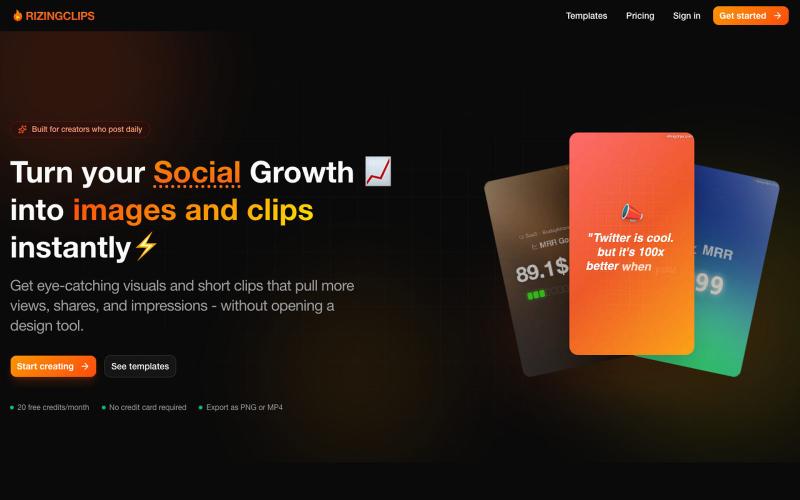
Turn social media growth into images and clips instantly without design tools.

@udaykirancodes · X
Hi am building
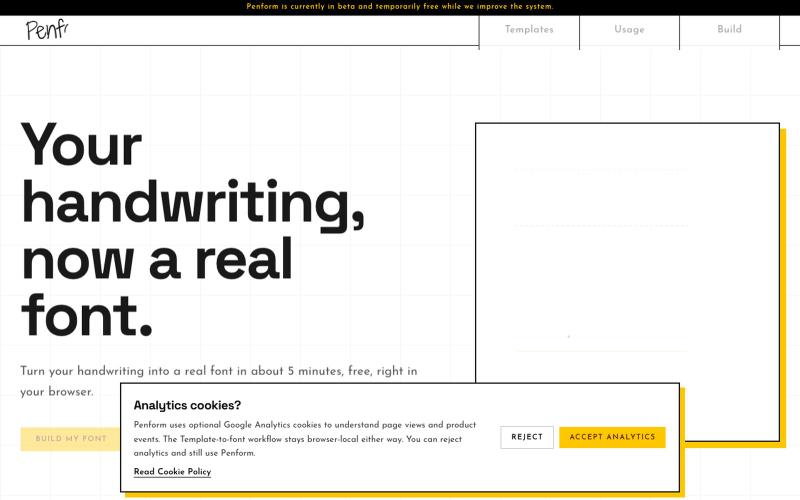
Turn your handwriting into an installable OTF font.

@alpsariyer · X
Building Penform, a browser-based tool that turns handwriting into a real installable font with supporting alternates.
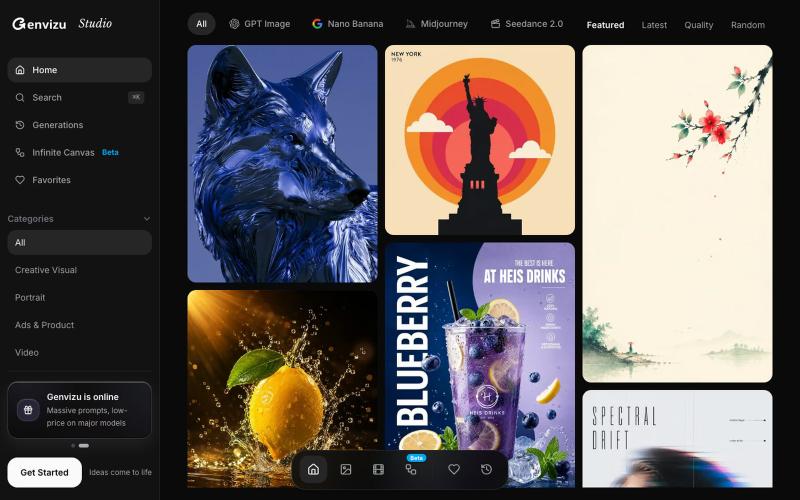
Generate AI images and videos or browse the community gallery.

@listudio · X
Fable 5 规划+Codex 执行,效率真的很 ok。一个周末上线了两个工具网站。麻了。。 👉: 和
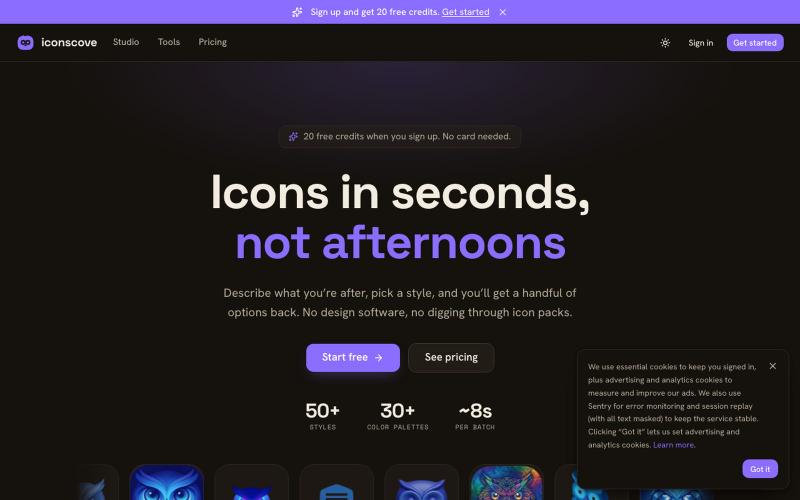
Generate custom icons from text prompts with 50+ styles and download as PNG.
mantasge · Product Hunt
IconsCove AI Icon Generator with 50+ styles and library management
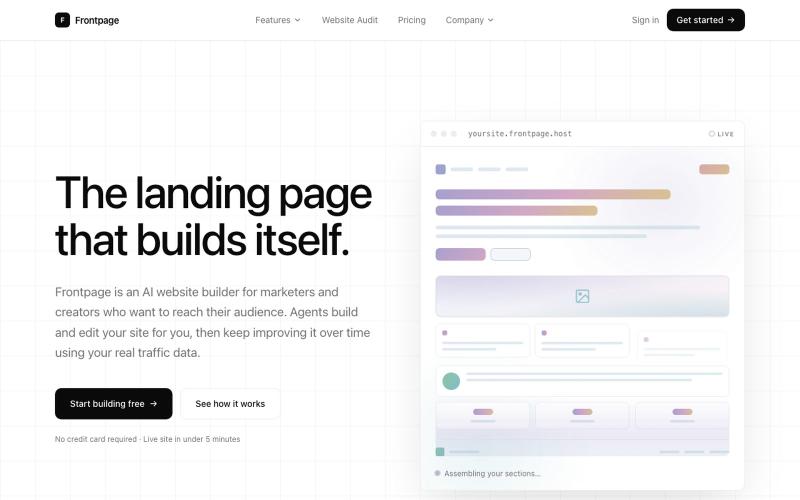
Describe your landing page idea and Frontpage's AI builds it—no code, templates, or drag-and-drop.

@sean_minibase · X
My cousin and I just launched Frontpage, an AI website builder you actually talk to. No templates. No drag-and-drop. No code. You describe the page you want. It builds it. Want to change something? Just say so. Live site in under 5 minutes. Try free at

Chrome extension for recording screen demos with automatic zoom effects and custom backgrounds.

@gabani_vatsal · X
Building Screen recorder which adds zoom effects and custom backgrounds
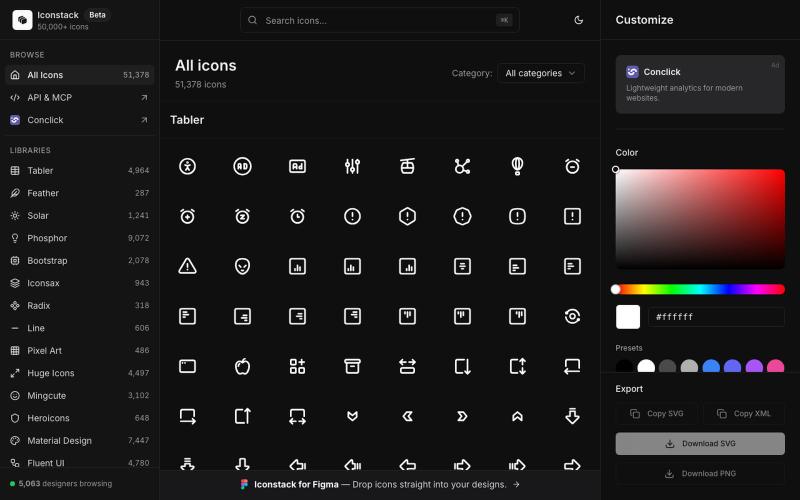
Search 50,000+ free SVG icons, customize colors and stroke, download as SVG/PNG/XML — no login required.

@thedeepflux · X
i'm shipping for designers who need a massive library of high-quality icons without the subscription. it solves the 'i need it now' problem. for other builders, how do you handle feature creep vs. sticking to the core problem?