Humanely
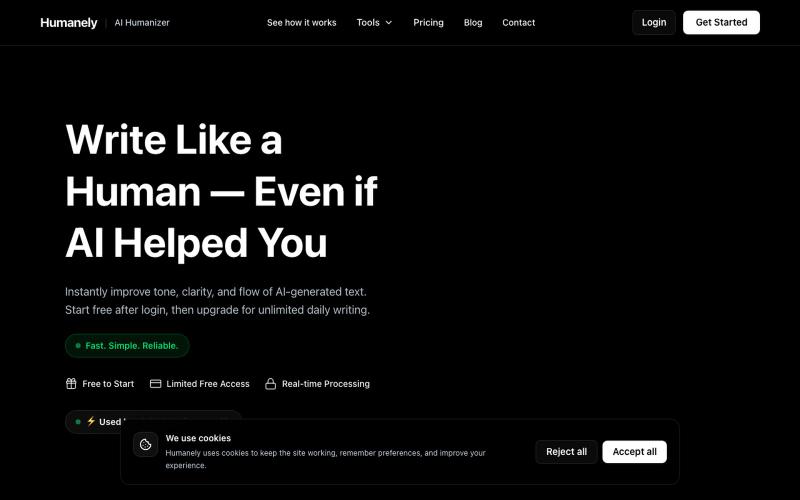
将AI生成的文本转化为自然人类语言,支持语法检查、检测和SEO优化。
@RohanAhmed06 · X
🚀 Built Humanely. An AI writing toolkit with: • AI Humanizer • AI Detector • Grammar Checker • Text Summarizer • SEO Tools I'd love your honest feedback 🙌
完整作品展
技术栈
16 projects

将AI生成的文本转化为自然人类语言,支持语法检查、检测和SEO优化。
@RohanAhmed06 · X
🚀 Built Humanely. An AI writing toolkit with: • AI Humanizer • AI Detector • Grammar Checker • Text Summarizer • SEO Tools I'd love your honest feedback 🙌

BrainBubbles 将学校主题转化为儿童友好的故事和信息图表
@hazemnassr · X

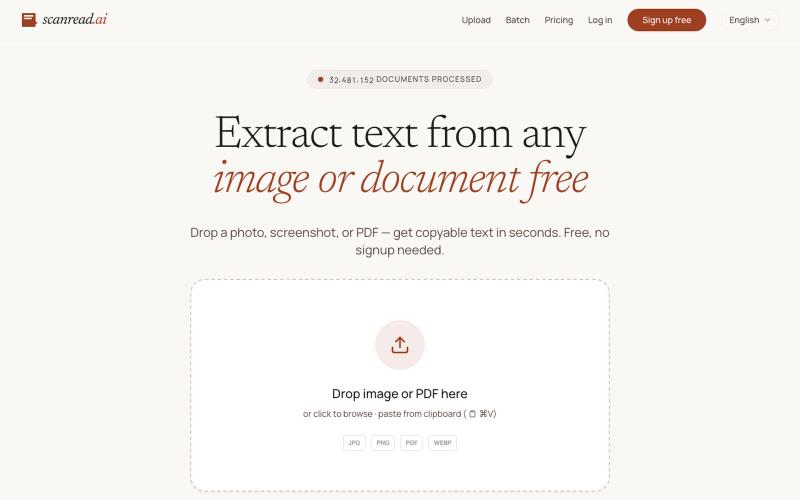
Scanned.to:用 AI OCR 将扫描文档转为可编辑 Word 或文本,支持多语言翻译。
Scanned.to — AI 驱动的 OCR 文档识别与翻译平台,将扫描 PDF/图片转为可编辑 Word/Text,保留原始排版,支持 50+ 语言翻译

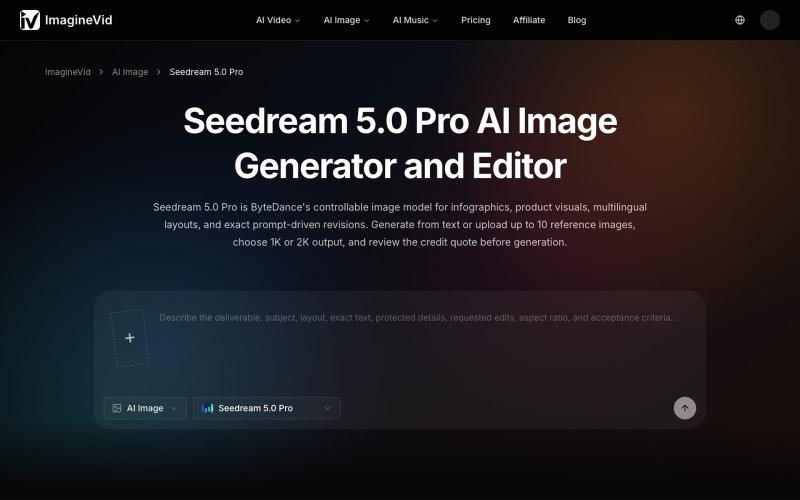
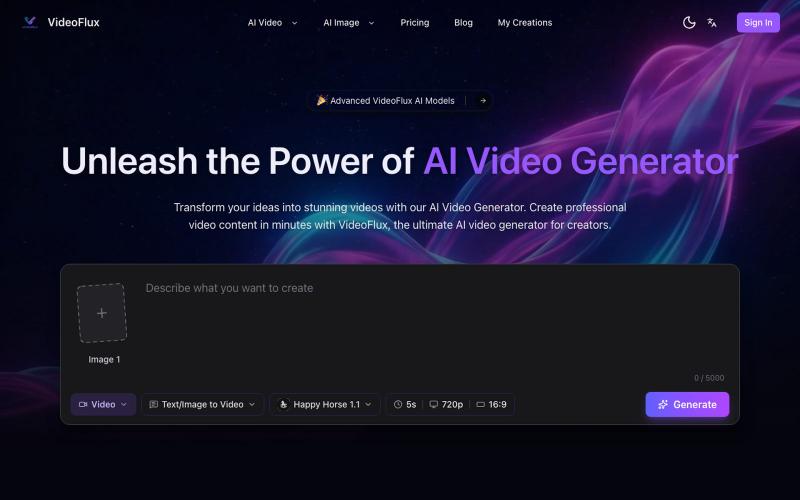
用 Qwen AI 模型将文本描述转换为逼真照片。
Qwen Image — AI 图像生成

5 Letter Word Finder:按 Wordle 线索快速筛选 5 字母单词。
lby910722 · V2EX
做了一个 5 Letter Word Finder:按 Wordle 线索快速筛 5 字母单词 最近做了一个英文 5 字母单词查找工具,主要给 Wordle / crossword / Scrabble 这类场景用: https://5letterwordsfinder.org/ 特点: - 可以按 green tile 的固定位置筛选 - 支持 must include / exclude letters - 支持 starts with / ends with / contains pattern - 支持 available letters ,用来做 anagram / rack search - 词库在前端本地跑,结果响应很快,不依赖远程 solver API - 有 common-only 模式,Wordle 场景不会被太多冷僻词淹没 我把工具放在首页第一屏,下面才是说明文档和 FAQ 。现在主要想收集一下文字游戏玩家 / 做工具站朋友的反馈:哪些筛选项、排序逻辑或移动端交互还可以再改?

通过文本提示使用 AI 生成自定义商业印章和徽章。
pixsprout.com — 专注于生成复古橡皮印章效果的 AI 工具,支持文字生成印章、图片转印章及自动去底 - [更多介绍](https://pixsprout.com/image-to-stamp)

从 YouTube 视频中提取带时间戳的转录文本,无需登录。
@BansalSamy87003 · X
I am 14 year old

为孩子的长期学习目标创建个性化周计划,包括国际象棋、游泳、音乐或语言。
@EICWOGUP · X
Hey James, I am building that helps parents focus on their kids long term goals. Parents don’t have to be fluent on any skills to teach kids. All they have to do is choose the goal like chess, swimming, trachtenberg math, yoga etc and you get weekly list.

文本驱动的AI图像编辑工具,支持照片修复、去水印和头像生成。
Qwen Image Edit — AI 图像编辑工具,支持文本指令编辑、照片修复、去水印、专业头像生成和多图像处理

用AI转录音频和视频为文本和摘要
@Mahima_Akkina · X
Yes, you can check - It's a tool used to convert both and video into text and summaries

由Codex和Grok驱动的AI笔记应用。
@Number1AIFanboy · X
I got to go to bed. More coding tomorrow. I just had a realization that I'm building cool shit, using @grok in an app that I built with Codex and refined with Grok. And now Grok just works on himself. LFG🚀 Drop me a note here: Get the app here (use LAUNCH50):

将 Markdown 转换为适合微信公众号、Word 和 PDF 的排版内容。
@bingobray · X
我做了一个类似的工具: 除了支持公众号,还支持word和pdf😁