生产力1 month ago
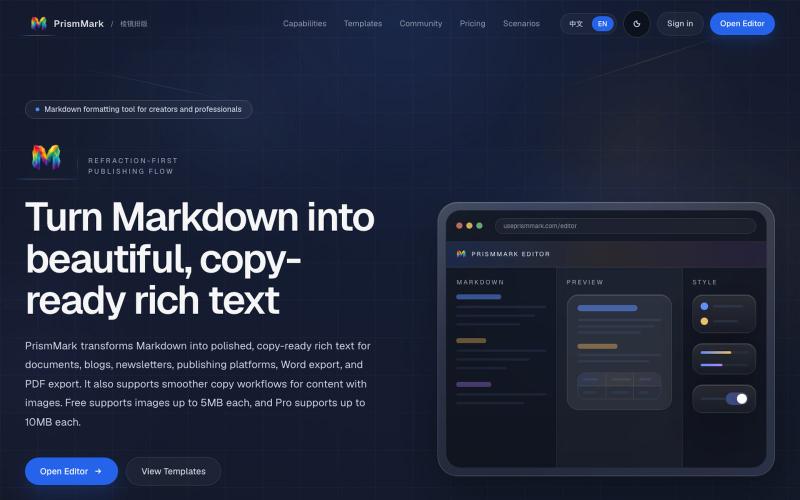
把 Markdown 一键排版成可复制到公众号和 Word 的成品 | PrismMark
将 Markdown 转换为适合微信公众号、Word 和 PDF 的排版内容。

@bingobray · X
我做了一个类似的工具: 除了支持公众号,还支持word和pdf😁
完整作品展
技术栈
15 projects
将 Markdown 转换为适合微信公众号、Word 和 PDF 的排版内容。
@bingobray · X
我做了一个类似的工具: 除了支持公众号,还支持word和pdf😁

Structured website drafts, editing, preview, and publishing.

@mattisigur · X
Hey I'm building it's a website builder driven by AI. Prompt to published landing page in a couple of minutes
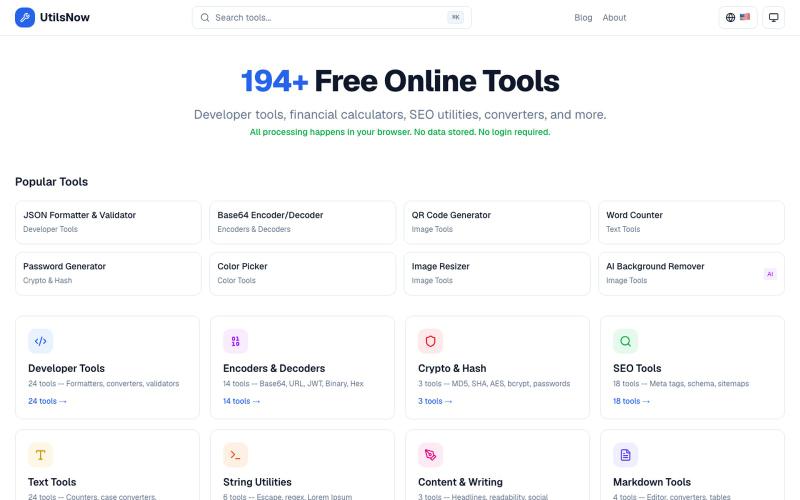
194+个免费浏览器工具集合,涵盖开发、财务、SEO、转换等,无需注册。
bharath_s16 · Product Hunt
UtilsNow 194 free browser tools + AI. No signup required.
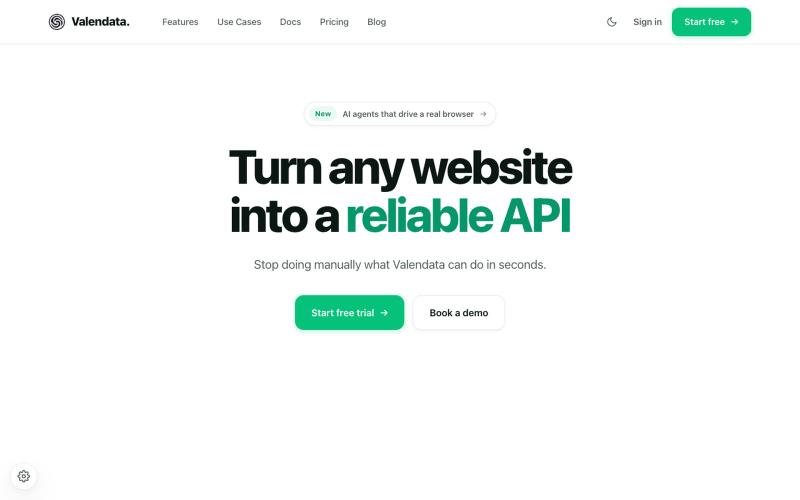
Transform the web into your own API. Valendata automates web data extraction from browser automation to structured APIs with zero maintenance. Trusted by 100+ data teams.

@valy_data · X
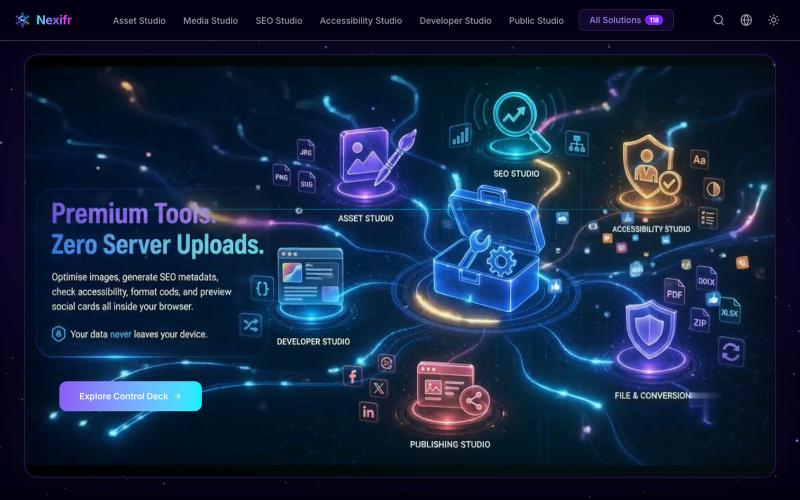
118个隐私优先的浏览器工具,用于图片、PDF、SEO和媒体处理。

@ayan11200 · X
try this one Free solution
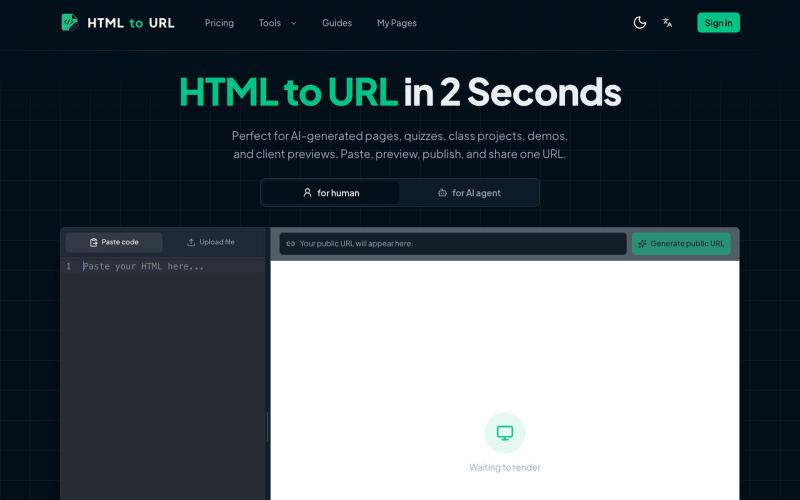
粘贴 HTML 代码一键生成可分享的在线链接。
htmltourl — 专为 AI 编程设计的快速上线工具,粘贴 HTML 代码即可一键生成在线访问链接

在浏览器中免费转换、压缩和编辑文件,文件不上传服务器。

@faisalhaleem · X
Just launched — free browser-based file tools runs entirely in your browser. Video to GIF (with trim slider) Merge / Split / Shrink PDF Your files NEVER leave your device. No sign-up needed. Free forever. #buildinpublic #webdev #indiedev #tools #privacy
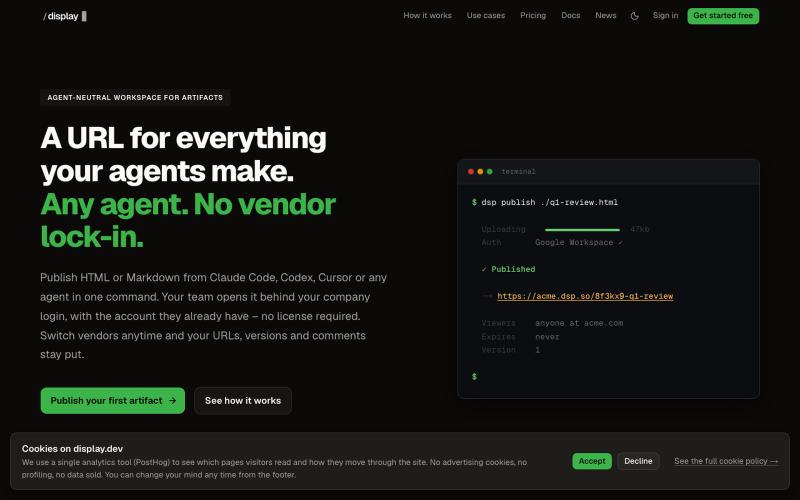
从任何AI代理发布HTML和Markdown工件,具有版本历史和团队访问。

@slashdisplay · X
One feature, two agents, one URL. Carl published v1 from Codex. Claude Code iterated to the version that shipped – every hand-off attributed in the audit log. A 3-minute walkthrough of a real workflow:
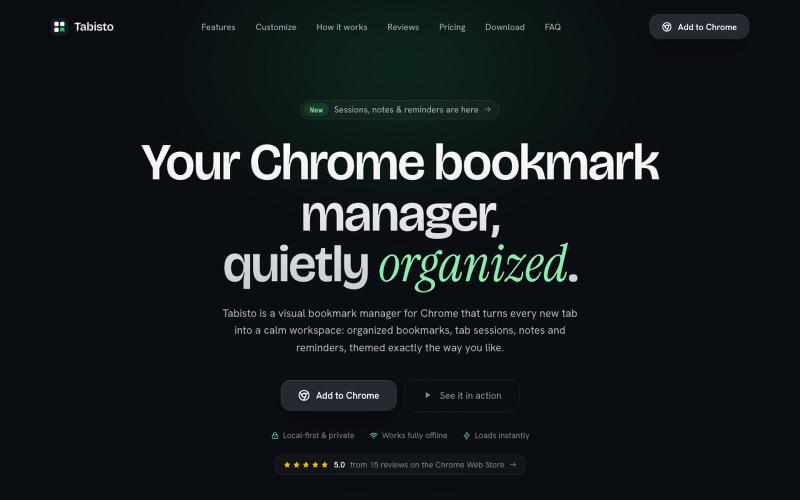
Chrome extension,在新标签页上可视化地组织书签,支持 workspaces 和 notes

@IamYashKapoor · X
Built Tabisto (bookmark manager), a free Chrome extension and launched it in 5 days using Claude Code. Must try, you will really love it.
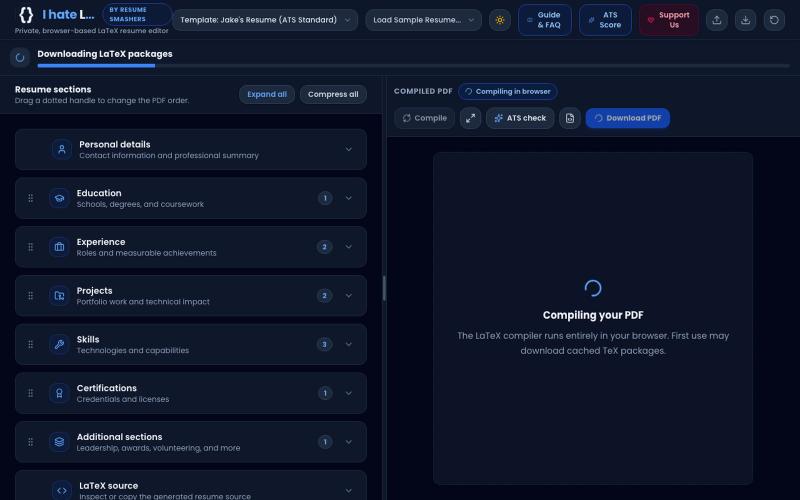
Build an ATS-optimized, high-scoring LaTeX resume or CV directly in your browser. 100% free, private & offline with WebAssembly. Use Jake's Resume, Academic & Modern templates with
someshjoyguru · HN
A LaTeX resume builder that compiles offline in the browser
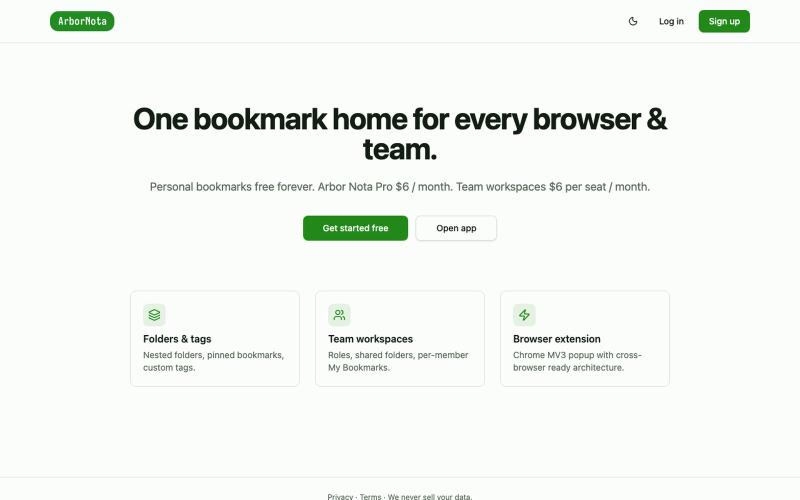
Arbor Nota — 跨浏览器书签管理器,支持团队文件夹共享。

@TimoPrescott · X
I'm working on my bookmark app, It will allow users to manage all of their bookmarks in a singular Universal location, and it will allow teams the ability to share bookmarks in an intuitive way. I didn't like the existing options, so now I'm here 😎