
创意工具1 month ago
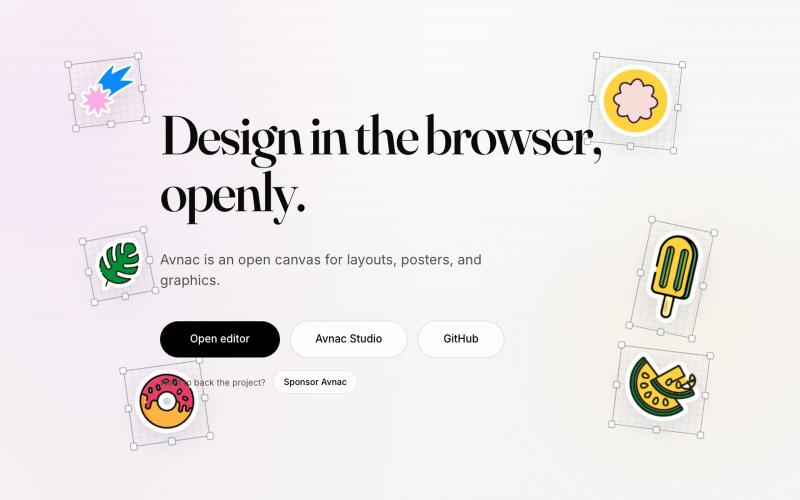
Avnac — open design in the browser
Avnac 是一个开源设计工具,可在浏览器中创建图形。
Open source

@akinkunmi · X
He trash-talked me and my amazing project ( unprovoked while all his projects are vibe-coded slop. That's why I named him King of Slop.
完整作品展
技术栈
18 projects
Avnac 是一个开源设计工具,可在浏览器中创建图形。
@akinkunmi · X
He trash-talked me and my amazing project ( unprovoked while all his projects are vibe-coded slop. That's why I named him King of Slop.
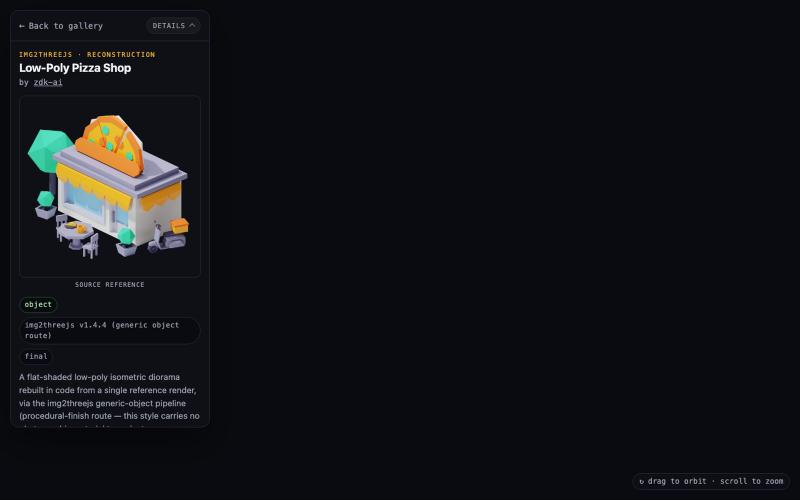
探索由参考图像程序生成的交互式Three.js 3D场景。

@zdkiel_labs · X
Started with a single image. Ended with an interactive Three.js scene. Still amazed that experiences like this run entirely in the browser. Built with img2threejs + Claude Code. Demo ↓ @threejs

用 Chrome 扩展和网页编辑器将屏幕截图转化为精美设计。

@buildwithshyam · X

charts.art 用实时交易所数据呈现的 3D 加密货币市场可视化。

@zacxbt · X
my current apps: • j******** (redacted) • @irigenerative (my first nft) • non-crypto saas app • penis game • blockrunner (my endless runner iOS app posted a vid a week ago) • petwidge (per iOS app) • nftwidge (nft gallery iOS app) • (pretty charts) • @perpspet (3d gamified perps) • (gamified bridge) • crypto twitter social app (don’t want to spoil the details) • portfolio pet game where the character is your portfolio, you feed him coins and he grows/evolves • (first app i ever vibe coded in dec) • onchain jam (nba jam 2v2 game but each team is a chain ex: base team = brian + jesse) • waffle world (3d waffle platformer lol) - 3d social trenches game
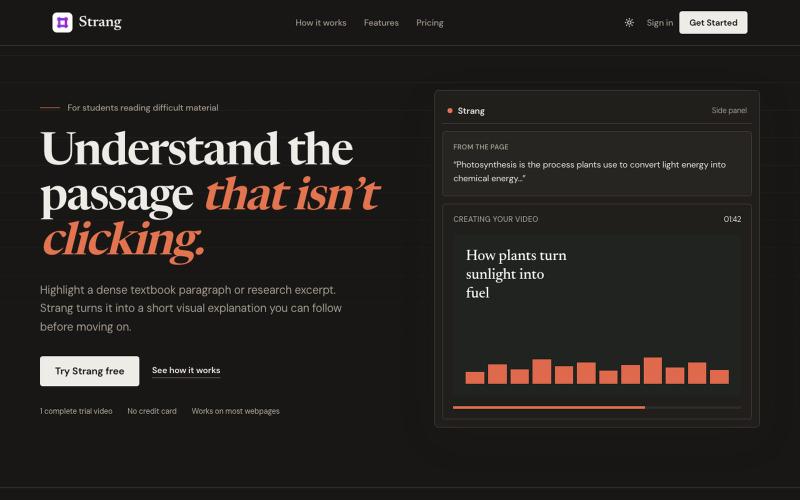
高亮难懂的段落,生成简短的视觉解释,无需离开浏览器。

@Berbir12 · X
Dense reading shouldn’t stop your momentum. Highlight the passage that isn’t clicking. Strang turns it into a short visual explanation, right inside your browser. One complete video is free.
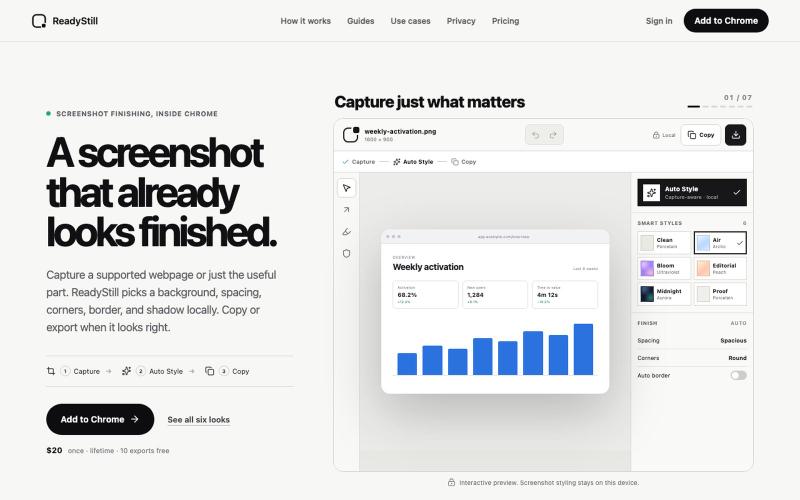
将网页截图转换为精美的产品发布图像,隐私审核编辑。

@pradeepXkapoor · X
It’s A simple screenshot beautifier chrome extension!
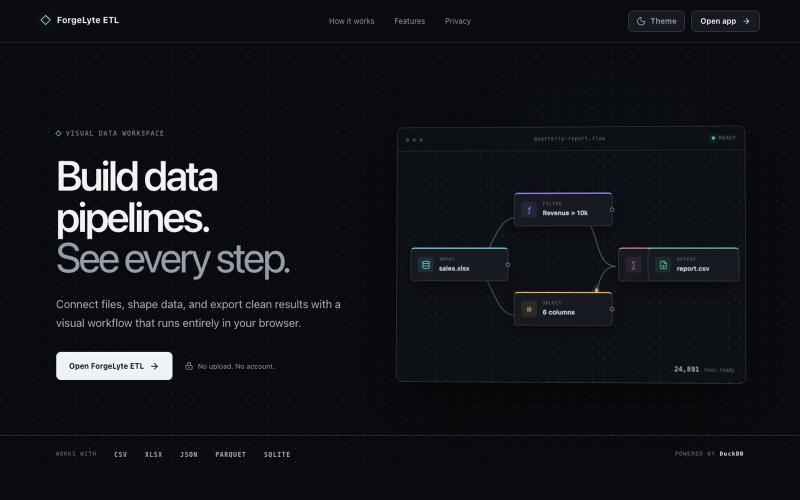
为 CSV、Excel、JSON 和 Parquet 文件创建可视化数据 ETL 管道。

@ashkans_dev · X
An ETL tool:
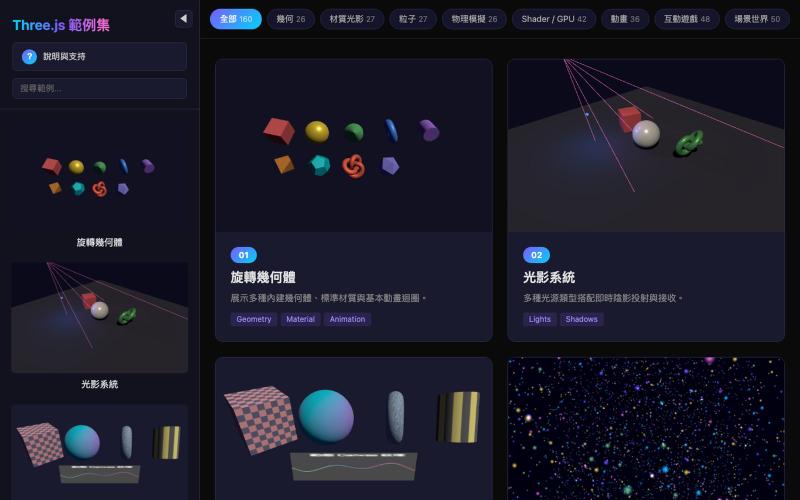
探索160个Three.js示例集合,了解3D网络图形和WebGL技术。

@maxchu2021 · X
160 Three.js examples built with Claude through vibe coding. AI didn’t replace coding—it accelerated experimentation and iteration. Next step: turning these demos into production-ready products. Link: #ThreeJS #WebGL #AI #Claude #VibeCoding
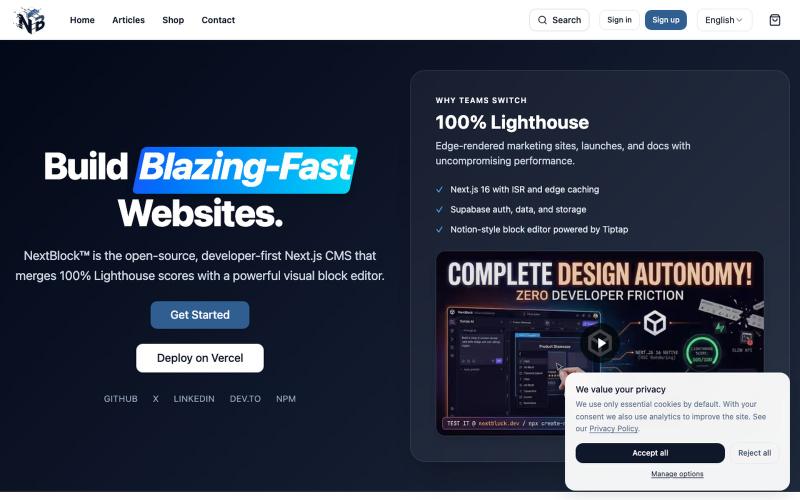
使用可视化编辑器快速构建Next.js网站,并获得完美的页面评分。

@NextBlockCMS · X
Connect Claude, ChatGPT, or Gemini directly to your live website!🚀 We just turned NextBlock Cortex AI into an MCP Server! ⚡️ Local dev via VS Code / Claude Code ⚡️ Dual-mode: BYOK + MCP Subscription ⚡️ Mutate JSONB layouts & query DB live Try it: 🧱

图片转 ASCII 字符画、复制符号、查看码表、进制转换——全在浏览器。
HeStudy · V2EX
做了个纯前端的 ASCII 工具站:图片转字符画、banner 生成、符号一键复制 平时偶尔需要查 ASCII 码表、复制一些特殊符号(箭头、制表符这类),每次都是搜一个满屏广告的老站凑合用,索性自己做了一个: https://getascii.com 目前有这些工具: 图片转 ASCII 字符画(拖一张图进去就行,支持调宽度/字符集/反色) 文字转 ASCII banner 大字 常用符号一键复制(箭头、制表符、数学符号、颜文字) 完整 ASCII 码表 + 一个交互式键盘映射图(点键盘上的键显示对应的 dec/hex 码) 进制转换器( hex/dec/bin ↔ ASCII ) 几个实现上的点: Astro 构建的纯静态站,所有工具都是纯客户端计算,图片不会上传到任何服务器 没有账号系统,没有付费墙,打开就用 整站是绿色荧光终端风( CRT 扫描线 + JetBrains Mono ),算是给终端审美交个作业 顺手给它做了个 25 秒的宣传片: https://www.youtube.com/watch?v=AjzU5mw1PrI
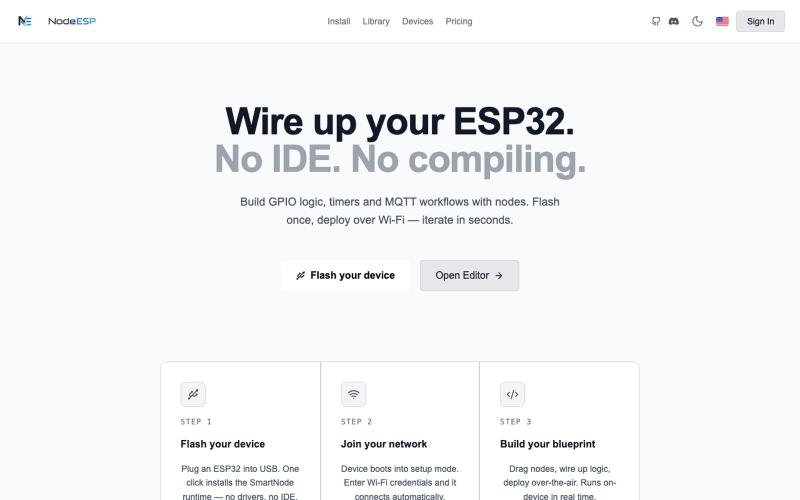
NodeESP是ESP32的可视化编程工具,通过节点拖拽创建GPIO逻辑和MQTT工作流。

@NodeESP · X
- Project for sale
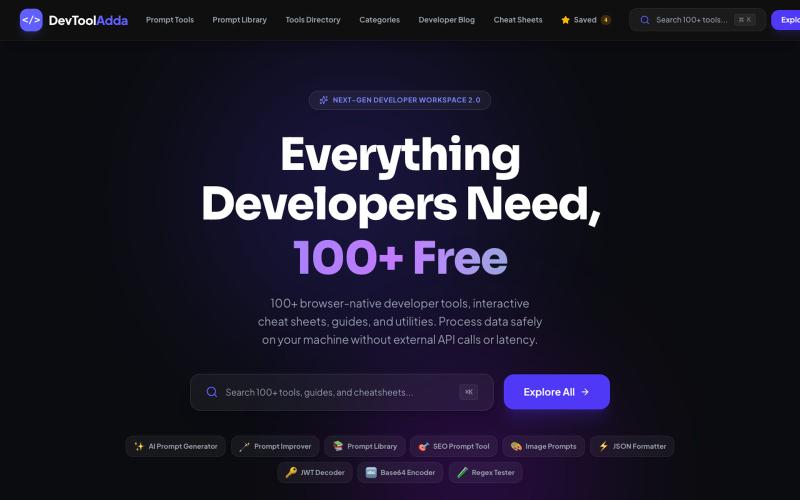
100+ 免费在线开发工具,用于代码格式化、解码、CSS 生成和正则表达式测试。

@suketudigital · X