
完整作品展
技术栈
60 projects
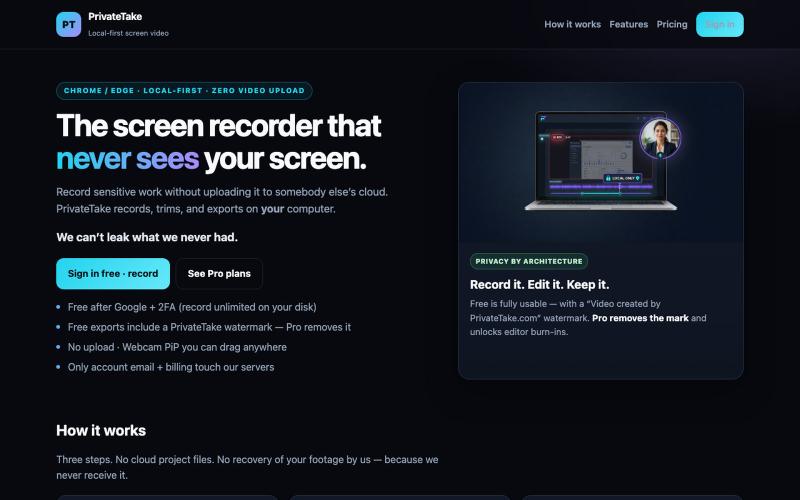
在本地录制和编辑屏幕视频,无云存储和上传。

@MarkZofMarkZ · X
Screen Recorder that doesn't share your recordings to the cloud:
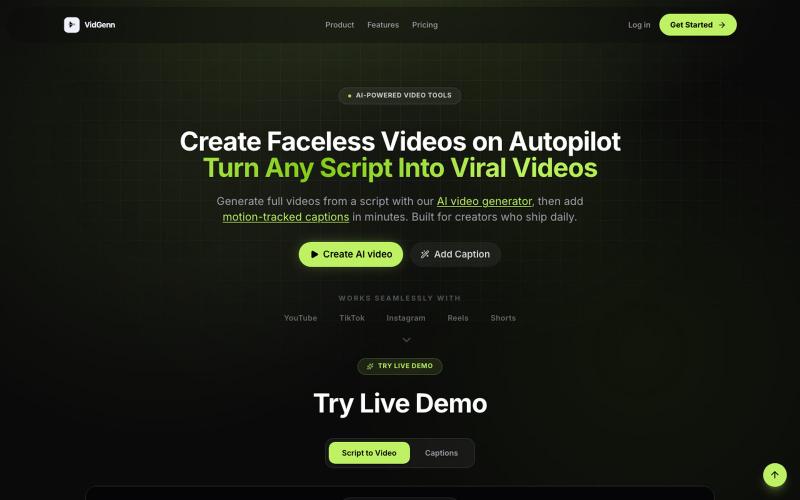
从脚本生成 AI 视频或为现有视频添加动作追踪字幕。

@SomanathDi48172 · X
It's been 1 year since I won the @AMD Hackathon on this day After that. >>Won 2 more hackathons. >>Judged 4 hackathons. >>Completed a 3-month internship at FlytBase. >>Launched my first SaaS,
创建纪录片、历史或电影风格的AI视频。

@KabirKhabeer · X
Check out what I just built with Lovable!
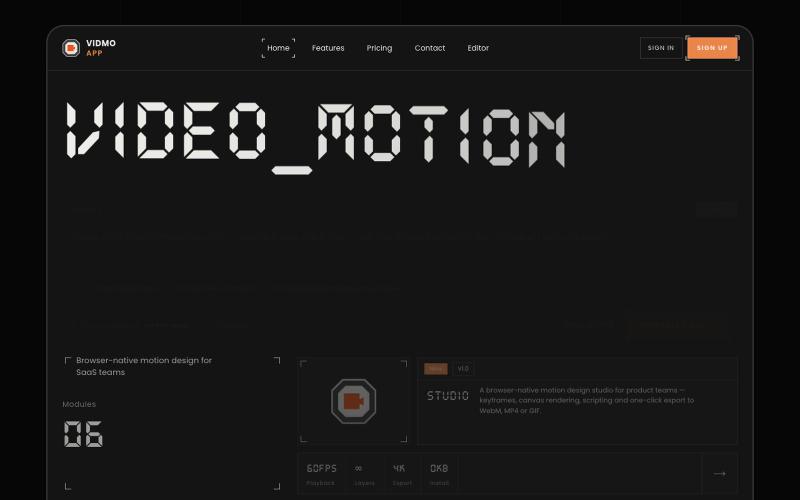
Vidmo 是浏览器 AI 视频编辑器,从提示词创建动画视频,支持关键帧、效果和配音编辑。
u/Savings_Wolverine408 · Reddit
turns out you can make launch videos in the browser now! turns out you can make launch videos in the browser now, and Claude Opus is doing the heavy part we have been working on vidmo.app , a free browser based motion design editor for making product videos, launch clips, social ads, and simple motion graphics without opening After Effects. the idea is not to make another AI video toy where you type one prompt and get stuck with whatever comes out. the editor works more lik
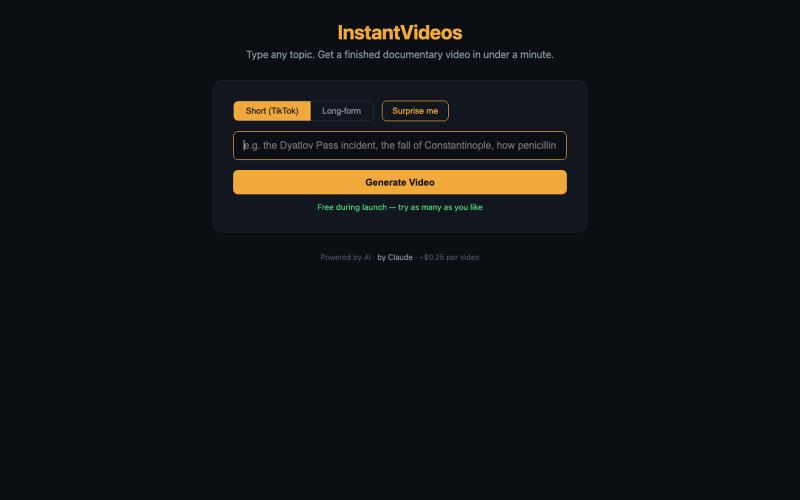
输入主题,AI在一分钟内生成完整的纪录片视频。
pw · HN
Hiya! So I've been playing around with having Claude make videos for a bit now even had some success posting the results to TikTok (and setup a whole pipeline so Claude can generate and post autonomously). With the release of Nano Banana 2 Lite, I was curious show fast I could make the generation, so last night I gave it a whirl and got down to around 30s for short-form video. It uses GLM-5.2 fast via Fireworks to generate the scripts and image prompts and, like I said, Nano Banana 2 Lite for the images, gpt-4o-mini-tts for the narration, and ffmpeg to string it all together and add the Ken Burns zoom effect (which still has a shake I haven't been able to get rid of). The video compilation proved to be the blocker once the rest was in place, but I was able to speed that up by putting it on a 64 vCPU EC2. The cost might be the most interesting aspect as the short form videos tend to be about 25 cents. Almost 90% of that is the images, which are 3.336 cents a piece. Of course, running
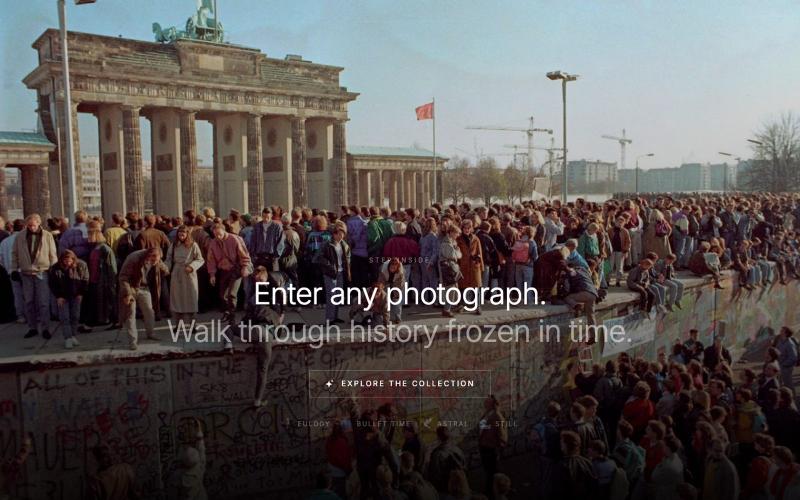
选择一张历史照片,AI生成电影风格的微纪录片,带你走进那个冻结的时刻。

@cdgarciabauza · X
Just shipped Step Inside — enter iconic historical photographs with AI-generated cinematic mini-docs. Touch a photo, choose a style, and the camera walks you inside. Built with Claude + Higgsfield MCP. 👉 #HiggsfieldApp #StepInside #BuildInPublic

用于视频和音频压缩、裁剪、合并及格式转换的浏览器工具。
zhw2590582 · V2EX
最近对网站进行了重构,做成了免费的视频工具站:[ArtPlayer Tools]( https://artplayer.org/tools/) 主要是围绕着 ffmpeg.wasm 和 mediabunny 实现的一些可以直接在浏览器里用的视频/音频工具,常用的有: - 视频压缩:[Compress Video]( https://artplayer.org/compress-video/) - 视频裁剪:[Crop Video]( https://artplayer.org/crop-video/) - 视频合并:[Merge Video]( https://artplayer.org/merge-video/) - 视频尺寸调整:[Resize Video]( https://artplayer.org/resize-video/) - 视频旋转:[Rotate Video]( https://artplayer.org/rotate-video/) - 视频调速:[Change Video Speed]( https://artplayer.org/change-video-speed/) - 添加文字到视频:[Add Text to Video]( https://artplayer.org/add-text-to-video/) - 添加水印:[Watermark Video]( https://artplayer.org/watermark-video/) - 提取字幕:[Subtitle Editor]( https://artplayer.org/subtitle-editor/) - HLS 转 MP4:[HLS to MP4]( https://artplayer.org/hls-to-mp4/) - 音频可视化:[Audio Visualizer]( https://artplayer.org/audio-visualizer/) 大部分工具都是本地处理,文件不会上传到服务器。最开始是因为自己偶尔要处理一些视频,开剪辑软件又有点重,在线工具又担心隐私,所以就慢慢做成了一个站。 目前还在持续完善,体验肯定还有不少粗糙的地方,比如不同浏览器的兼容、移动端操作、长视频性能之类的。 网站: [ArtPlayer Tools]( https:
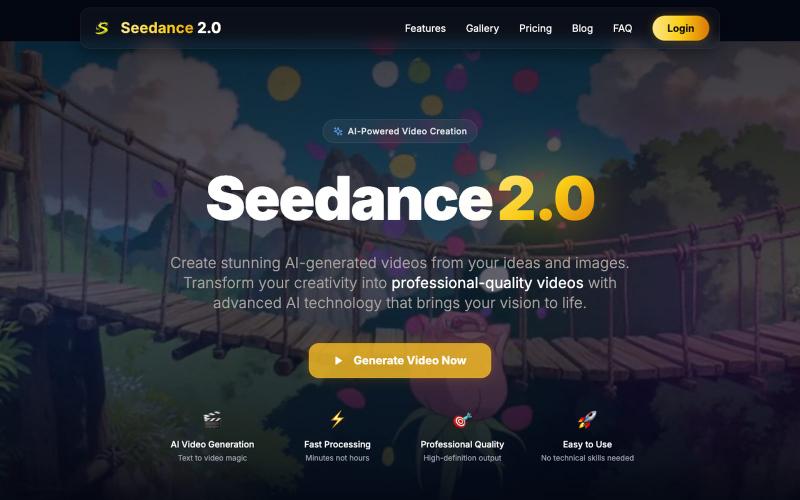
使用 Seedance 2.0 生成和编辑专业级 AI 视频。
Seedance 2.0 Video — 基于 Seedance 2.0 的 AI 视频生成和编辑平台
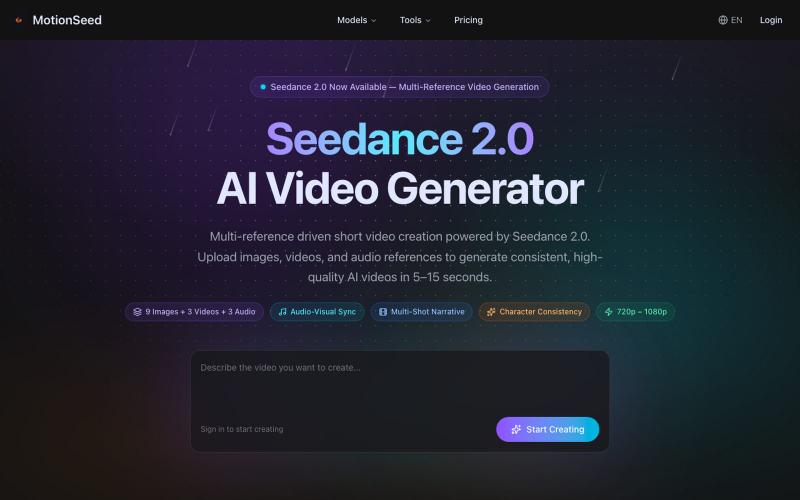
用图片、文本或多个参考生成AI视频,支持音视频同步。
MotionSeed — AI 视频生成平台,聚合 Sora 2、Veo 3.1、Seedance 2.0 等多个主流 AI 视频模型,支持文字生成视频、图片生成视频,无需分别注册各平台账号,注册即送免费额度。
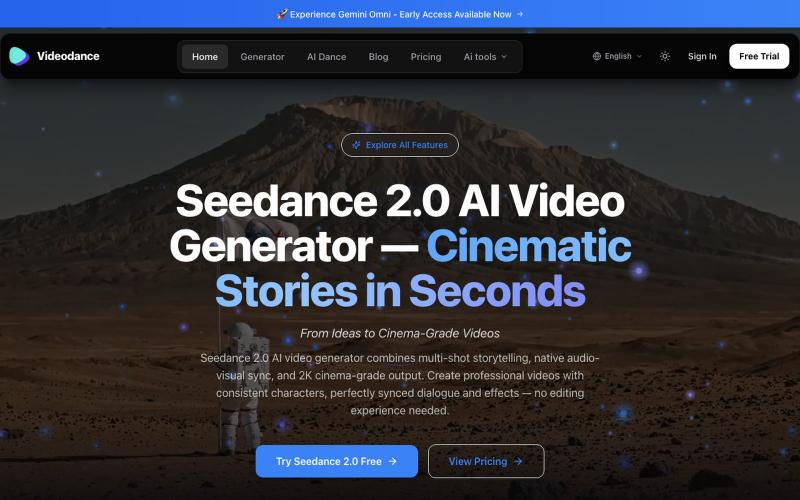
用Videodance生成电影级AI视频,支持音视频同步和多镜头叙事。
Videodance — AI 视频生成器,基于 Seedance 2.0,提供原生多镜头叙事、音视频同步和 2K 影院级画质输出。无需任何剪辑经验,即可创作出人物形象一致、对话完美同步的专业电影级视频。
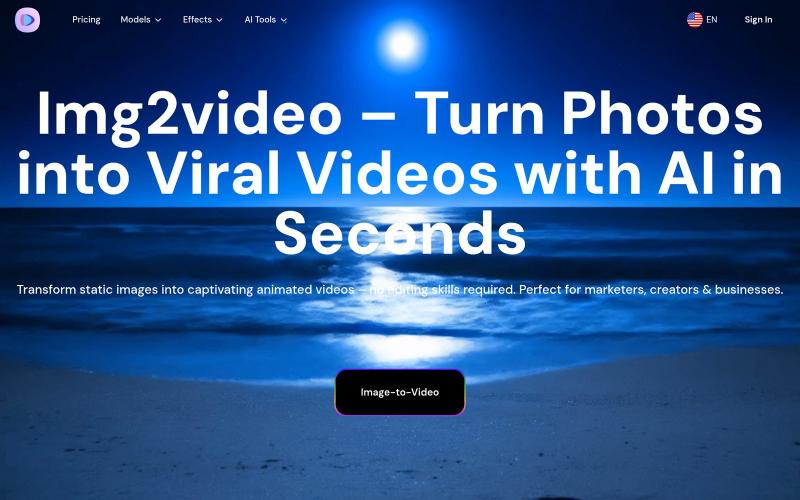
用AI将照片转换为动画视频。
Img2Video — 用文本或图像生成短视频(AI)非常适合社交媒体,立即开始创作爆款内容吧!
