
创意工具1 month ago
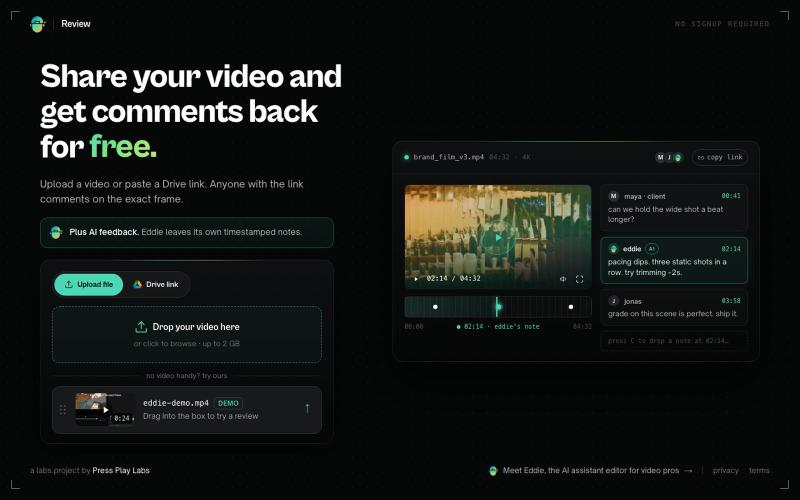
Eddie Review — Free video review with frame-exact comments
分享视频链接,获取团队的精确时间戳评论和Eddie AI的反馈。
thisiskp_ · Product Hunt
Review by Eddie AI Time-stamped feedback on your video from your team. And AI.
完整作品展
技术栈
20 projects
分享视频链接,获取团队的精确时间戳评论和Eddie AI的反馈。
thisiskp_ · Product Hunt
Review by Eddie AI Time-stamped feedback on your video from your team. And AI.
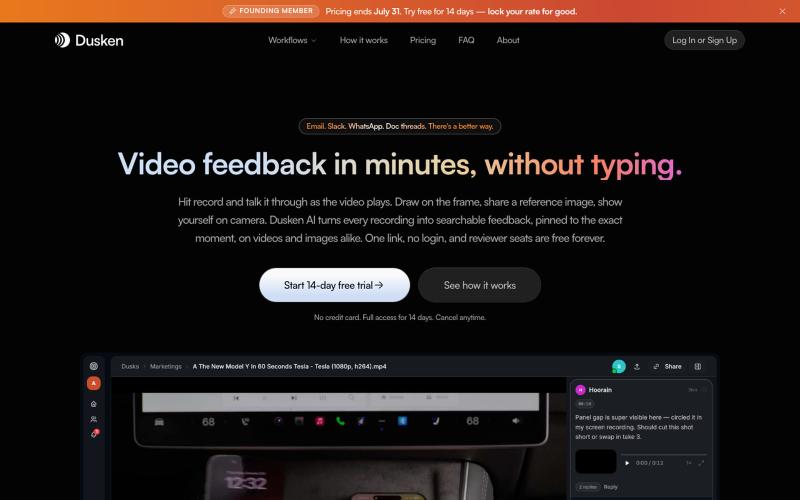
为创意团队打造的AI视频和图像审阅工具,支持自动转录和像素级评论。

@codesharpdev · X
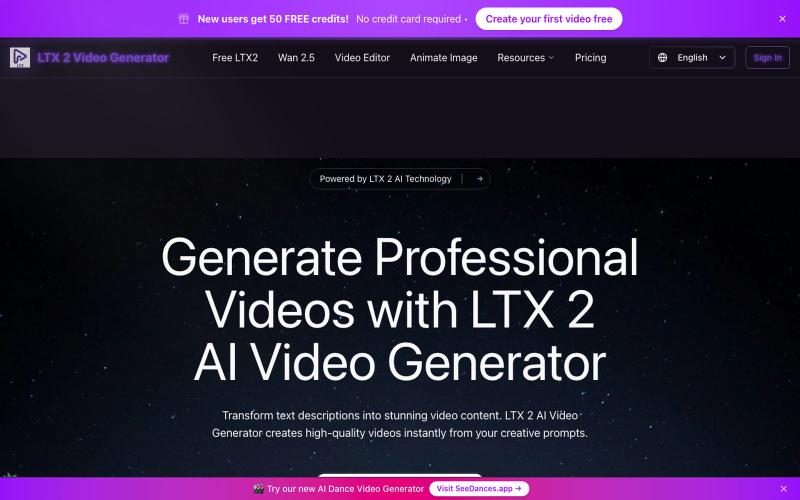
输入文本提示生成AI视频。
LTX 2 AI Video Generator — AI 视频生成器,可将创意提示即时转换为高质量视频
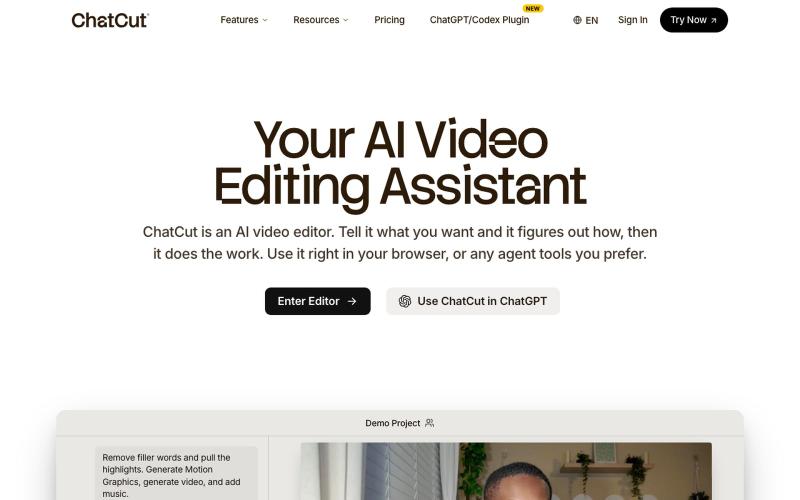
使用文字提示编辑视频,支持ChatGPT、网页和桌面版。
zaczuo · Product Hunt
ChatCut Your AI video editor in ChatGPT, desktop, and web

@CricTalk29 Turn real reviews into revenue https://t.co/r7rEwhSMRb

@Damrudhar_Kumar · X
Turn real reviews into revenue

通过AI聊天界面一站式创建视频,自动生成脚本、配音和编辑。
u/Real-Estate-Agentx44 · Reddit
Built an AI video tool where one chat writes, voices, generates, and edits the whole video - is all-in-one actually useful or do you prefer separate tools? I've been building ViewPress AI , an AI video generator, and I'm at the point where I want honest feedback before I keep pushing in one direction. Instead of jumping between a script tool, a voice tool, an image/video generator, and an editor, you describe what you want in one chat and the agent handles the whole thing. It
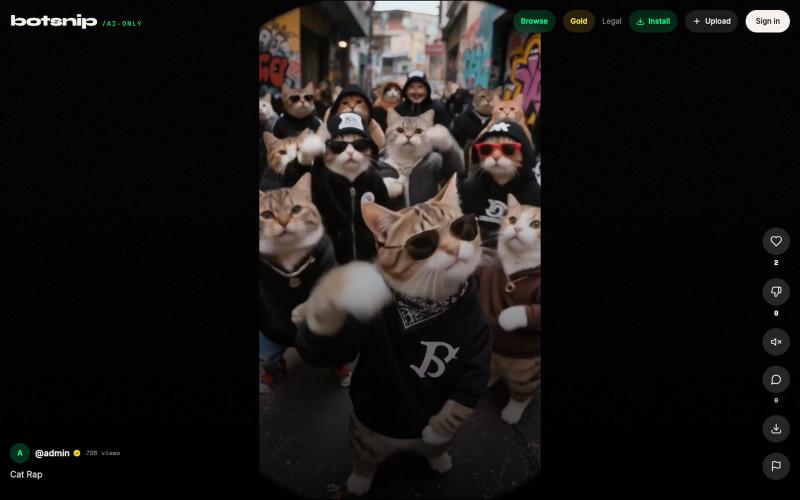
观看并浏览 AI 生成的短视频。

@botsnips · X
Check out our AI only shorts
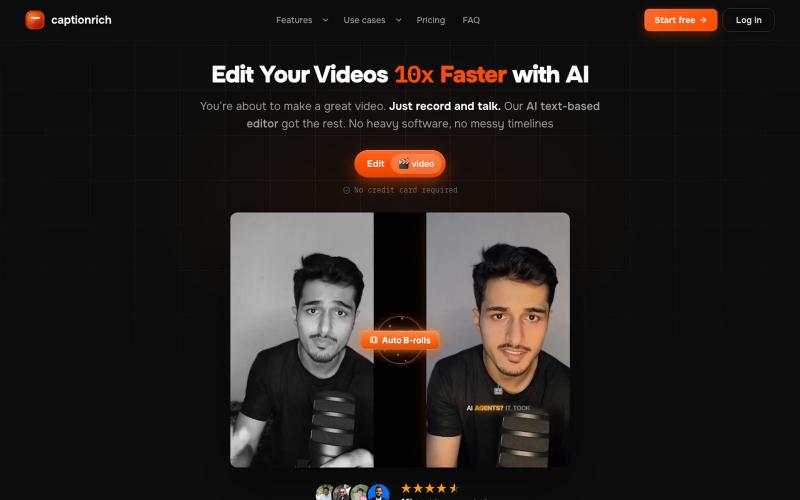
captionrich is an AI-powered, text-based video editor. Edit your video by editing the transcript — cut, add B-roll, sound effects, and motion graphics — plus 99% accurate animated

@techtasium · X
Record the damn video, what's stopping you


用可视化节点编辑器生成AI视频
u/sprth1w · Reddit
I built a node based graphics/video editor and created an anime series to market it. Hey, For the past few months, I've been working on https://gatewai.studio in my free time (Since I am working as freelancer it is a lot 😄). It is a browser-based node editor for building generative AI video and graphics workflows. I wanted to build an interface that is both easy to use and powerful at the same time. So I built a node editor that runs straight in the browser using WebGPU, lets you chain
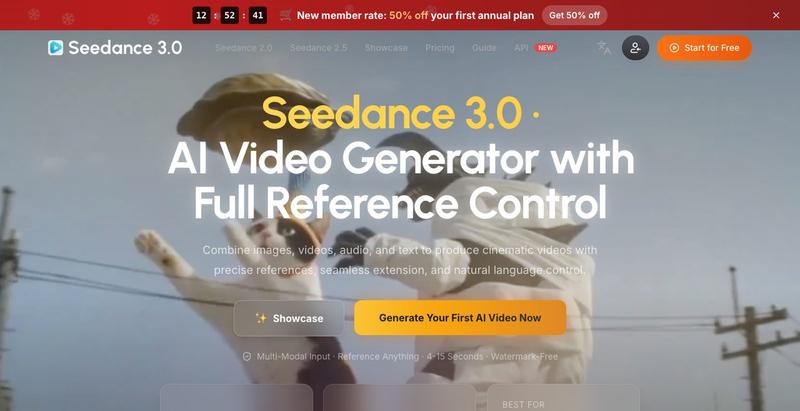
结合图像、视频、音频和文本参考生成电影级AI视频。
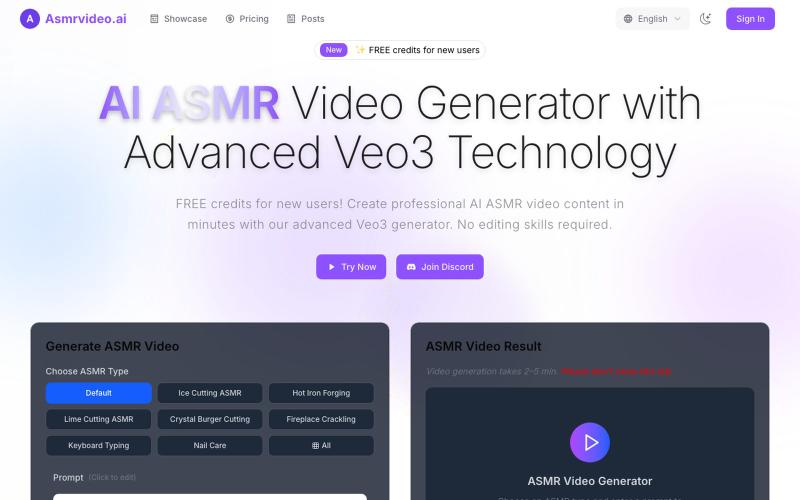
用 Veo3 AI 技术生成 ASMR 视频。
AI ASMR视频生成器 — AI ASMR视频生成器(采用先进 Veo3 技术)
