
实用工具2 weeks ago
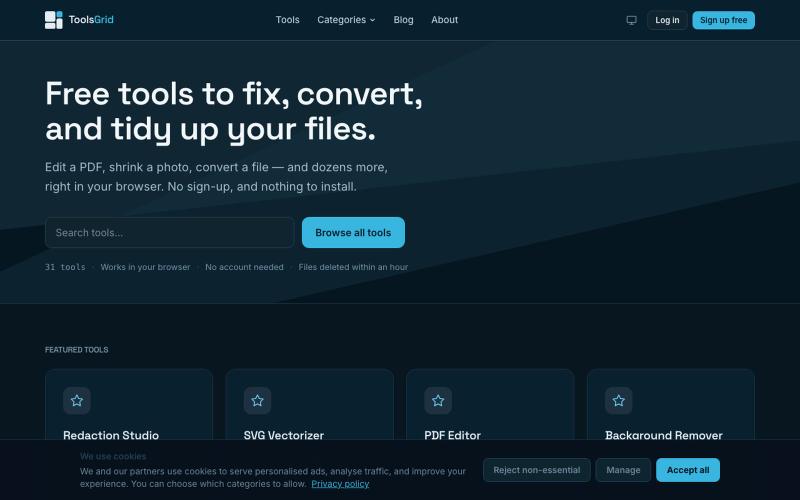
Free Online PDF, Image and File Tools | ToolsGrid
编辑和转换 PDF、图像、视频、JSON、SVG 和电子邮件文件的免费在线工具。

@bigchusstheory · X
完整作品展
技术栈
24 projects
编辑和转换 PDF、图像、视频、JSON、SVG 和电子邮件文件的免费在线工具。
@bigchusstheory · X
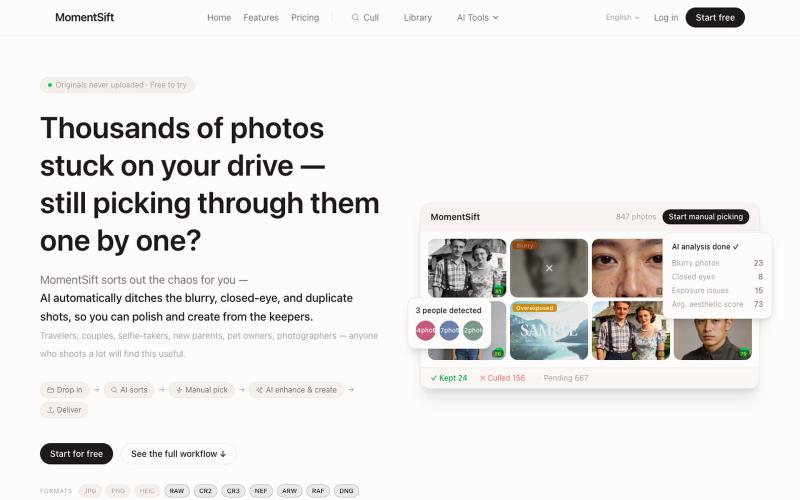
MomentSift: 用AI筛选、增强和生成照片。
ansheng_hu · Product Hunt
MomentSift Cull, enhance, and create better photos with AI
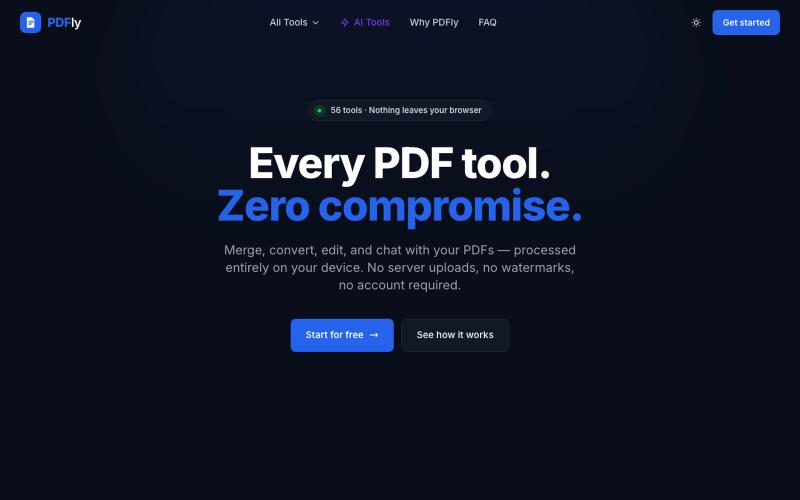
免费浏览器PDF工具包,56个工具可用于合并、分割、压缩、转换、签名和AI聊天。
pagalannu01 · HN
PDFly – 56 free PDF tools that run in the browser

izeo.app exists to redefine academic potential by providing intelligent, student-focused study tools centered on Efficiency, Clarity, and Mastery. Master your knowledge faster with

@utkuagi · X
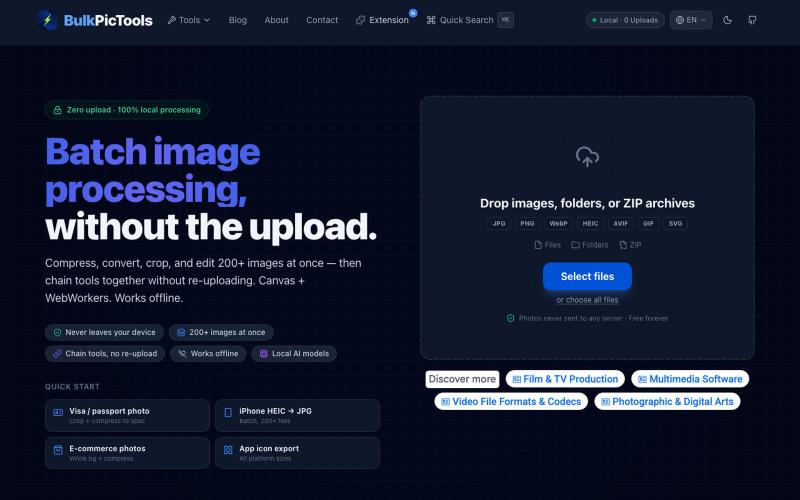
在浏览器中批量处理图片,支持工具链、本地AI和格式转换。
BulkPicTools — 免费浏览器端图片批量处理工具,支持**工具链串联**(压缩→转格式→裁剪一次完成,无需重复上传),本地 AI 去背景/人脸模糊(WebGPU,无需 API Key),支持 200+ 张图片批量处理,文件不上传服务器。
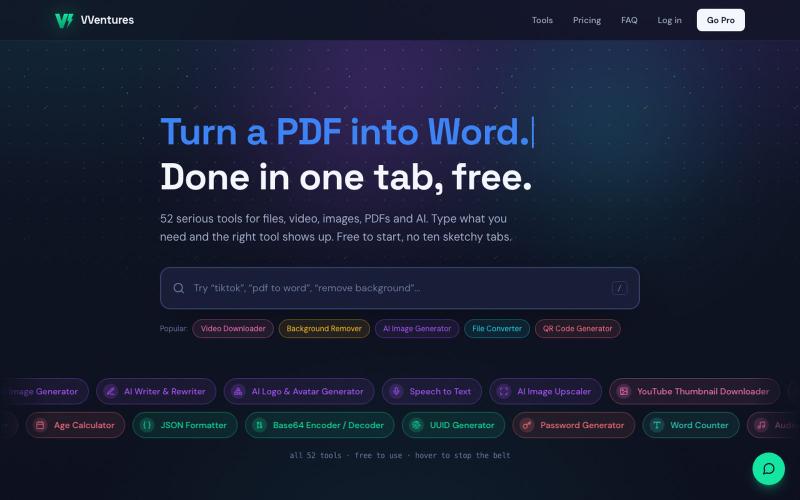
VVentures 提供50多个免费在线工具,用于文件转换、AI生成、PDF编辑和视频。

@smarterV01 · X
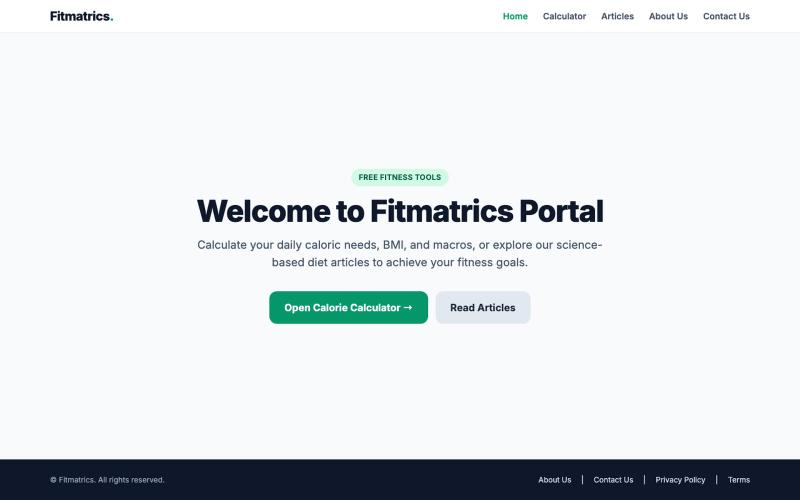
@lightsilver323 https://t.co/CM6FPQWJQb Building a website for those who is looking to gain,loose or maintain weight they can check there daily colories,water intake as well as for

@Nadiirr22 · X
Building a website for those who is looking to gain,loose or maintain weight they can check there daily colories,water intake as well as for those who are looking to loose weight they can check how many steps they need to walk daily to loose weight
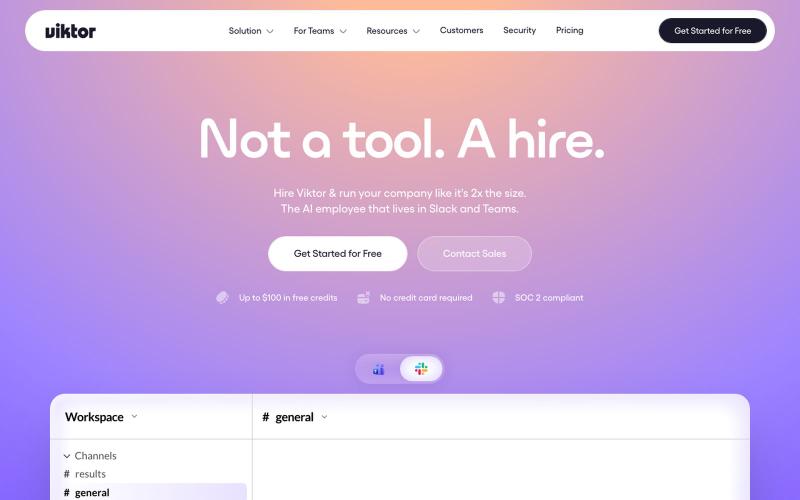
Viktor is the AI employee that lives in Slack and Microsoft Teams, connects to 3,200+ tools, and does the work. Reports, dashboards, code, campaigns. Start free.

@BruceD87117 · X
I'm not a developer. I shipped a commercial REO asset management platform anyway — described what I needed in Slack, my AI coworker built + deployed it. An industry exec got the demo link this week. Built with @Viktor.com → #ad
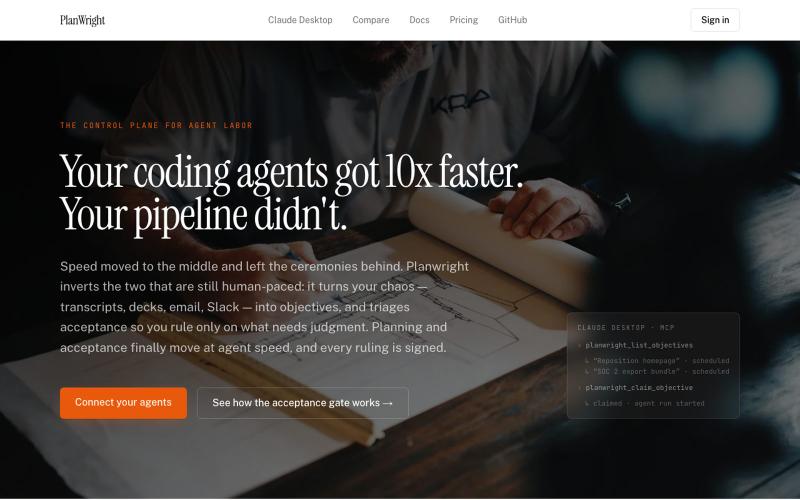
编写编码目标,让 AI 代理分解并执行任务。
dudemanAtl · HN
PlanWright – A control plane for AI coding agents
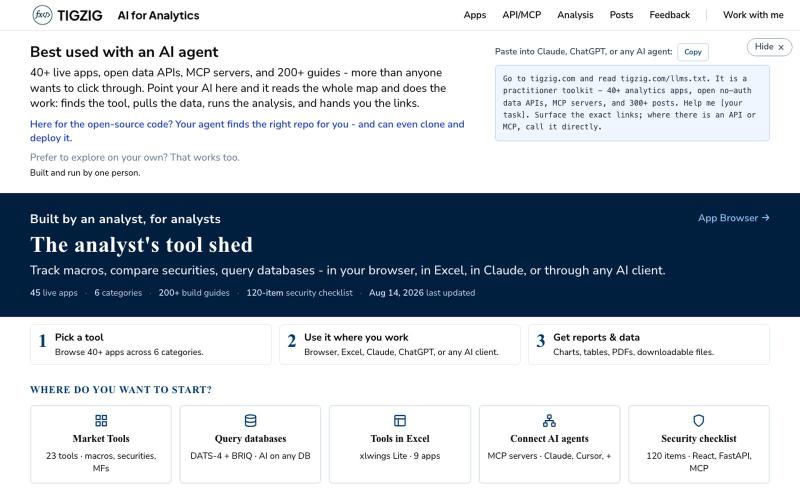
40+ 分析应用和 API,无需注册即可在浏览器、Excel、Claude 和 AI 代理中使用。

@amarHarolikar · X
I have rebuilt the Markdown to PDF converter on You paste your text or Markdown, you get a properly typeset PDF back, and your AI agent can do the same over MCP or a plain API call. No sign up, no key, free. Had built this a long time back as a fairly basic thing and then left it alone, and over the last few weeks I could see a rise in traffic. Took a fresh look and found that lot of it was not rendering. Headings below a certain level were being dropped, nested lists were coming out flat, and code blocks were losing their formatting. What is there now: - Page breaks where you want them, using :::pagebreak::: on a line by itself - Tables, nested lists, task lists and code blocks all render properly - Greek letters, maths symbols, arrows and the rupee sign come out right - Emoji and symbols do not break the render - Plain dot txt files keep their line breaks Live tool at API & MCP docs (humans): API & MCP docs (AI)
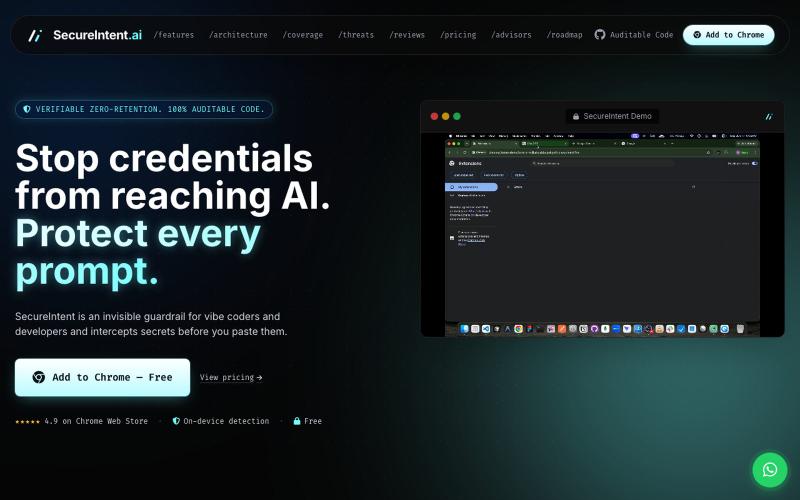
Chrome扩展,在粘贴到AI工具前拦截您的API密钥和密码。

@Secureintent_ai · X
SecureIntent is a free Chrome extension that intercepts API keys, tokens, and passwords before you accidentally paste them into AI tools
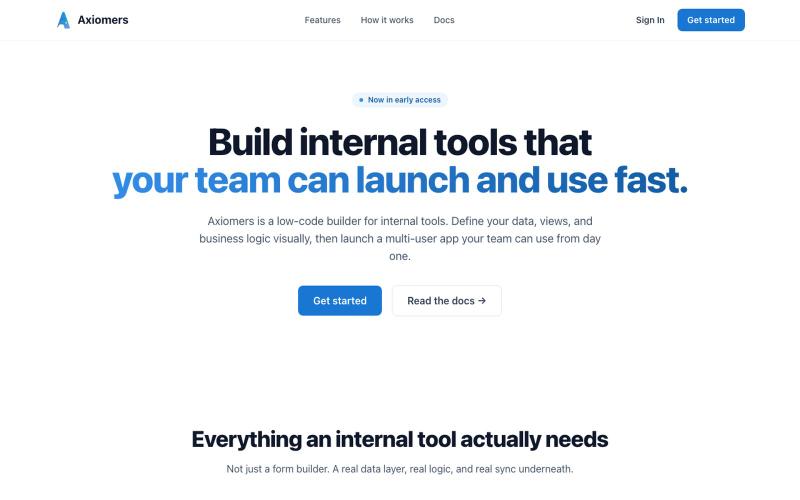
Axiomers is a low-code builder for internal tools. Offline-first and multi-user, with a real schema, action, and expression engine. Build it once, it works everywhere.

@axiomers_dev · X
Axiomers, an affordable low code app builder. Builds apps that accommodate low network connectivity with offline first architecture. Axiomers also has role based management in place to help you assign roles to the members of your application. Check it: