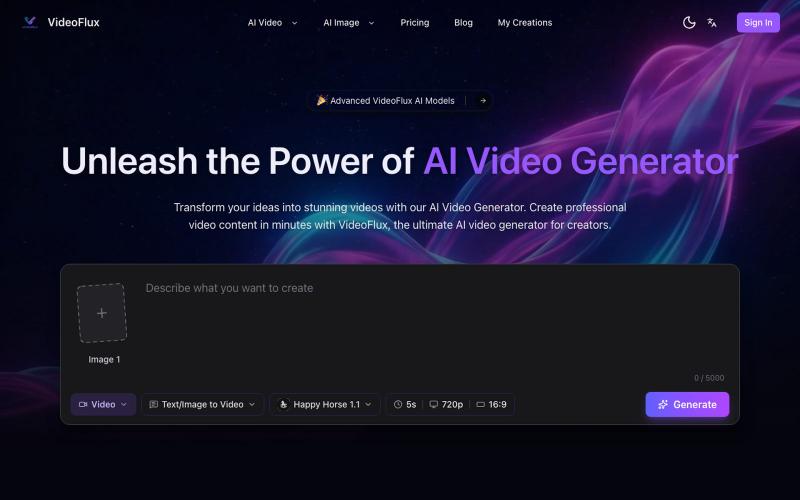
AI Video Generator for Text to Video & Image to Video | Epochal
用文本或图像生成AI视频,在一个工作流中对比多个生成模型。
Epochal — 解决 AI 视频生成不一致和流程割裂问题的一站式创作工具。
完整作品展
技术栈
20 projects

用文本或图像生成AI视频,在一个工作流中对比多个生成模型。
Epochal — 解决 AI 视频生成不一致和流程割裂问题的一站式创作工具。

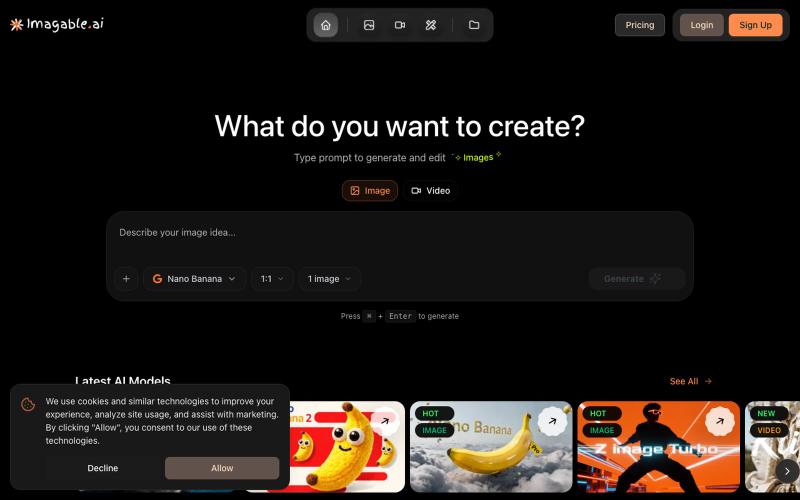
从文字或图片生成 AI 图像和视频的创意平台。
Zuss AI Video Generator — 一站式 AI 图片与视频生成平台,整合多种先进模型,支持文字生成图片、图片生成视频、图片编辑和多模型创作工作流。

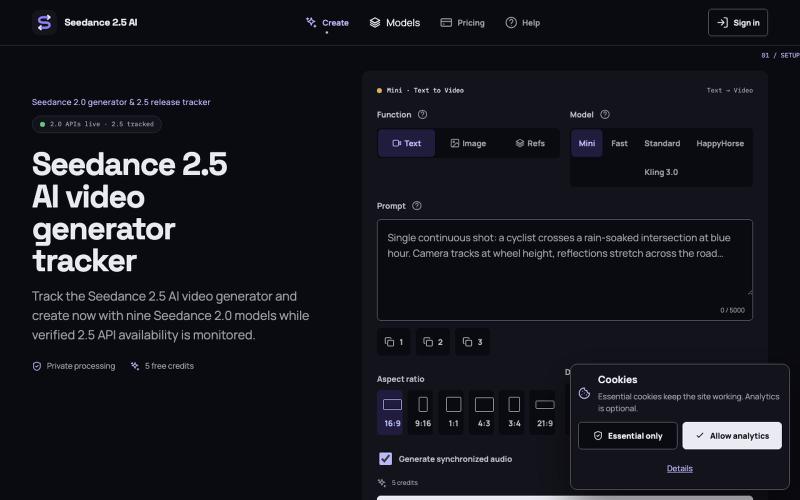
Seedance 2.5 从文字提示生成原生 4K 视频,可达 30 秒。
Seedance 2.5 — 字节跳动推出的 AI 视频生成器,输入提示词生成原生 4K 画质、时长达 30 秒的视频,支持最多 50 个参考输入,免费使用

使用 VideoPicAI 通过文本描述生成 AI 图像和视频。
struy · HN
Transform your ideas into stunning visual stories. VideoPicAI is the world's leading AI platform for generating professional images, videos, and short films using cutting-edge models.

使用 Vidgo AI 将照片转换为高质量视频。
Vidgo AI — 一站式的图片,视频生成平台

使用文字提示编辑视频,支持ChatGPT、网页和桌面版。
zaczuo · Product Hunt
ChatCut Your AI video editor in ChatGPT, desktop, and web

通过AI聊天界面一站式创建视频,自动生成脚本、配音和编辑。
u/Real-Estate-Agentx44 · Reddit
Built an AI video tool where one chat writes, voices, generates, and edits the whole video - is all-in-one actually useful or do you prefer separate tools? I've been building ViewPress AI , an AI video generator, and I'm at the point where I want honest feedback before I keep pushing in one direction. Instead of jumping between a script tool, a voice tool, an image/video generator, and an editor, you describe what you want in one chat and the agent handles the whole thing. It

ArtPlayer 免费浏览器视频和音频编辑工具,支持压缩、裁剪、合并和格式转换。
zhw2590582 · V2EX
最近对网站进行了重构,做成了免费的视频工具站:[ArtPlayer Tools]( https://artplayer.org/tools/) 主要是围绕着 ffmpeg.wasm 和 mediabunny 实现的一些可以直接在浏览器里用的视频/音频工具,常用的有: - 视频压缩:[Compress Video]( https://artplayer.org/compress-video/) - 视频裁剪:[Crop Video]( https://artplayer.org/crop-video/) - 视频合并:[Merge Video]( https://artplayer.org/merge-video/) - 视频尺寸调整:[Resize Video]( https://artplayer.org/resize-video/) - 视频旋转:[Rotate Video]( https://artplayer.org/rotate-video/) - 视频调速:[Change Video Speed]( https://artplayer.org/change-video-speed/) - 添加文字到视频:[Add Text to Video]( https://artplayer.org/add-text-to-video/) - 添加水印:[Watermark Video]( https://artplayer.org/watermark-video/) - 提取字幕:[Subtitle Editor]( https://artplayer.org/subtitle-editor/) - HLS 转 MP4:[HLS to MP4]( https://artplayer.org/hls-to-mp4/) - 音频可视化:[Audio Visualizer]( https://artplayer.org/audio-visualizer/) 大部分工具都是本地处理,文件不会上传到服务器。最开始是因为自己偶尔要处理一些视频,开剪辑软件又有点重,在线工具又担心隐私,所以就慢慢做成了一个站。 目前还在持续完善,体验肯定还有不少粗糙的地方,比如不同浏览器的兼容、移动端操作、长视频性能之类的。 网站: [ArtPlayer Tools]( https:

粘贴 YouTube 视频链接,获取即时 AI 摘要,包含关键要点和时间戳。
@papipava · X
check it out, currently working on adding a chrome extension

将PDF转为带旁白的培训视频,使用模板和AI设计。
u/No-Tap6993 · Reddit
I built a slide deck video builder Most AI generated visual can look like slop. I built a slide deck video builder for training content. It generates beautiful slide decks from 18 templates, adds voice over, allows post editing, and finally export to mp4. Check it out at https://inkbolt.ai and let me know what you think! I have to give a shout out to this repo for inspiring how to do design properly with AI. https://github.com/zarazhangrui/frontend-slides submitted b

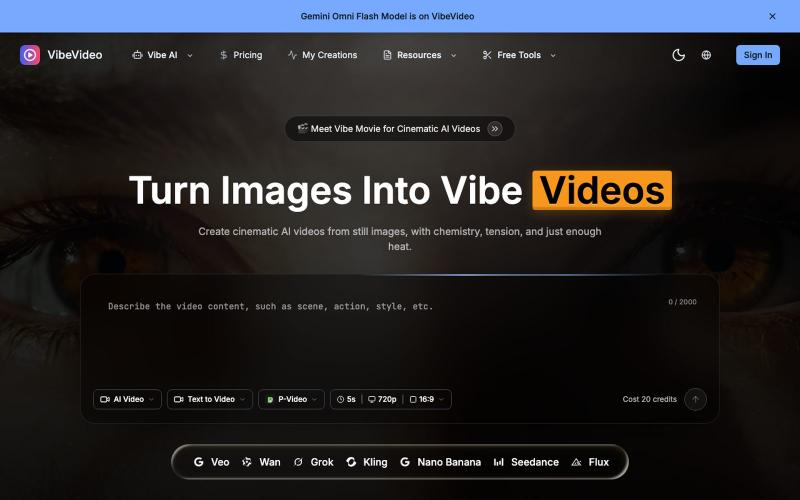
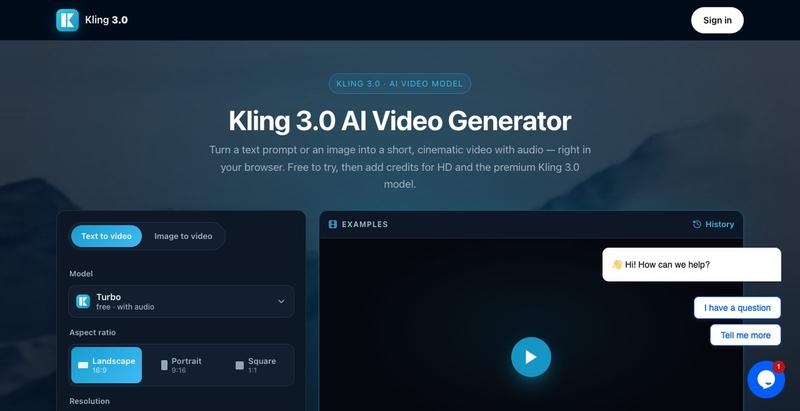
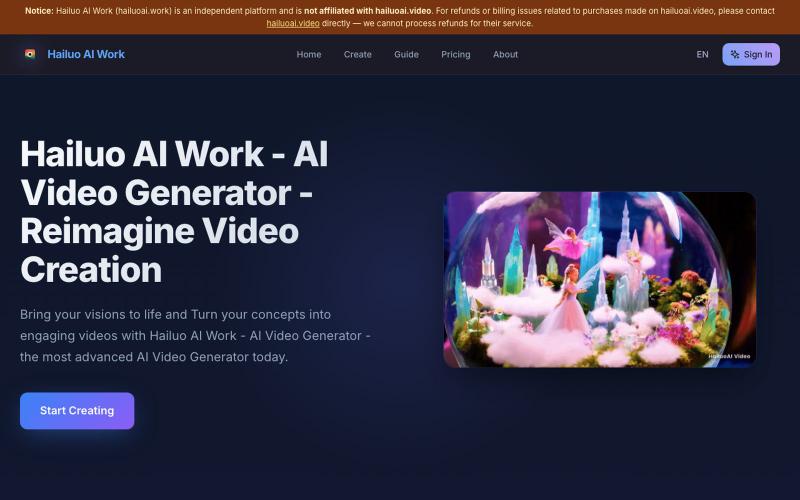
用文本或图像生成电影级AI视频,并包含视频编辑工具。
seedance2 — AI 视频生成平台,体验视频生成模型 Seedance

可嵌入的可视化工作流编辑器,支持AI驱动或纯逻辑设计。
tahazsh · HN
Hi! I’m Taha. In many agentic products that support workflows (including one I worked on), I noticed they either don’t support node-based editors, or use React Flow and go through the difficult work of integrating it into their product to run it and work with their existing logic. So I thought about creating a tool that could help with this by closing the gap between the editor and the runtime. That’s why I created Wayflow. The basic architecture is simple: you just need to create a graph (which is a JSON object) that the runtime knows how to run. The runtime doesn’t care where that graph is coming from, it just needs the right schema. And with the help of the editor, you can create the graph, and then export it or directly save it on your backend in your database. And then when you want to execute it, you just hand it to the runtime. The runtime can either stream the execution (which is useful for the editor), or give you the final result. How you execute the graph is up to you: t