
创意工具1 month ago
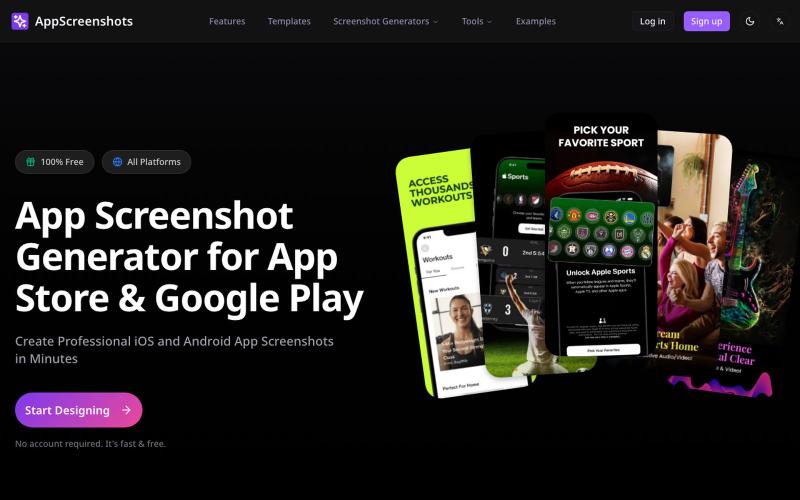
Free App Store Screenshot Generator | iOS & Android
为iOS和Android应用生成带3D设备模型的应用商店截图。
AppScreenshots — 生成应用商店截图,支持 iOS、Android、Chrome、HarmonyOS 等平台,支持 3D 设备展示和 AI 驱动的 Mockup 创建工具
完整作品展
技术栈
6 projects
为iOS和Android应用生成带3D设备模型的应用商店截图。
AppScreenshots — 生成应用商店截图,支持 iOS、Android、Chrome、HarmonyOS 等平台,支持 3D 设备展示和 AI 驱动的 Mockup 创建工具
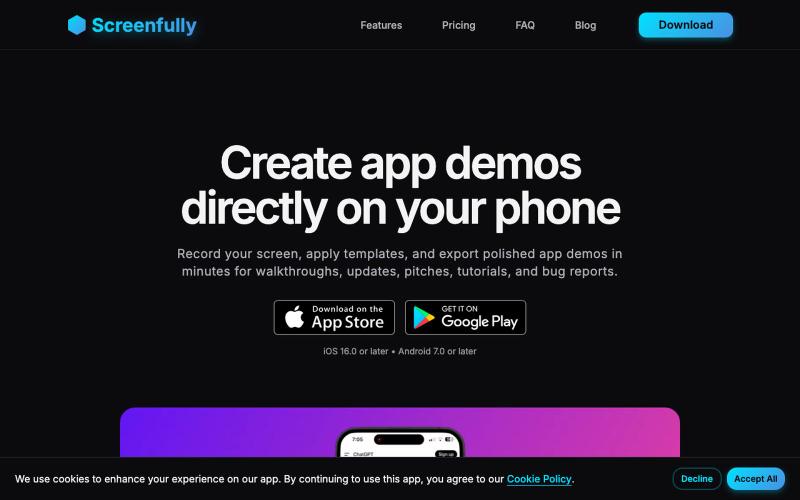
在您的手机上直接创建精美的移动应用演示和原型。

@startappdev · X
I'm working on a mockup and demo creation tool straight on your phone so you can build in public easily.
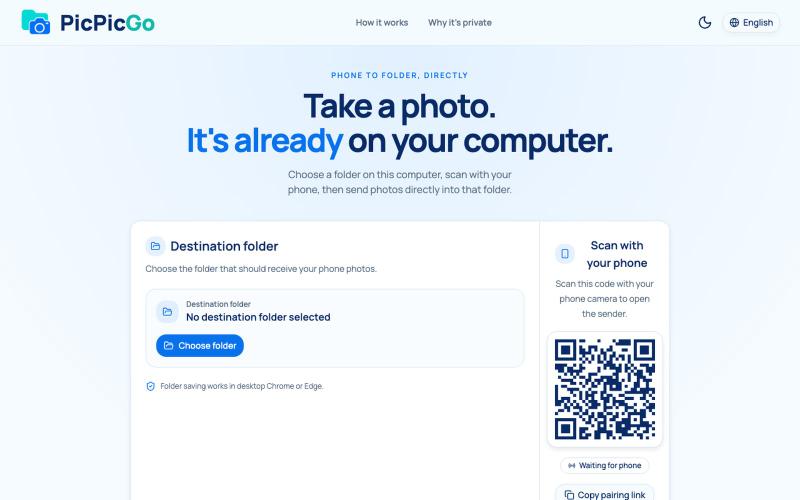
从手机直接将照片传送到电脑文件夹,无需账户或安装。
1010115121 · V2EX
做了个网站,将手机的照片实时同步到电脑指定的文件夹,不需要复杂的操作! 最近自己有个需求:需要把手机刚拍的一批图(十来张)快速传到电脑 试了一圈手机和电脑的同步方案,都有点麻烦,所以自己做了个工具站:PicPicGo https://picpicgo.com 使用很简单: 1 、电脑打开网页,选择一个文件夹 2 、手机扫码进行连接 3 、手机拍照或选择照片 4 、照片自动保存到电脑刚才选择的文件夹 不需要安装电脑软件,也不需要安装手机 App ,打开网页就能用 照片通过 WebRTC 在设备之间直接传输。 目前只支持同局域网的设备,刚发布,发出来看看有没有人也有类似需求,欢迎试用和提意见。
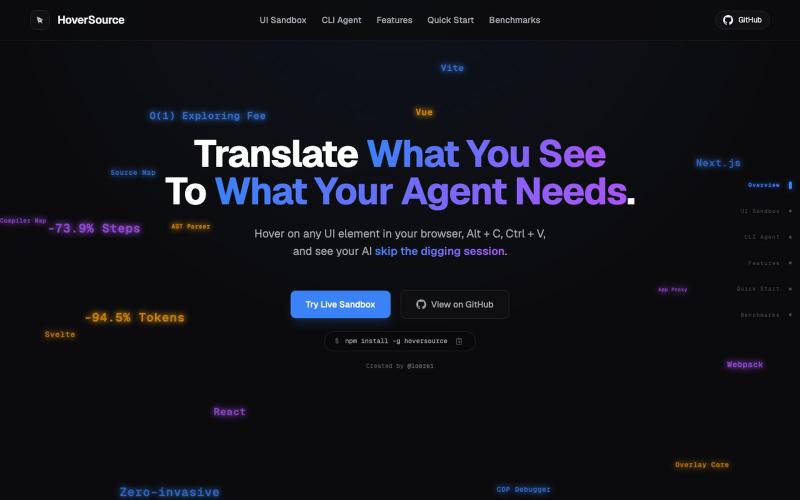
捕获UI元素及其代码上下文,与AI代理分享以调试视觉缺陷。
Loerei · HN
I found that describing where a broken UI is and taking screenshots for AI agents really sucks. I’m too lazy to explain an indescribable visual bug or capture a millisecond-long flash. I also don’t want to remember which file defines an element, whether it's right in the .tsx or a problem with the Parent Styles in .css. And even if you can point out the exact file, your agent still has to dig through thousands of lines of code to know what on earth you're yapping about. In a 7700-file monorepo like Cal.com, simply giving the right file in the prompt for your agent saves about 68.9% of execution time and 94.2% of the tokens your agent needs to digest. HoverSource gives all the needed information and further pushes it to -88.5% time and -94.5% tokens, basically skipping the entire digging session and jumping straight to reasoning and executing. The save is linear to how big your codebase is. I want to save tokens, but don’t want to spend my time and energy digging manually, and a junio

在浏览器中直接编辑和筛选 RAW 照片,本地处理无需上传。

@am56ay · X
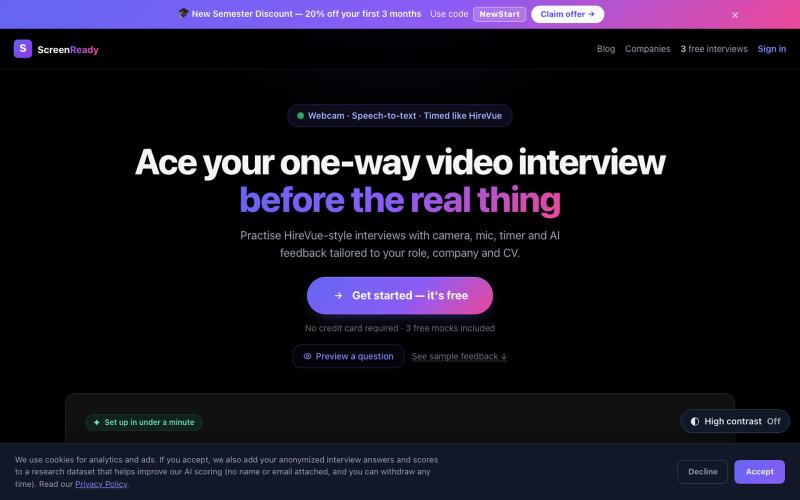
Practise one-way AI video interviews — camera on, mic live, timer running. Get structured AI feedback and scores on timed webcam answers. Free to start.

@getscreenready · X