
生产力1 month ago
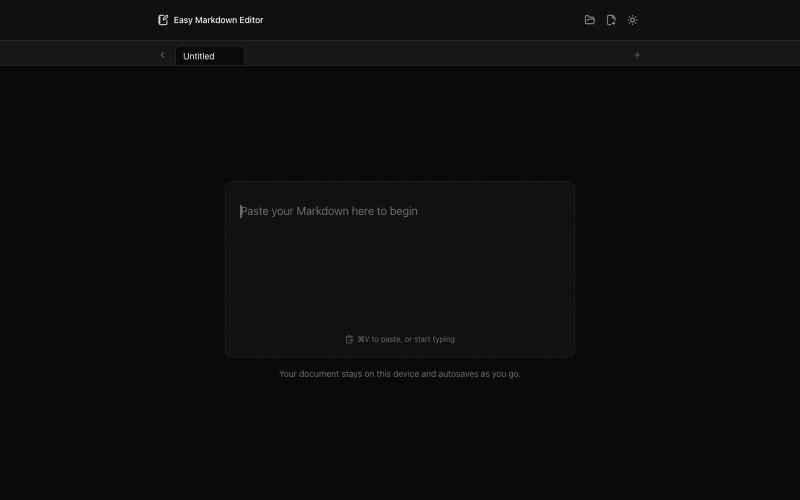
Easy Markdown Editor - Best Online Markdown Viewer & Editor
在浏览器中实时编写和预览Markdown文档,支持语法高亮。

@krishnakrmahto · X
Built Easy Markdown Editor — a reading-first Markdown editor where you edit the rendered document instead of raw Markdown.
完整作品展
技术栈
22 projects
在浏览器中实时编写和预览Markdown文档,支持语法高亮。
@krishnakrmahto · X
Built Easy Markdown Editor — a reading-first Markdown editor where you edit the rendered document instead of raw Markdown.
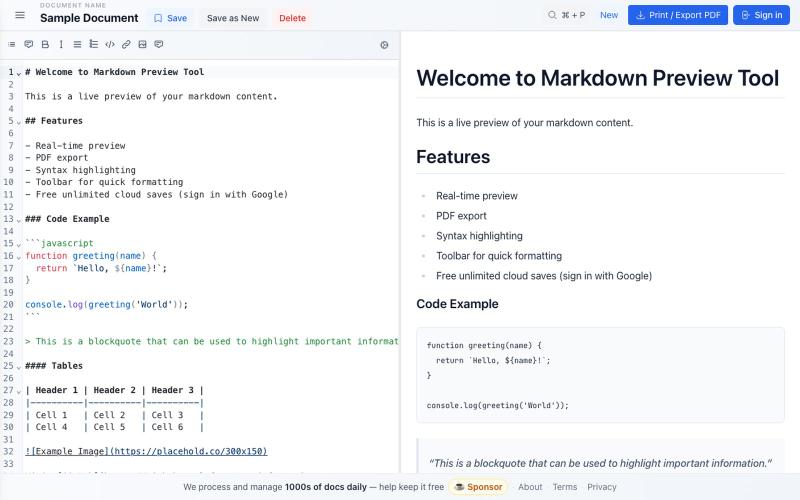
免费 Markdown 编辑器,实时预览、云保存和 PDF 导出。

@bheru_l · X
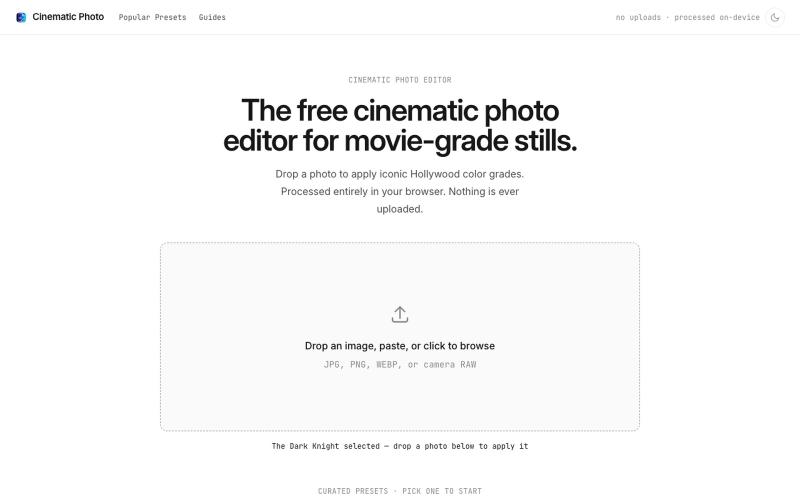
Cinematic Photo Editor 可在浏览器中对照片一键应用电影风格调色
u/huuughmangasorr · Reddit
I built a tool that gives your photos a movie color grade (no AI generation) I kept seeing photo tools that "cinematic-ify" images by running them through AI and spitting out something that's basically a different picture. I wanted the opposite: keep my actual photo, just make it feel like a frame from a film. So I built CinematicPhoto — a browser tool where you upload a photo, pick a movie look, and get a graded version back. Your original stays intact; it's color grading and effects d
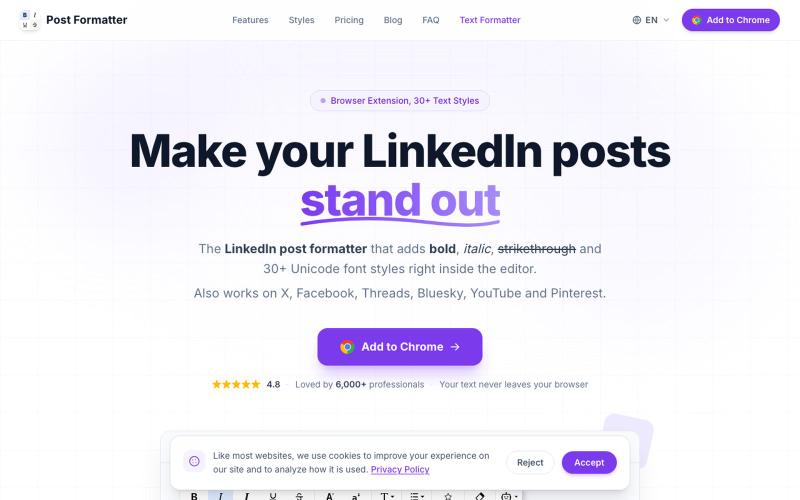
LinkedIn post formatter Chrome extension. Add bold, italic & 30+ Unicode fonts with AI proofread, drafts & live preview. Works on X, Facebook, Threads & more.

@a_shimanski · X
Post Formatter, a browser extension for LinkedIn and X. 30+ text styles in the editor and a live preview before you publish → Happy to check yours out 🤝

用于查看和接受Claude代理代码编辑的Markdown编辑器
samuelstros
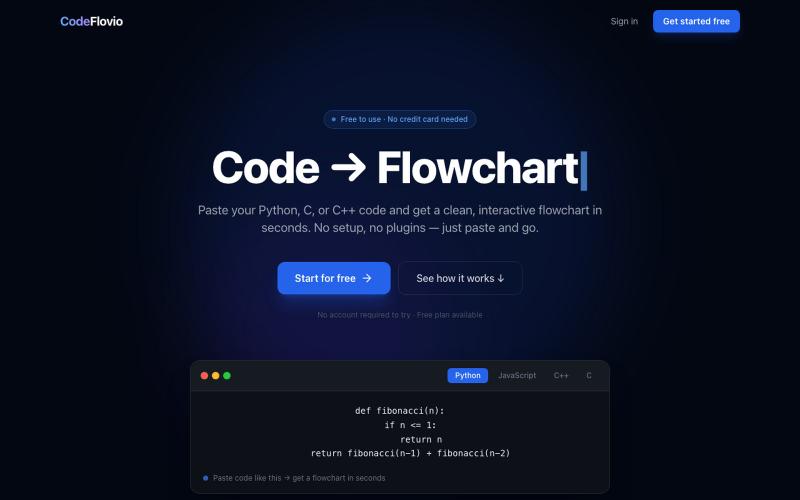
CodeFlovio 将代码转换为交互式流程图,便于学习、调试和文档编制。

@Sparsh209 · X
Hi isha! Check it out here at: Would love to hear your feedbacks
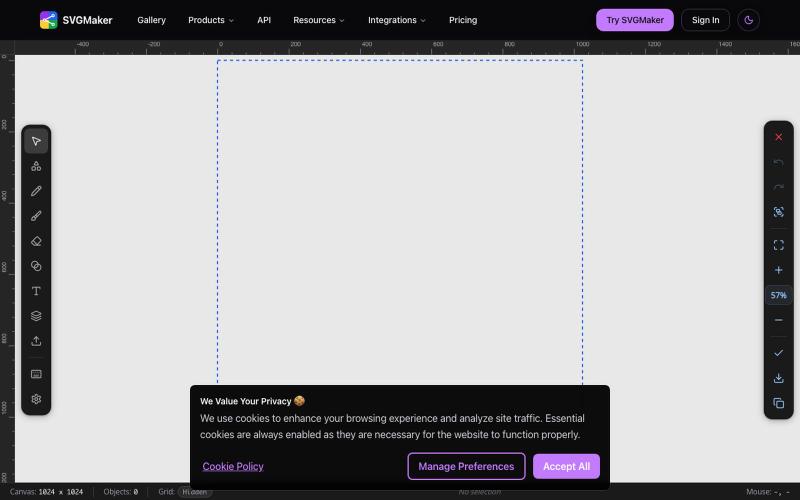
AI 驱动的 SVG 编辑器,在浏览器中生成和编辑矢量图形。
u/Every-Comment5473 · Reddit
I think I may have finally found a fully free alternative to BoxySVG. I came across this browser-based free SVG editor from svgmaker , and it feels pretty close to Apple Freeform in the way the canvas, grids, snapping, and alignment work. It also lets you edit paths, points, text, colors, shapes etc. Most of the things I used to open BoxySVG for, I can now do in this one—and it’s completely free. Honestly, I wasn’t expecting it to be this capable, especially since most AI image generation
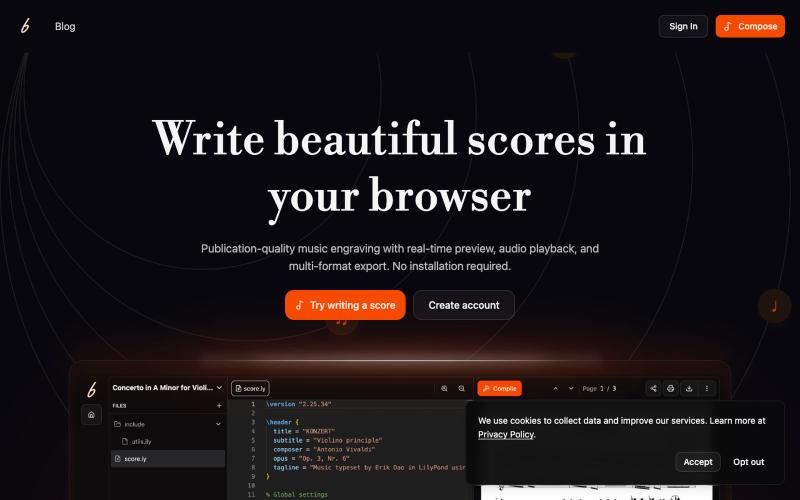
在浏览器中创作和协作音乐记谱,实时预览效果。

@erikdao · X
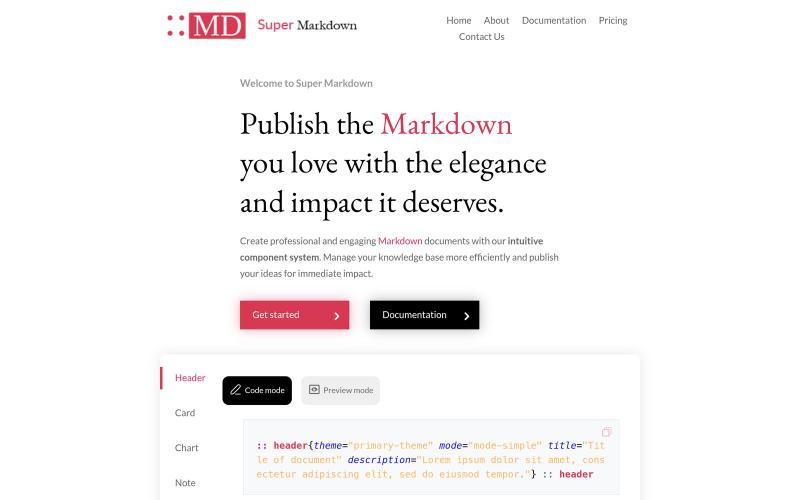
使用组件创建和设计 Markdown 文档,以组织和发布你的知识库。

@sidbyok · X
Write your documents in Markdown with a professional visual rendering without HTML/CSS, just native Markdown.

为 Codex Desktop 设计自定义主题,调整背景、颜色、透明度和视觉效果。
plutozc · V2EX
做了个 Codex Desktop 主题预览和切换工具,先调好再安装 最近一直在用 Codex Desktop ,觉得默认界面看久了有点单调,就顺手做了个主题编辑工具,分享一下: [Codex Skin]( https://getcodexskin.com) 可以先在网页里预览主题,调整背景透明度、面板透明度、颜色、模糊和圆角等参数,满意之后再下载并切换到 Codex Desktop 。 目前支持: - 自定义 JPG 、PNG 、WebP 背景 - 在线实时预览主题效果 - 调整透明度、颜色、模糊、圆角 - 预览满意后生成安装命令 - 不喜欢了可以恢复默认外观 目前主要面向 macOS 上的 Codex Desktop ,还是个人项目,功能和兼容性都在继续打磨。 欢迎试试,也想听听大家对主题参数、预览效果和安装流程的反馈。 直接网址: https://getcodexskin.com [轻喷 轻喷,可能还有些 bug
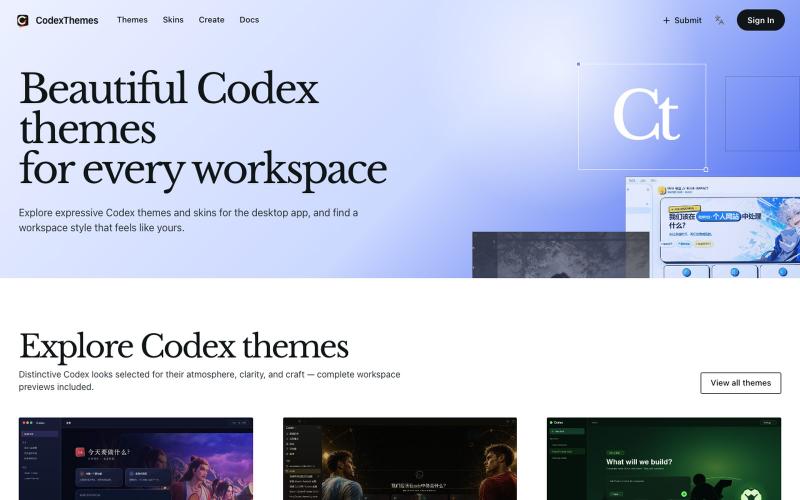
浏览和安装 Codex 主题,包含完整工作区预览,或分享你的设计。

@cnyzgkc · X
idoubi @idoubicc 老师执行力拉满! 直接做了一个 CodexThemes 主题站,把创建、分享、查找、安装、启用 Codex 主题的流程闭环! 使用方式:直接复制提示词发给 Codex,就可以让Codex 管理主题。 网站地址:
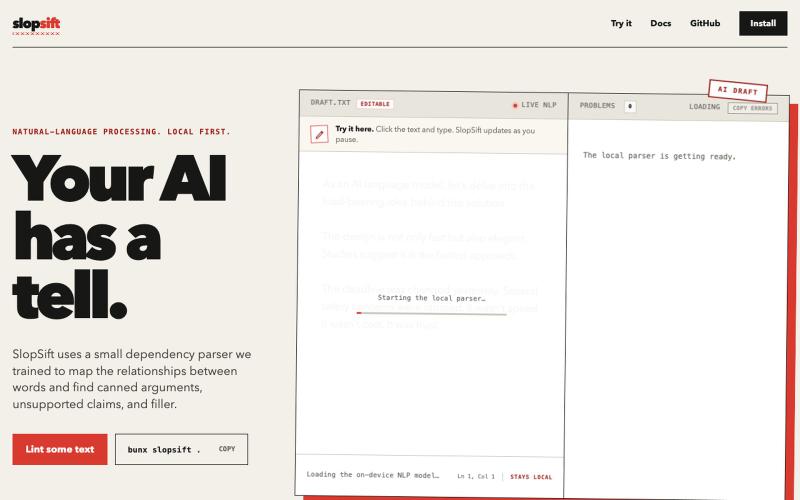
粘贴文本以检测AI生成的写作特征。
NikhilVerma · HN
Slopsift – a local, graph-backed linter for AI writing