
创意工具1 month ago
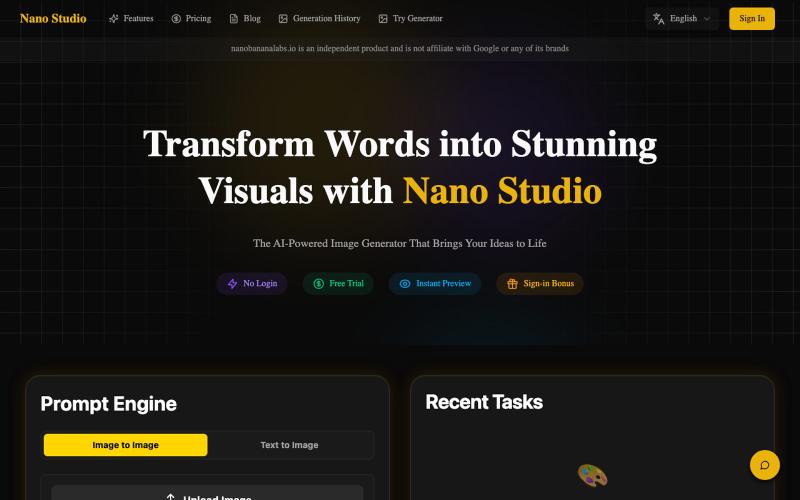
Nano Studio - AI Image Editor | Say It, See It
用自然语言和AI修复照片、增强清晰度和优化色彩。
Nano Banana Labs — AI 老照片修复与图像增强工具,上传旧照片或低分辨率图像,自动修复划痕、还原清晰度,支持人像增强与色彩优化,无需注册即可使用。
完整作品展
技术栈
13 projects
用自然语言和AI修复照片、增强清晰度和优化色彩。
Nano Banana Labs — AI 老照片修复与图像增强工具,上传旧照片或低分辨率图像,自动修复划痕、还原清晰度,支持人像增强与色彩优化,无需注册即可使用。
Hyperiux Vault - React和Next.js库,包含30+免费交互效果,可预览和安装。

@jyotipathak___ · X
We launched Vault today and we’re excited to take you through an experience designed to impress from the first scroll to the last. Vault is a React/Next.js effects library. Preview the effect. Install it. Ship it. Constructive feedbacks appreciated
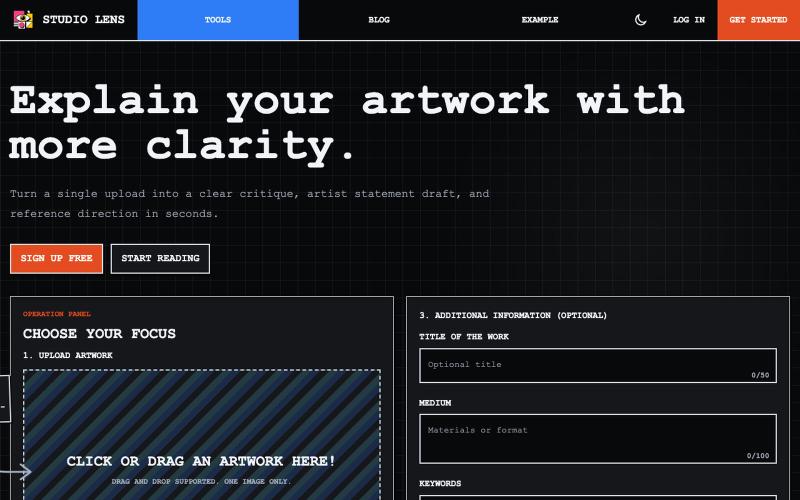
上传艺术作品图像,生成视觉分析和艺术家声明。

@dvd1932 · X
An SaaS that explains Art for/to you. (Free) 🧙♂️
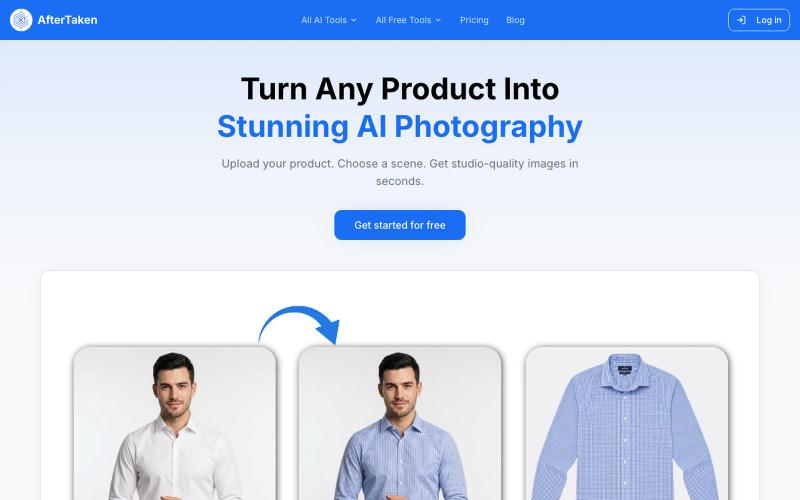
上传产品图片,选择场景,AI生成专业级摄影照片。

@aftertakenai · X
for AI e-commerce product photography
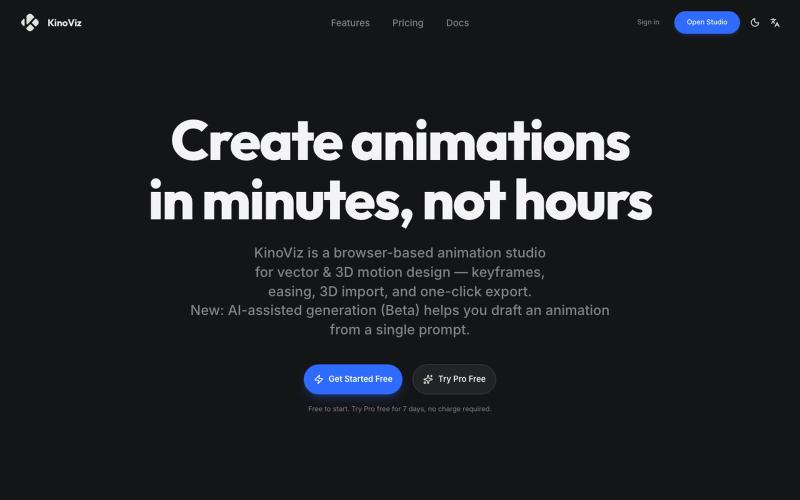
使用AI生成和关键帧编辑,在浏览器中创建矢量和3D动画。

@listudio · X
Fable 5 规划+Codex 执行,效率真的很 ok。一个周末上线了两个工具网站。麻了。。 👉: 和
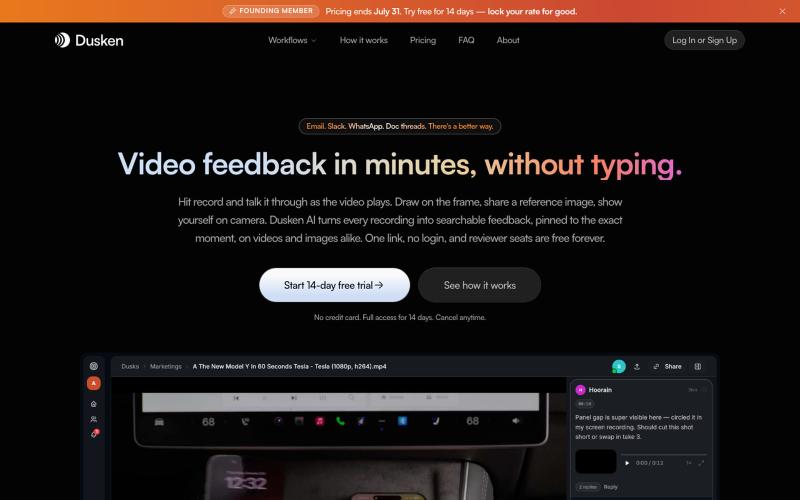
为创意团队打造的AI视频和图像审阅工具,支持自动转录和像素级评论。

@codesharpdev · X
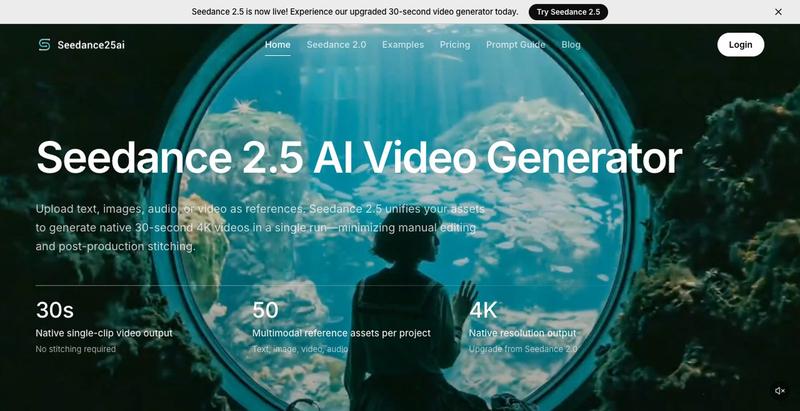

在浏览器中编辑、压缩、转换和合并视频和音频文件。
zhw2590582 · V2EX
最近对网站进行了重构,做成了免费的视频工具站:[ArtPlayer Tools]( https://artplayer.org/tools/) 主要是围绕着 ffmpeg.wasm 和 mediabunny 实现的一些可以直接在浏览器里用的视频/音频工具,常用的有: - 视频压缩:[Compress Video]( https://artplayer.org/compress-video/) - 视频裁剪:[Crop Video]( https://artplayer.org/crop-video/) - 视频合并:[Merge Video]( https://artplayer.org/merge-video/) - 视频尺寸调整:[Resize Video]( https://artplayer.org/resize-video/) - 视频旋转:[Rotate Video]( https://artplayer.org/rotate-video/) - 视频调速:[Change Video Speed]( https://artplayer.org/change-video-speed/) - 添加文字到视频:[Add Text to Video]( https://artplayer.org/add-text-to-video/) - 添加水印:[Watermark Video]( https://artplayer.org/watermark-video/) - 提取字幕:[Subtitle Editor]( https://artplayer.org/subtitle-editor/) - HLS 转 MP4:[HLS to MP4]( https://artplayer.org/hls-to-mp4/) - 音频可视化:[Audio Visualizer]( https://artplayer.org/audio-visualizer/) 大部分工具都是本地处理,文件不会上传到服务器。最开始是因为自己偶尔要处理一些视频,开剪辑软件又有点重,在线工具又担心隐私,所以就慢慢做成了一个站。 目前还在持续完善,体验肯定还有不少粗糙的地方,比如不同浏览器的兼容、移动端操作、长视频性能之类的。 网站: [ArtPlayer Tools]( https:

为 Codex Desktop 设计自定义主题,调整背景、颜色、透明度和视觉效果。
plutozc · V2EX
做了个 Codex Desktop 主题预览和切换工具,先调好再安装 最近一直在用 Codex Desktop ,觉得默认界面看久了有点单调,就顺手做了个主题编辑工具,分享一下: [Codex Skin]( https://getcodexskin.com) 可以先在网页里预览主题,调整背景透明度、面板透明度、颜色、模糊和圆角等参数,满意之后再下载并切换到 Codex Desktop 。 目前支持: - 自定义 JPG 、PNG 、WebP 背景 - 在线实时预览主题效果 - 调整透明度、颜色、模糊、圆角 - 预览满意后生成安装命令 - 不喜欢了可以恢复默认外观 目前主要面向 macOS 上的 Codex Desktop ,还是个人项目,功能和兼容性都在继续打磨。 欢迎试试,也想听听大家对主题参数、预览效果和安装流程的反馈。 直接网址: https://getcodexskin.com [轻喷 轻喷,可能还有些 bug
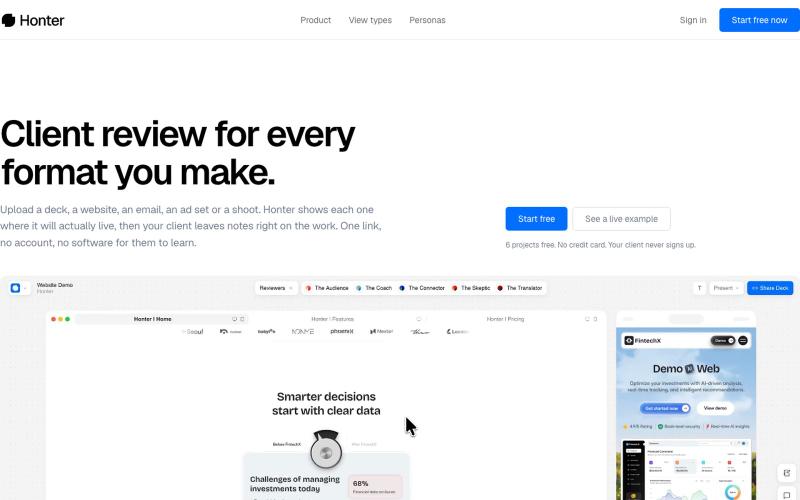
帮助创意团队提交作品并将客户反馈转化为清晰、具体的建议。

@axeltdesign · X
do you think this is vibe coded?
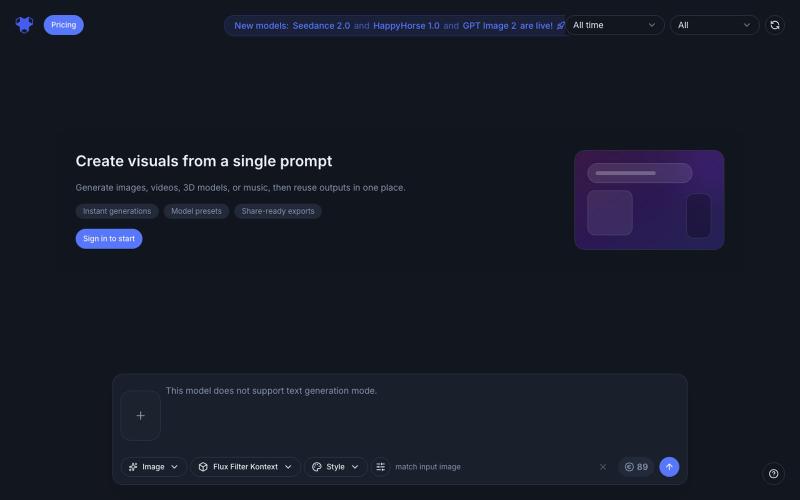
Indream是AI滤镜和生成器,可转换照片、生成视频、音乐和3D内容。
AI Filter — 用 AI 滤镜将你的照片变换为动漫、粘土、3D、像素、表情符号、视频游戏、贴纸等多种滤镜风格
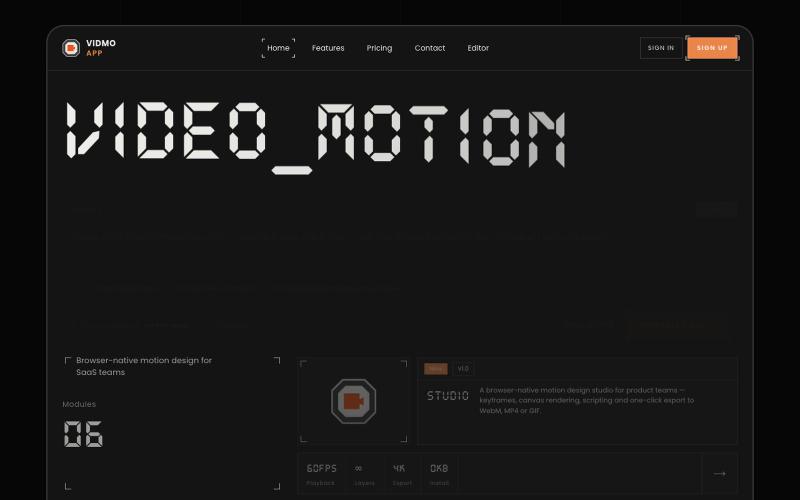
Vidmo 是浏览器 AI 视频编辑器,从提示词创建动画视频,支持关键帧、效果和配音编辑。
u/Savings_Wolverine408 · Reddit
turns out you can make launch videos in the browser now! turns out you can make launch videos in the browser now, and Claude Opus is doing the heavy part we have been working on vidmo.app , a free browser based motion design editor for making product videos, launch clips, social ads, and simple motion graphics without opening After Effects. the idea is not to make another AI video toy where you type one prompt and get stuck with whatever comes out. the editor works more lik