
创意工具1 month ago
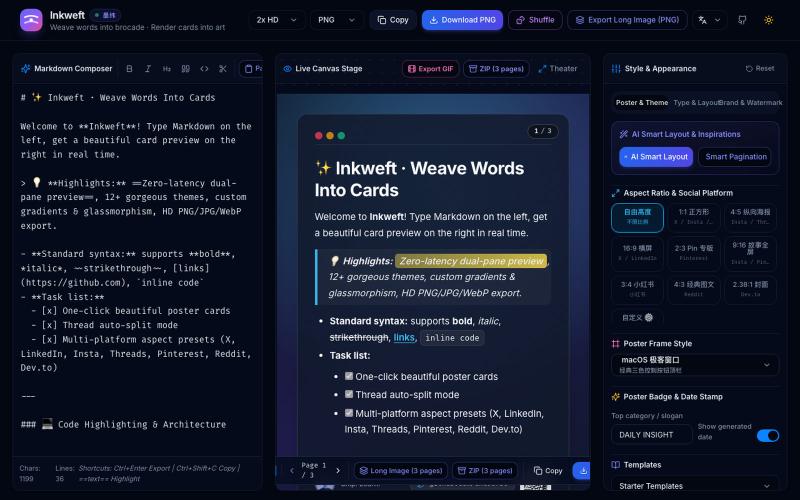
Inkweft · 墨纬 — Markdown 卡片编织与社交海报导出
将 Markdown 笔记转换为高颜值社交海报卡片,12 个主题,导出 PNG/JPG/WebP。
Open source

@dxer0730 · X
做了一个把 Markdown 笔记 3 秒变成高颜值社交海报的小工具,支持连载切图与无缝长图拼接 在线体验 / 开源:
完整作品展
技术栈
18 projects
将 Markdown 笔记转换为高颜值社交海报卡片,12 个主题,导出 PNG/JPG/WebP。
@dxer0730 · X
做了一个把 Markdown 笔记 3 秒变成高颜值社交海报的小工具,支持连载切图与无缝长图拼接 在线体验 / 开源:
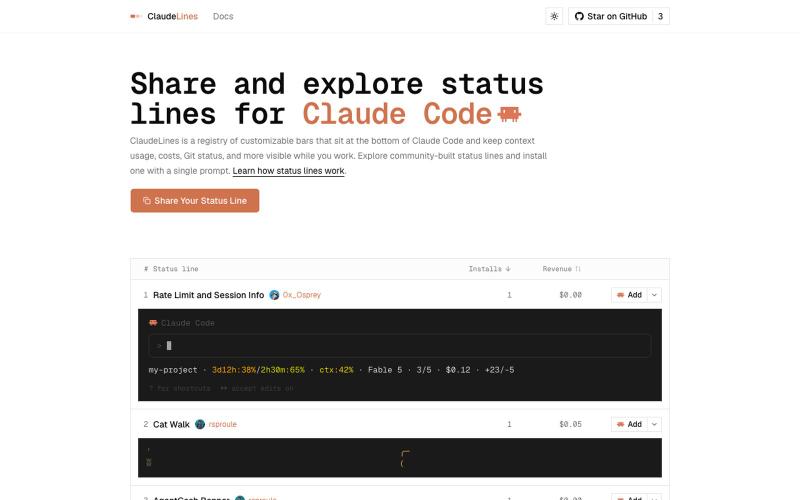
探索并安装 Claude Code 自定义状态行脚本。
rsproule · HN
Share and explore custom Claude Code status lines
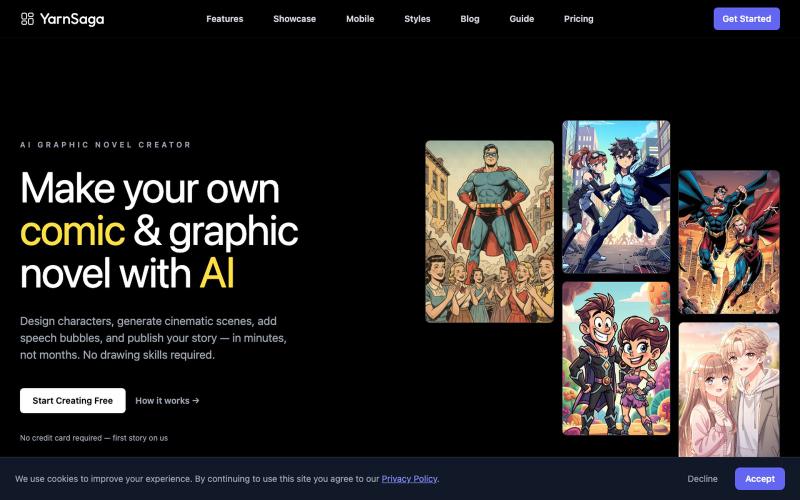
用AI生成具一致人物的漫画,支持多种风格。

@yarnsaga · X
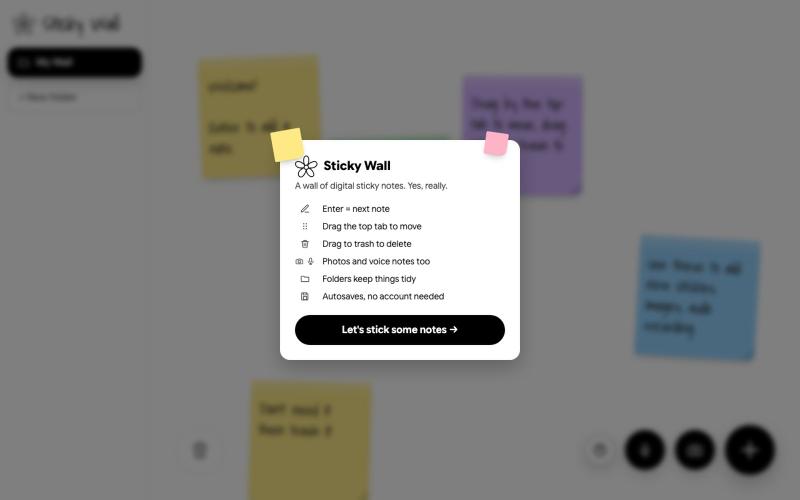
在数字墙上创建和整理便签

@SKaaveri14488 · X
Lately I have been into : eating healthy (Mexican-style baked sweet potatoes😍) and building things with Claude Code. check out this sticky note wall I built yesterday.
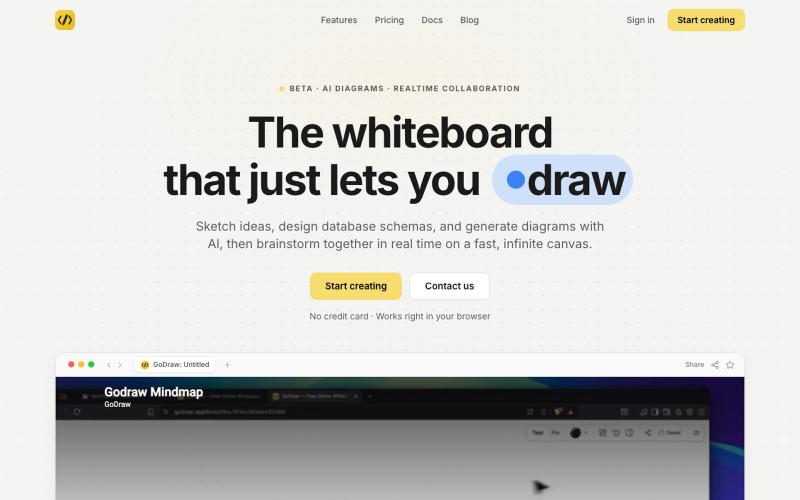
GoDraw: 在线白板和图表工具,支持即时协作,无需注册。

@rishabh21g · X
The whiteboard that just lets you draw
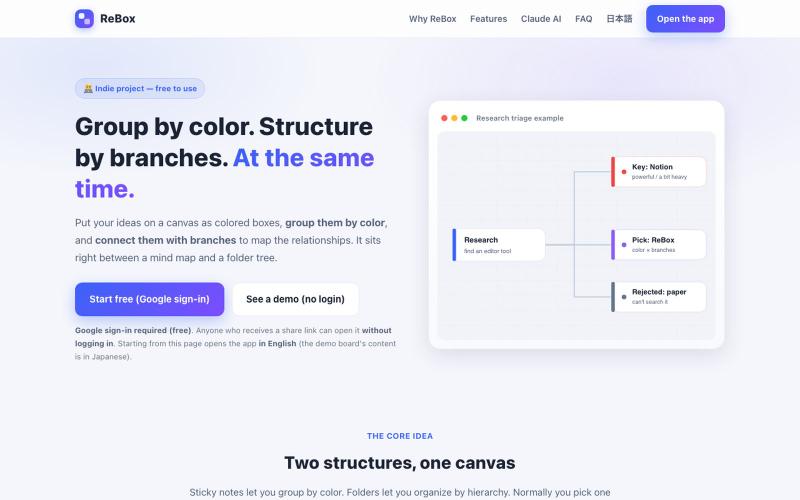
创建用颜色分组和分支结构的视觉看板,支持无需登录分享。

@shiftibis · X
Indie project 📝 ReBox: visual boards where color = group and branches = a file tree — both at once. Share links open without login (anyone with the link can edit). A Claude connector builds boards for you. English UI just shipped. #buildinpublic
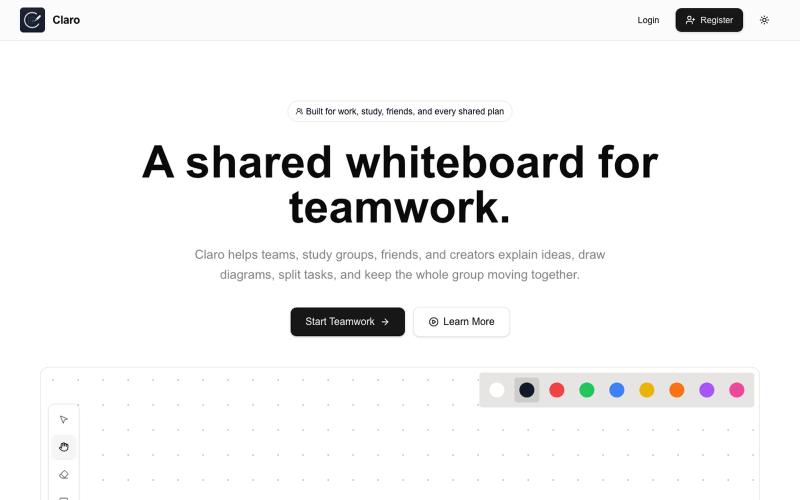
创建共享白板,进行素描、头脑风暴、分配任务和协作。

@claroboard · X
I built a whiteboard. The hardest part wasn't the coding. The hardest part was getting the first users. Want to give it a try?
用AI矢量追踪将设计提取转换为可编辑的SVG文件。
u/Strong-Thing-8888 · Reddit
I built an AI tool that turns complex artwork into clean, editable SVG files I created DesaynClaw for designers who spend too much time manually tracing logos, jersey graphics, and detailed artwork. Upload a PNG or JPG, let the tool extract and clean the design, then export it as an editable SVG. It also includes background removal, image upscaling, palette tools, and before-and-after comparison. The platform is still improving, so I’m looking for designers who can test it
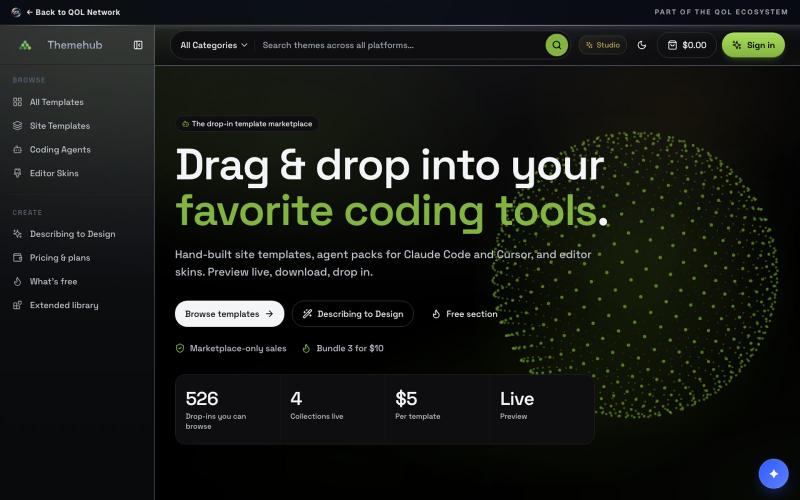
为 Claude Code 和 Cursor 预览和下载拖拽模板及编辑器主题。

@QoLCenter · X
Tired of generic templates from your vibe coding tool? ThemeHub is drag-and-drop design that works with every model.
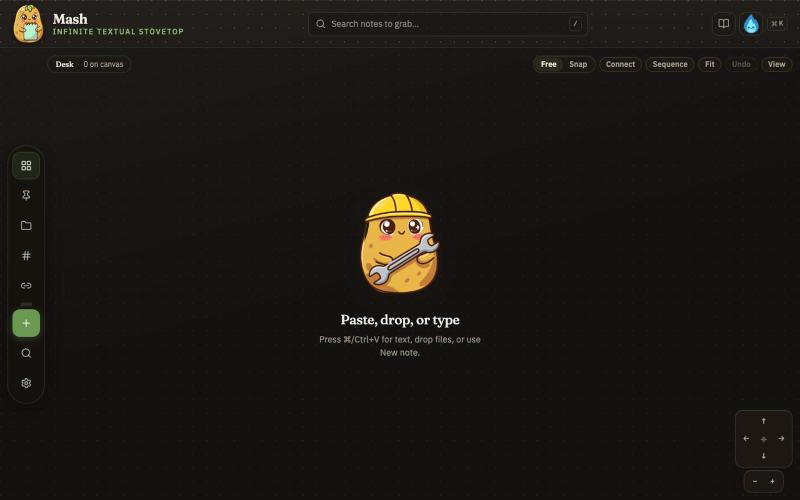
在无限画布上创建笔记,组合并导出为 PDF 页面。

@JonnyD · X
I'm happy to announce "Mash" A local first browser based app for compiling notes and ideas on an infinite canvas. Make as many notes as you want, drag and drop to "Mash" them by combining. Create "sequences" that allow you to export a pdf with each sticky as it's own page. Drop in PDF or DocX or images to easily browse the file and select your favorite clippings to a new canvas, and manipulate them or export them how you want to. Drop a GIF to get all the individual frames. Mash features a roster of cute food themed mascots because this is your infinite textual stove top. Pull in some ingredients, mash them together, stitch them together, arrange them into a flow chart, whatever you find useful, and then get out quickly. Mash is for the little moments that speed up work, and the spontaneous thoughts that inspire new directions. There is no fancy AI feature, no data collection, no login, just a utility for you. Free open source licence. Run it offline if you want
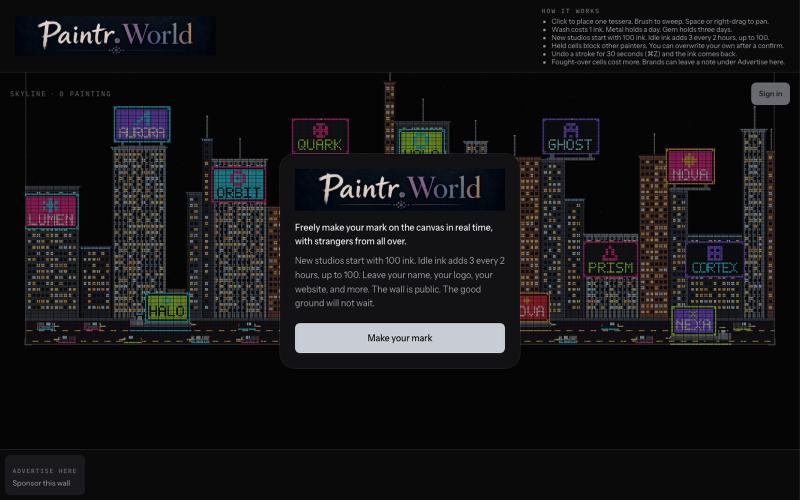
A public wall. Paint live with strangers.

@CarantoAndrew · X
Get your mark on the public wall. Free ink until you care too much.
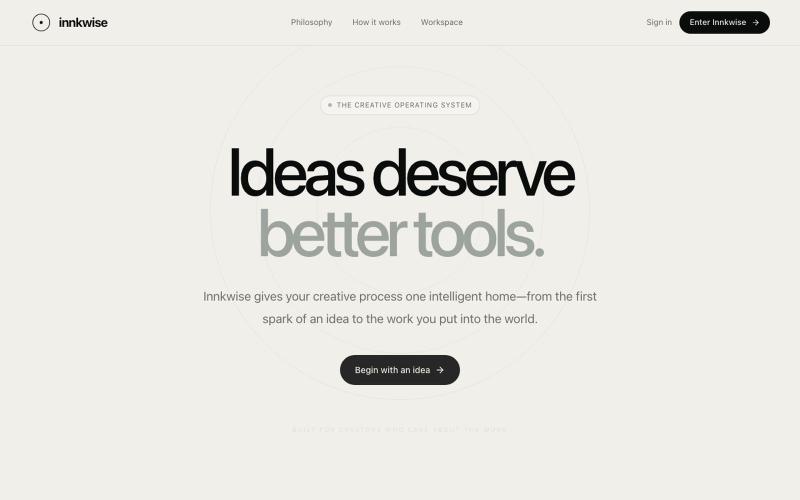
AI驱动创意操作系统,助力创作者将想法转化为有意义的作品。

@amruthashwa · X
AI powered Creator OS for content creators