

完整作品展
技术栈
19 projects
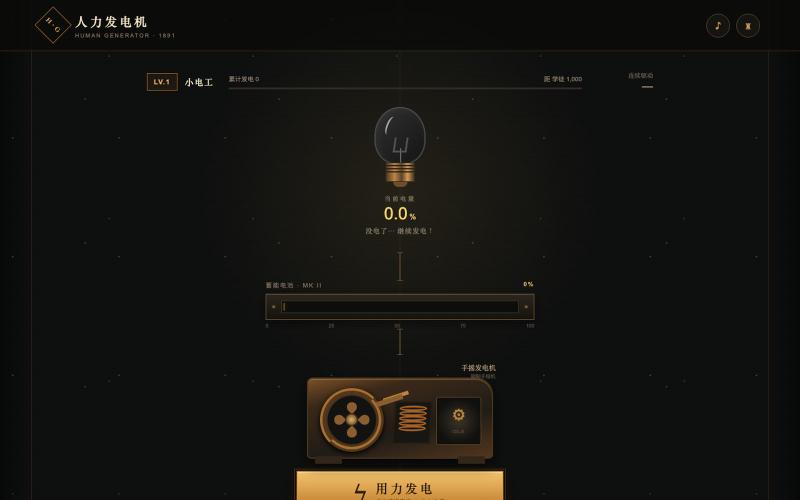
复古机械游戏,通过交互产生光芒照亮世界。
mqx · V2EX
人力发电机网站 简介:人力发电机网站,用你的努力点亮世界,哈哈哈,欢迎来玩 网站地址: https://7b08da33.pinme.dev/



OptemEra é uma plataforma portuguesa com ferramentas digitais de utilidade pública para consultar combustíveis, fogos, radares e informação relevante em Portugal.

@OptemEra · X

在3D中规划场景,生成AI视频,编辑成最终序列。
u/SanoKei · Reddit
My first launch of a SaaS project! Generate animated 3D scenes to make better AI videos I have been trying to get my project out there, it is a workflow of making 3D previsualizations of scenes to get the shot you are looking for correct before you generate the AI video. If you are interested in AI video creation please check it out at kinoinstrument.com submitted by /u/SanoKei to r/SaaS [link] [comments]

交互式展示24节气和星象位置的可视化工具。
bunai · V2EX
直观可视二十四节气以及星象位置 🔗 **在线体验**:[https://dipper.bunai.cc/]( https://dipper.bunai.cc/) ## 🖱️ 操作指南 - **换日**: ← → - **其他**: 自己摸索吧 ## 💡 灵感来源 灵感来源于 [@est 老哥]( https://www.v2ex.com/t/1235992) 想了一下如何直观的看二十四节气以及星象位置 欢迎大家尝尝咸淡,比较烧显卡~
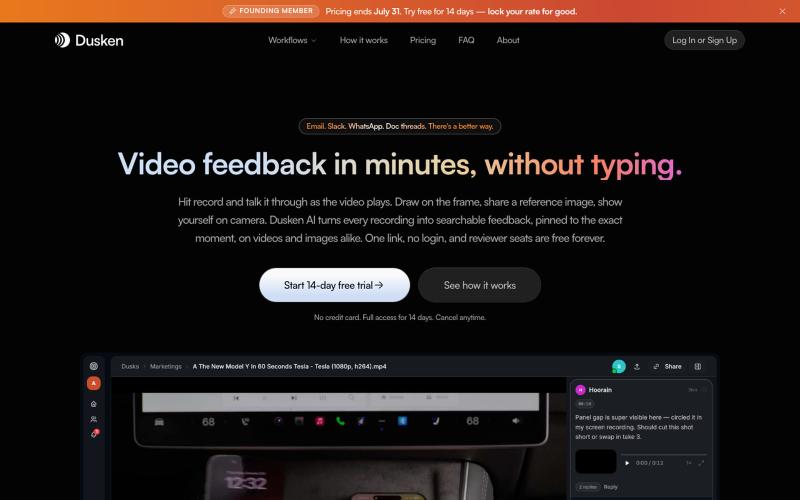
为创意团队打造的AI视频和图像审阅工具,支持自动转录和像素级评论。

@codesharpdev · X

An intimate, aesthetic space where you see your life and the world's emotions reflected.

@app_starty · X
Track your emotions, manifest your dreams, connect with the world

Speccyfox monitors any public webpage and instantly alerts you when something changes — competitor prices, regulations, supplier catalogs, job postings. Set up in 60 seconds. No co

@swir_builds · X
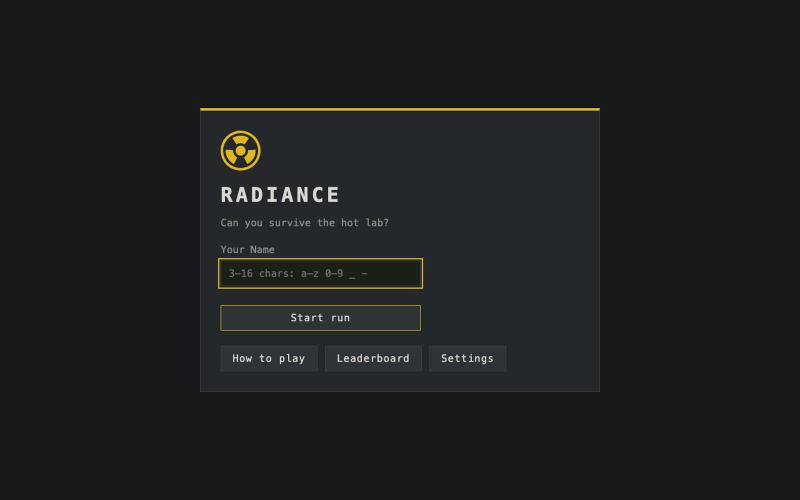
以核医学技术人员身份在这款像素艺术生存游戏中躲避辐射源。

@NazimCoskun · X
Radiance ☢️ This is a pixel-art survival game about the physics of radiation protection. You're a nuclear medicine technologist in a hot lab. Alpha, beta, gamma sources appear around the room. Survive as long as you can before reaching the annual dose limit. Your tools are the three principles of radiation safety: time, distance, shielding. But lead is heavy. Put on a shield and you absorb less, but you move slower, so keeping your distance gets harder. And in a beta field, shield actually backfires. The particles generate bremsstrahlung X-rays and turn your protection into a secondary source. Knowing when to wear it is the game. Sources decay on real relative timescales. You can hide and wait for F-18 to decay. But a Cs-137 spill will outlive you. Grab a lead pig and contain it, if you can afford the dose it costs to get closer. The game is best experienced on a desktop. It may also work well on mobile devices in landscape orientation. If it helps the player un

One hidden picture a day, same for everyone. Draw as little as you can before you name it, lower is better.

@lukkais · X


