
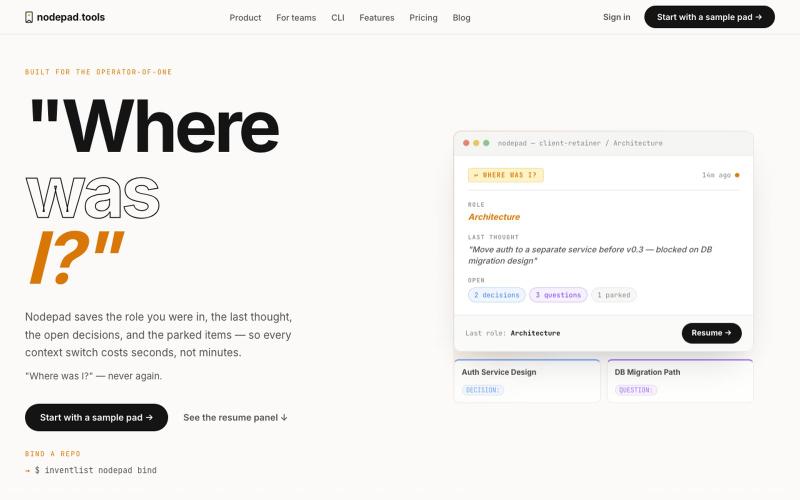
生产力1 month ago
InventList | Nodepad — "Where was I?" Context recovery for builders, teams, and
记录项目上下文,随时暂停和恢复工作。

@naumanthanvi · X
完整作品展
技术栈
28 projects
记录项目上下文,随时暂停和恢复工作。
@naumanthanvi · X
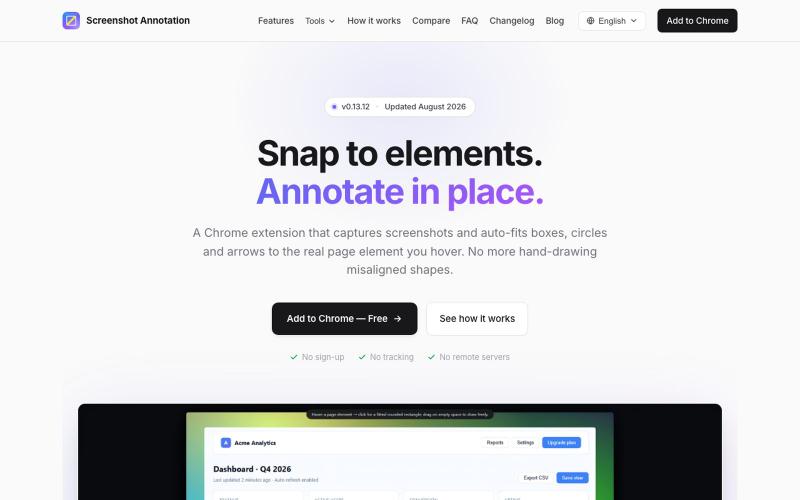
Chrome 扩展程序,自动调整注释框和箭头以标注网页元素。

@virgil_dean94 · X
Just launched my new screenshot plugin! 🎉 ✅ Smart zoom effects on key details ✅ Text extraction ✅ 100% Free Perfect for devs, designers, and anyone who wants to communicate visually with clarity! Try it out! 👇 #BuildInPublic #ProductLaunch
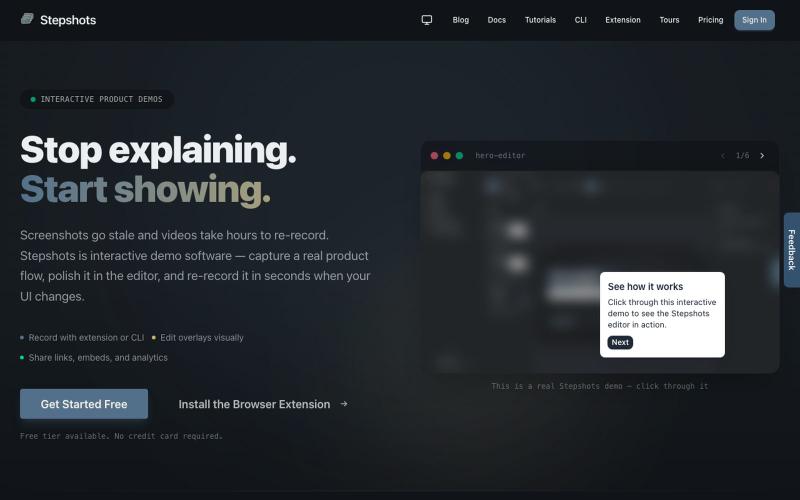
用浏览器扩展或命令行录制交互式产品演示,支持编辑、分享、引导导览和参与度追踪。

@haukejung · X
Need interactive demos showing your product in action? Try
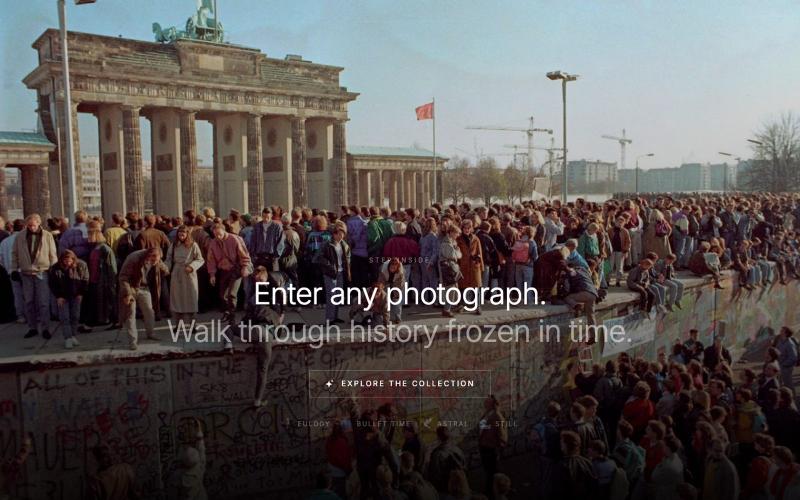
选择一张历史照片,AI生成电影风格的微纪录片,带你走进那个冻结的时刻。

@cdgarciabauza · X
Just shipped Step Inside — enter iconic historical photographs with AI-generated cinematic mini-docs. Touch a photo, choose a style, and the camera walks you inside. Built with Claude + Higgsfield MCP. 👉 #HiggsfieldApp #StepInside #BuildInPublic
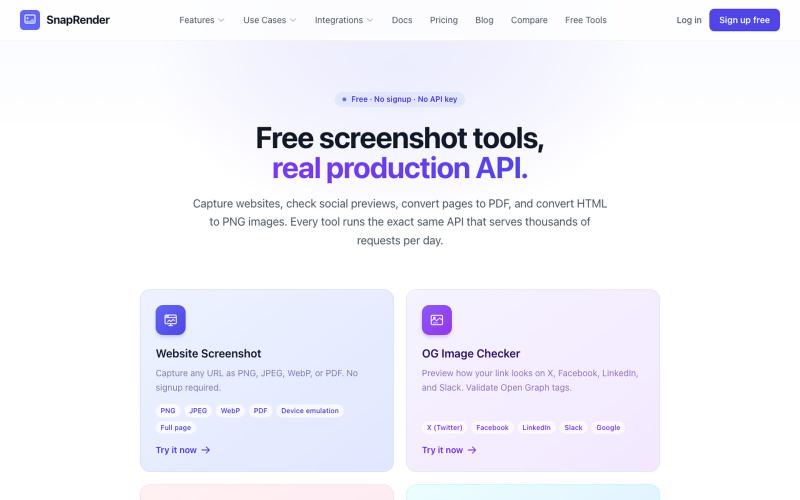
无需登录,支持网站截图、PDF/PNG转换和OG图像检查。
u/SpecificNo8047 · Reddit
I built a screenshot API because my personal Puppeteer setup kept breaking. Six months later it has an MCP server and hundereds of users Solo founder here, this is my product, full disclosure. It started as super simple helper self hosted tool for myself: I needed website screenshots for a project, self-hosted Puppeteer, and spent more time babysitting Chromium than building. So I turned the babysitting into a product, because why not. What it does: one GET request in, rendered screenshot
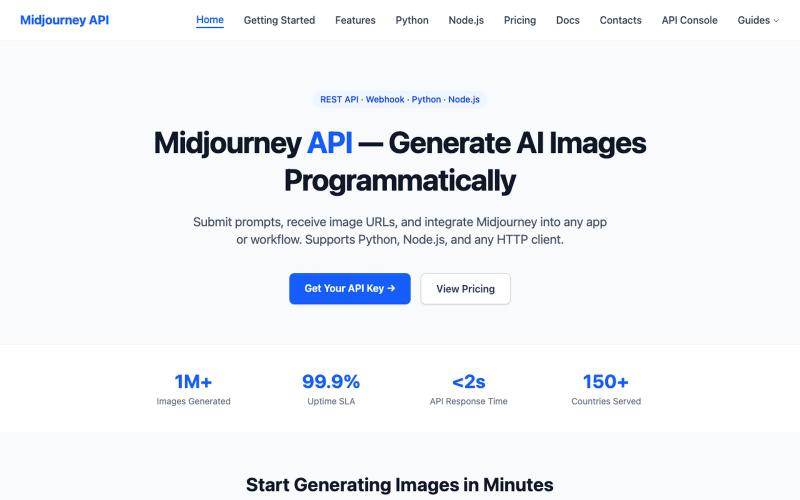
用REST API编程方式生成Midjourney图像的服务
lys623 · HN
Midjourney API with webhooks, polling
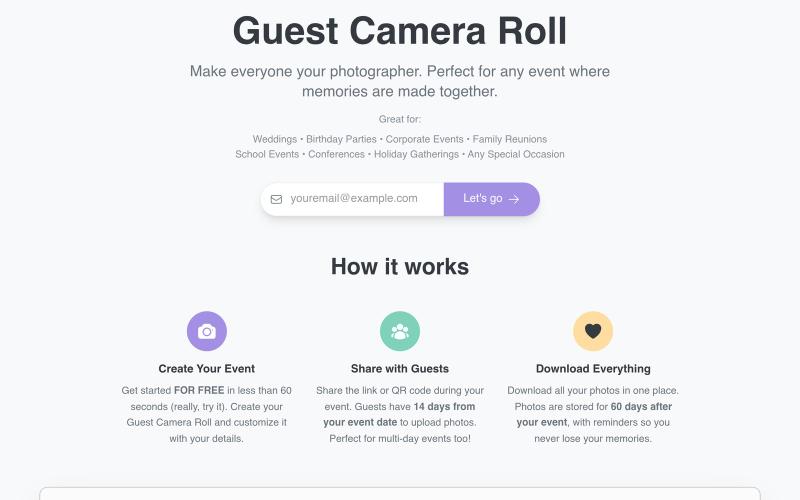
通过共享链接或二维码在活动中收集嘉宾照片。

@aaronbatilo · X
Shout out I made it. Shout out to me. Pre-vibe coding
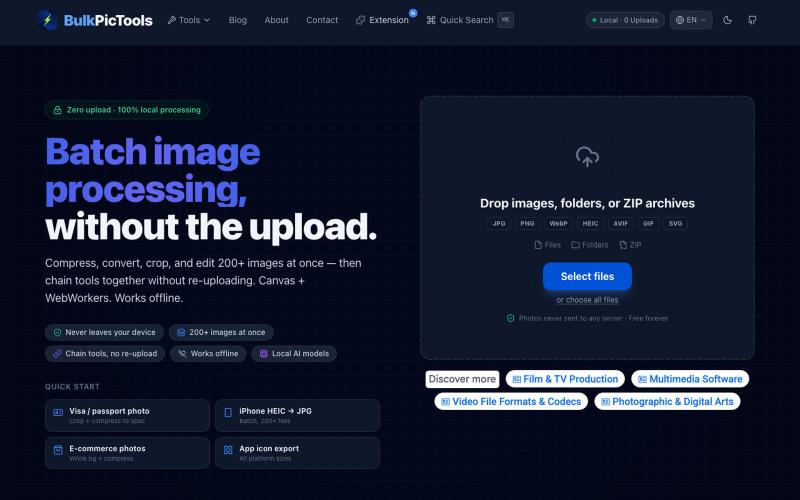
在浏览器中批量处理图片,支持工具链、本地AI和格式转换。
BulkPicTools — 免费浏览器端图片批量处理工具,支持**工具链串联**(压缩→转格式→裁剪一次完成,无需重复上传),本地 AI 去背景/人脸模糊(WebGPU,无需 API Key),支持 200+ 张图片批量处理,文件不上传服务器。
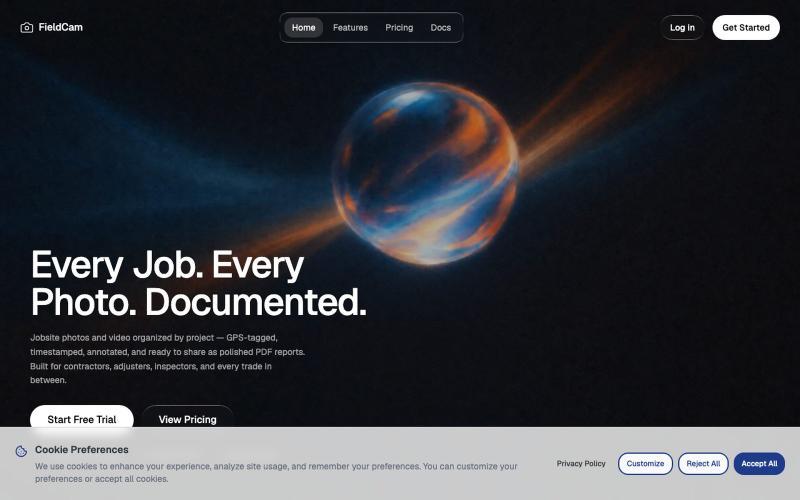
用 FieldCam 整理工地照片和视频,添加 GPS 和时间戳,自动生成 PDF 报告。

@12squaredAI · X
| @fieldcam_app
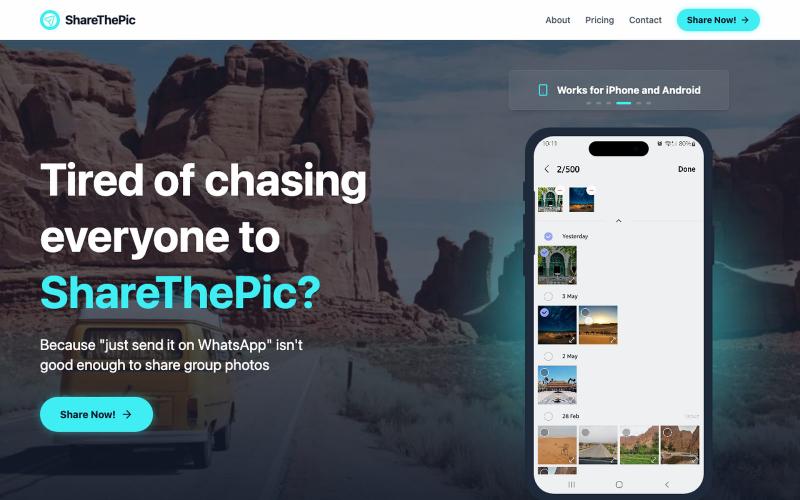
为旅行照片创建可分享的链接,无需压缩或应用。

@masterjesuser · X
if you planning a group trip or activity recently, try out to make photo sharing less of a pain
标记和提取截图部分分享给 ChatGPT 或 Claude。
akshitdandyan · Product Hunt
Label.Photos Make screenshots easier for AI to understand

Chrome扩展程序,一键捕获Facebook帖子,组织到看板,发现社区热门内容。

@markstrong_07 · X
25 POWERFUL AI tools you can’t ignore in 2026: 1. – solves anything 2. – rank website higher in AI chats 3. – create and publish videos 4. - Download viral posts from any Facebook page or group 5. - personal AI assistant 6. – creates AI avatars 7. - best vibe coding website 8. – ai marketing compliance 9. – creates art better than humans 10. - Turn everything you do online into an AI brain 11. - create ebooks & audiobooks 12. - ai for Bible study 13. Revatto - reduce software churn to zero 14. - content for your brand 15. - ai for webinars 16. - ai for YouTube 17. - write viral comments 18.