
创意工具6 days ago
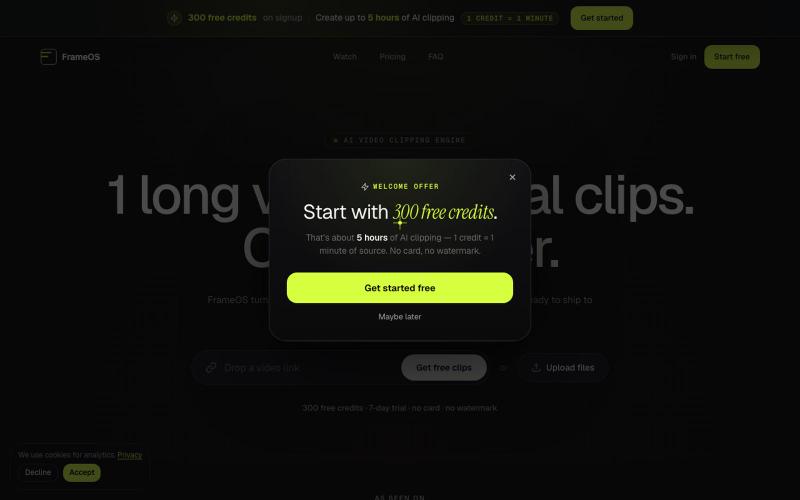
AI Video Clipping Software for Shorts, Reels, TikTok, and Podcasts
用AI从长视频自动生成短视频片段并导出为社交媒体格式。

@tryFrameOS · X
完整作品展
技术栈
60 projects
用AI从长视频自动生成短视频片段并导出为社交媒体格式。
@tryFrameOS · X
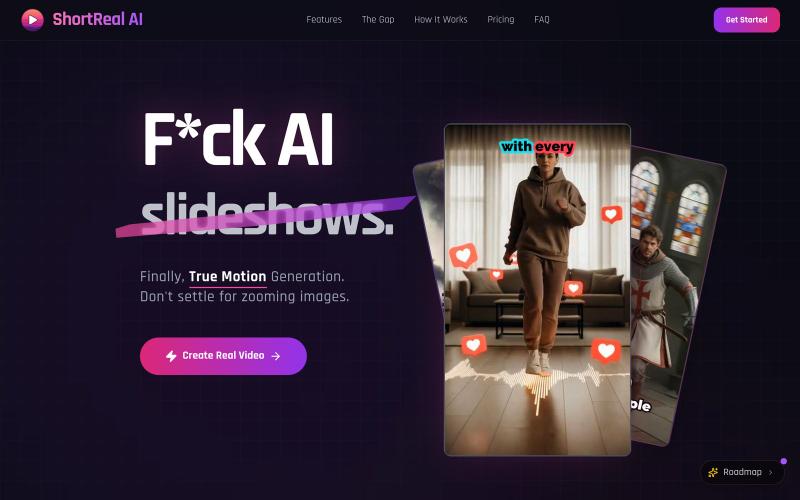
将文本脚本转换为AI生成的无人脸视频,用于YouTube Shorts、TikTok和Instagram Reels。

@jaeholeeeee · X
High-end AI video studio Currently pivoting to BYOK model from expensive subscription plan
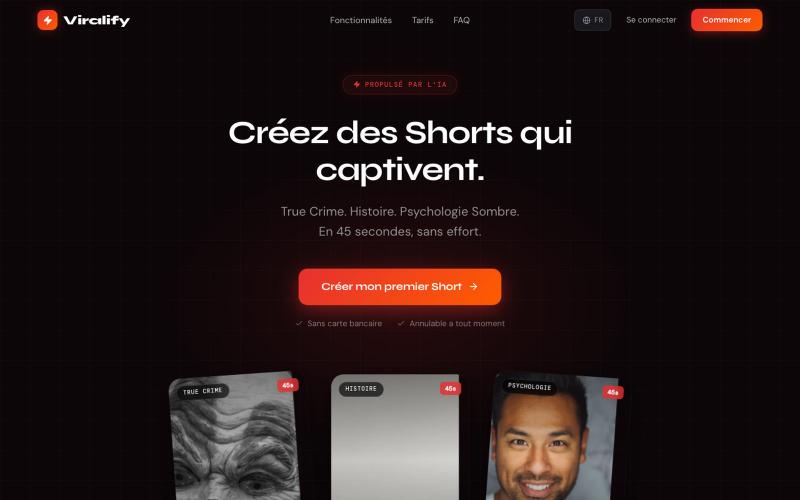
使用AI生成YouTube Shorts视频,无需出镜。

@LoyaltyNexti · X
une application qui produit des vidéo sans montrer sans tête
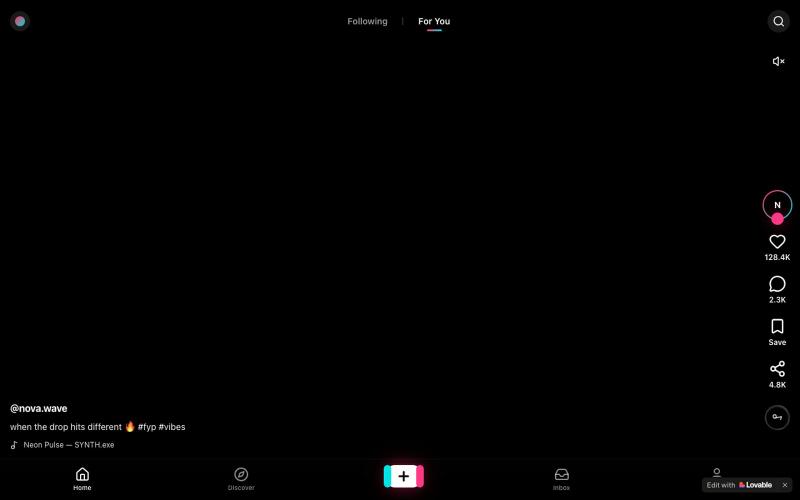
向上滑动浏览无尽短视频,声音常开。

@GlenryR10023 · X
Check out what I just built with Lovable!
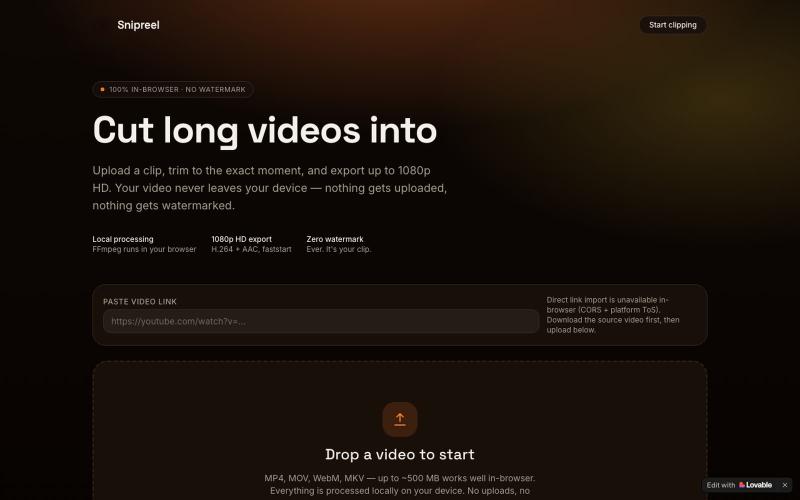
在浏览器中将长视频剪辑成最高1080p HD的短视频。

@cutearham46 · X
Check out what I just built with Lovable!
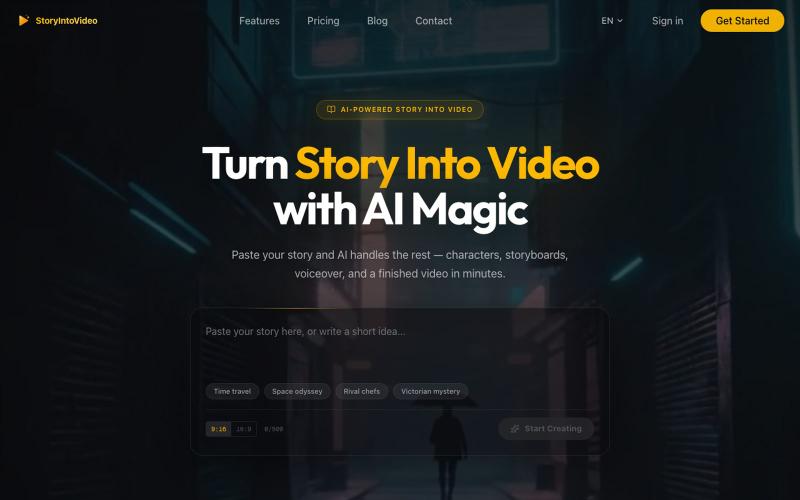
StoryIntoVideo:将故事转化为有AI角色和旁白的短视频
StoryIntoVideo — AI 故事转视频 | 小说一键生成短剧视频
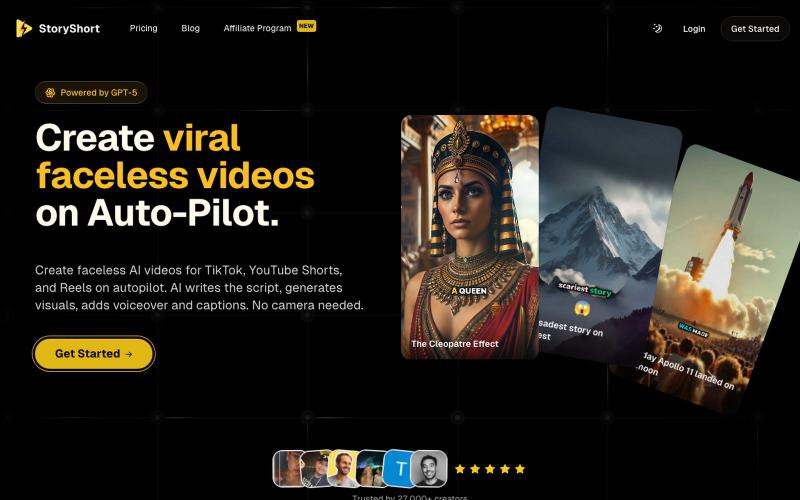
StoryShort为TikTok和YouTube Shorts生成无脸AI视频,自动编写脚本、配音和字幕。

@TeeOvx · X
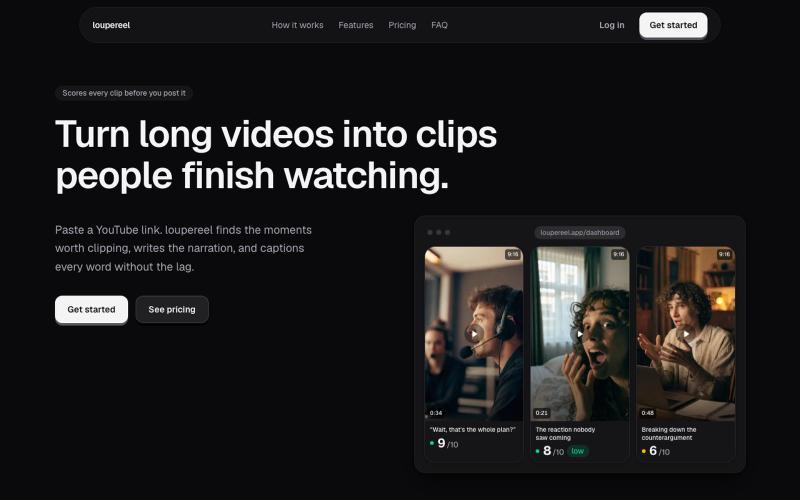
将 YouTube 视频转换为竖屏短视频,AI 生成字幕和配音,适合社交媒体。
u/Flimsy_Elevator_5231 · Reddit
I built LoupeReel to turn long videos into short-form clips without relying on a black-box clipping API Founder here. I’ve been working on LoupeReel, a web app that turns a long YouTube video into vertical clips for TikTok, Reels, and Shorts. The basic flow is: paste a YouTube link, choose how many clips you want, and LoupeReel transcribes the video, finds the strongest moments, scores them, adds captions, and renders ready-to-post clips. There’s also an editor so you can adju
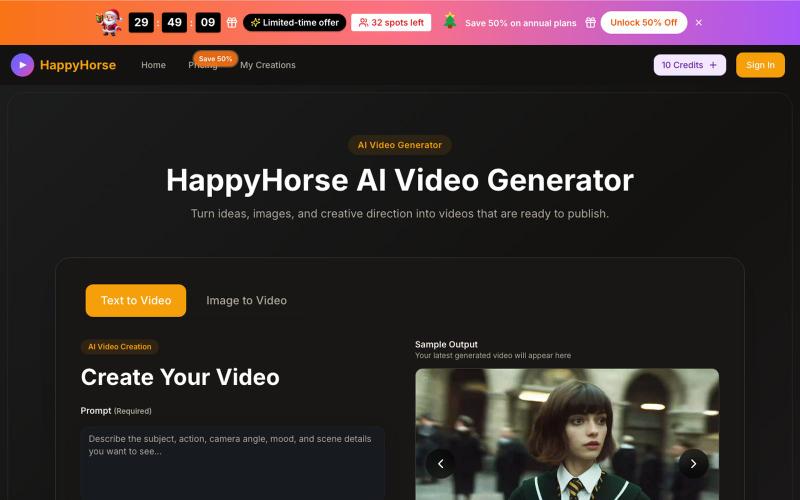
从文本提示或参考图像生成短视频的AI工具。
HappyHorse — AI 视频生成,支持文生视频、图生视频
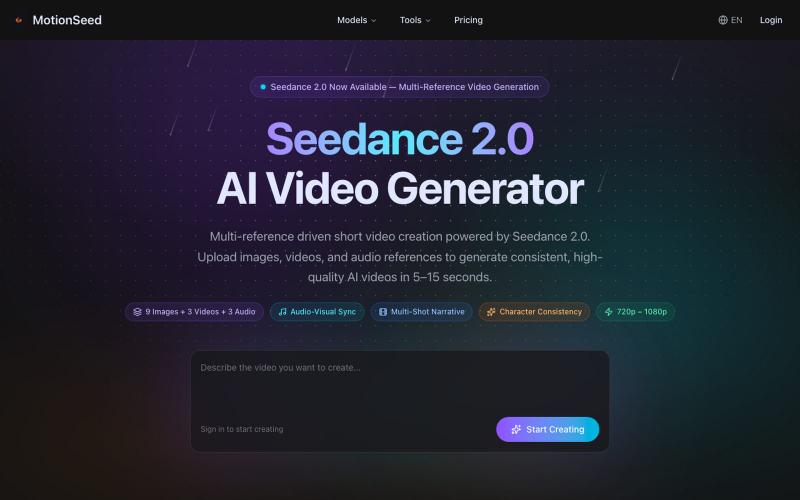
用图片、文本或多个参考生成AI视频,支持音视频同步。
MotionSeed — AI 视频生成平台,聚合 Sora 2、Veo 3.1、Seedance 2.0 等多个主流 AI 视频模型,支持文字生成视频、图片生成视频,无需分别注册各平台账号,注册即送免费额度。
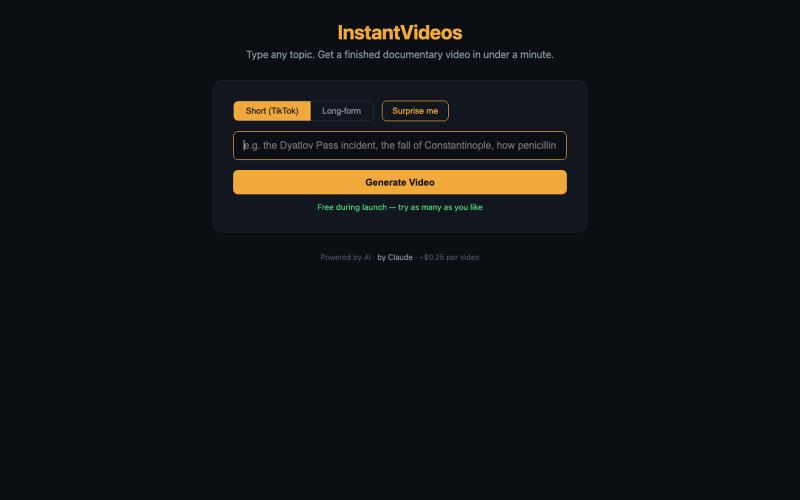
输入主题,AI在一分钟内生成完整的纪录片视频。
pw · HN
Hiya! So I've been playing around with having Claude make videos for a bit now even had some success posting the results to TikTok (and setup a whole pipeline so Claude can generate and post autonomously). With the release of Nano Banana 2 Lite, I was curious show fast I could make the generation, so last night I gave it a whirl and got down to around 30s for short-form video. It uses GLM-5.2 fast via Fireworks to generate the scripts and image prompts and, like I said, Nano Banana 2 Lite for the images, gpt-4o-mini-tts for the narration, and ffmpeg to string it all together and add the Ken Burns zoom effect (which still has a shake I haven't been able to get rid of). The video compilation proved to be the blocker once the rest was in place, but I was able to speed that up by putting it on a 64 vCPU EC2. The cost might be the most interesting aspect as the short form videos tend to be about 25 cents. Almost 90% of that is the images, which are 3.336 cents a piece. Of course, running

ArtPlayer 免费浏览器视频和音频编辑工具,支持压缩、裁剪、合并和格式转换。
zhw2590582 · V2EX
最近对网站进行了重构,做成了免费的视频工具站:[ArtPlayer Tools]( https://artplayer.org/tools/) 主要是围绕着 ffmpeg.wasm 和 mediabunny 实现的一些可以直接在浏览器里用的视频/音频工具,常用的有: - 视频压缩:[Compress Video]( https://artplayer.org/compress-video/) - 视频裁剪:[Crop Video]( https://artplayer.org/crop-video/) - 视频合并:[Merge Video]( https://artplayer.org/merge-video/) - 视频尺寸调整:[Resize Video]( https://artplayer.org/resize-video/) - 视频旋转:[Rotate Video]( https://artplayer.org/rotate-video/) - 视频调速:[Change Video Speed]( https://artplayer.org/change-video-speed/) - 添加文字到视频:[Add Text to Video]( https://artplayer.org/add-text-to-video/) - 添加水印:[Watermark Video]( https://artplayer.org/watermark-video/) - 提取字幕:[Subtitle Editor]( https://artplayer.org/subtitle-editor/) - HLS 转 MP4:[HLS to MP4]( https://artplayer.org/hls-to-mp4/) - 音频可视化:[Audio Visualizer]( https://artplayer.org/audio-visualizer/) 大部分工具都是本地处理,文件不会上传到服务器。最开始是因为自己偶尔要处理一些视频,开剪辑软件又有点重,在线工具又担心隐私,所以就慢慢做成了一个站。 目前还在持续完善,体验肯定还有不少粗糙的地方,比如不同浏览器的兼容、移动端操作、长视频性能之类的。 网站: [ArtPlayer Tools]( https: