
创意工具3 weeks ago
RICOUI DESIGN
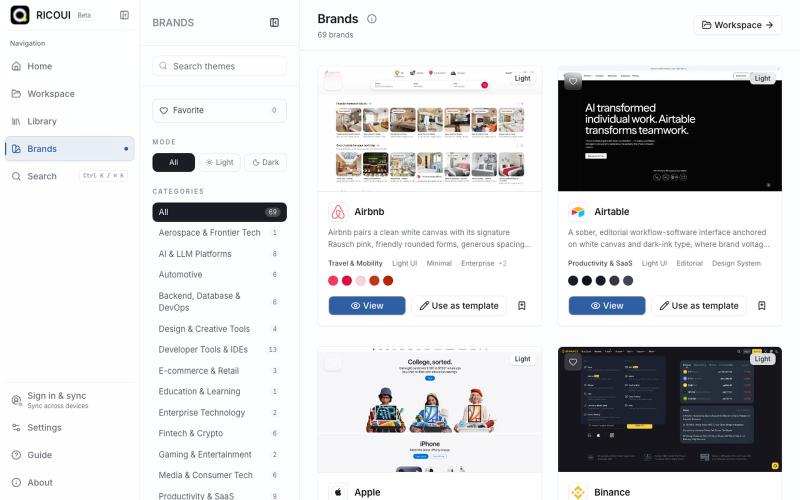
本地优先的工作台,用于编辑、预览和导出 design.md 设计系统。
Open source

@ricouii · X
我已经围绕 design.md 做了一个开源的工作台,以及品牌库 工作台支持模板编辑、预览、AI 生成、文件派生 token、css,品牌库方面还支持 HTML preview... 我还是相信 design md 是很有潜力的,比大部分的设计 skill 好用
完整作品展
技术栈
23 projects
本地优先的工作台,用于编辑、预览和导出 design.md 设计系统。
@ricouii · X
我已经围绕 design.md 做了一个开源的工作台,以及品牌库 工作台支持模板编辑、预览、AI 生成、文件派生 token、css,品牌库方面还支持 HTML preview... 我还是相信 design md 是很有潜力的,比大部分的设计 skill 好用
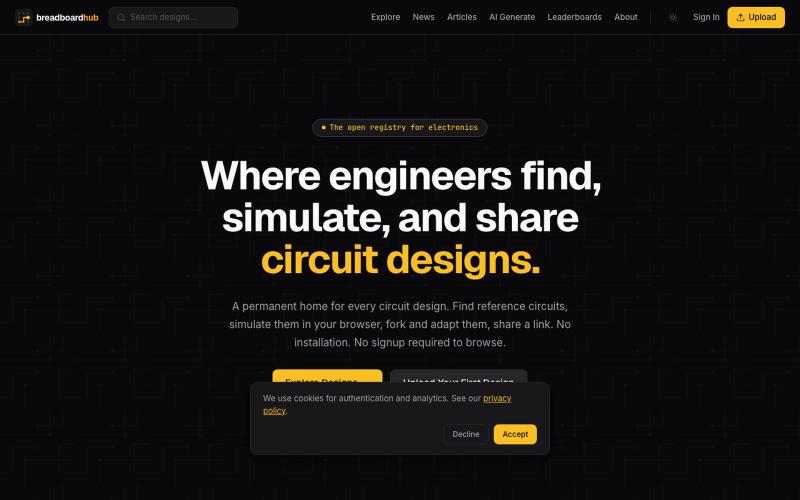
为 Arduino、ESP32 和 Raspberry Pi 等平台设计电路、模拟和共享项目的开源注册表。

@locatornation · X
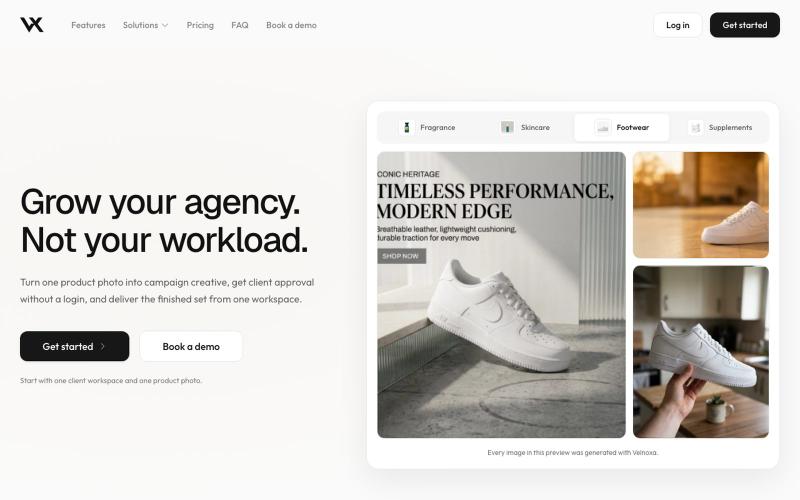
为多个客户管理创意项目,支持隔离工作区和白标审查链接。

@monkmodeceo · X
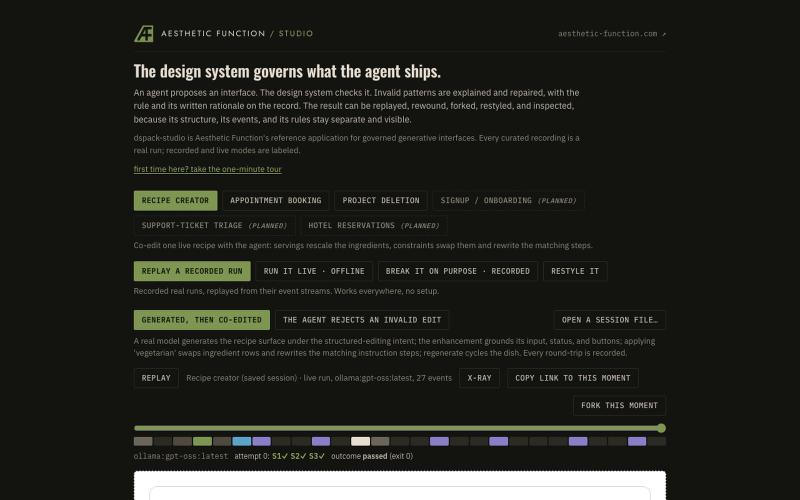
AI代理在设计系统约束下生成UI界面,支持检查、修复和重放。
ryandmonk · HN
Dspack Studio – An agent builds UI, the design system gates what ships
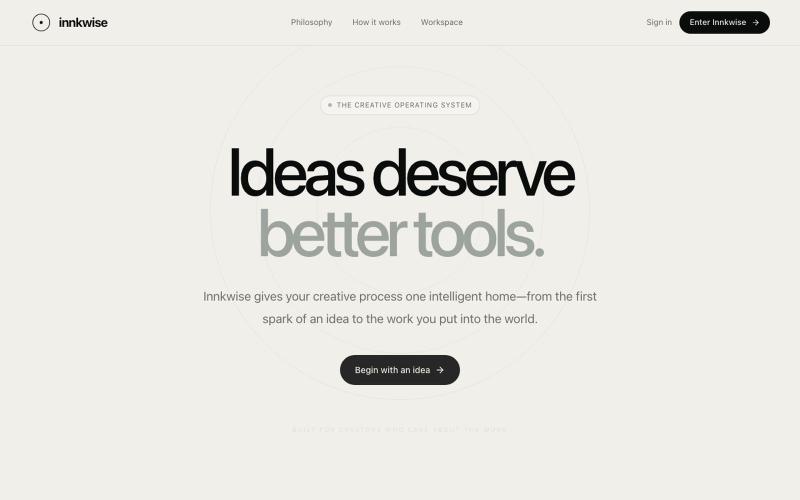
AI驱动创意操作系统,助力创作者将想法转化为有意义的作品。

@amruthashwa · X
AI powered Creator OS for content creators
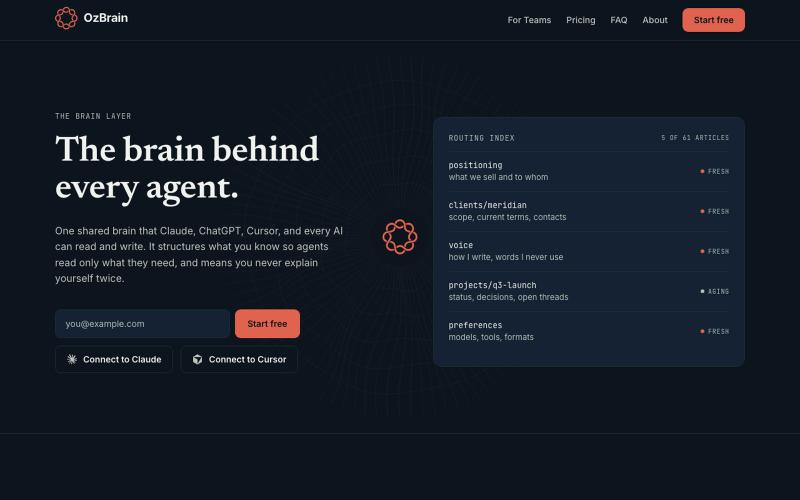
创建所有AI代理都能访问和更新的共享知识库。
dariusmonsef · HN
OzBrain, a shared brain for knowledge between agents and your team
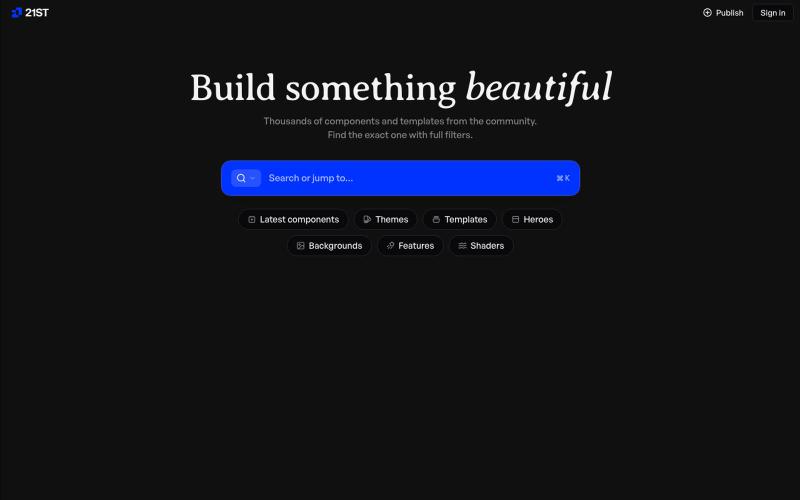
精心制作的 React 组件和模板,用于构建精美的用户界面。

@polyqoy · X
This video shows a fully animated 3D site built in 2 minutes with claude code. one terminal command. but the prompt was almost irrelevant. the real work was the pre-load: ui/ux pro max skill, a hero component from framer motion stacked in before claude touched anything the toolkit did the job. the prompt just pulled the trigger. that's also why most people's claude output looks generic. they skip the setup and blame the model.
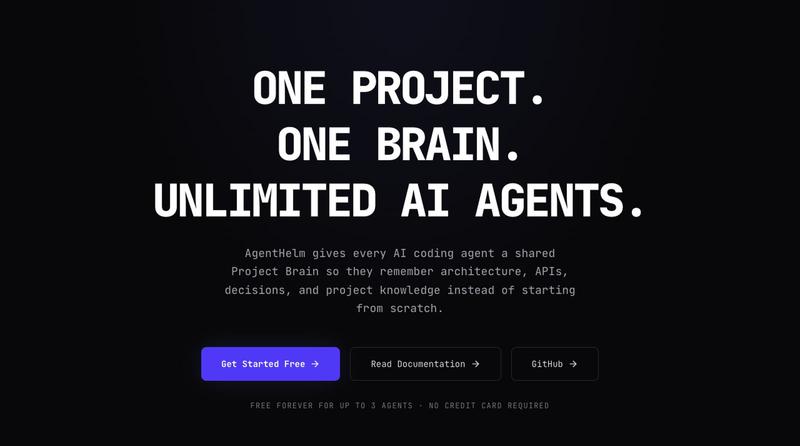
为AI编程代理提供共享项目大脑,让它们记住项目架构和决策。
u/Necessary_Drag_8031 · Reddit
After 6 months of building, here is AgentHelm – a shared Project Brain for AI coding agents Hey r/SideProject , I’ve been working on solving a problem I kept hitting while building with AI agents: agent amnesia . When you run autonomous agent fleets (or even single coding assistants), each agent operates in a silo. Agent A fixes an API edge case, but Agent B 10 minutes later makes the exact same bug because it has no memory of Agent A’s fix. AgentHelm acts as a mission control plane a
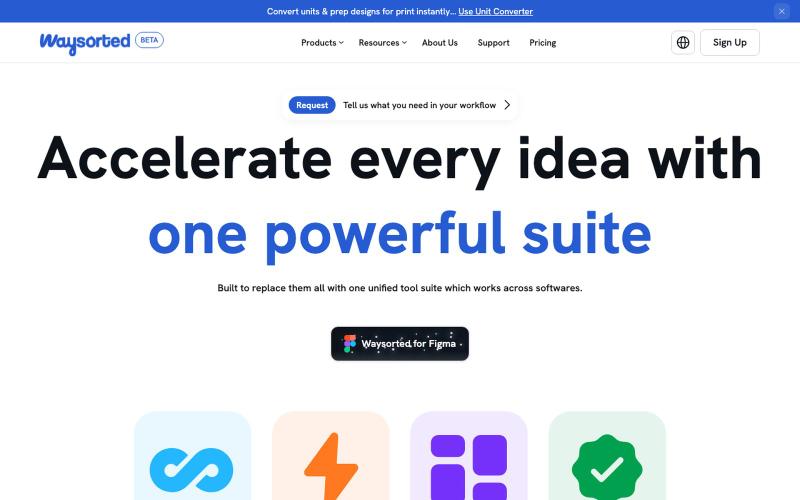
Waysorted - 与其他软件集成的设计工具套件

@aviralgarg05 · X
Here's what you get on One toolkit. Every design task.
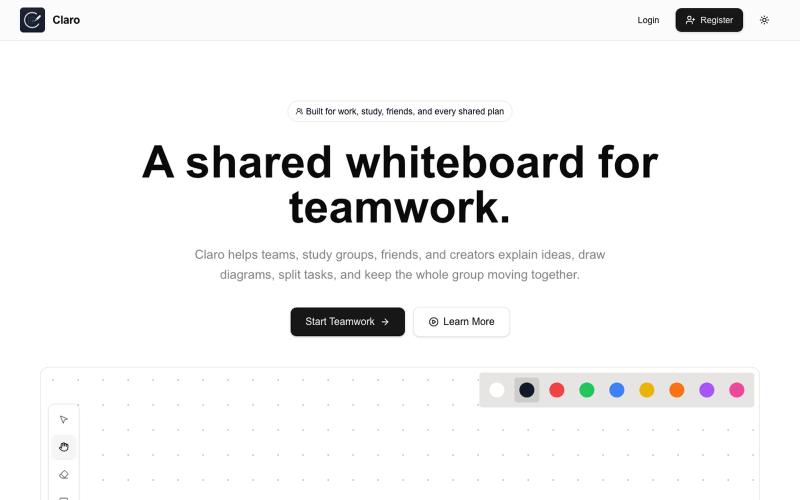
创建共享白板,进行素描、头脑风暴、分配任务和协作。

@claroboard · X
I built a whiteboard. The hardest part wasn't the coding. The hardest part was getting the first users. Want to give it a try?

