
创意工具1 month ago
Sinima — Host, Protect & License Your Screen IP | sinima.ai
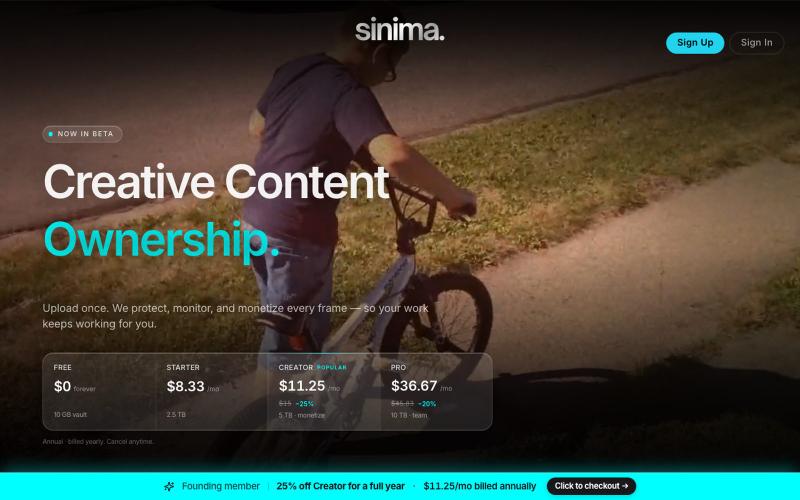
上传屏幕录制以保护和授权给AI平台

@LisaTrublet · X
Vimeo alternative for creators and filmmakers, with IP protections built in. 25% off Creator Core. 🎉
完整作品展
技术栈
26 projects
上传屏幕录制以保护和授权给AI平台
@LisaTrublet · X
Vimeo alternative for creators and filmmakers, with IP protections built in. 25% off Creator Core. 🎉
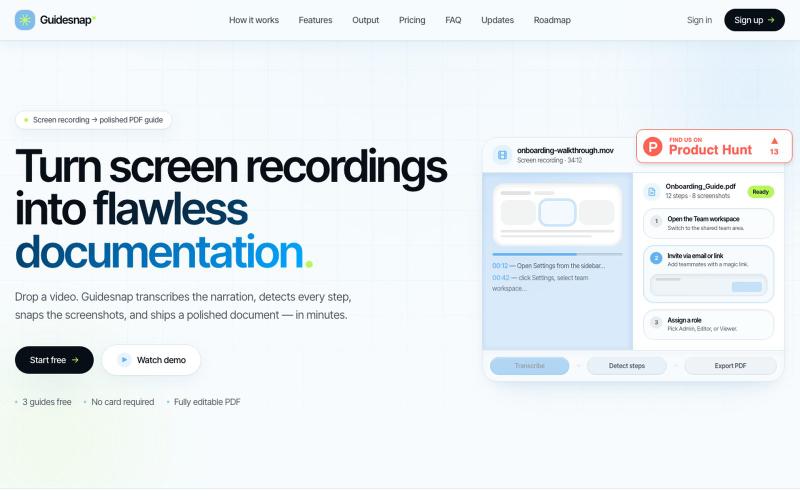
将屏幕录制转换为精美的PDF指南。

@vanmurten_eth · X
Guidesnap: turn any screen recording into a polished PDF guide.
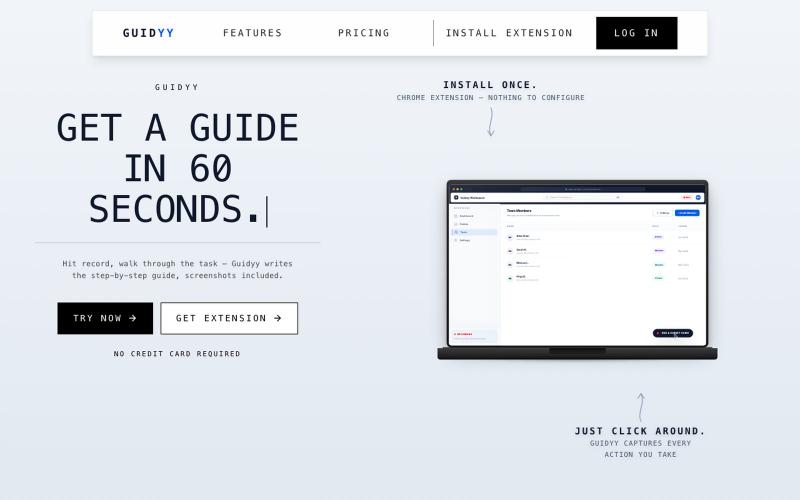
屏幕录制自动生成分步指南和培训文档

@Amit63390 · X
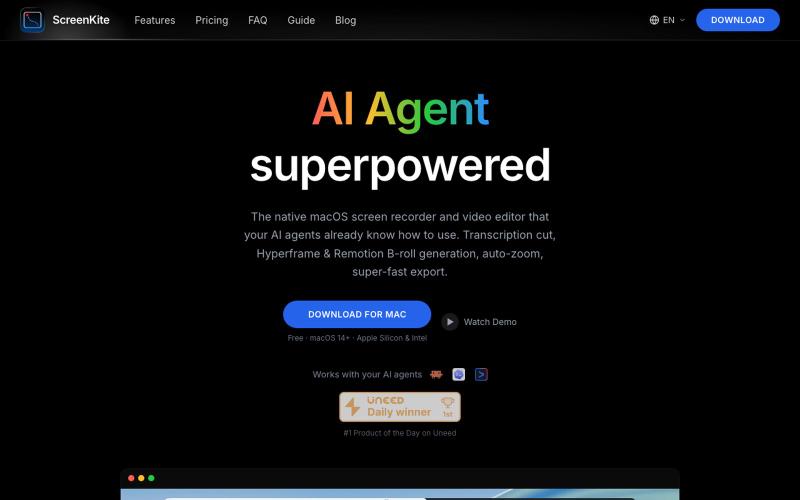
免费的原生macOS屏幕录制工具,带内置编辑器和自动缩放。

@screenkite_com · X
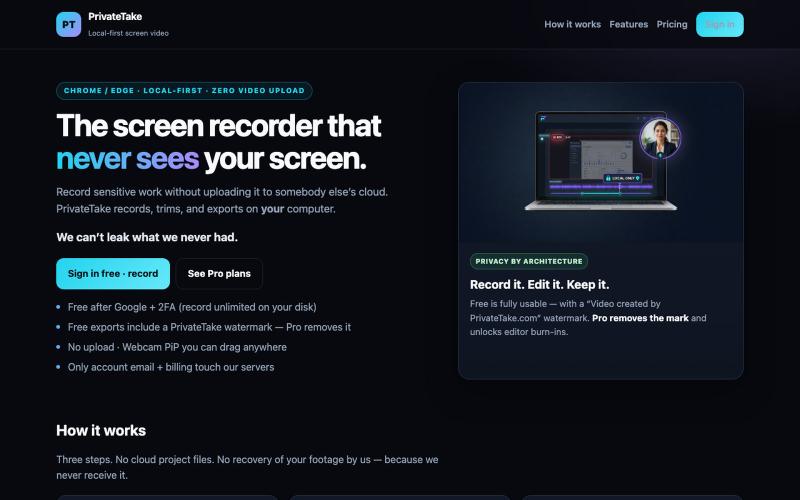
本地录制和编辑屏幕视频,无需云上传。

@MarkZofMarkZ · X
Screen Recorder that doesn't share your recordings to the cloud:
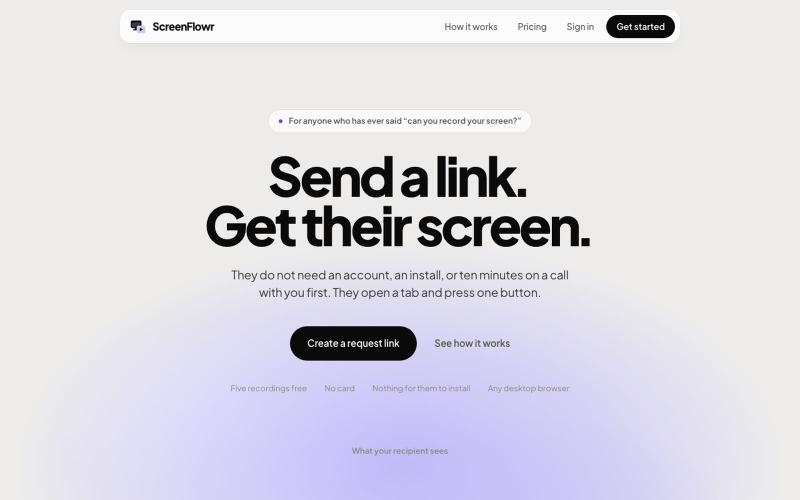
Send someone a link and get their screen recording back. No account, no install, and nothing for them to work out. Five recordings free.

@mikevannelli · X

Mac & Windows 屏幕录制工具,支持点击自动缩放、渐变背景和摄像头叠加。

@zuess05 · X
Shipped some banger updates to
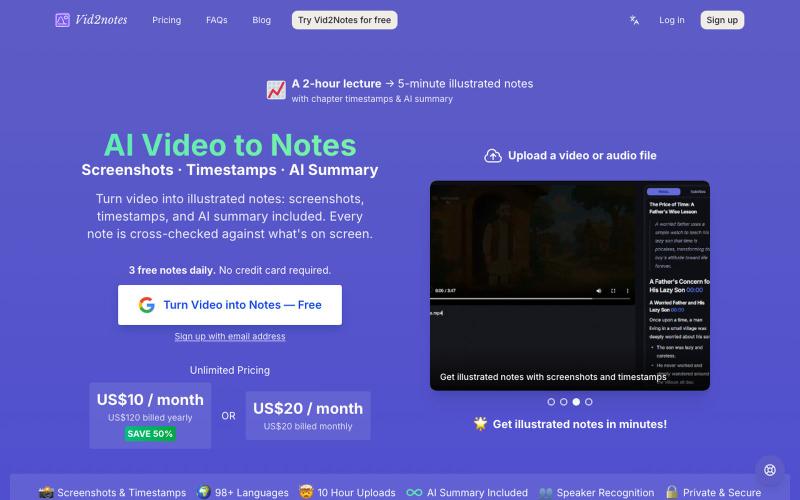
从视频生成笔记,包含AI转录、截图和摘要。
lilaiqun · V2EX
受够了视频没听清就反复拖进度条,只考虑音频错别字多,写了个"会看画面"的视频转笔记工具 看视频经常一句话没听清,拖回去重听好几遍还是听不清。试了现有的转写工具,发现它们只用音频——恰恰是我听不清的词,它们也转不对(幻灯片上的术语、代码里的名词,声音里根本猜不出来)。 所以做了 **Vid2notes**:转写时不只听声音,还抽帧看画面。Whisper 转文字,多模态模型拿着字幕对着截图一起读,输出带截图、章节、时间戳和 AI 总结的图文笔记,可导出 Markdown / SRT / VTT 。 支持最长 10 小时的视频,常见格式都行。 技术栈给感兴趣的 V 友:全栈 Cloudflare ( Workers AI 跑 Whisper + GLM ,Rust + FFmpeg 跑在 Containers 里),按视频 MD5 缓存不重复算。 **每天免费 3 个视频**,不用绑卡:[vid2notes]( https://vid2notes.com/) 最想知道的反馈:准确率在你的视频上怎么样,尤其是带幻灯片/代码的教学视频。欢迎拍砖
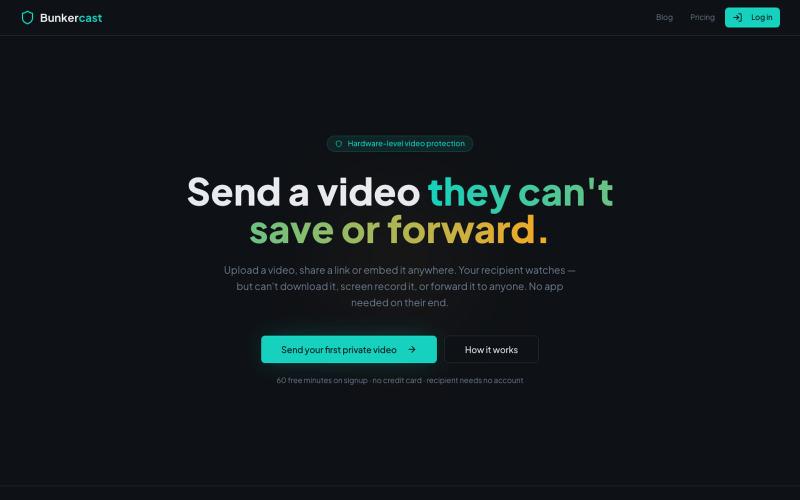
分享无法下载、截屏或转发的视频。

@bunkercastDRM · X
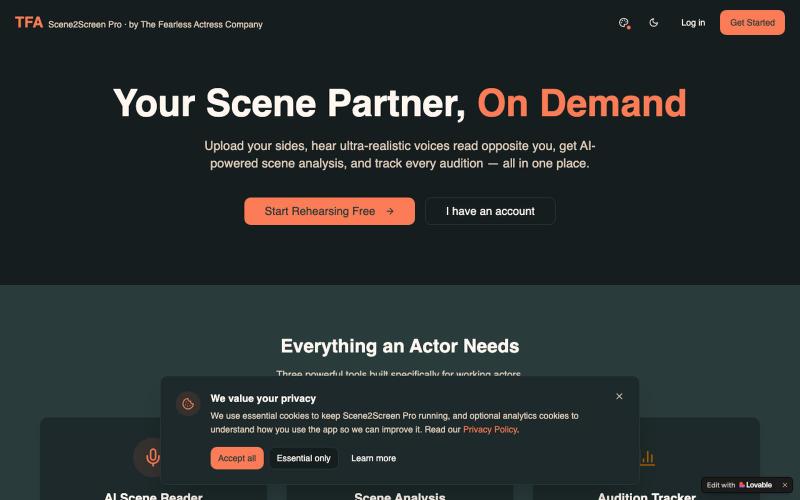
Scene2Screen Pro by The Fearless Actress Company: AI scene reader, script analysis, and an audition tracker built for working actors.

@TFActress · X
Hi 🙋🏾♀️ I built a rehearsal app for actors who can’t find a reader in time for their self-tape auditions 🖤
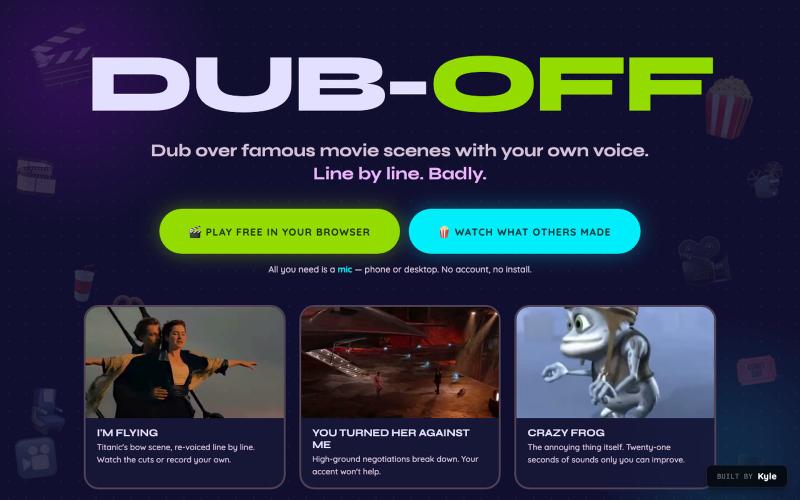
Dub over famous movie scenes with your own voice, free in your browser. Record movie clips line by line, keep the film's real music underneath, watch your dubbed cut, and post it t

@LSteelflex · X
Hello! is a free online web app that lets you dub over famous videos. You can: - Dub - Share - Edit new scenes for dubbing - and Download

在浏览器中编辑、压缩、转换和合并视频和音频文件。
zhw2590582 · V2EX
最近对网站进行了重构,做成了免费的视频工具站:[ArtPlayer Tools]( https://artplayer.org/tools/) 主要是围绕着 ffmpeg.wasm 和 mediabunny 实现的一些可以直接在浏览器里用的视频/音频工具,常用的有: - 视频压缩:[Compress Video]( https://artplayer.org/compress-video/) - 视频裁剪:[Crop Video]( https://artplayer.org/crop-video/) - 视频合并:[Merge Video]( https://artplayer.org/merge-video/) - 视频尺寸调整:[Resize Video]( https://artplayer.org/resize-video/) - 视频旋转:[Rotate Video]( https://artplayer.org/rotate-video/) - 视频调速:[Change Video Speed]( https://artplayer.org/change-video-speed/) - 添加文字到视频:[Add Text to Video]( https://artplayer.org/add-text-to-video/) - 添加水印:[Watermark Video]( https://artplayer.org/watermark-video/) - 提取字幕:[Subtitle Editor]( https://artplayer.org/subtitle-editor/) - HLS 转 MP4:[HLS to MP4]( https://artplayer.org/hls-to-mp4/) - 音频可视化:[Audio Visualizer]( https://artplayer.org/audio-visualizer/) 大部分工具都是本地处理,文件不会上传到服务器。最开始是因为自己偶尔要处理一些视频,开剪辑软件又有点重,在线工具又担心隐私,所以就慢慢做成了一个站。 目前还在持续完善,体验肯定还有不少粗糙的地方,比如不同浏览器的兼容、移动端操作、长视频性能之类的。 网站: [ArtPlayer Tools]( https: