
创意工具1 month ago
Sinima — Host, Protect & License Your Screen IP | sinima.ai
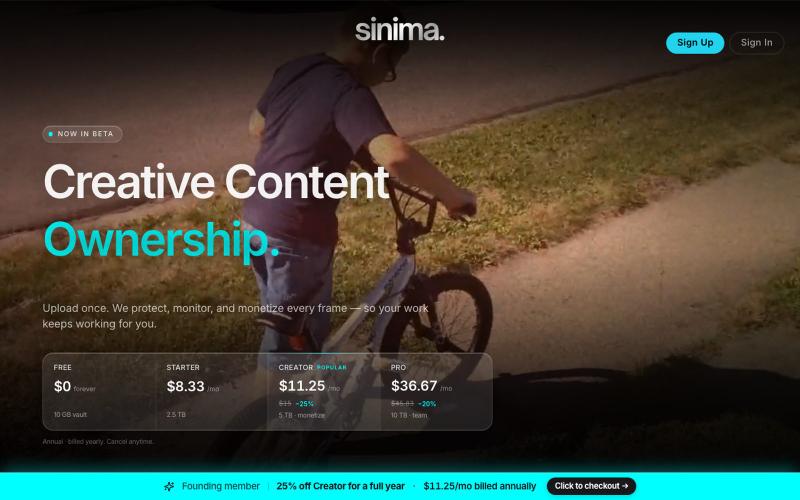
上传屏幕录像以保护并授权给AI平台。

@LisaTrublet · X
Vimeo alternative for creators and filmmakers, with IP protections built in. 25% off Creator Core. 🎉
完整作品展
技术栈
15 projects
上传屏幕录像以保护并授权给AI平台。
@LisaTrublet · X
Vimeo alternative for creators and filmmakers, with IP protections built in. 25% off Creator Core. 🎉

在浏览器中录制屏幕,保存至 Google Drive,并通过即时链接分享,仅需 $29。

@HashamBuilds · X
Building Walkthrough, screen recorder, $29 once, videos save to your own Google Drive. No subscription, no vendor servers. 14 days refund with no question asked. Now shipping in public daily. 🔗
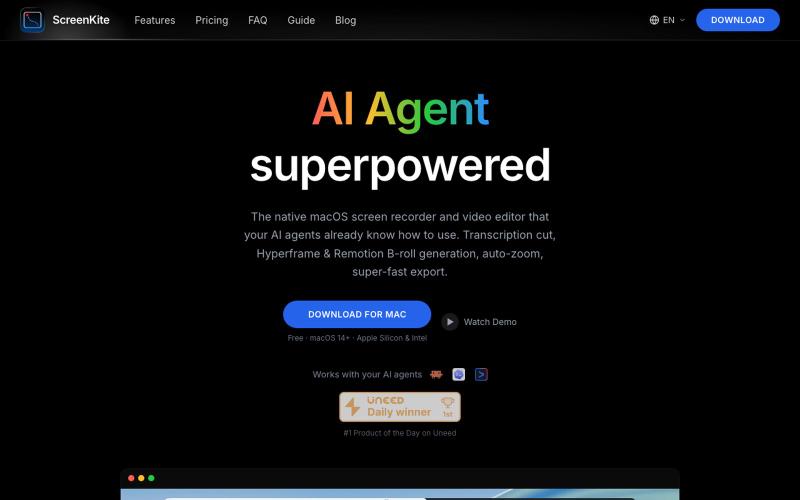
免费的原生 macOS 屏幕录像机,内置编辑器和自动缩放。

@screenkite_com · X

屏幕录制Chrome扩展,内置自动缩放效果和自定义背景功能。

@gabani_vatsal · X
Building Screen recorder which adds zoom effects and custom backgrounds
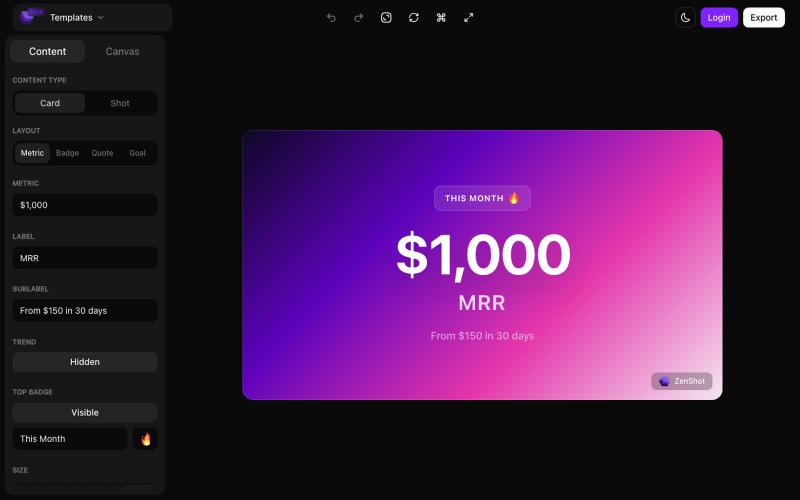
创建精美的 screenshots 和 progress cards,准备好与您的受众分享。

@shreyassihasane · X
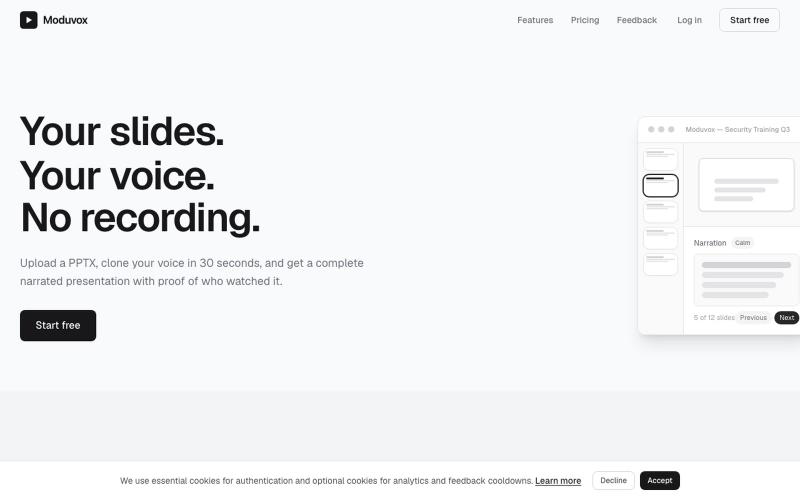
上传PowerPoint和语音样本,用您的克隆声音生成完整讲述。
u/sludge_dev · Reddit
I built a tool that narrates PowerPoint slides in your cloned voice. Launching it today, keeping it small for a week to fix what breaks. I just got into my College holidays a few weeks ago and I spent the last 6 weeks building Moduvox . You upload a PPTX deck, record 30 seconds of your voice, and it generates per-slide narration audio with a shareable link and viewer analytics. The idea came from a friend manually record voiceovers for training decks. Every update meant re-recording whole

在浏览器中用 Screely 创建专业截图效果图,支持框架、背景和标注。

@Aticmatic_com · X
of course for people:

将社交媒体帖子转换为精美可分享图像,支持多个平台。

@larsbuilds · X
here's the link for the lazy ones :)

在浏览器中编辑、压缩、转换和合并视频和音频文件。
zhw2590582 · V2EX
最近对网站进行了重构,做成了免费的视频工具站:[ArtPlayer Tools]( https://artplayer.org/tools/) 主要是围绕着 ffmpeg.wasm 和 mediabunny 实现的一些可以直接在浏览器里用的视频/音频工具,常用的有: - 视频压缩:[Compress Video]( https://artplayer.org/compress-video/) - 视频裁剪:[Crop Video]( https://artplayer.org/crop-video/) - 视频合并:[Merge Video]( https://artplayer.org/merge-video/) - 视频尺寸调整:[Resize Video]( https://artplayer.org/resize-video/) - 视频旋转:[Rotate Video]( https://artplayer.org/rotate-video/) - 视频调速:[Change Video Speed]( https://artplayer.org/change-video-speed/) - 添加文字到视频:[Add Text to Video]( https://artplayer.org/add-text-to-video/) - 添加水印:[Watermark Video]( https://artplayer.org/watermark-video/) - 提取字幕:[Subtitle Editor]( https://artplayer.org/subtitle-editor/) - HLS 转 MP4:[HLS to MP4]( https://artplayer.org/hls-to-mp4/) - 音频可视化:[Audio Visualizer]( https://artplayer.org/audio-visualizer/) 大部分工具都是本地处理,文件不会上传到服务器。最开始是因为自己偶尔要处理一些视频,开剪辑软件又有点重,在线工具又担心隐私,所以就慢慢做成了一个站。 目前还在持续完善,体验肯定还有不少粗糙的地方,比如不同浏览器的兼容、移动端操作、长视频性能之类的。 网站: [ArtPlayer Tools]( https:
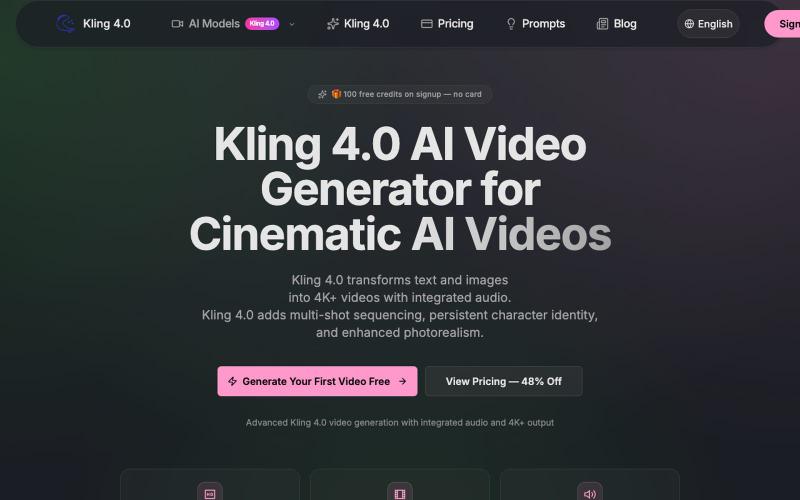
从文本和图像生成 4K+ 电影级视频,支持多镜头序列和人物持久化。
kling — AI 生成视频,支持多种 kling 模型
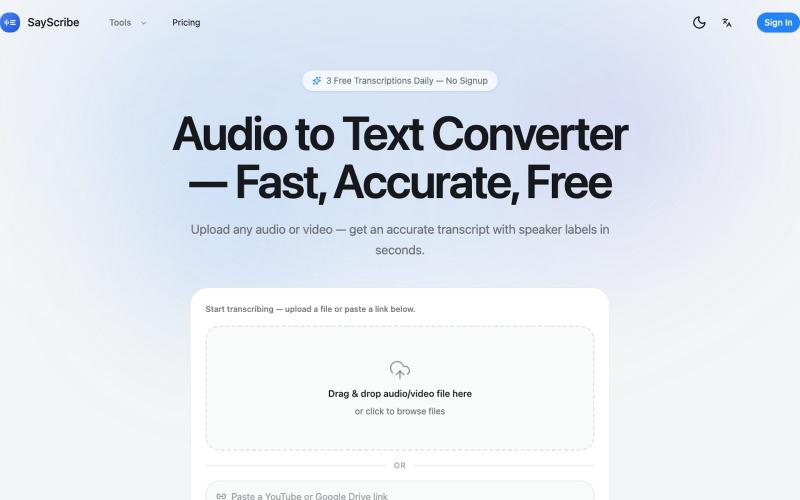
上传音频或视频,SayScribe 自动转成带说话者标签和时间戳的文字稿。
zxhywork · V2EX
SayScribe AI - 音频转文字的在线工具 花了几周搞了一个基于 OpenAI Whisper 的 AI 转录工具 **[SayScribe]( https://sayscribe.org)**,目前 5 个工具全部免费,每天 3 次无需注册。上线前请 SEO 专家做了一轮诊断,踩了不少坑,分享出来给同样在做工具站的 V 友参考。 --- ## 做了什么 核心工具是 **[Audio to Text Converter]( https://sayscribe.org)**(主页),上传音频/视频文件,AI 自动转成带 speaker labels 和时间戳的文字稿。选这个词的原因是:Google 第一页有个 DR 只有 10 的小站排第三,KD 才 20.2 ,链接预算只要 15-35 个引用域就能进前十——典型的弱盘面蓝海。 然后在主页基础上拆了 4 个子工具,每个打一个独立搜索词: - **[MP3 to Text]( https://sayscribe.org/mp3-to-text)** — 只转 MP3 。KD 41.7 比主页难一些,但
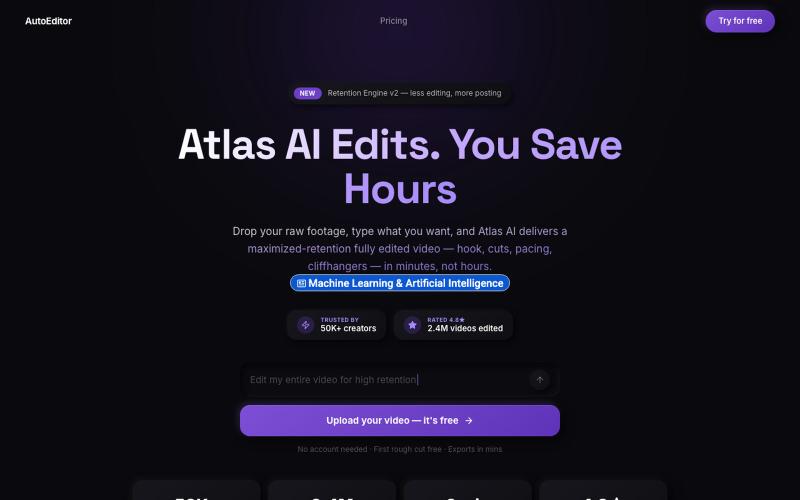
上传视频素材,AI自动编辑优化留存效果。

@QuiseBuilds · X
- drop raw footage. Atlas maximizes retention. No editing needed.