
其他1 week ago
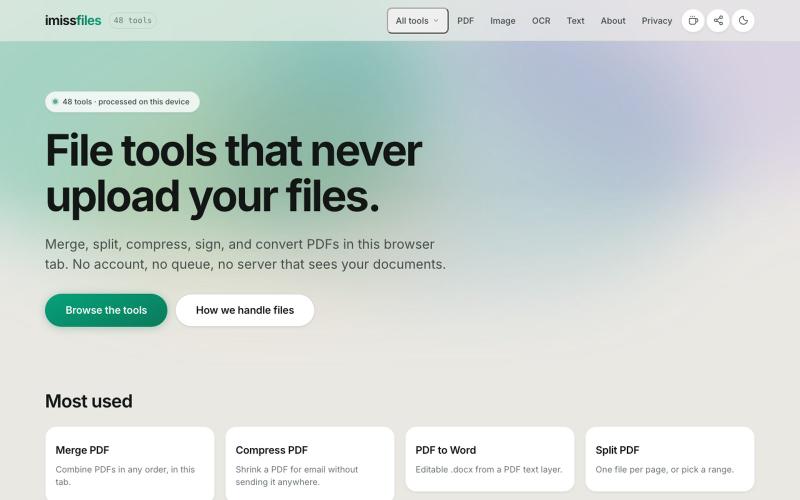
Free PDF Tools That Never Upload Your Files | imissfiles
Merge, split, compress, sign, and convert PDF files with 48 free tools that run entirely in your browser. No account, no upload, no limits.

@imissfiles · X
完整作品展
技术栈
34 projects
Merge, split, compress, sign, and convert PDF files with 48 free tools that run entirely in your browser. No account, no upload, no limits.
@imissfiles · X
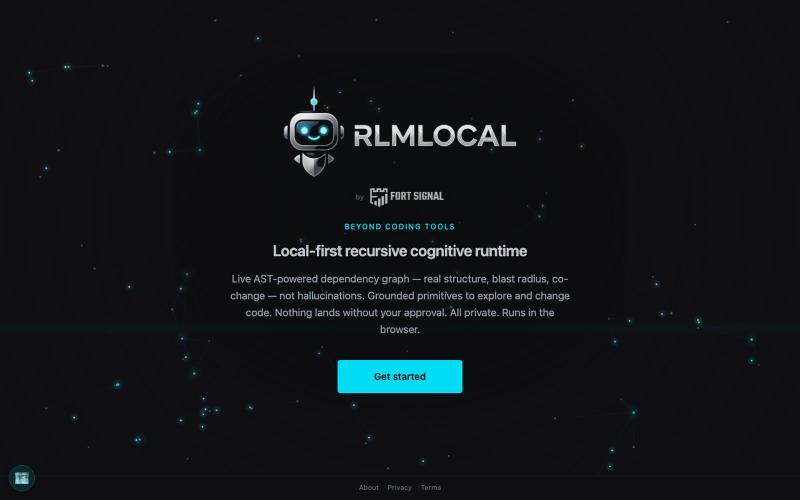

可直接在浏览器玩NOPE游戏,无需钱包或设置。

@NormiePepeNFT · X
Want to have some fun? 🐸🎮 Try the NOPE game — built entirely with Claude Code. No wallet connection required. No complicated setup. Just jump in and play. Have some fun. Be NOPE. 💚
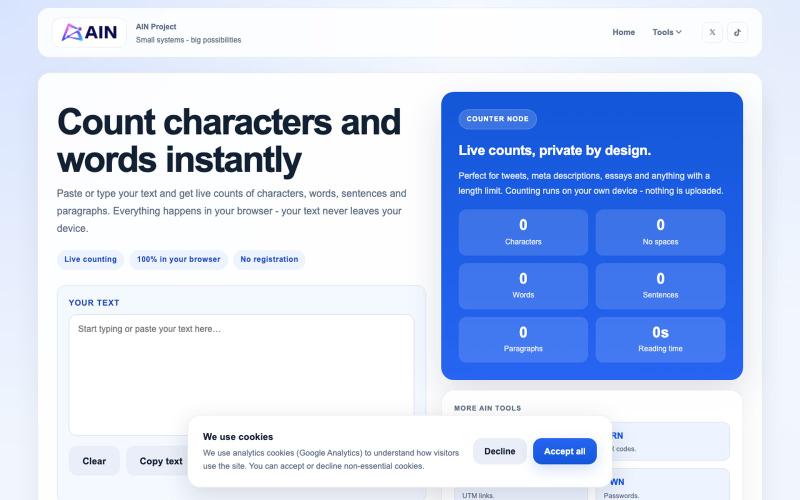
在浏览器中快速计数字符、单词、句子和段落。

@AIN_Project · X
Just shipped CNT - a simple text counter characters, words, sentences, paragraphs and reading time. Fast, free and no account required. #buildinpublic #indiehackers

在浏览器中免费转换、压缩和编辑文件,文件不上传服务器。

@faisalhaleem · X
Just launched — free browser-based file tools runs entirely in your browser. Video to GIF (with trim slider) Merge / Split / Shrink PDF Your files NEVER leave your device. No sign-up needed. Free forever. #buildinpublic #webdev #indiedev #tools #privacy
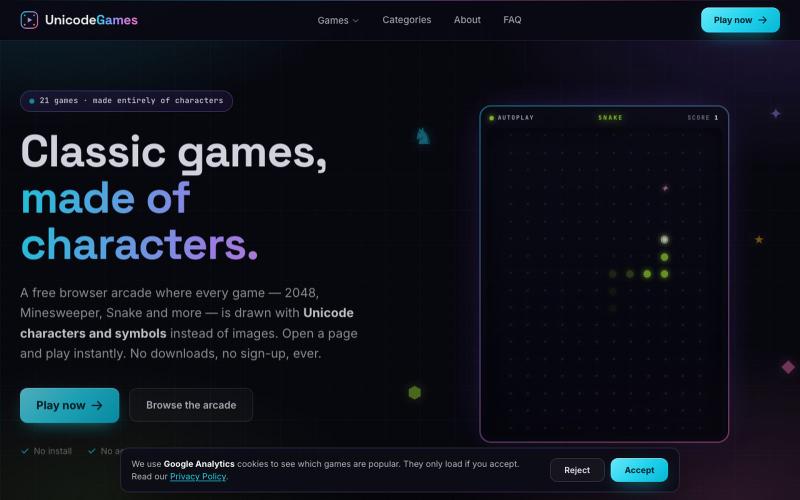
用 Unicode 字符在浏览器玩经典游戏,包括 2048 和扫雷。

@a_shimanski · X
vibe coded this a few months ago 👉 completely free, no signup, no ads. built it because it was fun, not because I had a plan. now I'm stuck on the boring question: what do I do with it? monetise it, or just sell it? ideas welcome 👇
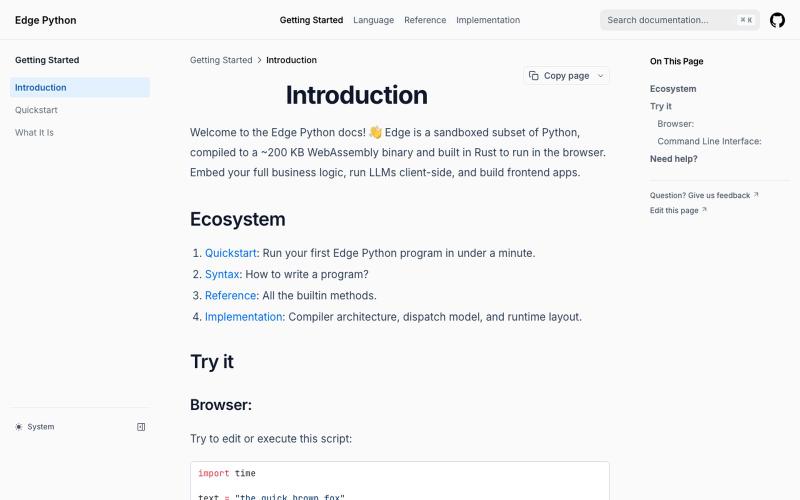
Edge Python 是一个在浏览器中运行的轻量级 Python 解释器。
dylansuttonc · HN
When I started programming Edge Python more than six months ago, I was looking for a version of Python that weighed less than 200 kb so it could reach any device, sandboxed by design, built with browsers in mind, decoupled from the operating system and very fast. Today the closest competitor would be MicroPython. However, it did not solve my real problems or the problems of the people who use the project. * Managing async and blocking code on the event loop. MicroPython inherits CPython's blocki
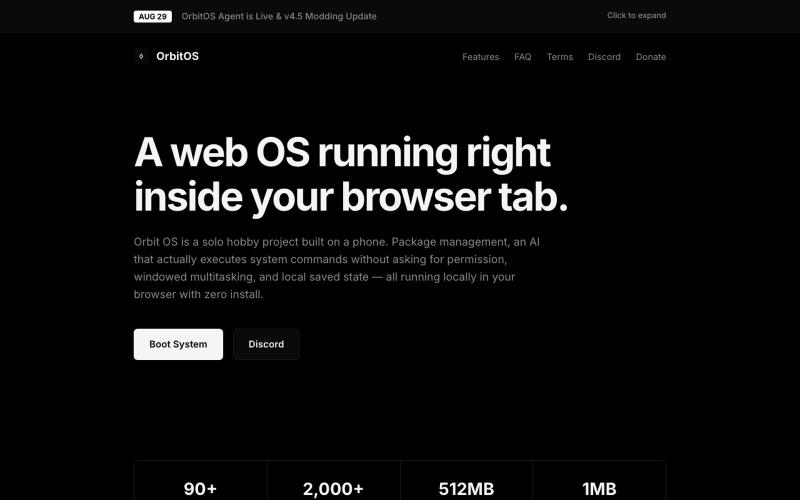
一个网页操作系统,支持多窗口、终端、包管理器和90+应用,完全运行在浏览器中。
blank9485 · HN
Hi all! It has a graphical UI with windowed multitasking, a terminal, 90+ commands and apps, an APT-style package manager, local IndexedDB storage, games, and a process manager. The terminal and graphical interface use the same underlying system rather than being separate demos. The newest update also introduces OrbitOS Agent, an AI assistant that can understand the current OrbitOS screen and app context, suggest actions, and execute multiple OrbitOS commands directly without requiring confirmat
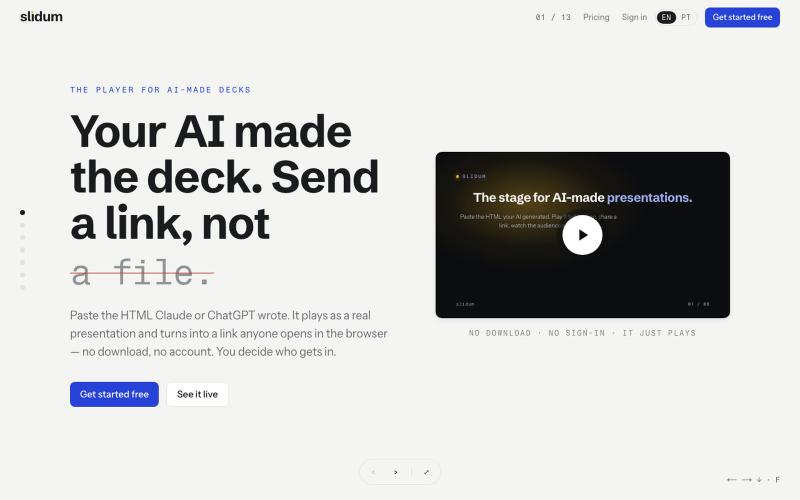
粘贴 HTML 创建即时演示文稿,一个链接分享,无需下载或注册。
oandre · HN
Slidum – A player for the HTML presentations AI writes

在浏览器中直接编辑和筛选 RAW 照片,本地处理无需上传。

@am56ay · X
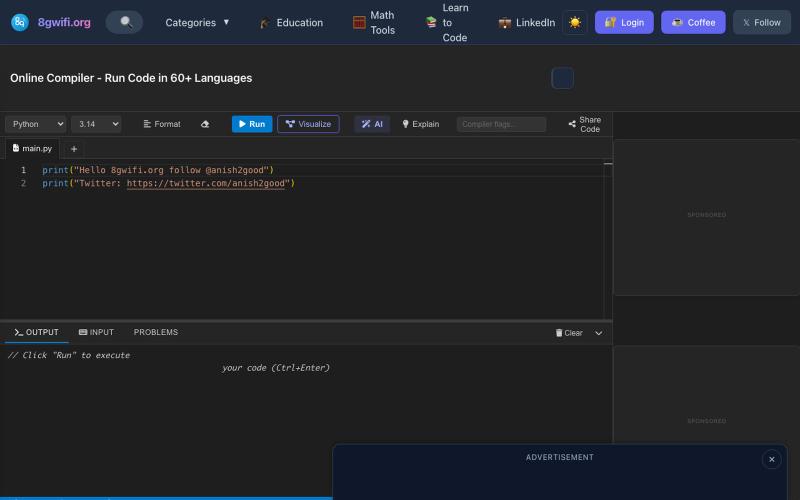
在浏览器中编写和运行代码,具有 AI 代码生成和自动修复功能。

@anish2good · X
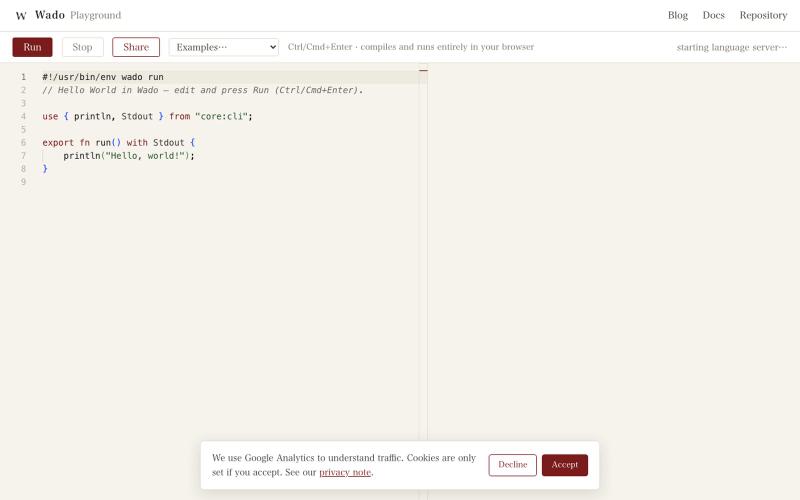
直接在浏览器中编写和运行 Wado 编程语言代码。
gfx · HN
Building a Rust-ish programming language with 100% coding agents: Wado
