
创意工具1 month ago
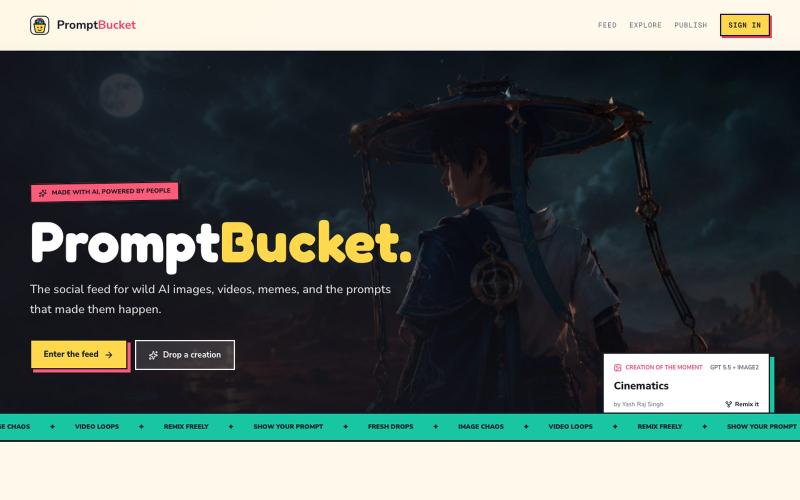
PromptBucket — AI creations, prompts, and remixes
浏览 AI 生成的图像和视频,分享其背后的提示词,并在社区中重混创意作品。

@yashrajcodes · X
Please visit check and provide feedback for my new product:
完整作品展
技术栈
60 projects
浏览 AI 生成的图像和视频,分享其背后的提示词,并在社区中重混创意作品。
@yashrajcodes · X
Please visit check and provide feedback for my new product:
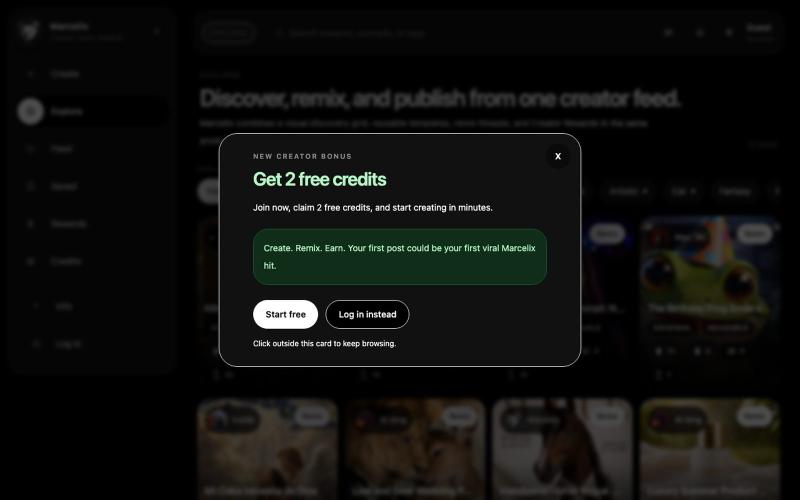
Create. Remix. Earn. Marcelix is an AI image and video platform where creators generate media, remix reusable templates, publish visual work, and earn Creator Rewards.
asoomi07 · HN
My app is https://www.marcelix.com I built it after experiencing a problem from two sides that the app now solves. I was sharing prompts for free, like millions of other creators, hoping to get attention on social media and maybe earn something through referral links or traffic. At the same time, when I saw a good AI image or video, I sometimes could not find the exact prompt needed to get the same result. So I built an app that solves both problems. When you create a good prompt, every time som
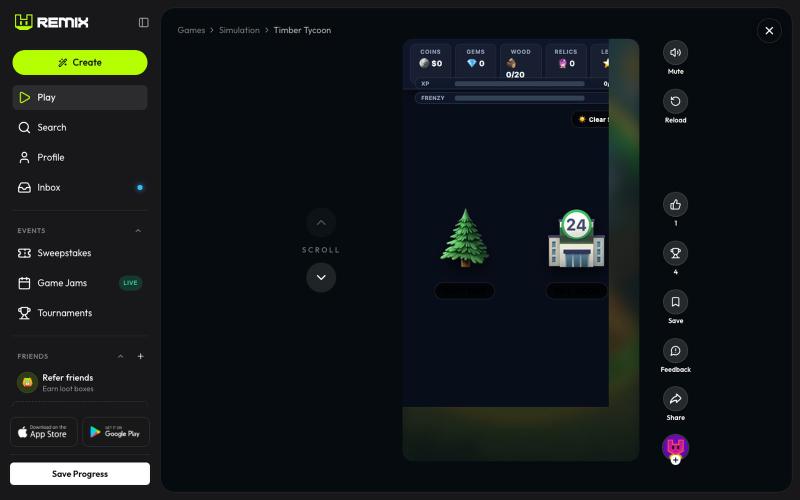
砍树解锁强化道具,升级商店物品,与史诗级老板对战。

@Jacksonwazea2k9 · X
Just launched my latest game: Timber Tycoon! 🌲✨ Built with custom power-ups, shop upgrades, and epic boss fights. Drop in, start chopping, and let me know your high score! 💎🪓 Play it here: #IndieGameDev #Remix #GamingCommunity #BuildInPublic
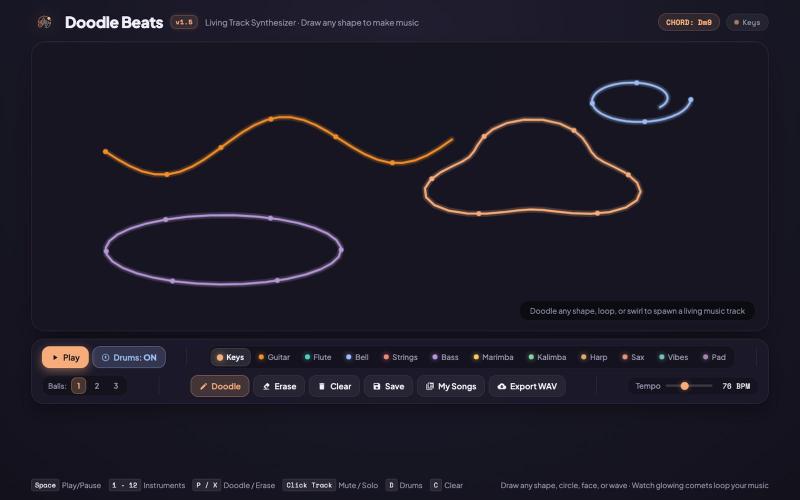
A unique generative visual music maker. Draw any doodle to spawn living, tempo-synced looping music tracks that play gorgeous lo-fi music.

@Assergames65567 · X
I vibe-coded with app with Antigravity, check it out at: (NOTE: It's lagging because my PC is not that good)
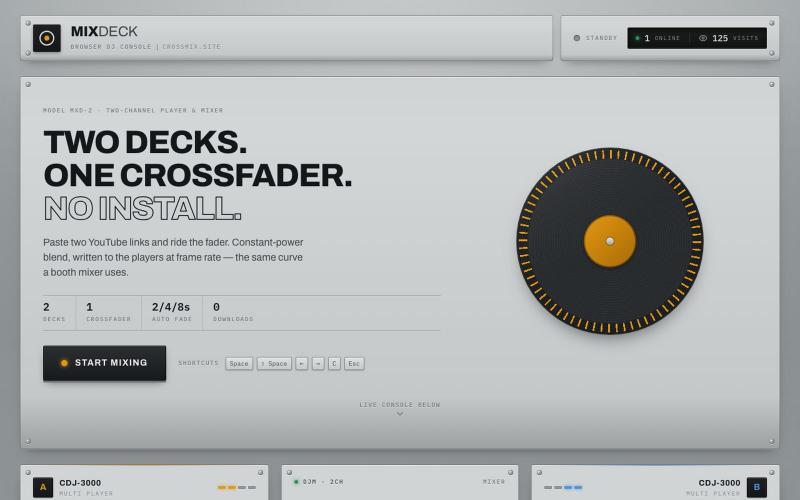
MixDeck — a premium DJ console in your browser. Two YouTube decks, one crossfader, smooth transitions. No download, no installation.

@Cagatay52142 · X
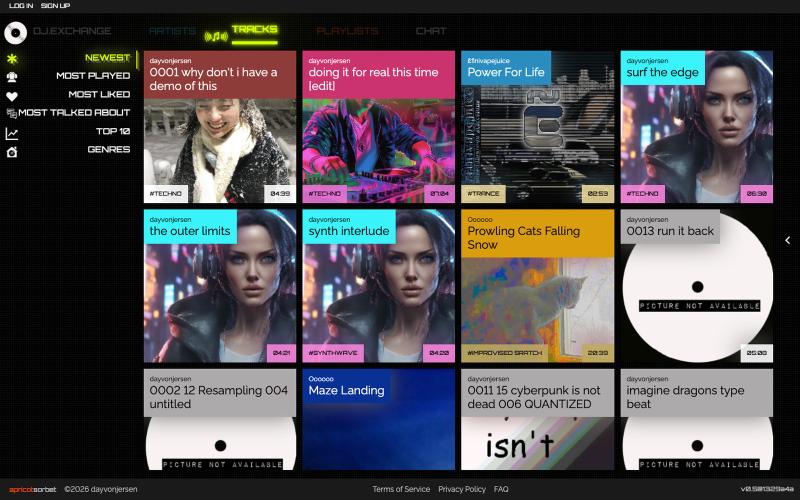
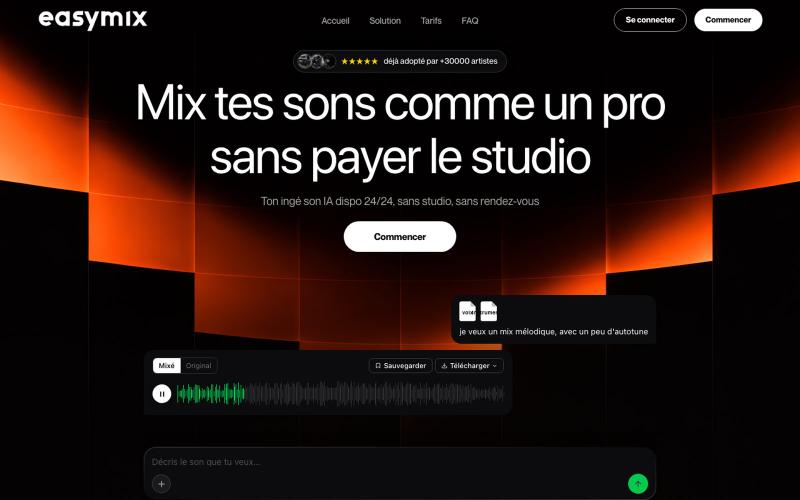
AI混音和母带处理工具,上传音轨即得专业混音效果。

@44alexstr · X
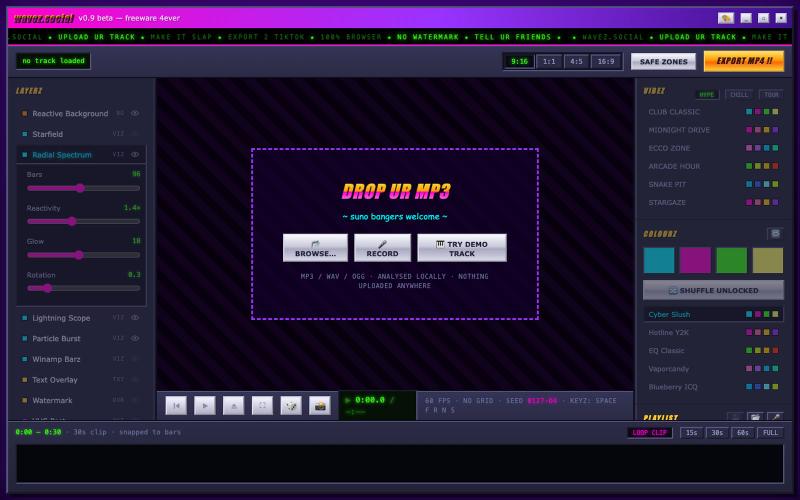
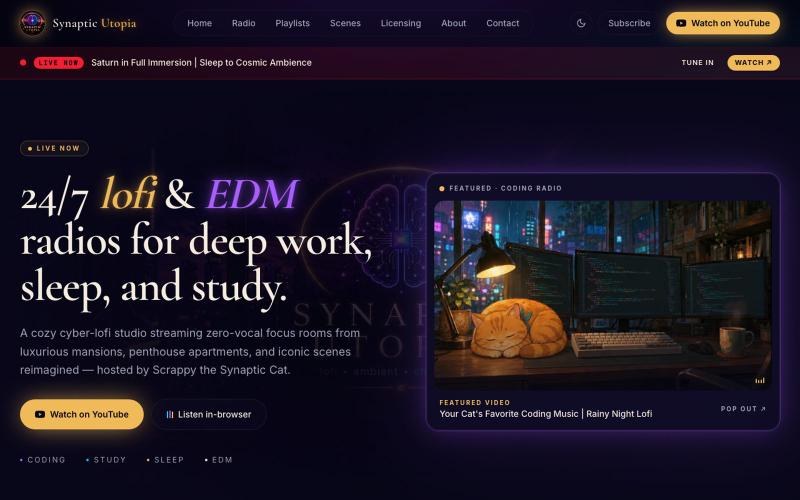
24/7 lofi study beats, coding music, and EDM focus radios — plus iconic scenes reimagined and luxe mansion rooms. Hosted by Scrappy the Synaptic Cat.

@SynapticUtopia1 · X

在浏览器中编辑、压缩、转换和合并视频和音频文件。
zhw2590582 · V2EX
最近对网站进行了重构,做成了免费的视频工具站:[ArtPlayer Tools]( https://artplayer.org/tools/) 主要是围绕着 ffmpeg.wasm 和 mediabunny 实现的一些可以直接在浏览器里用的视频/音频工具,常用的有: - 视频压缩:[Compress Video]( https://artplayer.org/compress-video/) - 视频裁剪:[Crop Video]( https://artplayer.org/crop-video/) - 视频合并:[Merge Video]( https://artplayer.org/merge-video/) - 视频尺寸调整:[Resize Video]( https://artplayer.org/resize-video/) - 视频旋转:[Rotate Video]( https://artplayer.org/rotate-video/) - 视频调速:[Change Video Speed]( https://artplayer.org/change-video-speed/) - 添加文字到视频:[Add Text to Video]( https://artplayer.org/add-text-to-video/) - 添加水印:[Watermark Video]( https://artplayer.org/watermark-video/) - 提取字幕:[Subtitle Editor]( https://artplayer.org/subtitle-editor/) - HLS 转 MP4:[HLS to MP4]( https://artplayer.org/hls-to-mp4/) - 音频可视化:[Audio Visualizer]( https://artplayer.org/audio-visualizer/) 大部分工具都是本地处理,文件不会上传到服务器。最开始是因为自己偶尔要处理一些视频,开剪辑软件又有点重,在线工具又担心隐私,所以就慢慢做成了一个站。 目前还在持续完善,体验肯定还有不少粗糙的地方,比如不同浏览器的兼容、移动端操作、长视频性能之类的。 网站: [ArtPlayer Tools]( https:
上传和管理来自Suno及其他来源的音乐曲目。

@GrimfelOfficial · X
Checked it out looks very similar to my studio and I'm not saying thats a bad thing because I vibe coded mine Good direction, will it remain watermark free on studio inputs?
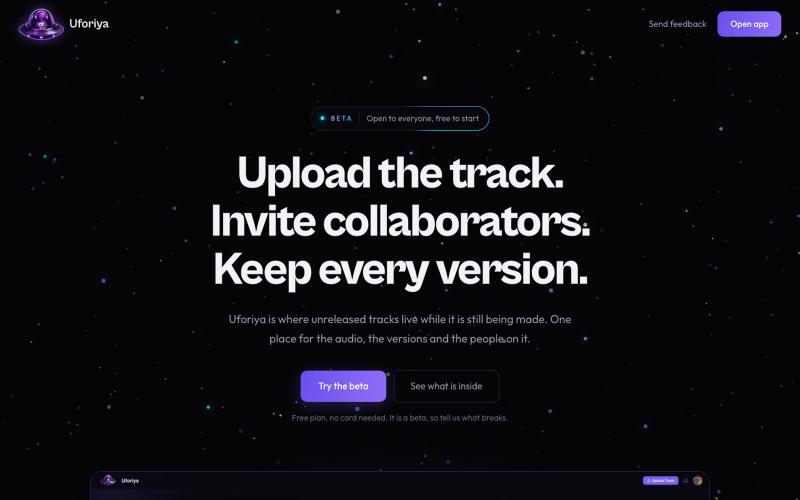
Upload tracks, invite collaborators with roles, and keep every version in one place. The Uforiya beta is open and free to start.

@chukaufo · X
I basically created a GitHub for music producers.

