
创意工具1 month ago
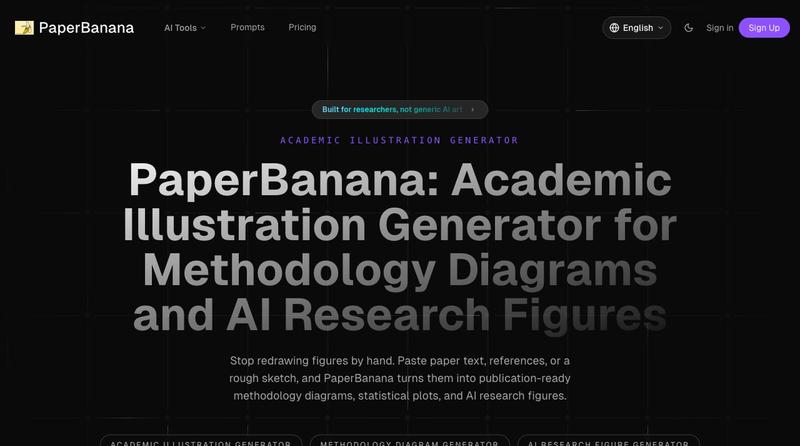
PaperBanana: Academic Illustration Generator for Methodology Diagrams
将学术论文和草图转化为发表就绪的研究图表。
完整作品展
技术栈
14 projects
将学术论文和草图转化为发表就绪的研究图表。
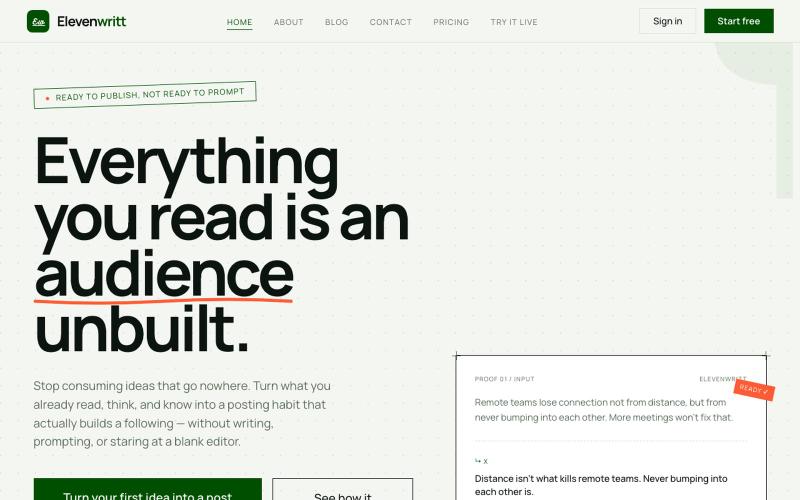
Elevenwritt:用AI将想法转化为可直接发布的社交媒体帖子。

@its_mepius · X

用AI写作助手和专业模板快速创建和发布电子书。
ebookerr · Product Hunt
ebookerr - Your Ebook Creator Create a complete ebook with AI — no writing skills needed
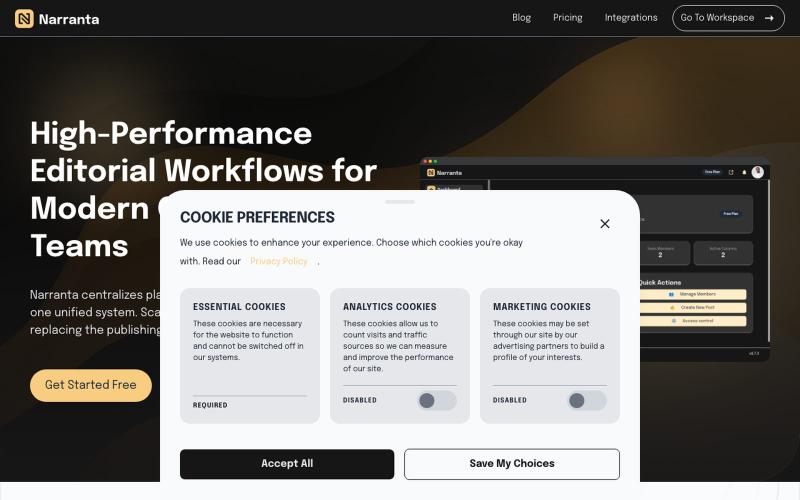
Narranta 是团队编辑工作流平台,支持内容规划、撰写、审核和发布。

@duke_can_c_u · X
Hi I’m the founder of a content collaboration platform for teams and creators, with focus on editorial workflows. Always looking to connect with people passionate about content, SaaS, and building great products.
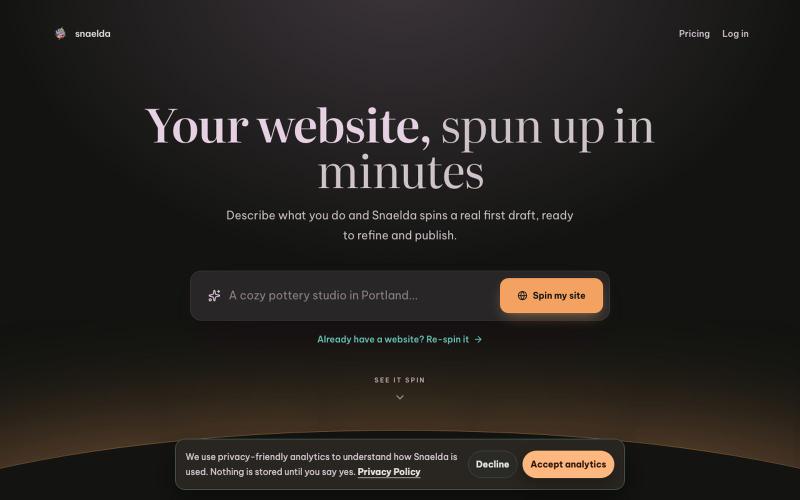
Structured website drafts, editing, preview, and publishing.

@mattisigur · X
Hey I'm building it's a website builder driven by AI. Prompt to published landing page in a couple of minutes
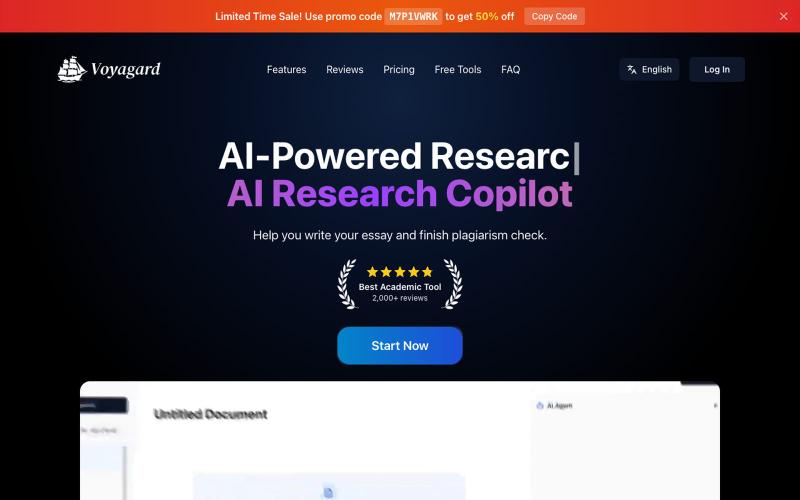
AI驱动的学术论文编辑工具,提供写作辅助、引文管理和查重功能。
Voyagard — AI 学术论文编辑器,有 AI 编辑,一键查重降重,AI推荐文献索引等功能, 帮助你完成从选题调研,文献索引并管理, AI协助撰写等功能,帮助你轻松完成论文撰写
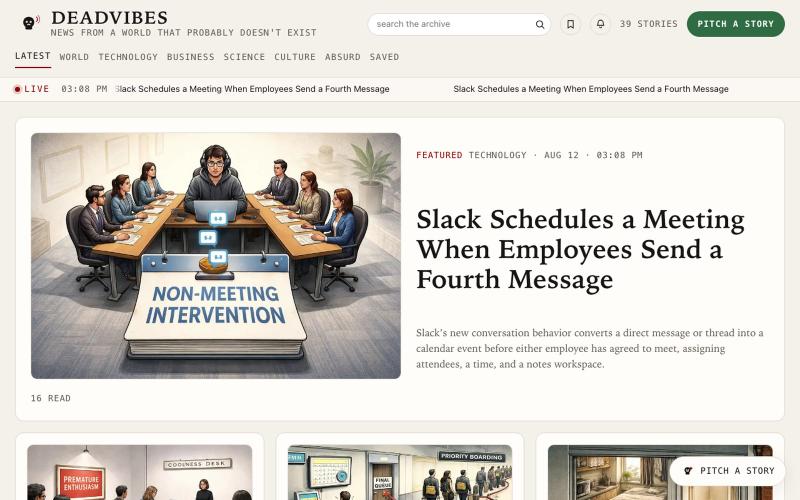
DeadVibes — 提交前提生成讽刺新闻故事和插图。
u/karthiksync · Reddit
I built an AI newsroom that writes satire, scores its own drafts and rejects most of them I built DeadVibes, a satirical news site where anyone can submit a short premise and watch an AI newsroom turn it into a complete illustrated story. Try it here: https://Deadvibes.app Someone recently submitted: “This site will become cool.” The newsroom turned it into a story about DeadVibes becoming so fashionable that it created a Coolness Desk and banned readers from sharing it. The original
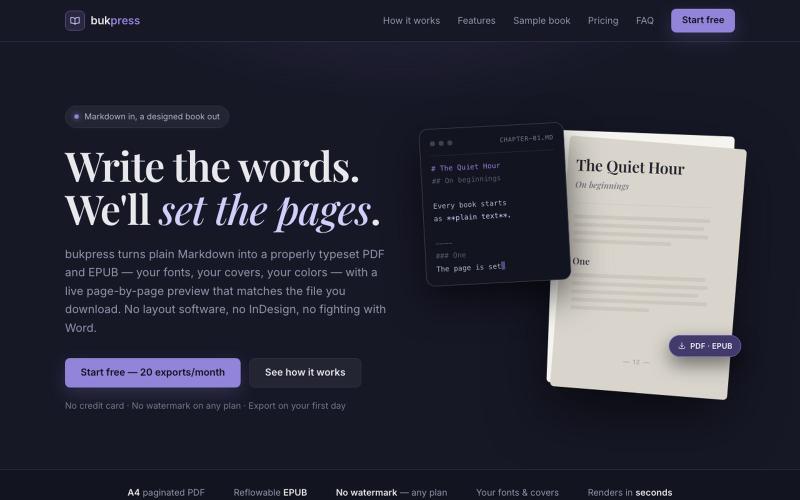
将 Markdown 转换为排版 PDF 和 EPUB,支持自定义字体、封面和颜色。

@hiddenbydigital · X
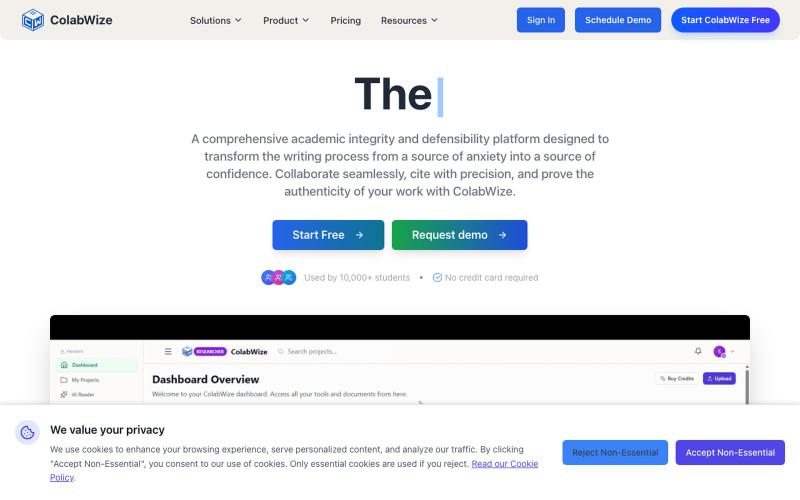
ColabWize 审计学术引用并验证作者身份,证明学术工作的真实性。

@clawncore · X
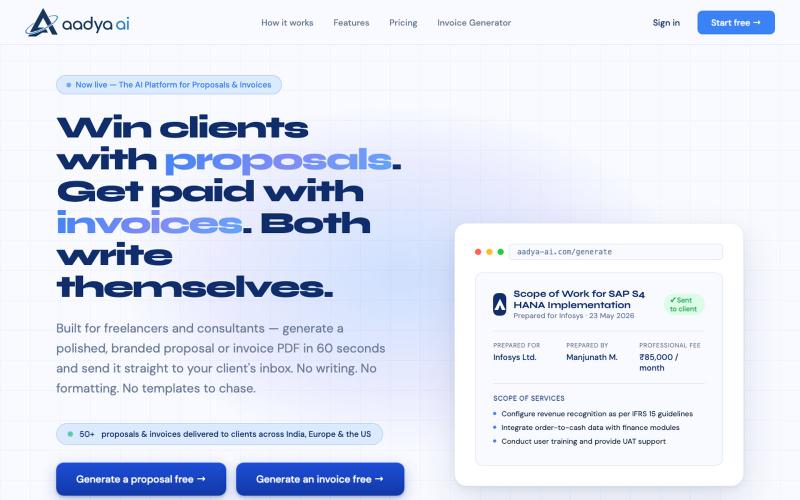
AI 60 秒内生成品牌化提案、发票和专业文档 PDF。

@AadyaAI · X
Aadya AI turns a client conversation into a branded, ready-to-send proposal or invoice PDF in 60 seconds — no templates, no formatting, no chasing.
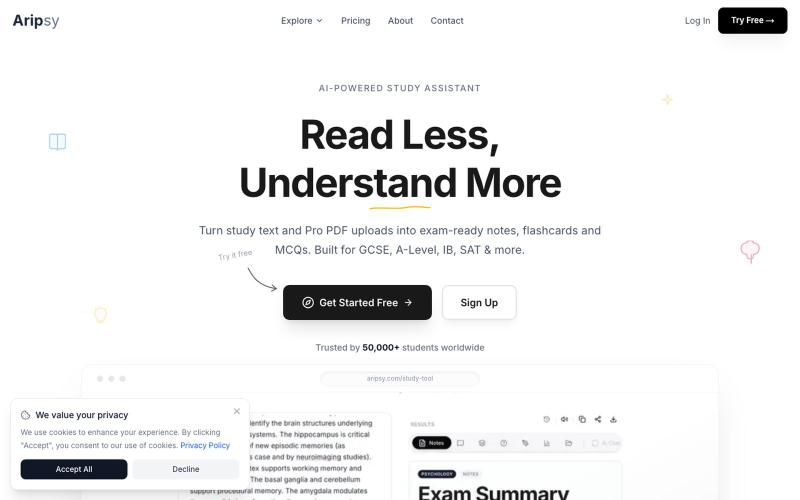
从学习文本和PDF生成考试笔记和闪卡。

@studywitharipsy · X

上传笔记生成考试题目、答案和复习资料。

@herogaming7358 · X
🚀 Finally shipped my first SaaS project! Introducing ExamPrepAI 📚 Turn your own PDF or image notes into: ✅ Important Questions ✅ Short Answers ✅ Revision Notes No fake promises. Just a smarter way to revise. 🌐 🎥 Tutorial: