

创意工具1 month ago
Screely — Free Screenshot Mockup Tool. Private, In Your Browser.
在浏览器中用 Screely 创建专业截图效果图,支持框架、背景和标注。

@Aticmatic_com · X
of course for people:
完整作品展
技术栈
60 projects
在浏览器中用 Screely 创建专业截图效果图,支持框架、背景和标注。
@Aticmatic_com · X
of course for people:
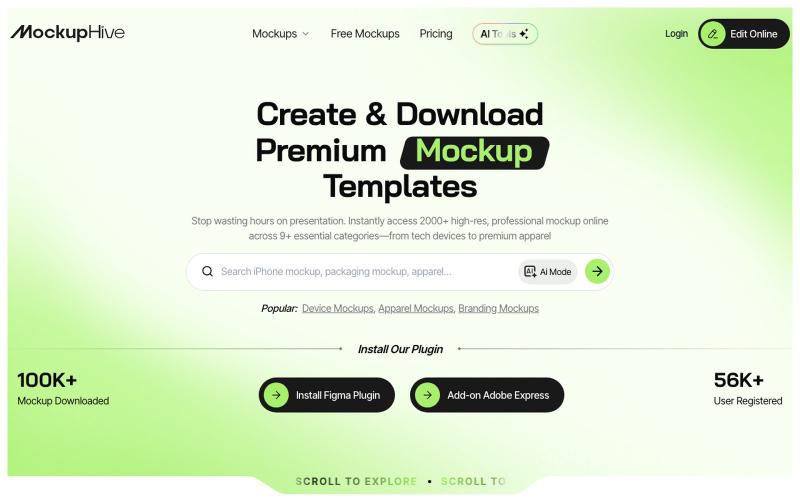
为UI/UX、品牌和产品设计创建和展示逼真的设计效果图。

@mhroxy3112 · X
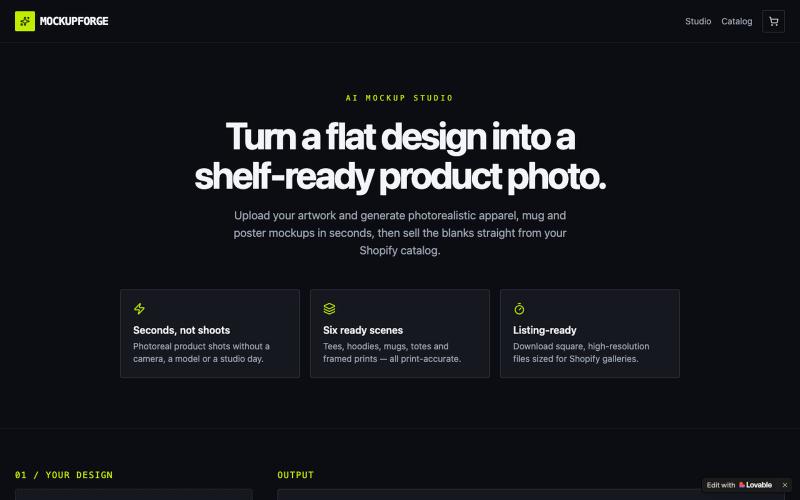
为Shopify店铺生成AI商品效果图、海报和挂画。

@ebuka_buddy · X
Check out what I just built with Lovable! Turn your Shopify product ideas into stunning, professional mockups in minutes with AI. No design skills, no complicated tools—just create, customize, and showcase products that are ready to impress and sell.
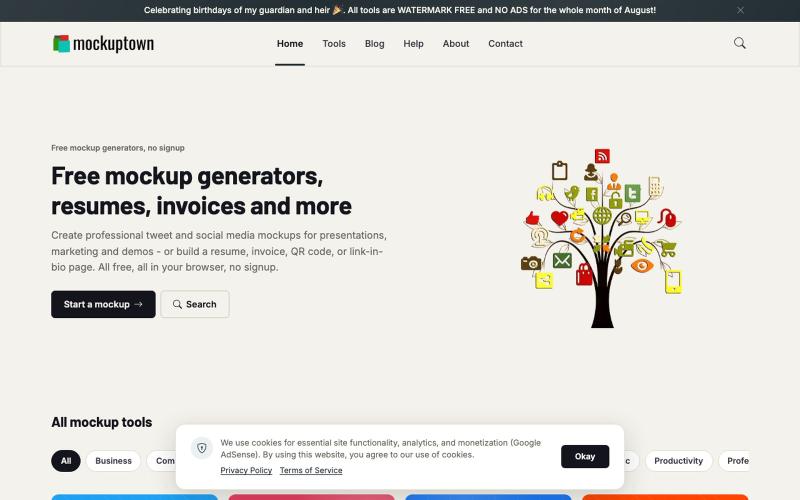
为推文、WhatsApp、iMessage和手机屏幕生成样机图,支持PNG/SVG导出,无需登录。

@nabeelalihashmi · X
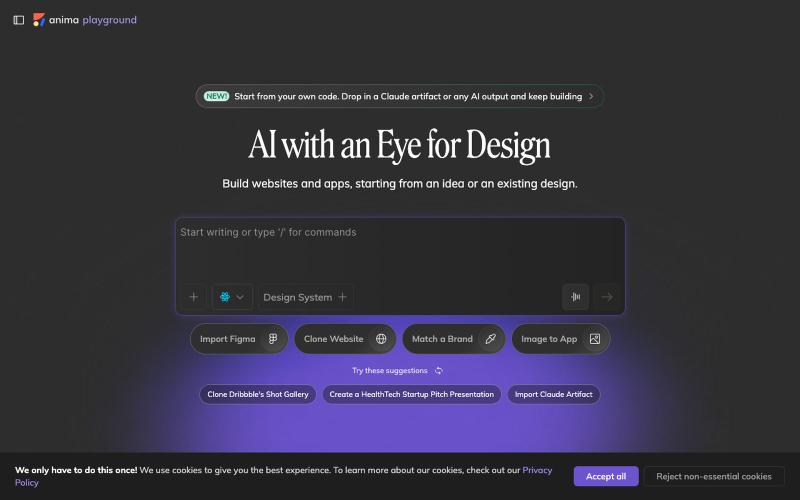
用AI自动将设计图转换成可用代码。

@AnimaApp · X
Image to code in 1 minute - 20x faster than Claude Code and with much higher fidelity. Try it at and let us know how we did 🤘
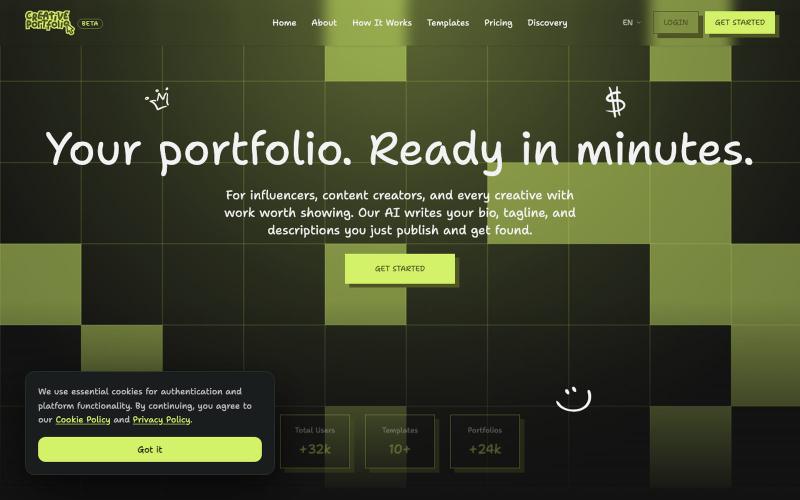
Create a stunning professional portfolio in minutes. Pick a template, add your work, and get discovered. Loved by developers, designers, photographers, and creatives.

@wagnermateus · X
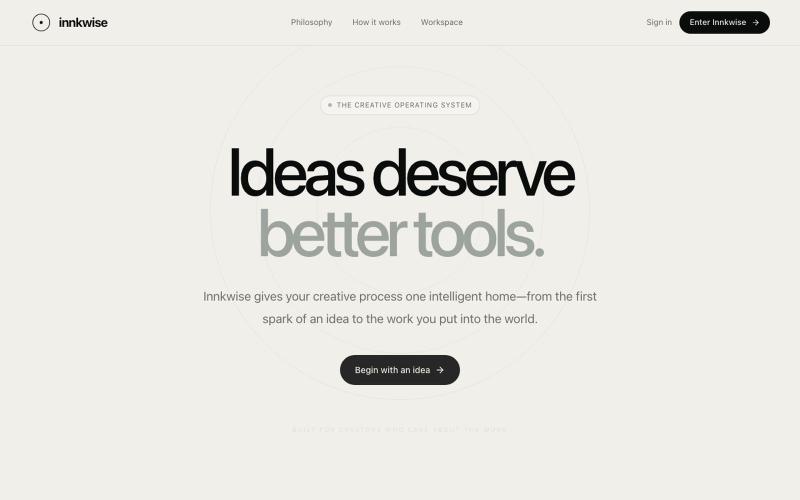
AI驱动创意操作系统,助力创作者将想法转化为有意义的作品。

@amruthashwa · X
AI powered Creator OS for content creators

使用多个AI模型从文本生成专业图像。
ImagesArt.ai — 生成完美的AI艺术提示词。使用这个工具为Flux、Midjourney和Stable Diffusion模型生成并优化图像提示词。
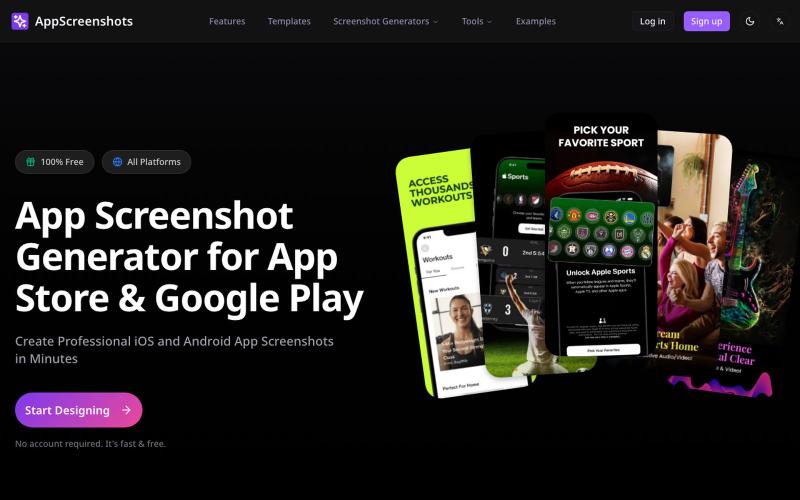
为iOS和Android应用生成带3D设备模型的应用商店截图。
AppScreenshots — 生成应用商店截图,支持 iOS、Android、Chrome、HarmonyOS 等平台,支持 3D 设备展示和 AI 驱动的 Mockup 创建工具
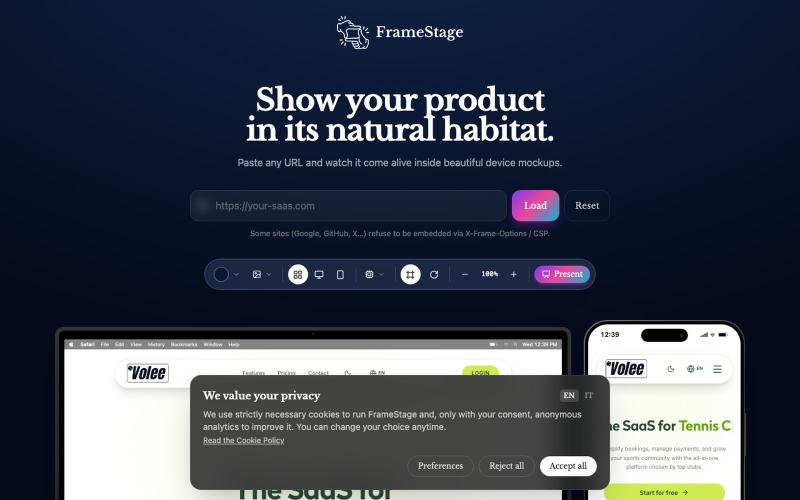
粘贴任何 URL 即可在设备模型(桌面、平板、手机)上预览项目。

@AndreaPericoli · X
I couldn’t find a simple tool that did exactly what I needed, so I built one in @Lovable Frame Stage lets you paste a URL and instantly preview your project on desktop, tablet, or mobile. No mockups. No setup. 🌐 #vibecoding #AI
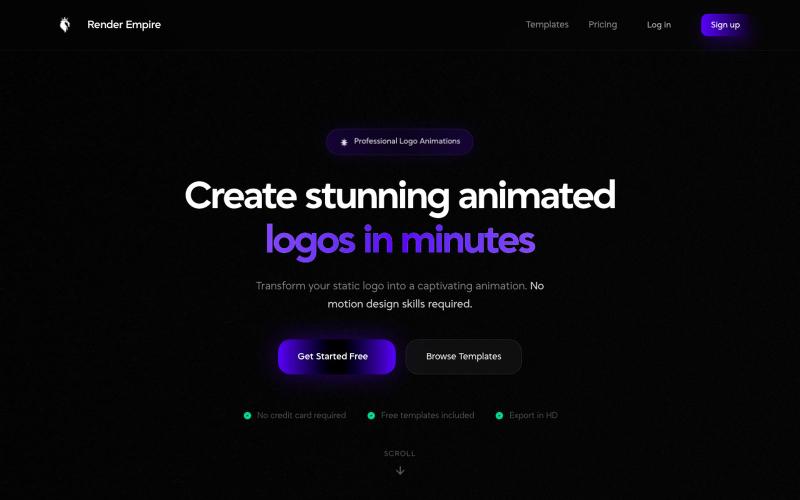
快速创建专业的LOGO动画。

@RenderEmpire_ · X
Building Render Empire 🚀 A web-based SaaS platform for creating professional logo animations in just a few clicks. ✨ Get your first animation free:
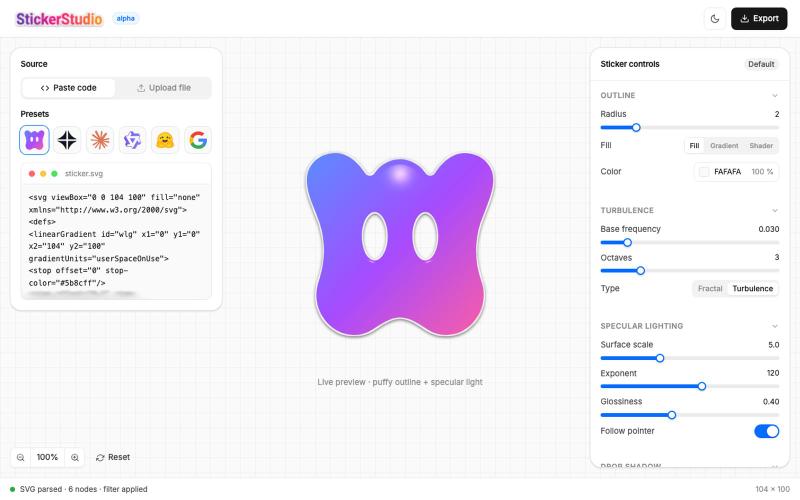
上传SVG创建蓬松光泽贴纸,支持3D光学效果和PNG导出。

@Ammar110_SM · X
Turn any SVG into a glossy die-cut sticker you can actually peel 🎨 Built Sticker Studio entirely in Wonder, UI in Wonder Chat, live shader outlines, and Wonder's MCP piped it all into Claude Code as a real app. Try it: @usewonder #wonderchallenge