
创意工具2 weeks ago
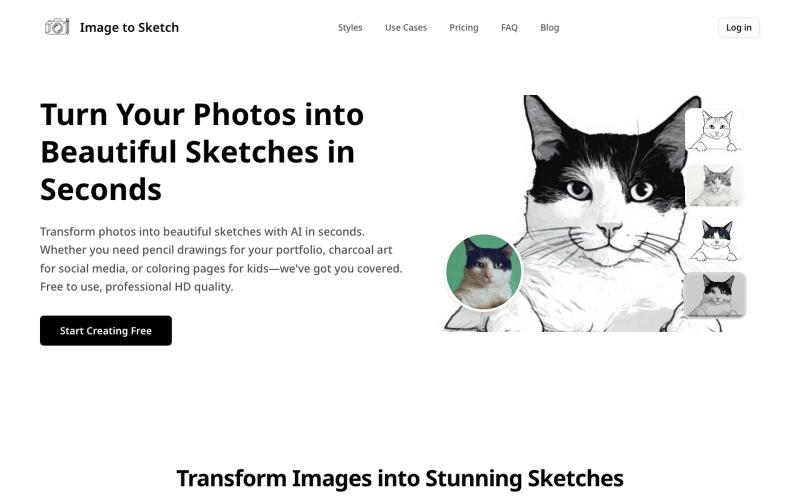
Photo to Sketch Converter Free Online - Image to Sketch AI Tool
用AI将照片转换成素描、炭画或卡通艺术,即时在线生成。
image-to-sketch — 图片转素描 AI 小工具
完整作品展
技术栈
25 projects
用AI将照片转换成素描、炭画或卡通艺术,即时在线生成。
image-to-sketch — 图片转素描 AI 小工具
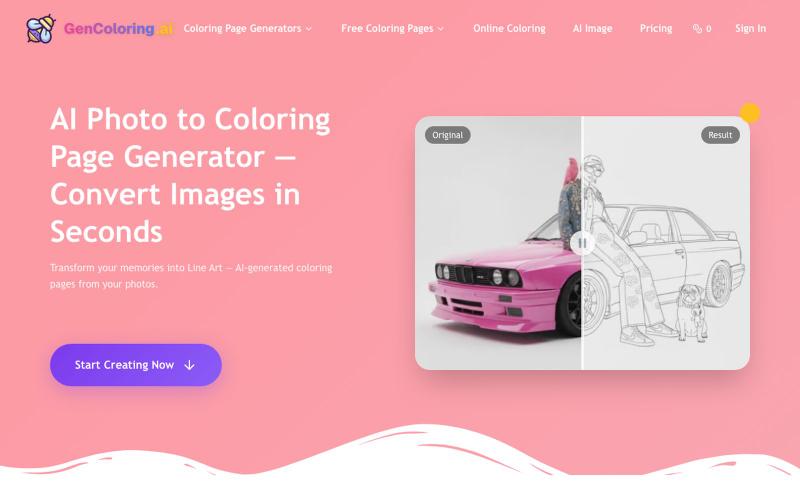
用AI将你的照片转成可打印的着色页。
GenColoring AI — AI 生成涂色页平台 - [博客介绍](https://blog.csdn.net/weixin_52314137/article/details/152511285)
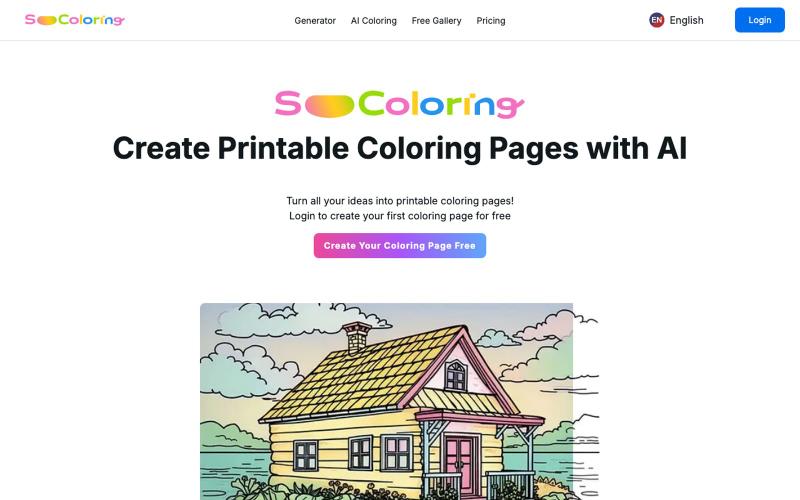
用 AI 生成和下载可打印的填色稿。
SoColoring — AI 驱动的可打印填色稿生成平台,支持文本生成填色稿、AI一键上色等功能,同时还有丰富的免费填色稿图库供用户自由下载,欢迎来这里寻找填色的乐趣
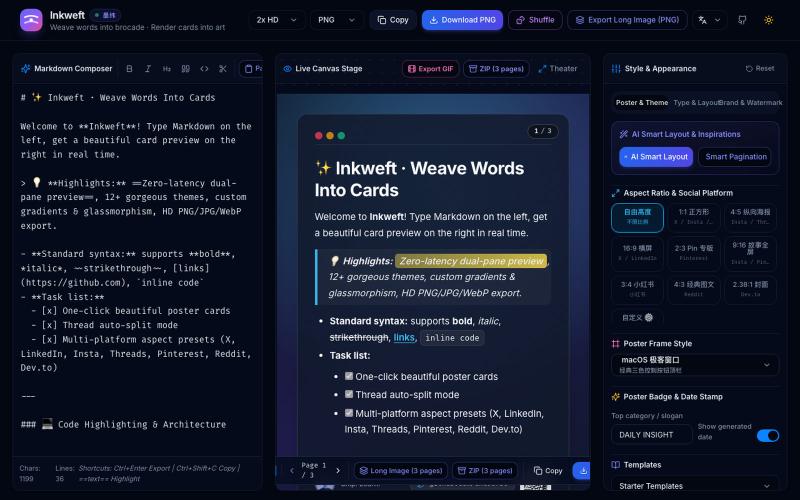
将 Markdown 笔记转换为高颜值社交海报卡片,12 个主题,导出 PNG/JPG/WebP。

@dxer0730 · X
做了一个把 Markdown 笔记 3 秒变成高颜值社交海报的小工具,支持连载切图与无缝长图拼接 在线体验 / 开源:
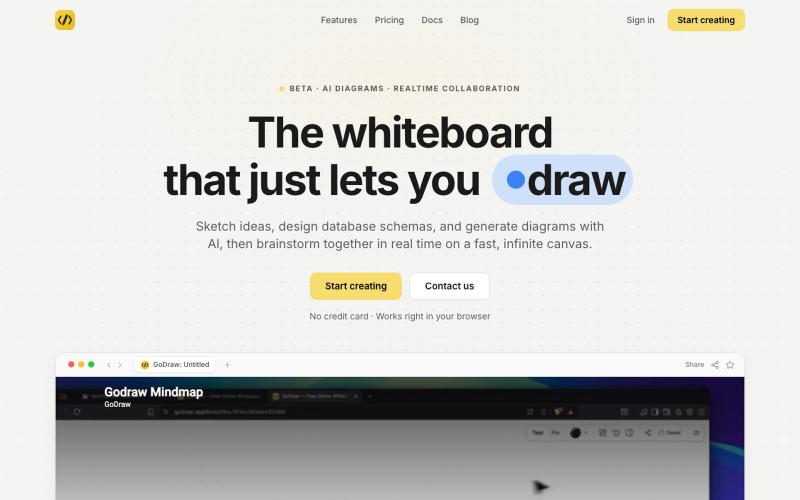
GoDraw: 在线白板和图表工具,支持即时协作,无需注册。

@rishabh21g · X
The whiteboard that just lets you draw

在浏览器中将照片和视频转换为ASCII艺术、像素艺术和马赛克。

@kail_designs · X
Jokes aside but honestly (Landing page) was built with Claude (Opus 4.7) in 1 day. But no, it was not just four prompts or some random skills. Here's how I built the entire AsciiMagic landing page with Claude in one day👇 Started with a rough sketched wireframe. Then designed it in @paper Then I used the Paper MCP with Claude to recreate that design in code and get a solid first version running. From there, the real work began. I kept iterating with specialised Claude skills: • impeccable • frontend-design • emil-design-eng • review-animations • responsive-design • seo-audit Each one improved a different part of the experience. By the end, the page had: • Mobile-first responsiveness • Better SEO optimised copy • Smooth micro-interactions • Cleaner frontend architecture Then came the part people don't see. For the next 5–6 hours, I wasn't asking Claude to "make it prettier." I was: • Fine-tuning layouts • Uploading and compressing assets • Moving files across diff
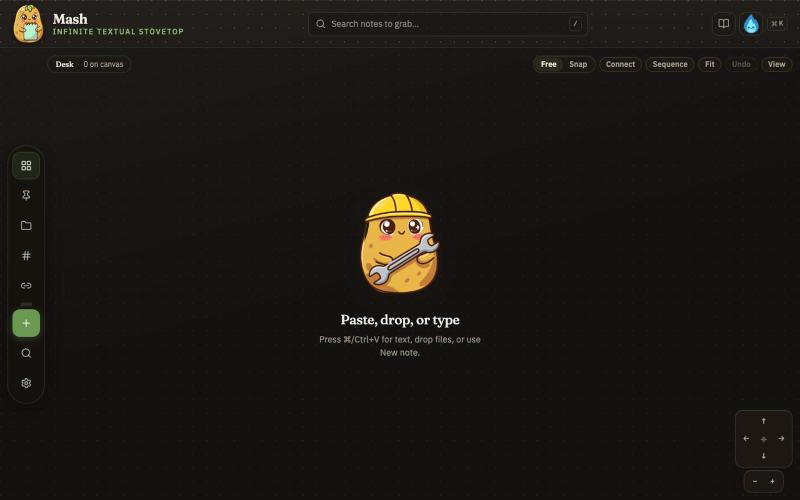
在无限画布上创建笔记,组合并导出为 PDF 页面。

@JonnyD · X
I'm happy to announce "Mash" A local first browser based app for compiling notes and ideas on an infinite canvas. Make as many notes as you want, drag and drop to "Mash" them by combining. Create "sequences" that allow you to export a pdf with each sticky as it's own page. Drop in PDF or DocX or images to easily browse the file and select your favorite clippings to a new canvas, and manipulate them or export them how you want to. Drop a GIF to get all the individual frames. Mash features a roster of cute food themed mascots because this is your infinite textual stove top. Pull in some ingredients, mash them together, stitch them together, arrange them into a flow chart, whatever you find useful, and then get out quickly. Mash is for the little moments that speed up work, and the spontaneous thoughts that inspire new directions. There is no fancy AI feature, no data collection, no login, just a utility for you. Free open source licence. Run it offline if you want
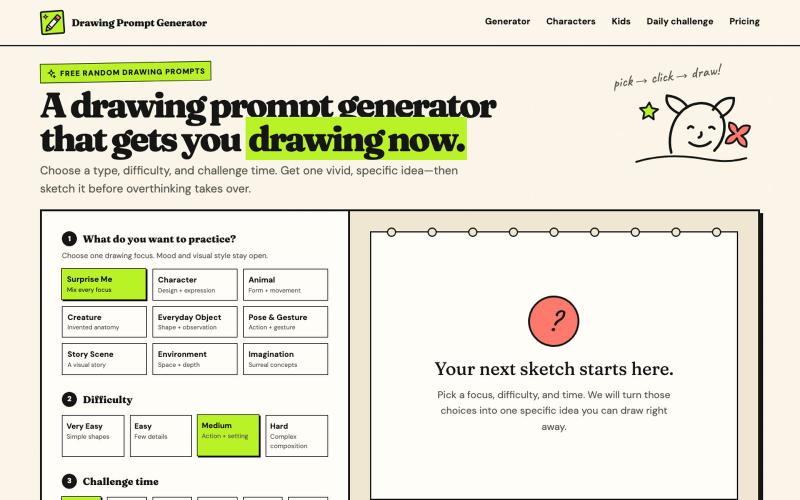
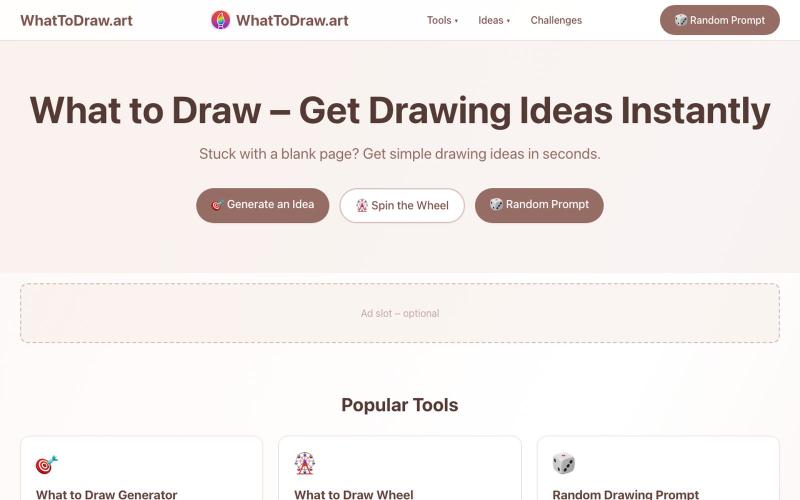
按难度生成绘画提示,包含AI参考图像和计时挑战。
haowen8098 · V2EX
做了一个随机绘画题目生成器 它可以根据绘画类型、难度和挑战时间生成题目,还提供倒计时和可选的 AI 参考图: https://www.drawingpromptgenerator.com/ 目前还是早期版本
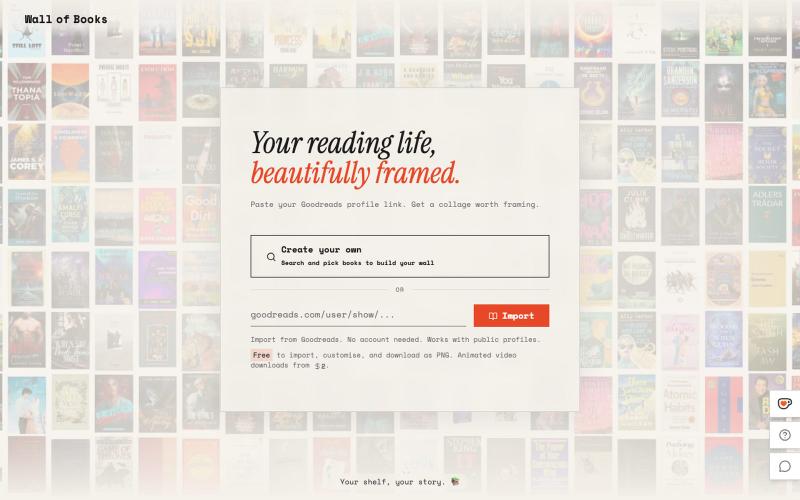
根据你的书架生成相框墙艺术

@Sathibuilds · X
I am building and
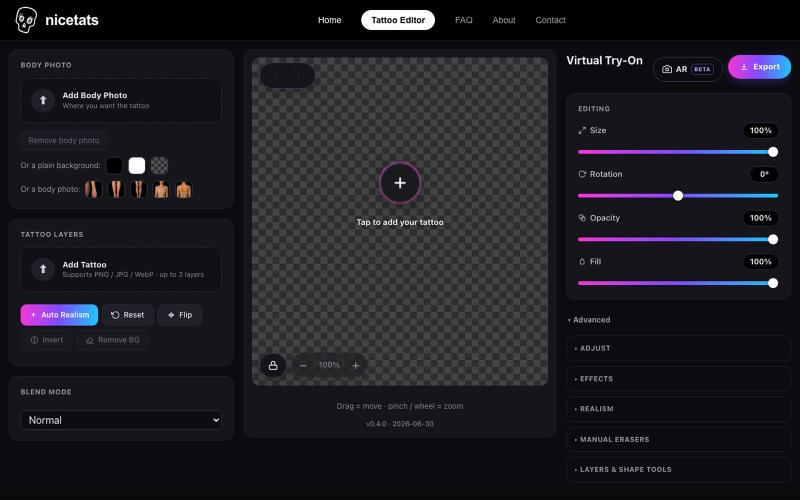
上传照片和纹身设计,预览纹身在皮肤上的效果。

@nicetatsapp · X
Preview Tattoos Online
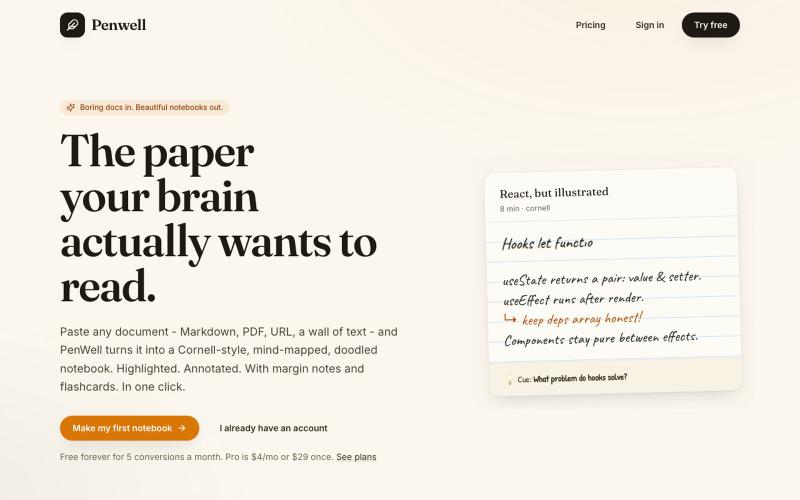
粘贴文档,Penwell 用 AI 生成康奈尔笔记和思维导图。

@penwellapp · X
Boring docs in. Beautiful notebooks out. Try it here: 🚀 We just launched on Product Hunt! Your support would mean the world: #BuildInPublic #ProductHunt #AI #Notes #IndieHackers #CornellNotes #Productivity #StudyNotes #Penwell