ScribleSketch - AI workspace for notebooks, slides & canvas
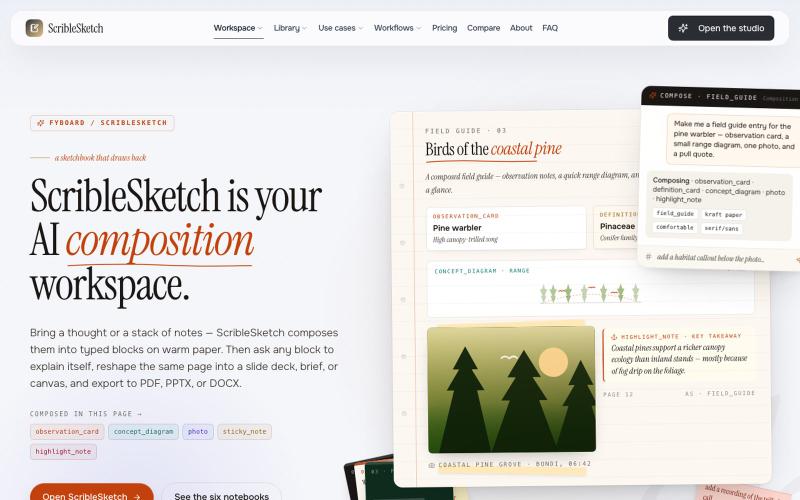
一次编写,多格式导出为笔记、幻灯片、PDF、PPTX、DOCX 或画布。
@mr_wickedhacks · X
Write the doc once → get a notebook, slide deck, canvas, or resume from the same source. No rewriting for every format.
完整作品展
技术栈
60 projects

一次编写,多格式导出为笔记、幻灯片、PDF、PPTX、DOCX 或画布。
@mr_wickedhacks · X
Write the doc once → get a notebook, slide deck, canvas, or resume from the same source. No rewriting for every format.

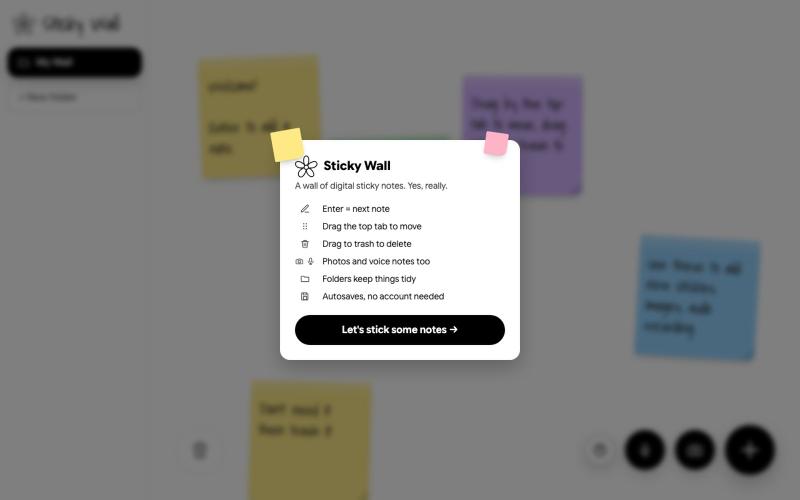
在数字墙上创建和整理便签
@SKaaveri14488 · X
Lately I have been into : eating healthy (Mexican-style baked sweet potatoes😍) and building things with Claude Code. check out this sticky note wall I built yesterday.

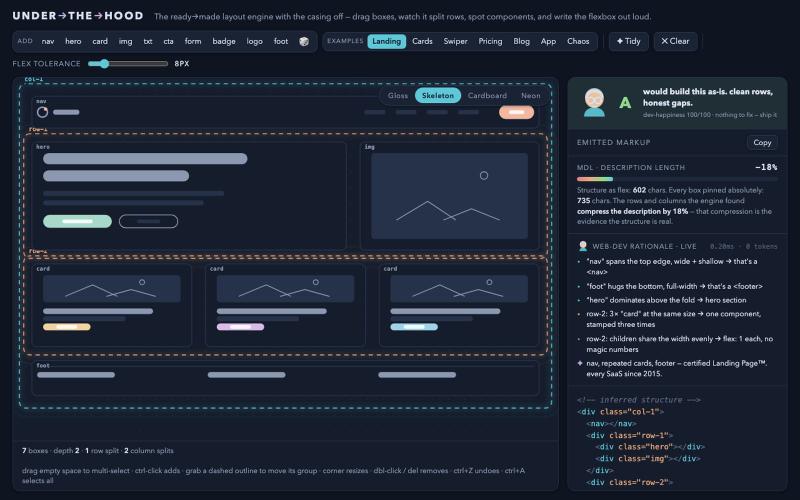
拖动方框体验Flexbox布局引擎的推断过程。
drzivil · HN
Drag boxes around and watch a layout engine infer the Flexbox (no AI)

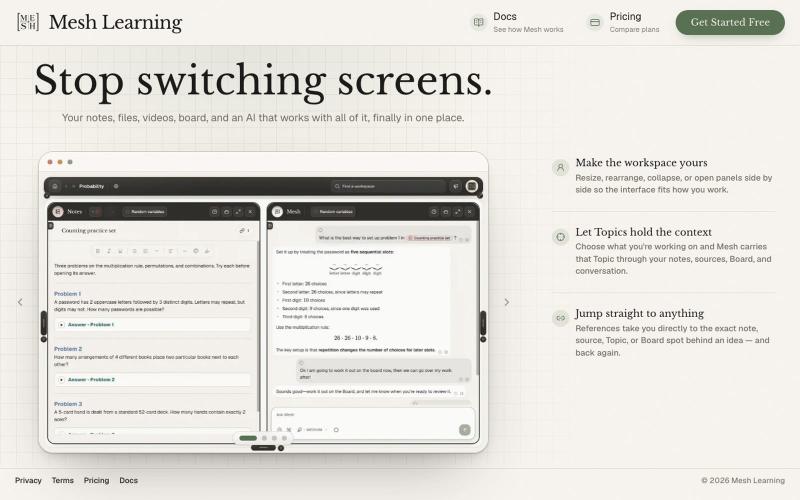
一个AI工作区,将您的笔记、文件、视频和看板统一到一个地方。
@meshlearningAI · X


Create accurate product images and videos, keep every generated file, then schedule, publish and manage performance from one workspace.
@devvybrian · X
is my new kid on GitHub block

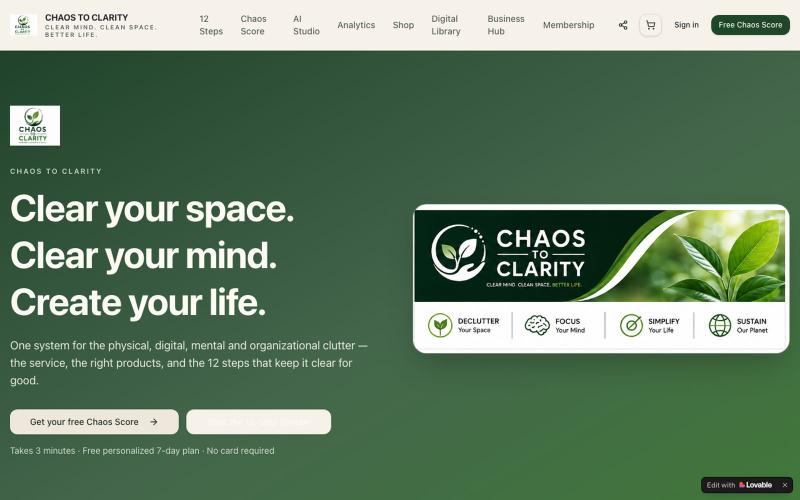
使用AI驱动的12步整理系统组织空间,并评估你的混乱指数。
@ChaostoClarity4 · X
Check out what I just built with Lovable!

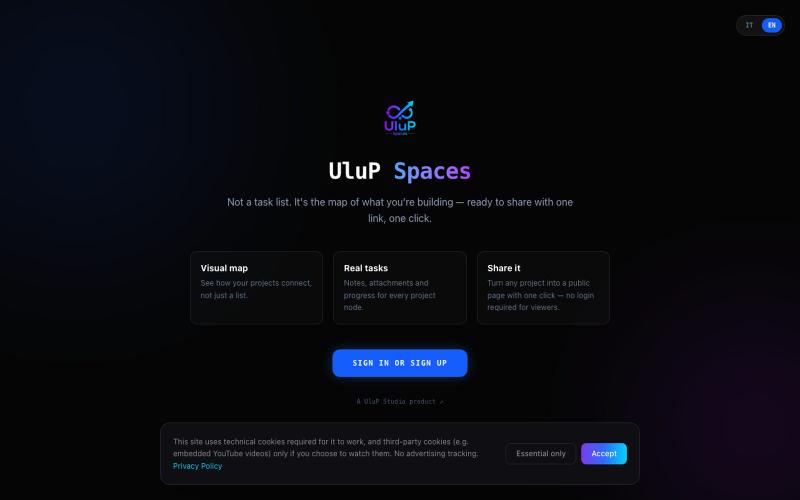
UluP Spaces is a visual project management tool where your work lives as a map of connected nodes instead of another endless list. Organize tasks, connect ideas, and collaborate wi
@UluPStudio · X
Visual projects, Focus Mode, Present Mode, collaboration, UluP Share, community templates — and native MCP support for Claude.


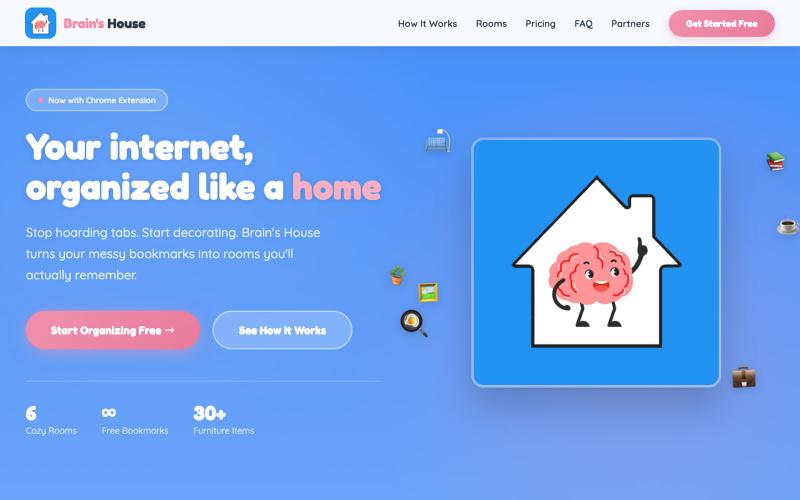
Stop hoarding tabs. Start decorating. Brain's House is the visual bookmark manager where recipes go in the Kitchen, work in the Office, and everything finally makes sense.
@Jamesco · X
Brain's House visual bookmarks: Put things where they belong, and you'll always remember where they are. Would love to hear your harshest criticism!

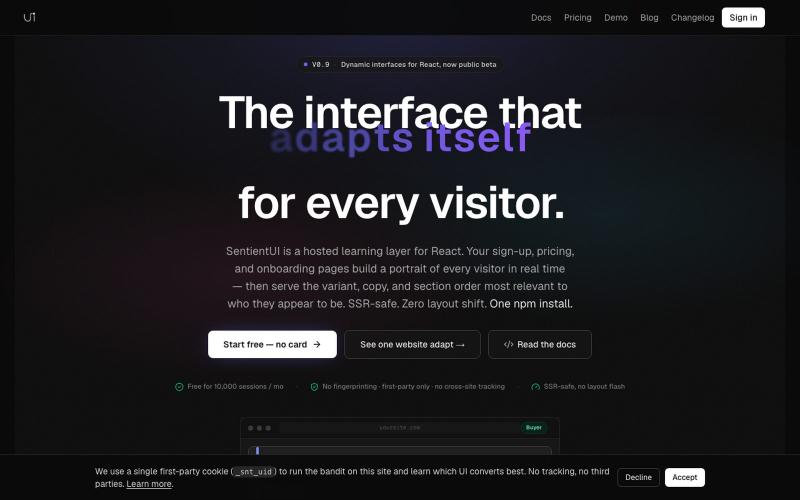
自动为每位访客提供个性化UI文案和布局以优化转化的React库。
@casancamdev · X

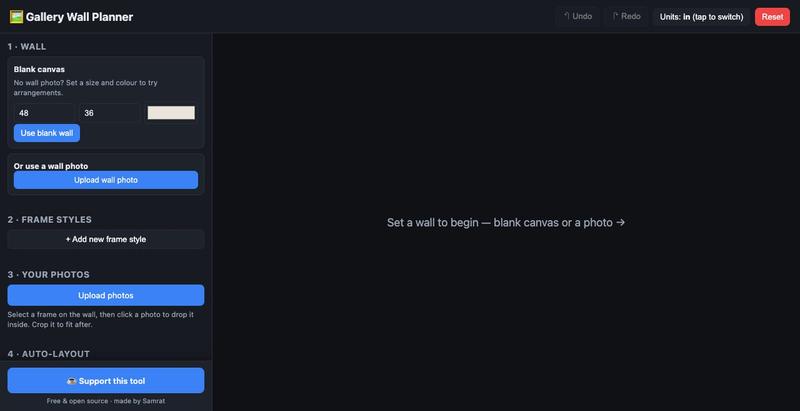
用真实尺寸模拟画廊墙布局,预览实际效果后再挂框。
u/Individual_Plane5170 · Reddit
I built a free, open-source gallery wall planner because the good ones are paywalled My wife and I were decorating a big wall and couldn't agree on a layout. I wanted to place real frame sizes with our own photos and see it to scale before drilling. Tools exist (GalleryPlanner, Suprtiles…), but the good ones paywall the useful bits or felt heavier than I needed. So I vibe-coded a stripped-down one over a evening. Stack: React + Vite, react-konva for the canvas, no backend - state live