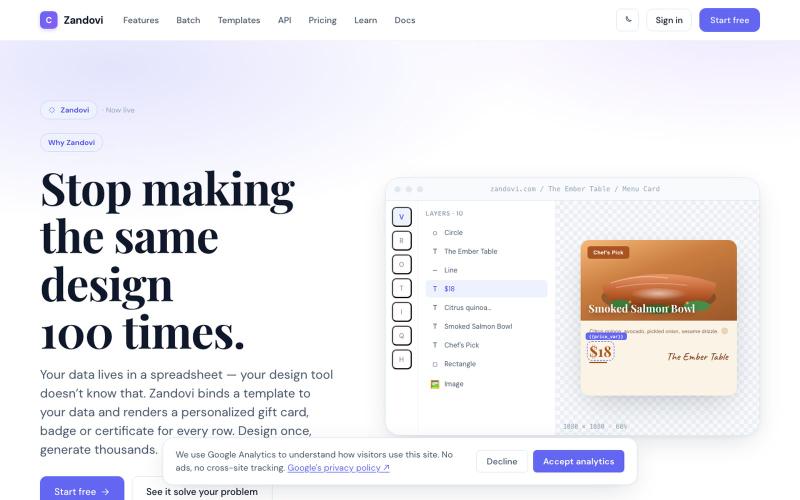
Zandovi — Design once. Generate thousands. Template-based design with variables,
使用模板和变量从CSV或API生成大规模个性化设计。
@trebizant · X
Hi, I'm building : generating gift cards, invitations, basically any image using templates, variables by web or API
完整作品展
技术栈
60 projects

使用模板和变量从CSV或API生成大规模个性化设计。
@trebizant · X
Hi, I'm building : generating gift cards, invitations, basically any image using templates, variables by web or API

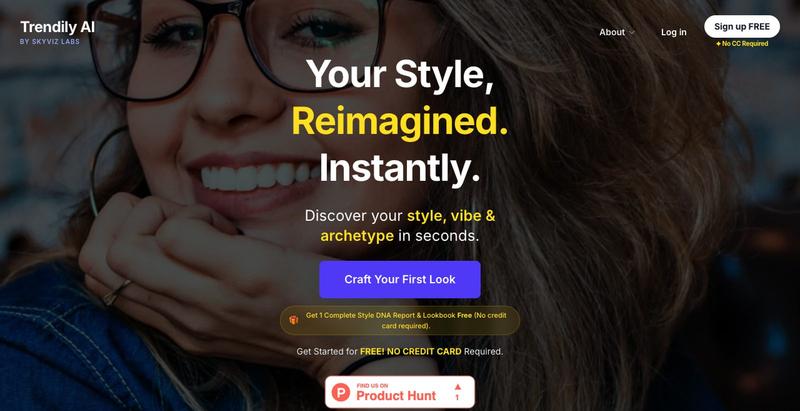
从您的照片生成个性化时尚造型,同时保护您的真实身份。
@skyvizlabs · X
Discover the first AI fashion engine that preserves your REAL identity and face geometry. We just launched @TrendilyAI on @ProductHunt! 🎉 Try it live today: #buildinpublic #AI #FashionTech

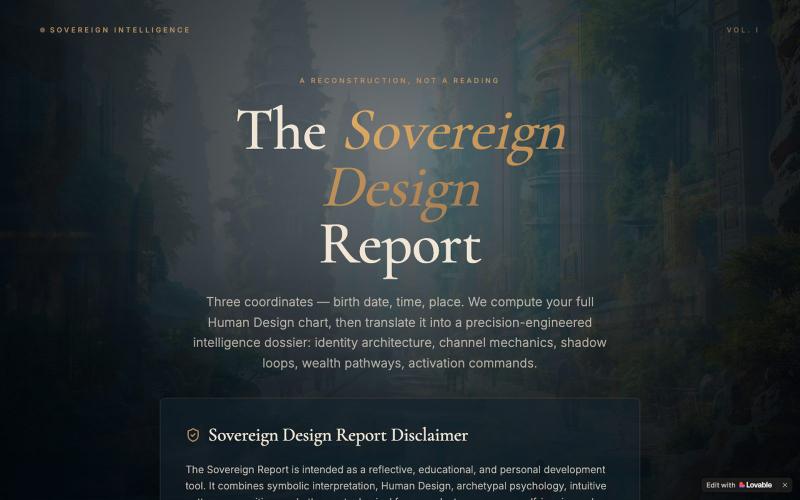
输入出生信息生成个性化人设智能分析报告,探索身份架构与财富通道。
@EluraCode · X
Check out what I just built with Lovable!

为 Codex Desktop 设计自定义主题,调整背景、颜色、透明度和视觉效果。
plutozc · V2EX
做了个 Codex Desktop 主题预览和切换工具,先调好再安装 最近一直在用 Codex Desktop ,觉得默认界面看久了有点单调,就顺手做了个主题编辑工具,分享一下: [Codex Skin]( https://getcodexskin.com) 可以先在网页里预览主题,调整背景透明度、面板透明度、颜色、模糊和圆角等参数,满意之后再下载并切换到 Codex Desktop 。 目前支持: - 自定义 JPG 、PNG 、WebP 背景 - 在线实时预览主题效果 - 调整透明度、颜色、模糊、圆角 - 预览满意后生成安装命令 - 不喜欢了可以恢复默认外观 目前主要面向 macOS 上的 Codex Desktop ,还是个人项目,功能和兼容性都在继续打磨。 欢迎试试,也想听听大家对主题参数、预览效果和安装流程的反馈。 直接网址: https://getcodexskin.com [轻喷 轻喷,可能还有些 bug

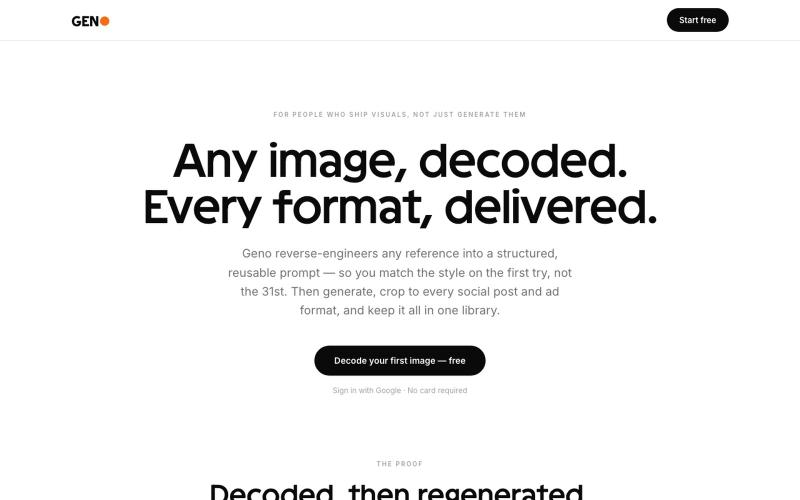
将参考图转为 AI 提示词创建视觉设计。
@GoranMitic · X
Image to prompt tool, with free trial and affiliate program

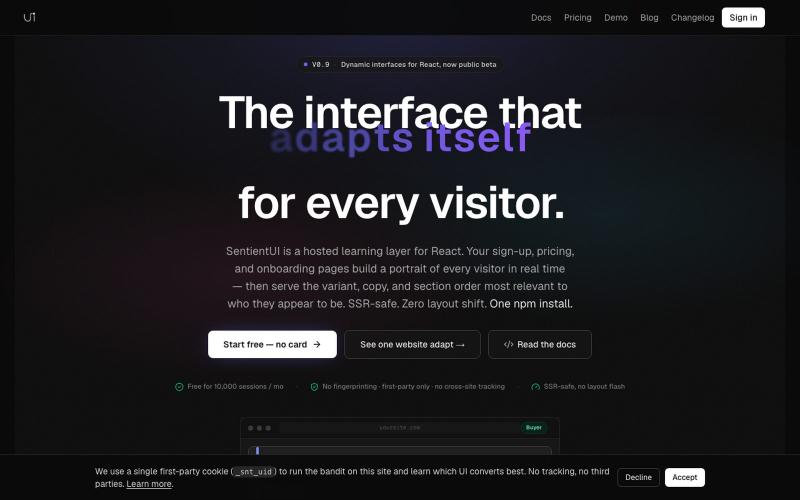
React库,为每个访问者个性化UI文案和布局以提高转化率。
@casancamdev · X

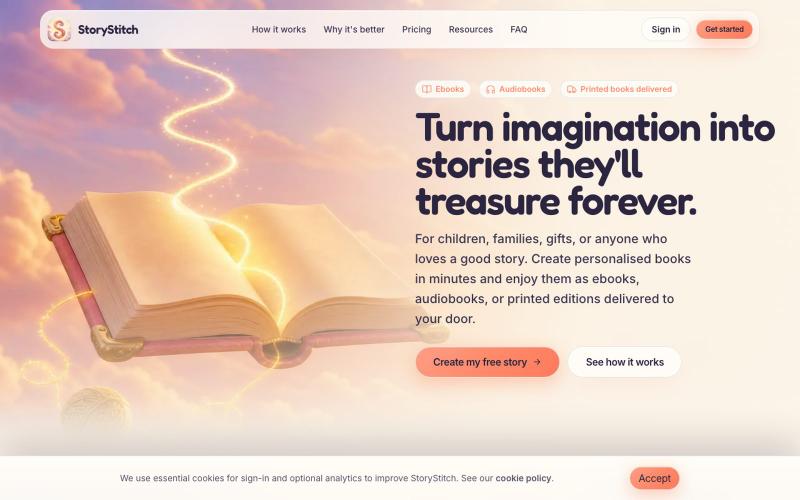
利用一致的AI角色创建个性化插图故事书和有声书。
@StoryStitchApp · X

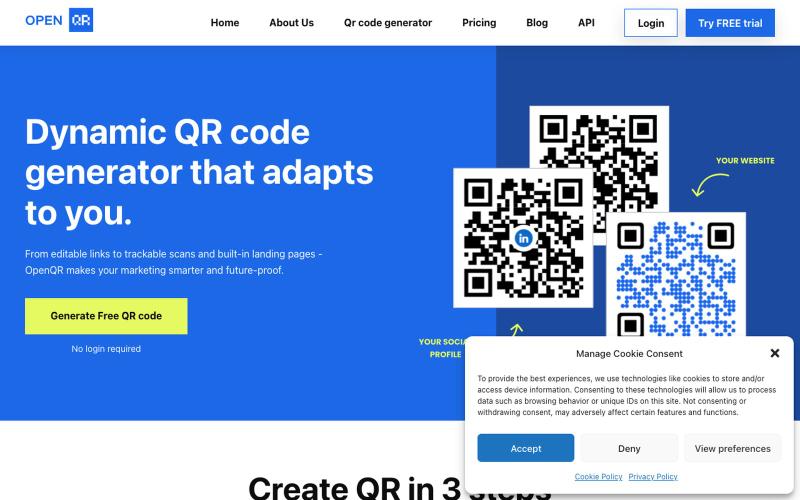
生成动态二维码,支持自定义Logo、颜色和使用追踪。
@IfeanyiArinze10 · X
What does What makes it unique?

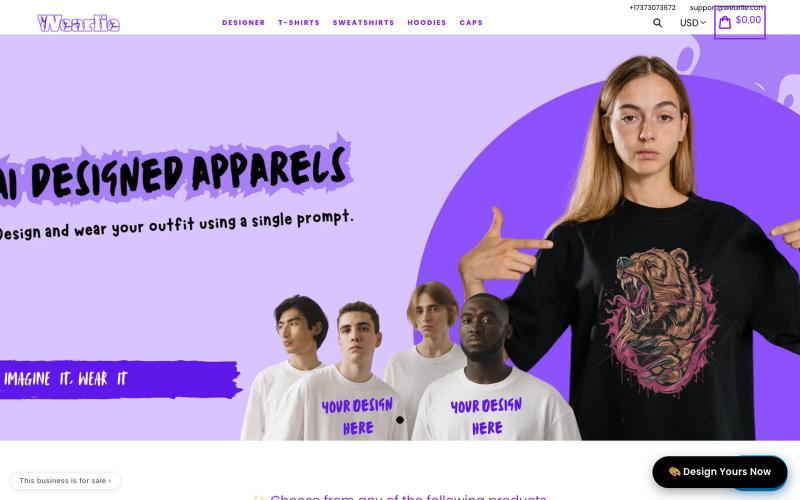
输入任何想法,AI 即刻生成定制 T 恤、卫衣或帽子设计。
@Mkks2239Kashif · X
Wearlie — you type a prompt, AI turns it into a design, and we print it on a tee, hoodie or cap and ship it free worldwide. Basically Midjourney with a checkout button.

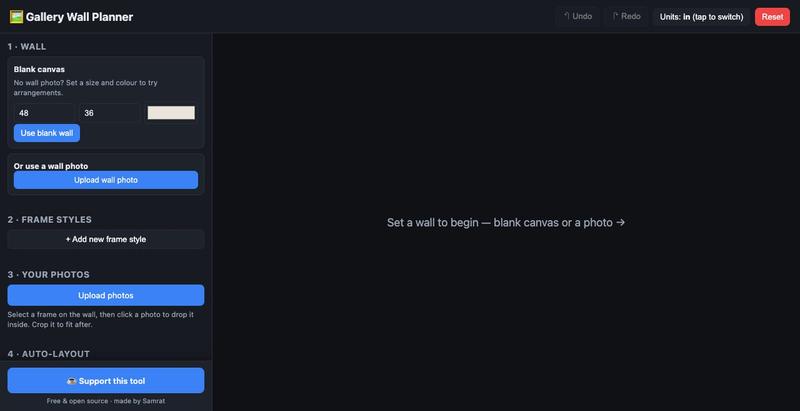
用真实尺寸模拟画廊墙布局,预览实际效果后再挂框。
u/Individual_Plane5170 · Reddit
I built a free, open-source gallery wall planner because the good ones are paywalled My wife and I were decorating a big wall and couldn't agree on a layout. I wanted to place real frame sizes with our own photos and see it to scale before drilling. Tools exist (GalleryPlanner, Suprtiles…), but the good ones paywall the useful bits or felt heavier than I needed. So I vibe-coded a stripped-down one over a evening. Stack: React + Vite, react-konva for the canvas, no backend - state live

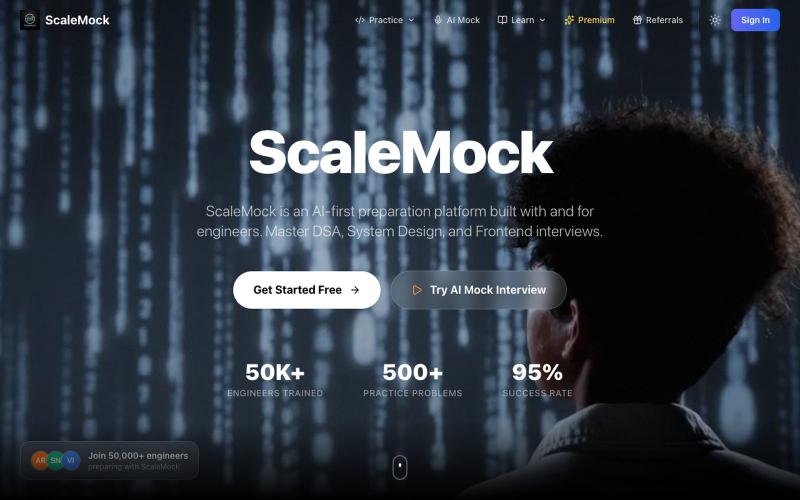
通过AI驱动的模拟面试场景练习系统设计、DSA和编程面试。
@ShivanshAg50455 · X

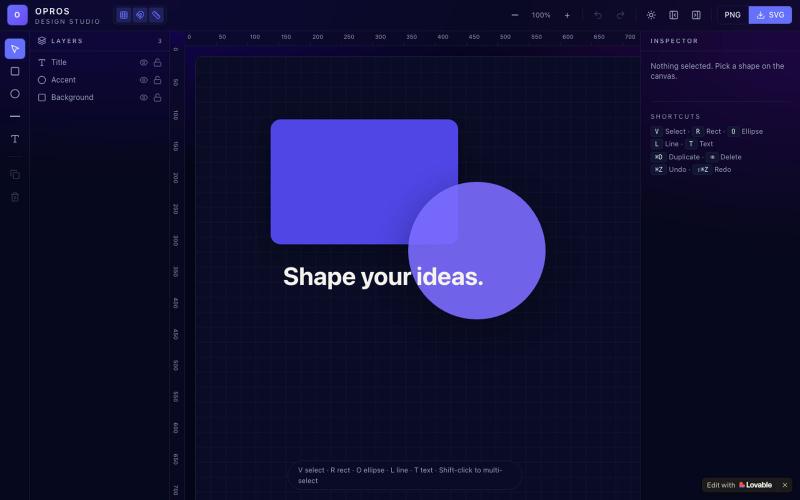
在网络上创建和可视化设计的创意工作室OPROS Design Studio。
@OprosOlamiflex · X
Check out what I just built with Lovable!