
创意工具1 month ago
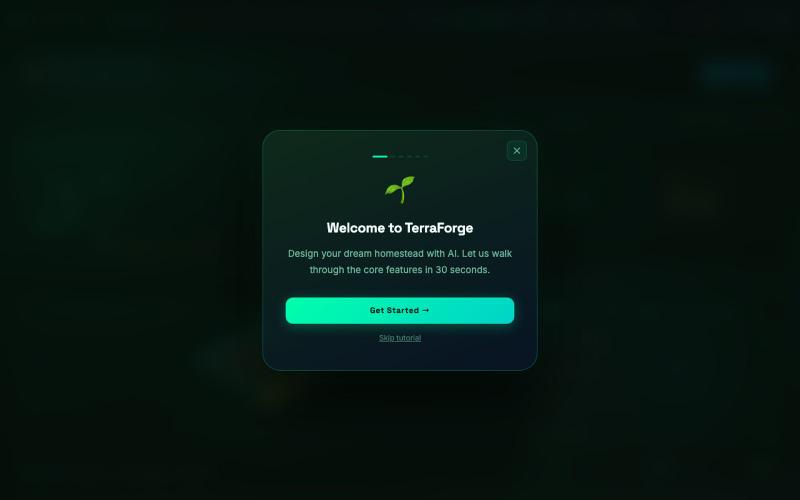
TerraForge — AI Homestead & Permaculture Planner
用AI为您设计个性化的永续农业宅基地蓝图。

@oaZsxer · X
Cheers mate. Built this.
完整作品展
技术栈
14 projects
用AI为您设计个性化的永续农业宅基地蓝图。
@oaZsxer · X
Cheers mate. Built this.
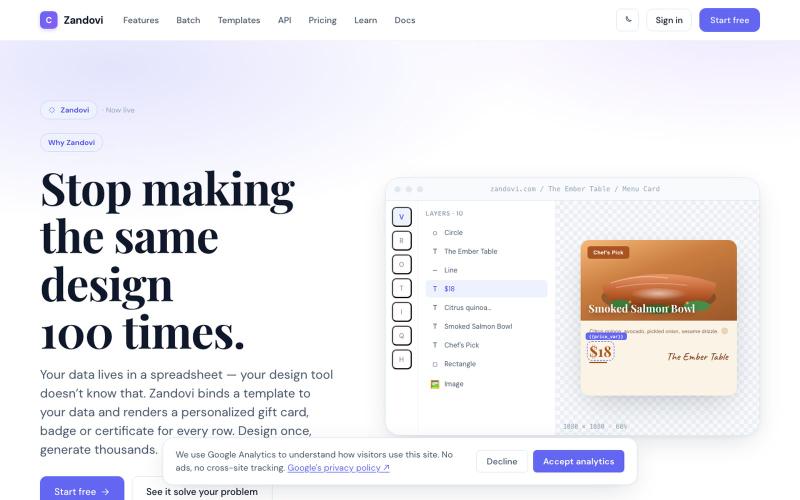
使用 CSV 或 API 数据的模板变量生成大规模个性化设计。

@trebizant · X
Hi, I'm building : generating gift cards, invitations, basically any image using templates, variables by web or API
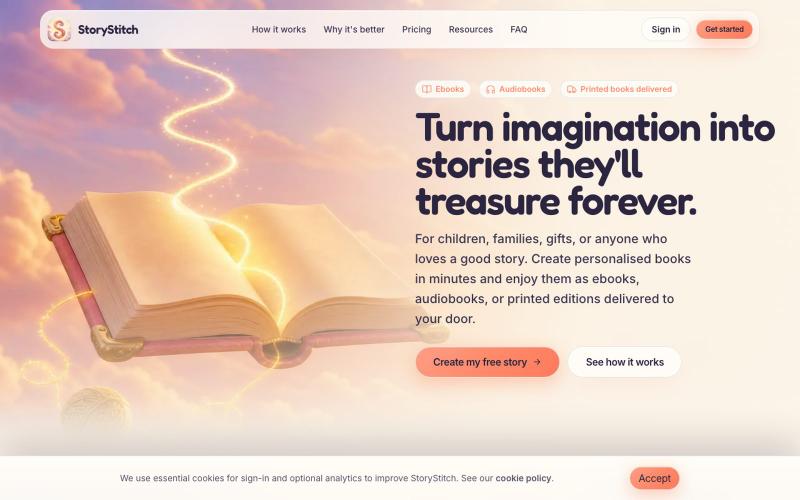
利用一致的AI角色创建个性化插图故事书和有声书。

@StoryStitchApp · X
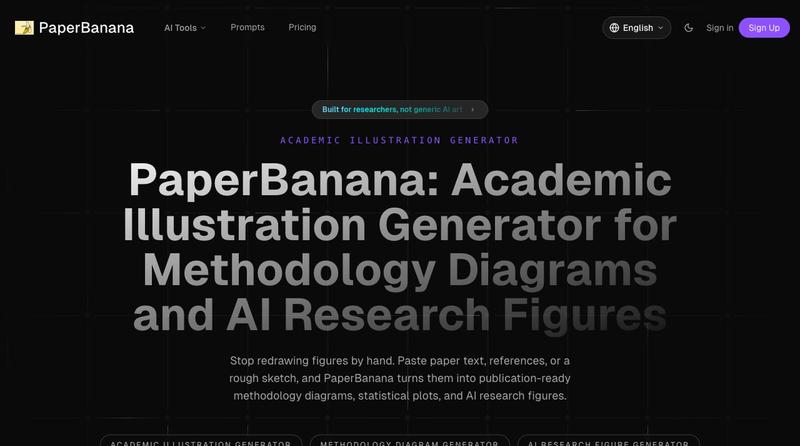
将学术论文和草图转化为发表就绪的研究图表。
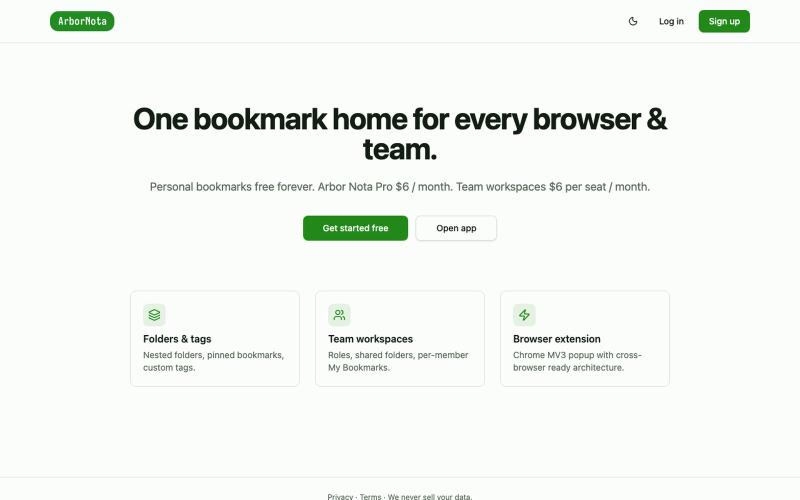
Arbor Nota — 跨浏览器书签管理器,支持团队文件夹共享。

@TimoPrescott · X
I'm working on my bookmark app, It will allow users to manage all of their bookmarks in a singular Universal location, and it will allow teams the ability to share bookmarks in an intuitive way. I didn't like the existing options, so now I'm here 😎
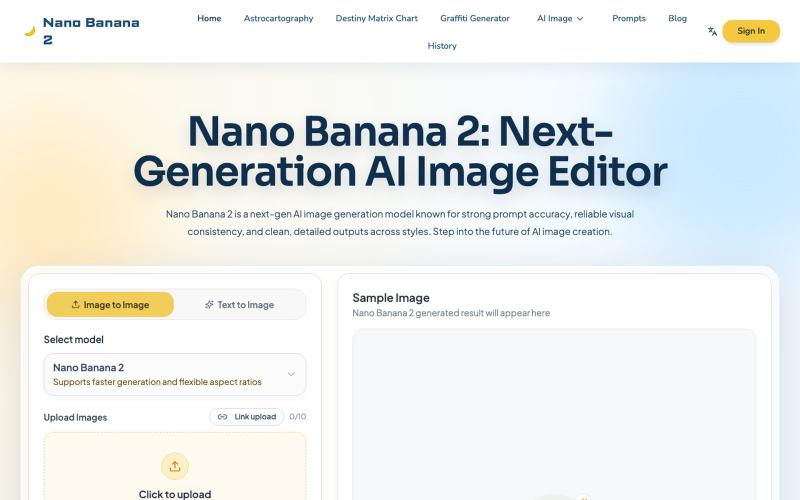
AI 图像编辑生成工具,支持预设模板、文字渲染和 4K 批量输出。
Nano Banana 2 — AI 生图工具,Nano Banana 2 是面向设计师、运营和内容创作者的在线 AI 生图工具,支持「预设工坊 + 自由创作」双模式,内置多种风格模板与 50+ 涂鸦字体,输入文字即可快速生成高质量图片;同时支持多语言文字渲染、参数可调、浏览器即开即用。最新上线的批量生图功能可一次生成多张或多版本图片,适合海报、电商素材和社媒内容的规模化生产,显著提升出图效率
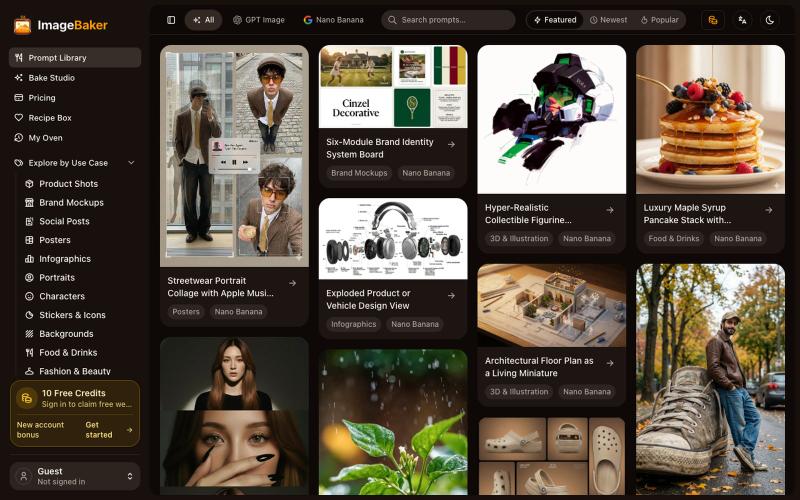
使用 ImageBaker 浏览和生成图像,保存提示词配方以便重复使用。
reake · V2EX
把 AI Image Prompt 做成 Recipe, ImageBaker 这个方向会不会更有意思? 做了一个小项目,叫 ImageBaker: 地址: https://imagebaker.com/ ImageBaker 顾名思义,就是一个「 AI 图片烘焙师」。 我觉得 AI 生图有点像做蛋糕: * Prompt 是原料 * Recipe 是配方 * AI 是烤箱 * 最后的图片是成品 很多时候,用户不是不会生成图片,而是不知道好的 Prompt 如何开始,也很难保存和复用自己的创作过程。 所以做了 ImageBaker ,把一些 AI 图片 Prompt 整理成可复用的 Recipe 。 目前可以: * 浏览 AI Image Recipe * 修改参数和风格 * 生成自己的图片 * 保存喜欢的配方 还在早期版本,想听听大家的建议: 你们使用 AI 生图时,会保存自己的 Prompt 吗? 还是每次都重新开始? 欢迎体验和交流。
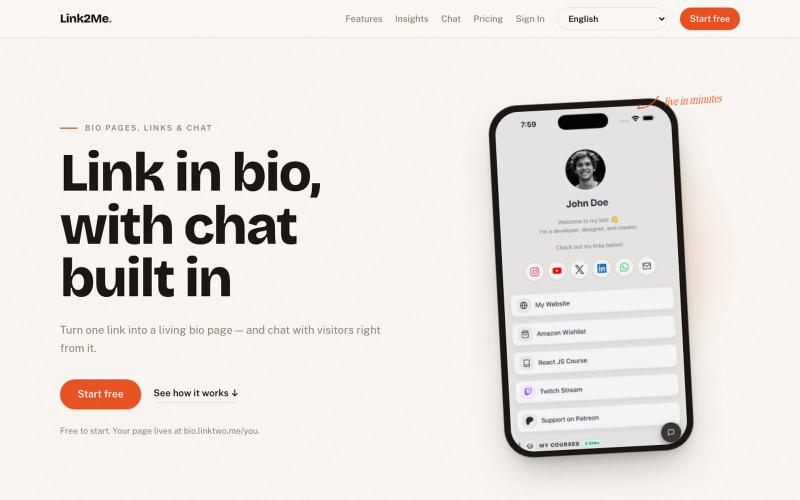

用 Chrome 扩展和网页编辑器将屏幕截图转化为精美设计。

@buildwithshyam · X
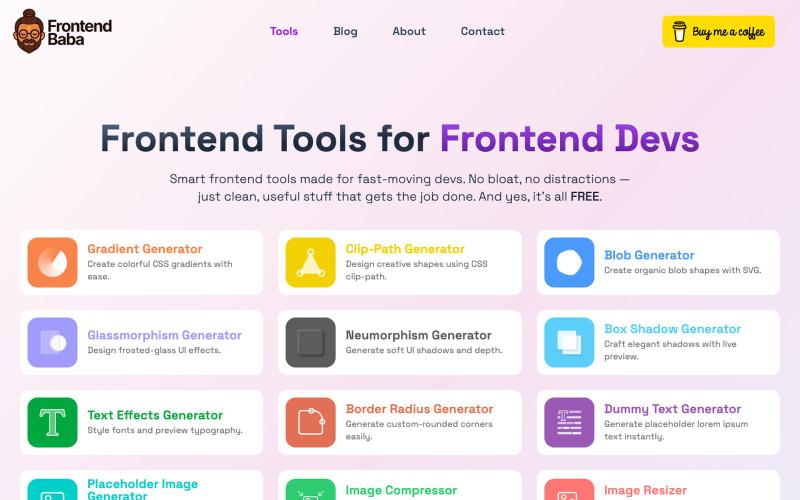
免费前端开发工具,包括CSS生成器、图像压缩等功能。

@iamdeepak89 · X
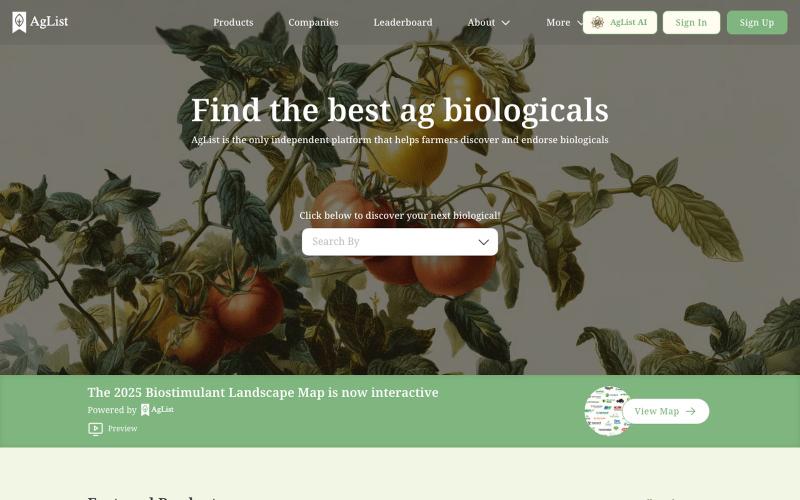
AgList是一个用来查找和比较农业生物制品的独立平台。

@timnuss · X
Trust layer for agriculture

通过描述快速生成高保真UI界面,支持移动和网络应用。

@ninakolari · X
Google just dropped Stitch and it changes the entire vibe coding workflow. You describe what you want your app to look like. It builds full high-fidelity screens in seconds. No Figma. No designer. No credit card. Here is how to use it: Go to Sign in with your Google account. That’s it. You’re in. Instead of typing “make me an app” type this: “A lesson planning app for teachers. Clean and calm. Inspired by Notion. Minimal. White space.” The more specific you are the better your screens. Then refine with follow up prompts. Change the nav. Try dark mode. Get 3 menu variations. Or just speak it. Your screens become a clickable prototype in seconds. Click a button and Stitch generates the next screen automatically. Your entire app flow. Before you write one line of code. Then take it further. Export to Lovable or Cursor and build the logic on top. Use the MCP server to keep your design and code in sync. Pull any website’s design system in seconds. Save everything as
