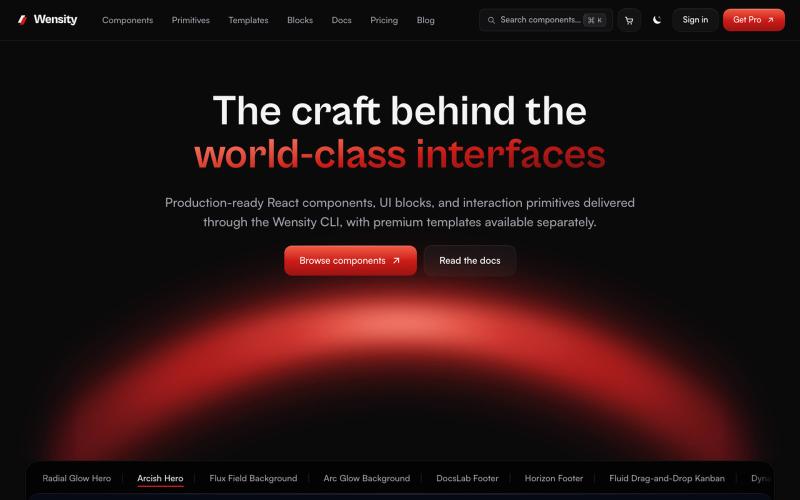
Wensity UI | Premium Components, Blocks and Templates for React and Next.js
探索 React 和 Next.js 组件库、区块和模板。
@Ksparth12 · X
完整作品展
技术栈
25 projects

探索 React 和 Next.js 组件库、区块和模板。
@Ksparth12 · X

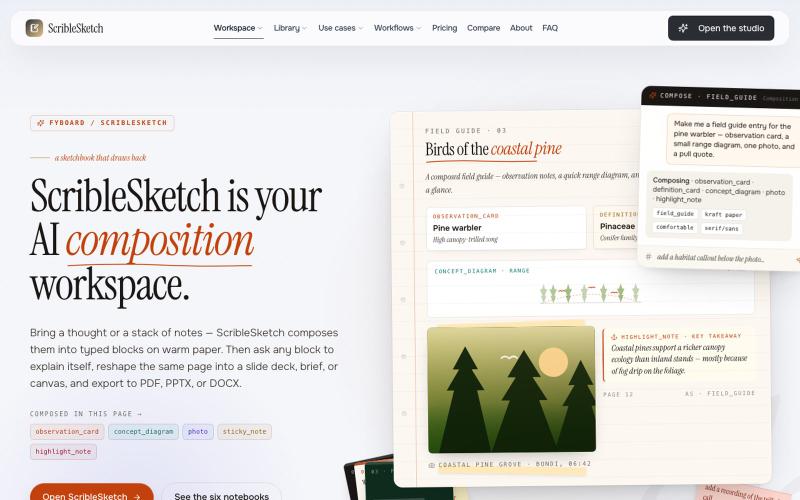
一次编写,多格式导出为笔记、幻灯片、PDF、PPTX、DOCX 或画布。
@mr_wickedhacks · X
Write the doc once → get a notebook, slide deck, canvas, or resume from the same source. No rewriting for every format.

Mac & Windows 屏幕录制工具,支持点击自动缩放、渐变背景和摄像头叠加。
@zuess05 · X
Shipped some banger updates to

使用 AI Image Combiner 融合两张照片,快速生成专业级视觉效果。
ai image combine — AI 图像站,预设了一些场景的 prompt ,不用编写复杂的 prompt 直接使用

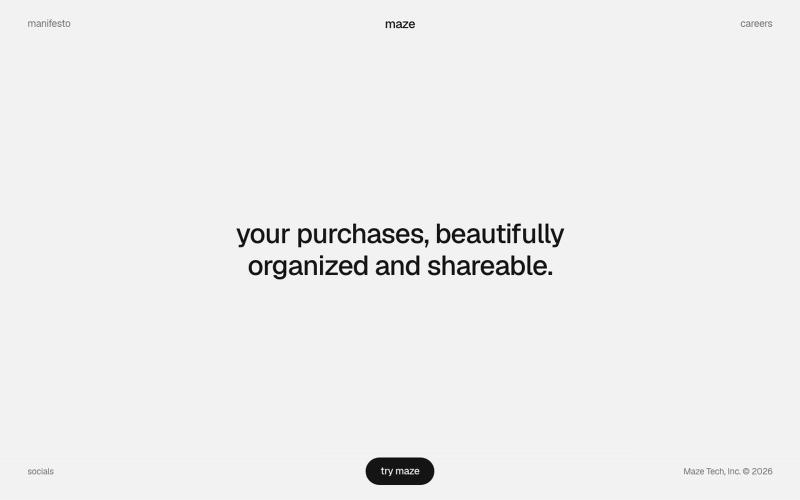
用 Maze 整理和分享你的购物物品,打造视觉化精选集合。
@michaelaplesner · X
hey :) building @trymaze_app <3 it's like Pinterest for the things you actually bought.

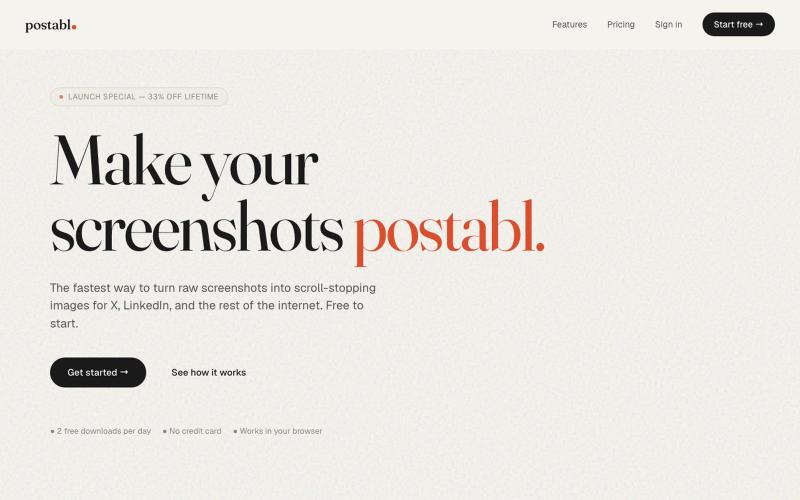
The fastest way to turn raw screenshots into scroll-stopping images for X, LinkedIn, and the rest of the internet.
@soham_nayak04 · X


为 Codex Desktop 设计自定义主题,调整背景、颜色、透明度和视觉效果。
plutozc · V2EX
做了个 Codex Desktop 主题预览和切换工具,先调好再安装 最近一直在用 Codex Desktop ,觉得默认界面看久了有点单调,就顺手做了个主题编辑工具,分享一下: [Codex Skin]( https://getcodexskin.com) 可以先在网页里预览主题,调整背景透明度、面板透明度、颜色、模糊和圆角等参数,满意之后再下载并切换到 Codex Desktop 。 目前支持: - 自定义 JPG 、PNG 、WebP 背景 - 在线实时预览主题效果 - 调整透明度、颜色、模糊、圆角 - 预览满意后生成安装命令 - 不喜欢了可以恢复默认外观 目前主要面向 macOS 上的 Codex Desktop ,还是个人项目,功能和兼容性都在继续打磨。 欢迎试试,也想听听大家对主题参数、预览效果和安装流程的反馈。 直接网址: https://getcodexskin.com [轻喷 轻喷,可能还有些 bug


使用您的Gemini API密钥自动调整LaTeX简历并跟踪申请。
@Adhikram · X

通过AI对话将LaTeX简历定制以匹配职位,保留版本历史。
Sriram1729 · HN
Tampa, FL | Remote (US Eastern) | Contract, ~20 hrs/week (evenings + weekends, around a full-time job)I'm a full-stack + AI engineer, 5 years in. Looking for one side engagement I can actually commit to — nights and weekends, not a flaky "I'll get to it" thing. Short version of what I'm good for: give me a problem and I'll hand back something deployed. I do the whole thing — backend, frontend, the data model, the infra, the deploy. You don't need to spec it out for me or check my work line by li

用 Chrome 扩展和网页编辑器将屏幕截图转化为精美设计。
@buildwithshyam · X