
开发者工具4 days ago
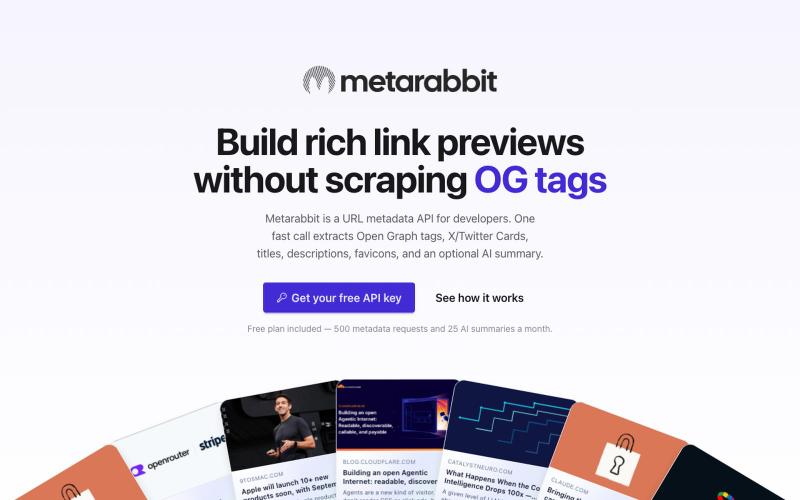
Link Preview & URL Metadata API | Metarabbit
Extract Open Graph tags, X/Twitter Cards, titles, descriptions, favicons, and optional AI summaries from any URL with one fast API call. Start free.

@jrzscodes · X
Have you seen
完整作品展
技术栈
27 projects
Extract Open Graph tags, X/Twitter Cards, titles, descriptions, favicons, and optional AI summaries from any URL with one fast API call. Start free.
@jrzscodes · X
Have you seen
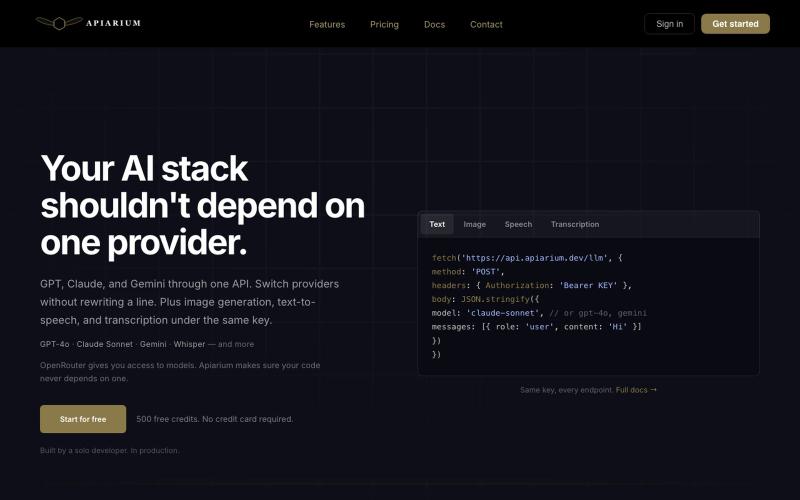
用一个 API 密钥访问多个 AI 模型。

@lologfts · X
built Apiarium, with one api key you can choose multiple Ai models, easy integration
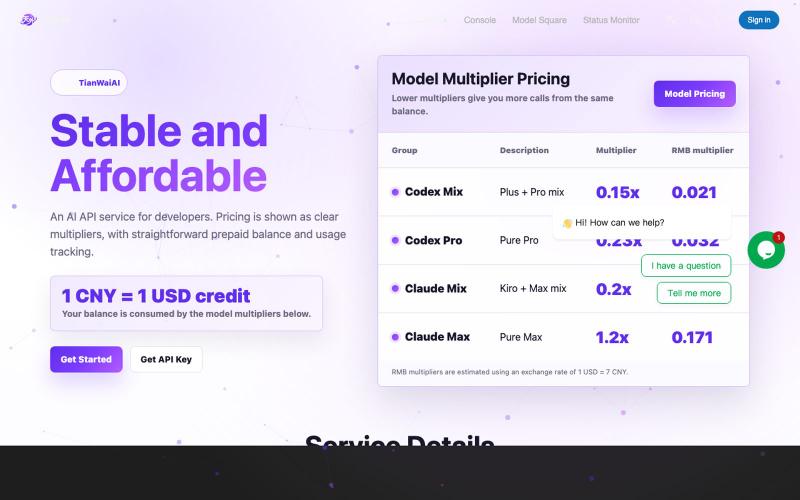
Unified AI API gateway and admin dashboard.
aixnode350 · V2EX
[低价易得,稳定难求] 做了个中转站,福利送码 市面上做 AI 接入的中转站很多,但真正能长期稳定用、账单清楚、状态透明的并不多。 TianWaiAI 目前稳定运营中,主要面向需要接 Claude / GPT 的开发者、AI Agent 、自动化脚本和小团队。 网站: https://tianwaiai.com/ 平台核心能力: ✅ 支持模型: claude-fable-5 / claude-opus-4-8 / claude-opus-5 / claude-sonnet-5 / gpt-5.5 / gpt-5.6-sol / gpt-5.6-terra ✅ 公开价格页,方便直接比价 https://tianwaiai.com/pricing ✅ 实时状态监控 https://tianwaiai.com/state ✅ 实时消费明细 https://tianwaiai.com/dashboard/overview ✅ 简单配置 官网创建 API 后,直接把 Key 配到自己的应用、Agent 或工具里即可 ✅ 基础服务稳定
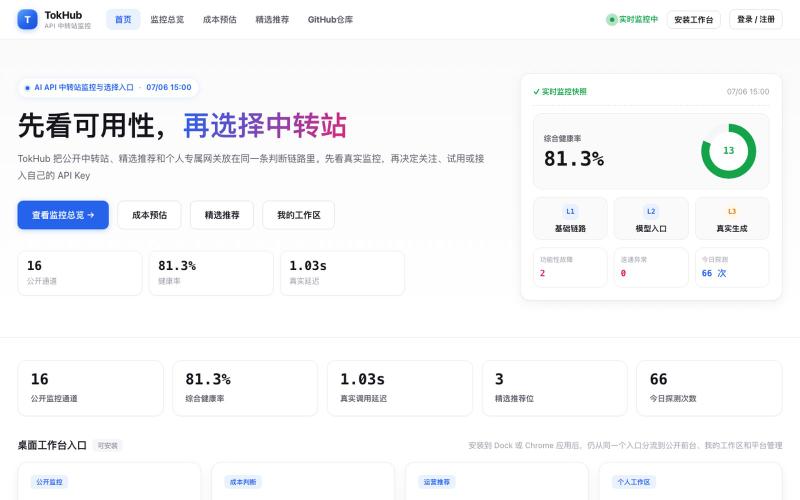
监控和发现精选的 AI API 中转服务及专属网关。
yaojingang · GitHub
TokHub AI API 中转站监控、推荐运营与 OpenAI 兼容专属网关系统,支持分层探测、健康评分、用量计量、告警审计和 Docker 自托管。
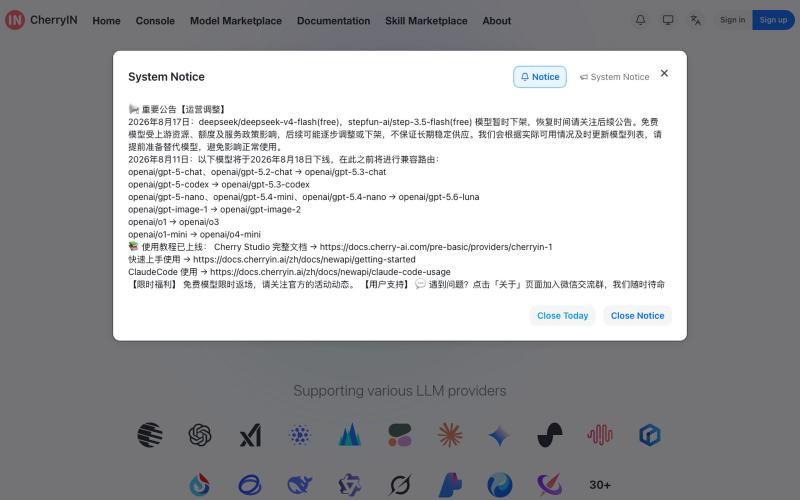
统一的AI模型网关,支持OpenAI、Claude等兼容接口访问大语言模型。

@YinsenW_ · X
CherryIN 平台已经上线了DeepSeek v4 flash Vision-Exp 模型,为全球用户带来最领先的多模态AI 服务哈哈哈
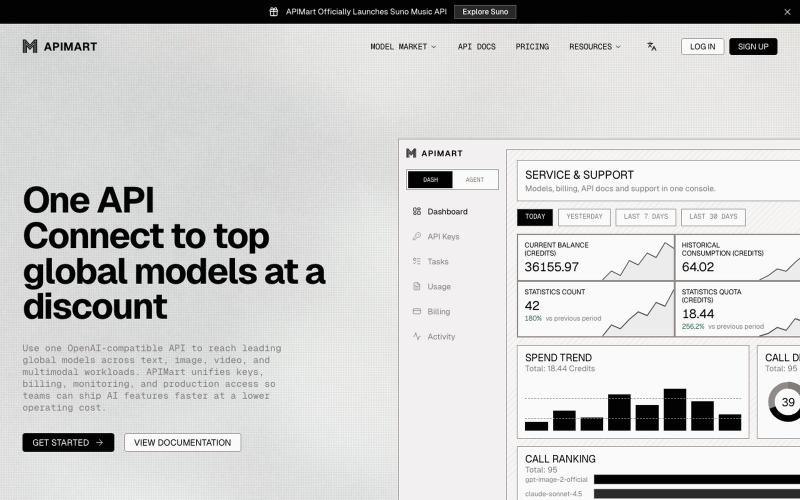
APIMart 通过单个 API 密钥集成 GPT-5、Claude 和其他 AI 模型。

@APIMart_ · X
APIMart 全新 UI 上线了。 新界面长什么样,看图👇 欢迎来 @chunxiangai 感谢赵纯想大哥帮忙设计的 UI,解决了一直 UI 特别丑的困扰 目前网站每天也达到了百万级的调用量,各方面都做了很多的努力,尽可能后面还能做的更好!
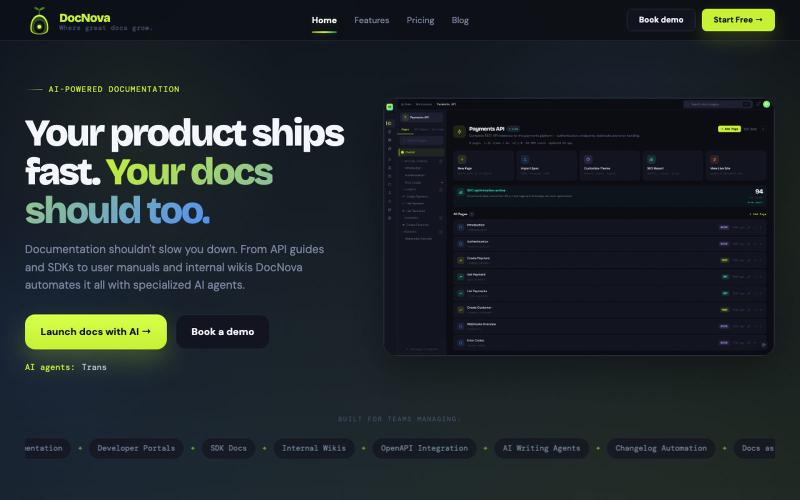
通过 AI 辅助写作,从 API 规范和文档生成品牌化的开发者门户

@jitendraballa · X
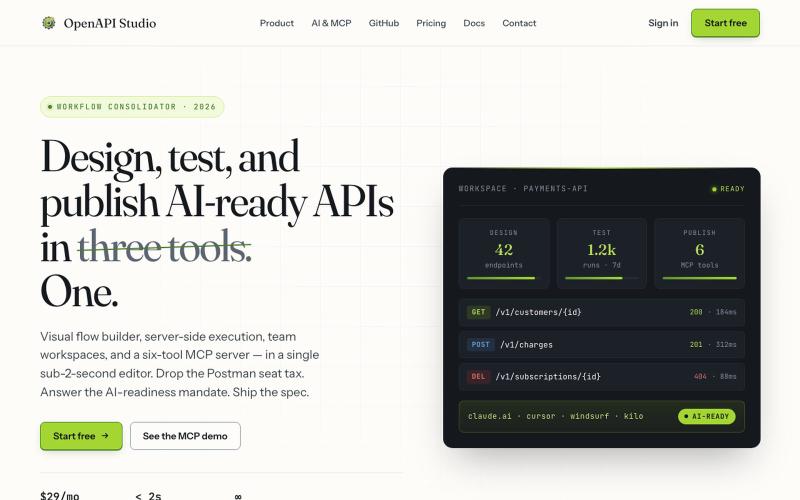
用可视化编辑器设计、测试和发布AI就绪的API。

@milonspace · X
A specification nobody can find is functionally the same as no specification.
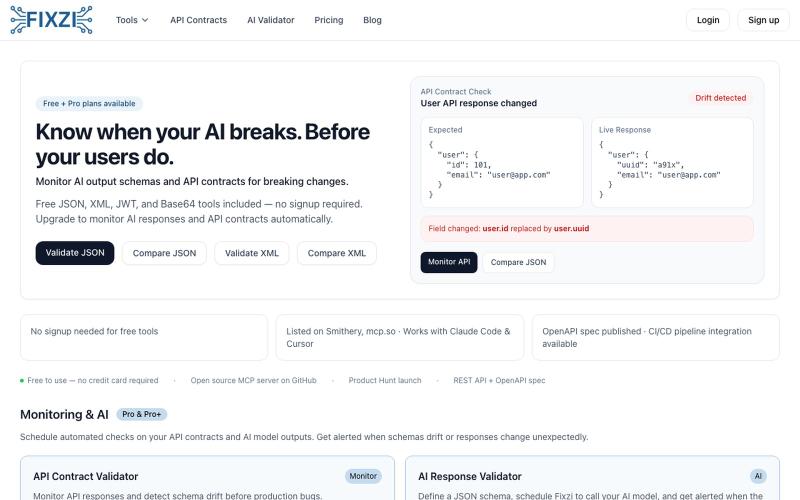
免费验证、修复、格式化 JSON 和 XML;监控 API 响应变化。

@SupportFixzi · X
Building an API monitoring tools which allows you to know when your AI breaks, before your users do. It has an API monitoring tool and an AI schema validator in it. This is a solution that can ensure your customers trust your app.
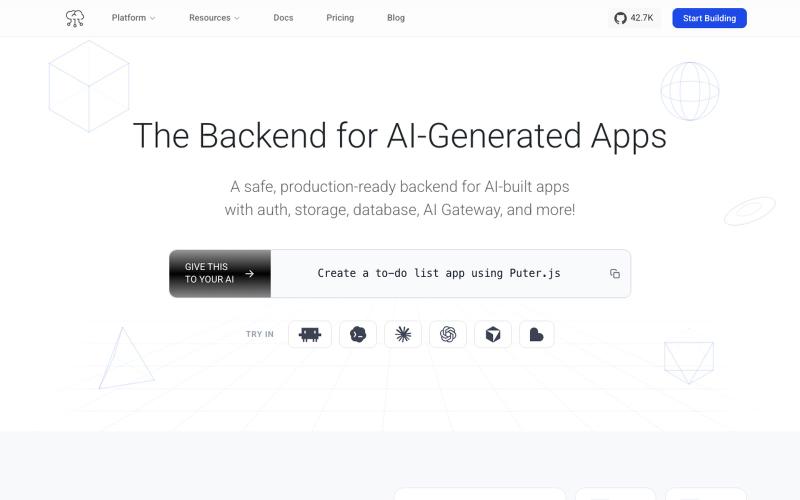
一个提供认证、存储和LLM集成的Backend平台,无需服务器或配置。
ent101 · HN
The Safe, Production-Ready Backend for AI-Generated Apps

用于构建 AI 代理用户界面的 React 组件,支持流式传输、工具审批和跨平台部署。

@sameerpallav · X
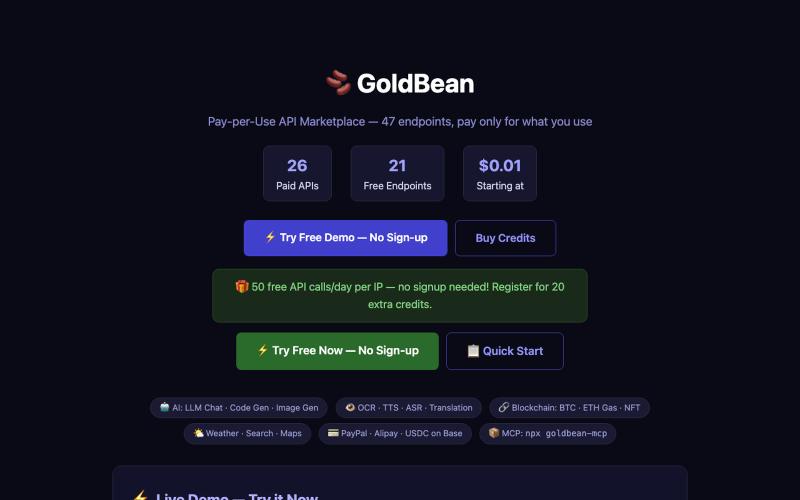
按需付费的 API 市场,提供 47 个用于 OCR、翻译、图像生成和聊天的端点。
13639366668 · HN
Pay-per-call MCP server with 47 AI endpoints, micropayments via x402